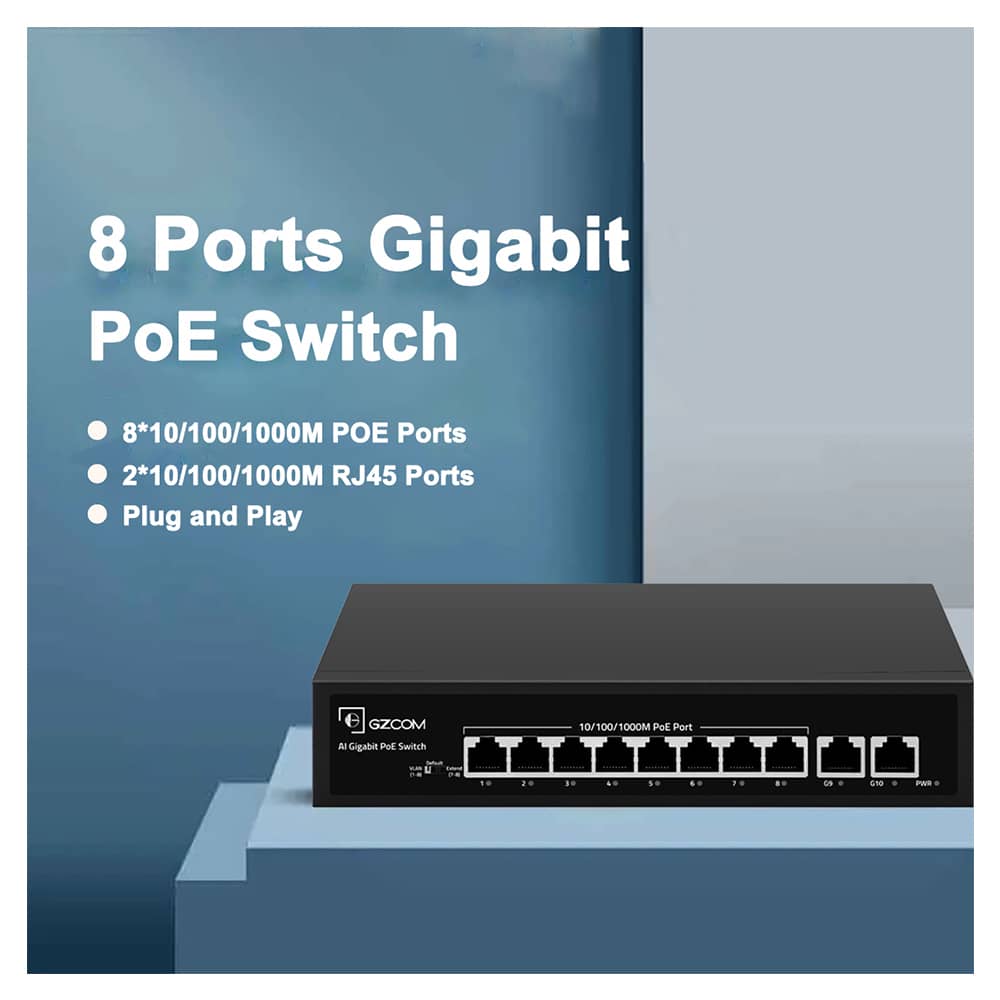
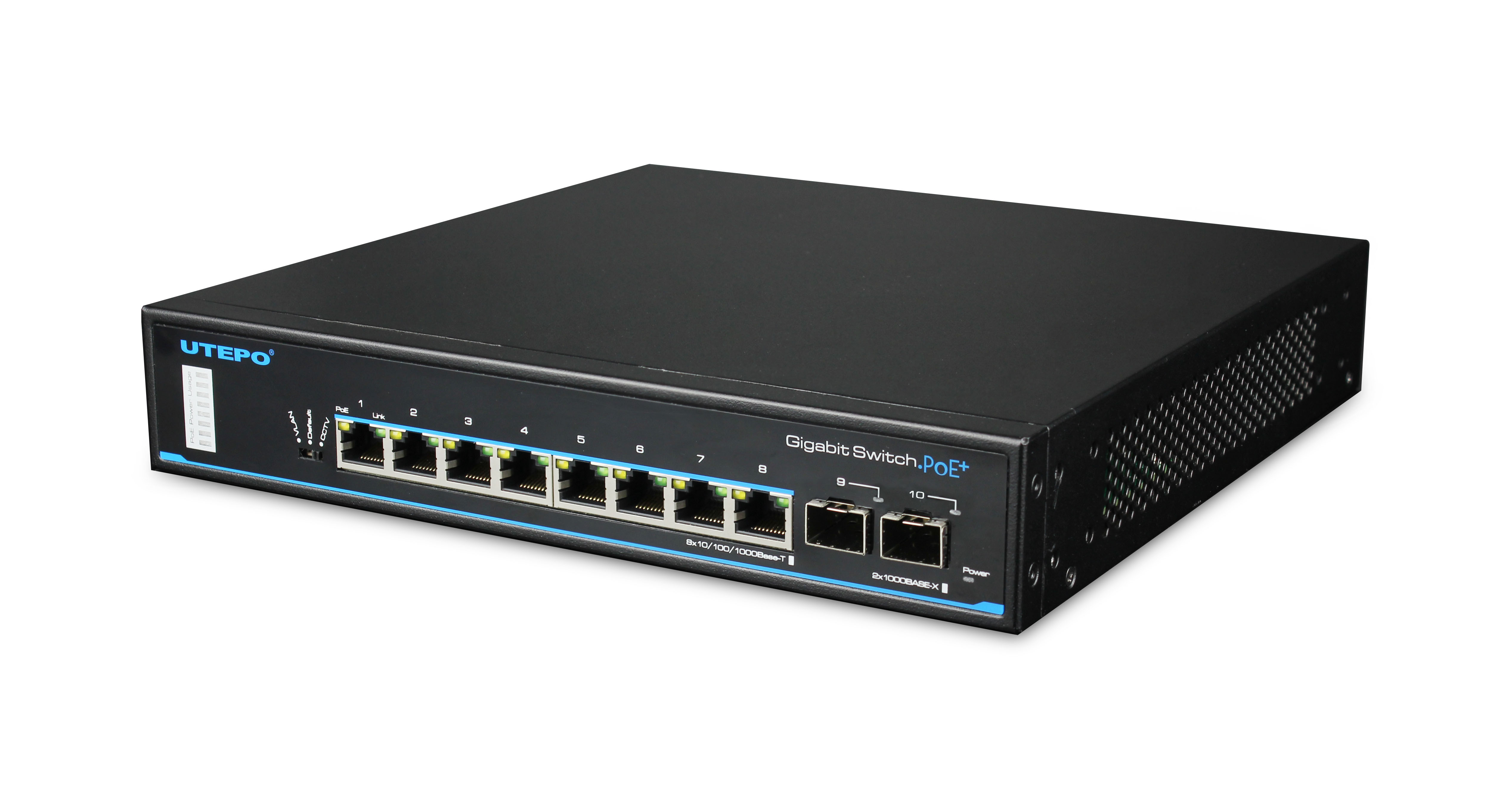
8-Port Gigabit PoE Switch: Power Up Your Network
When you’re setting up a home lab, a small office, or even a robust smart home system, the network infrastructure can feel like a tangled mess of cables and power bricks. It’s messy, it’s unreliable, and frankly, it looks terrible. Enter the 8-port Gigabit PoE switch. It’s not just a piece of hardware; it’s a simplification engine for your entire digital ecosystem.
The concept is elegantly simple. Power over Ethernet (PoE) switches send both data and electrical power through a single Cat5e or Cat6 cable. No more hunting for wall outlets near your desk. No more ugly power strips dangled from ceiling corners to reach your Wi-Fi access point. You just plug the device into the switch, and it lights up. For most users, an 8-port model strikes the perfect balance between capacity and compactness, handling everything from IP cameras to desktop PCs without breaking a sweat.
Understanding the Basics: Gigabit vs. PoE+
Before diving into the setup, it helps to understand what you’re actually buying. "Gigabit" refers to the data speed—specifically, 1000 Mbps per port. This is the modern standard. If you’re still using a 10/100 Mbps Fast Ethernet switch, you’re likely bottlenecking your internet connection, even if your ISP delivers faster speeds. Gigabit ensures that large file transfers, 4K video streaming, and heavy gaming sessions don’t stutter due to internal network limits.
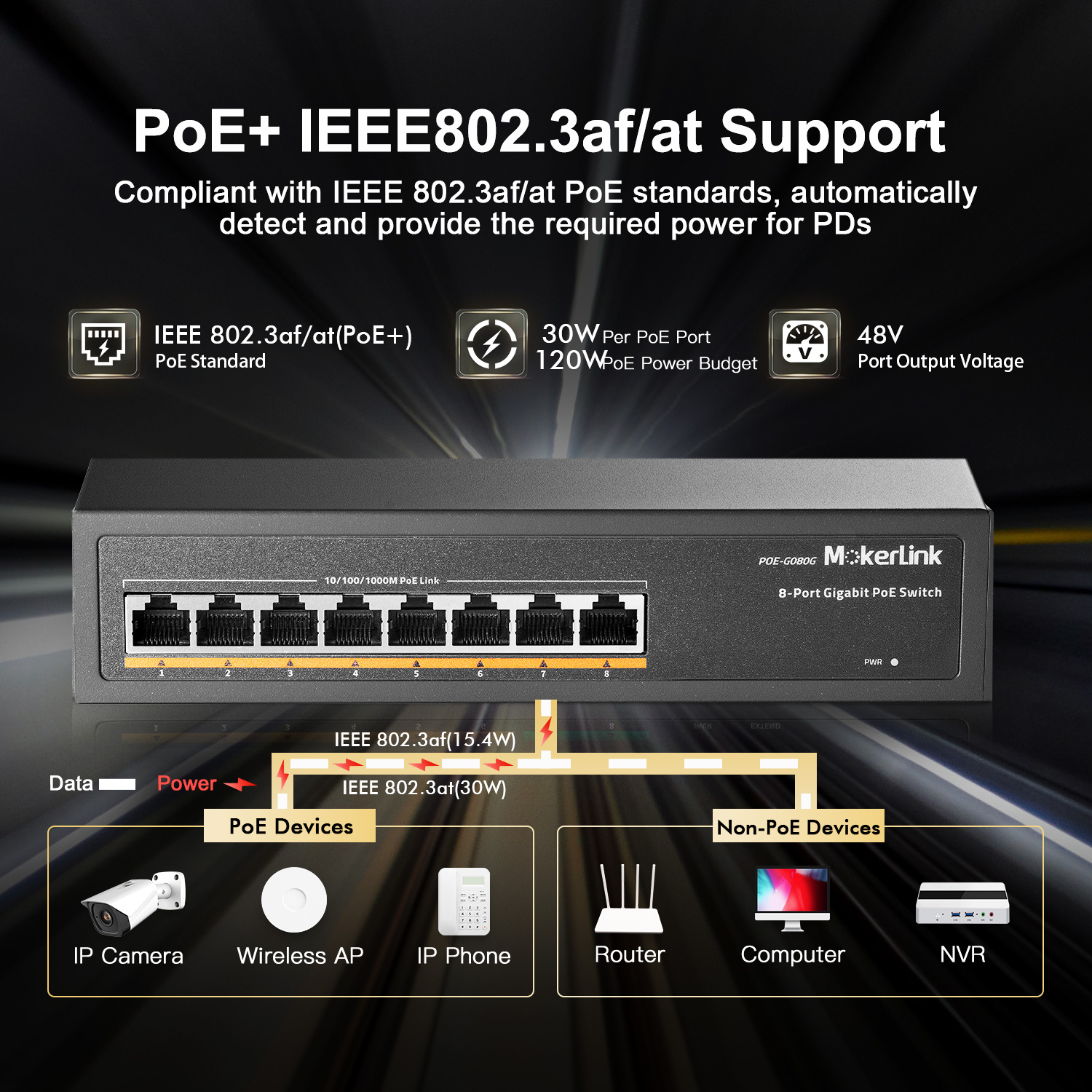
Then there’s PoE. This is where the magic happens. Early PoE standards only supported low-power devices like basic VoIP phones. Today, most 8-port switches feature PoE+ (802.3at) or even PoE++ (802.3bt). PoE+ is the sweet spot for most users. It delivers up to 30 watts per port, which is plenty for modern Wi-Fi 6 access points, high-resolution IP cameras with pan-tilt-zoom capabilities, and networked lighting systems. Always check the power budget of the switch. Total power matters. If your switch has a 120-watt total budget and you plug in four 30-watt devices, you’ve used it all up. The remaining ports will provide data but no power.
Why Eight Ports? The Sweet Spot for Small Networks
Why choose an 8-port model over a 4-port or a 24-port industrial unit? It comes down to use-case fit. Four ports often feel too limiting once you start adding devices. You’ve got a few cameras, an access point, a NAS drive, and maybe a smart speaker or two. Suddenly, you’re out of space. On the other hand, 24-port switches are designed for enterprise server rooms. They’re loud, hot, expensive, and take up a full rack unit. An 8-port switch is usually fanless, quiet, and small enough to tuck behind a TV or sit discreetly on a desk. It’s the ideal middle ground for the enthusiast or the small business owner who needs flexibility without the industrial overhead.
Common Use Cases That Benefit From PoE
The beauty of PoE lies in its versatility. Here are a few scenarios where an 8-port Gigabit PoE switch transforms a setup:
- Home Security: Installing IP cameras often means running cable through walls. If you run both power and data cables, the cost and difficulty double. With PoE, you run one cable to a junction box or directly to the camera. It’s cleaner, safer, and much easier for DIYers.
- Wi-Fi Coverage: Dead zones are frustrating. Placing a Wi-Fi mesh node or a dedicated access point in the center of a room requires an Ethernet backhaul for best performance. Without PoE, that access point needs a nearby power outlet. PoE lets you mount it high on a wall or ceiling, hidden from view, with zero visible wiring.
- Smart Home Automation: Many advanced garage door openers, water leak detectors, and smart lighting controllers use Ethernet for reliability. Wi-Fi can be spotty in basements or garages. PoE provides a rock-solid, always-on connection that doesn’t rely on your wireless spectrum.
- Digital Signage: Small businesses often use monitors for menus, pricing, or internal communications. Running power to a mounted screen can be tricky. PoE injectors or switches solve this, keeping the display area clean and professional.
Installation and Management Tips
Setting up an 8-port PoE switch is largely plug-and-play, especially if you go with an unmanaged model. These are the most common for home and small office use. You plug them in, connect your router to the uplink port, and connect your PoE devices to the numbered ports. That’s it. However, there are a few nuances to keep in mind.
First, verify your cable quality. PoE works well over Cat5e, but Cat6 is recommended for future-proofing and better power delivery efficiency. Ensure your cables are properly terminated. A bad crimp can cause data errors and, worse, prevent the device from negotiating power correctly. Second, consider the location. Even fanless switches dissipate heat. Keep them in a well-ventilated area. Don’t stack them tightly in a small cube with other heat-generating electronics.
If you need more control, look for "smart" or "managed" PoE switches. These allow you to monitor power usage per port, reboot individual devices remotely, and prioritize traffic. For a home user, remote rebooting a stuck IP camera is a feature worth paying a little extra for. You can often do it via a simple web interface on your phone, saving you a trip to the basement server closet.
Troubleshooting Common Issues
Occasionally, things don’t go smoothly. If a device isn’t powering up, check the LED indicators on the switch. Most have a specific light for PoE status. If the light is off, the switch might not recognize the device as PoE-compatible, or the cable might be damaged. Try a different port. If it works there, the first port might be faulty. If it doesn’t work anywhere, the issue is likely with the device itself or the cable.
Another common issue is insufficient power budget. If your cameras keep turning off and on, your switch might be hitting its total wattage limit. Check the specs of your devices and compare them to the switch’s total PoE budget. Sometimes, dropping from PoE+ to standard PoE on non-intensive devices can free up power for those that need it, though this is rare on modern switches.
Conclusion: A Simple Upgrade With Big Impact
An 8-port Gigabit PoE switch is one of those IT upgrades that seems overly technical until you actually use it. Then, it becomes indispensable. It cleans up cable clutter, reduces the risk of power surges damaging your equipment, and simplifies installation. Whether you’re securing your home with cameras or extending Wi-Fi to every corner of the house, this small device handles the heavy lifting. It’s a testament to how good engineering can make complex problems disappear, one Ethernet cable at a time.
Frequently Asked Questions
Do I need a managed switch for home use?
Not usually. For most home users, an unmanaged 8-port PoE switch is sufficient. They are cheaper, simpler, and require zero configuration. Managed switches are better if you want to monitor power usage, set up VLANs, or remotely reboot devices.
Can I use a PoE switch with non-PoE devices?
Yes. PoE switches are smart. They detect whether the connected device supports PoE. If it does, they send power. If it doesn’t (like a regular desktop computer or a printer), they send only data. Your non-PoE devices are safe.
What is the difference between PoE and PoE+?
PoE (802.3af) delivers up to 15.4 watts per port, which is fine for older phones and basic cameras. PoE+ (802.3at) delivers up to 30 watts, supporting modern Wi-Fi 6 access points, PTZ cameras, and higher-power devices. Always check your device’s power requirements.
Does PoE increase electricity bills significantly?
Generally, no. PoE is efficient. While you are adding power consumption for devices like cameras and access points, the difference is usually negligible on a residential bill. The cost is more in the initial hardware purchase rather than ongoing electricity usage.