Accessing Your Genshin Impact Account on PS5: A Step-by-Step Guide
Genshin Impact, the popular open-world action RPG, has taken the gaming world by storm since its release. With its stunning visuals, engaging gameplay, and cross-platform compatibility, it's no wonder that players want to access their accounts on various devices, including the PS5. If you're having trouble logging into your Genshin Impact account on your PS5, don't worry – we've got you covered. In this article, we'll walk you through the process of accessing your account on the PS5, highlighting the key steps and potential issues you may encounter.
To start, ensure that your PS5 is connected to the internet and that you have the latest version of Genshin Impact installed. If you haven't already, create a miHoYo account, which is required to play Genshin Impact on any platform. Once you've set up your account, follow these steps to log in on your PS5:
Logging into Your Genshin Impact Account on PS5
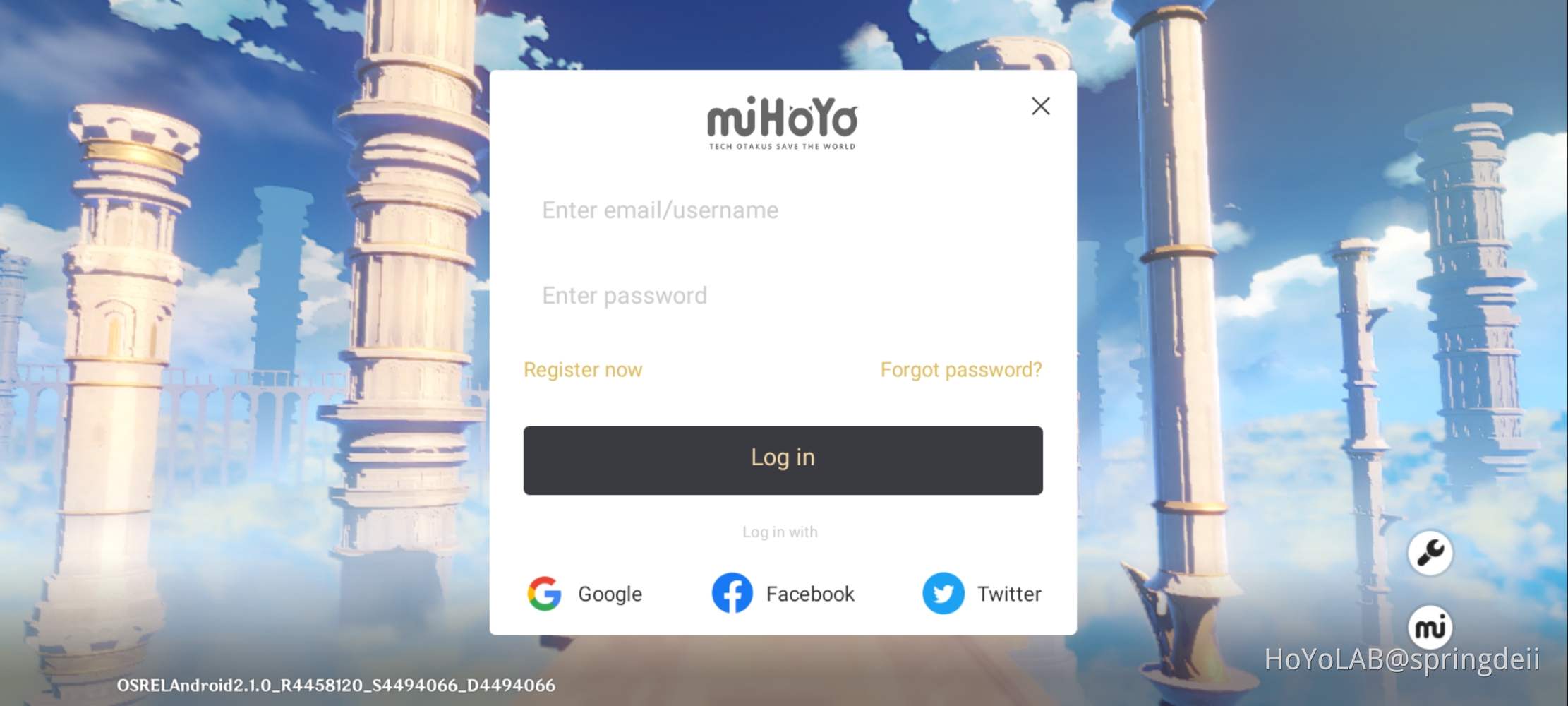
- Launch Genshin Impact on your PS5 and select the "Log In" option on the title screen.
- Choose the "miHoYo Account" option and enter your account credentials (email address and password).
- Verify that the account information is correct, and then select "Log In" to access your account.
- If you've enabled two-factor authentication (2FA) on your miHoYo account, you'll receive a verification code via email or SMS. Enter this code to complete the login process.
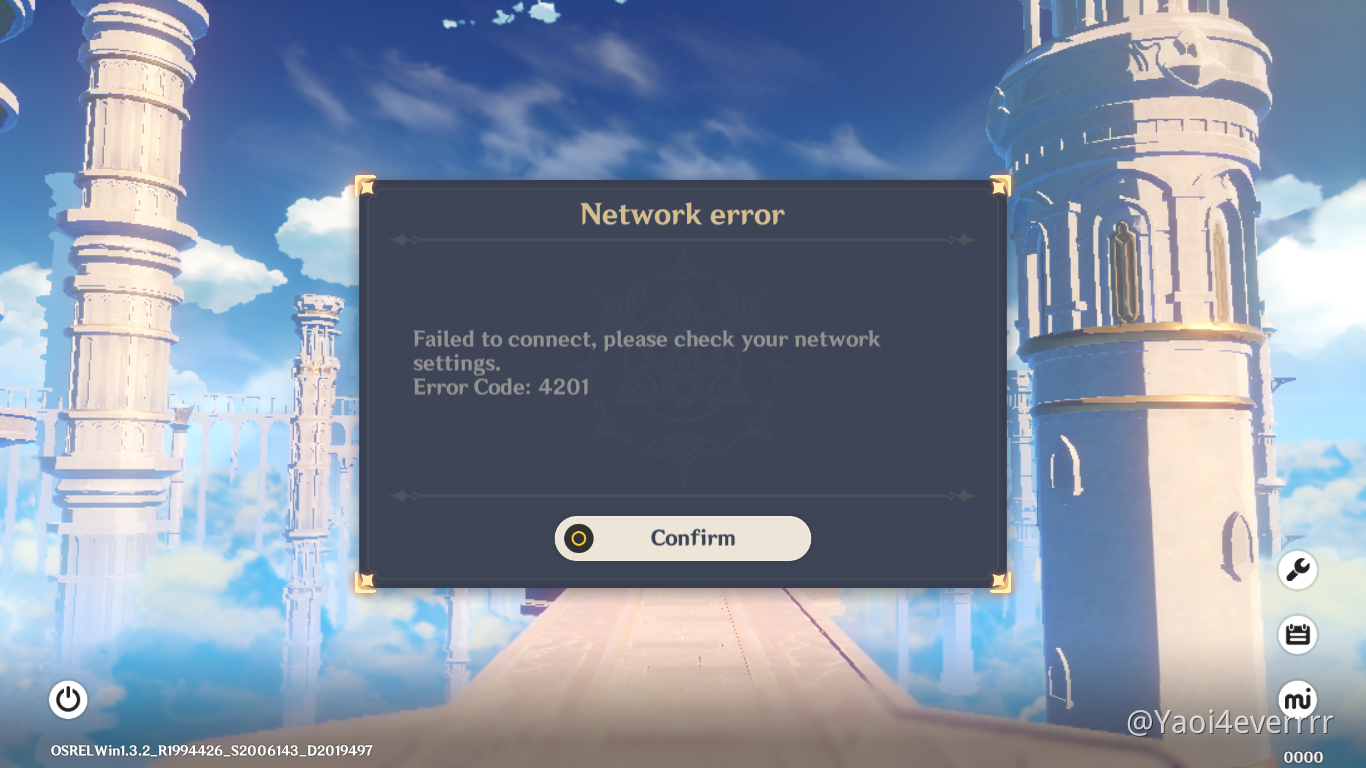
Once you've successfully logged into your account, you'll be able to access your characters, progress, and other game data. If you encounter any issues during the login process, such as a "Failed to Log In" error, try restarting the game or checking your internet connection. Additionally, ensure that your miHoYo account is linked to your PSN account, as this can sometimes cause login issues.
Troubleshooting Common Login Issues
In some cases, players may experience difficulties logging into their Genshin Impact accounts on the PS5. Here are some common issues and potential solutions:
- Account not found: Double-check that you're using the correct email address and password associated with your miHoYo account. If you're still having trouble, try recovering your account password or contacting miHoYo support for assistance.
- Login failed due to maintenance: Genshin Impact occasionally undergoes maintenance, which can prevent players from logging in. Check the game's official social media channels or website for maintenance schedules and updates.
- PSN account not linked: Ensure that your miHoYo account is linked to your PSN account. You can do this by accessing the miHoYo account website, navigating to the "Account" section, and following the prompts to link your PSN account.
By following these steps and troubleshooting common login issues, you should be able to access your Genshin Impact account on your PS5 without any hassle. Remember to always keep your account credentials safe and secure, and don't hesitate to reach out to miHoYo support if you encounter any persistent problems.
FAQs
Here are some frequently asked questions about logging into your Genshin Impact account on the PS5:
- Q: Can I play Genshin Impact on my PS5 without a miHoYo account?
- A: No, a miHoYo account is required to play Genshin Impact on any platform, including the PS5.
- Q: How do I recover my miHoYo account password if I've forgotten it?
- A: You can recover your password by visiting the miHoYo account website, clicking on "Forgot Password," and following the instructions to reset your password.
- Q: Can I access my Genshin Impact account on multiple devices using the same miHoYo account?
- A: Yes, you can access your Genshin Impact account on multiple devices, including the PS5, PC, and mobile devices, using the same miHoYo account.
With these tips and troubleshooting steps, you should be able to log into your Genshin Impact account on your PS5 and start exploring the world of Teyvat with your friends. Happy gaming!