AirPods Pro Flashing Orange Light: How To Fix It
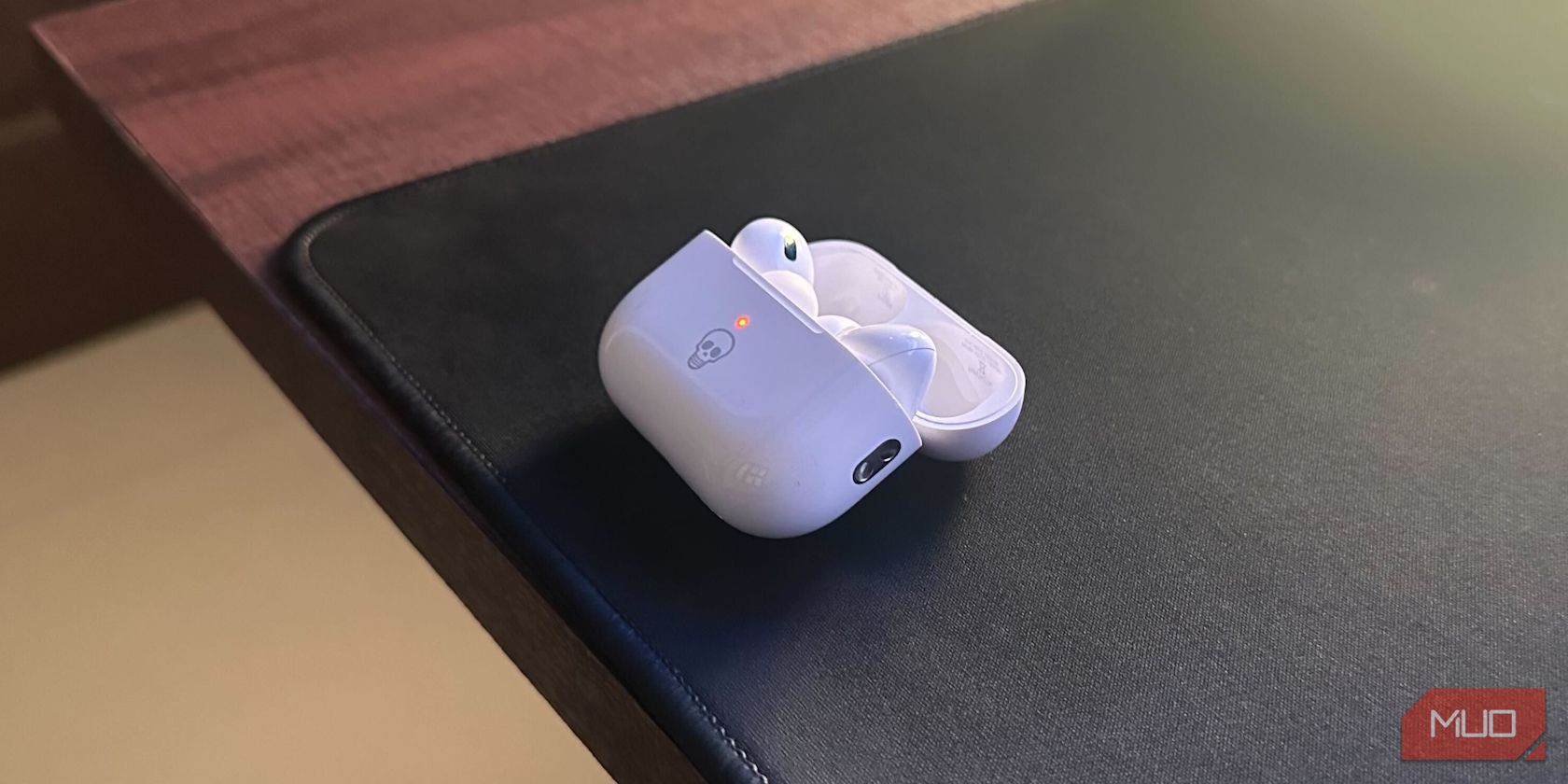
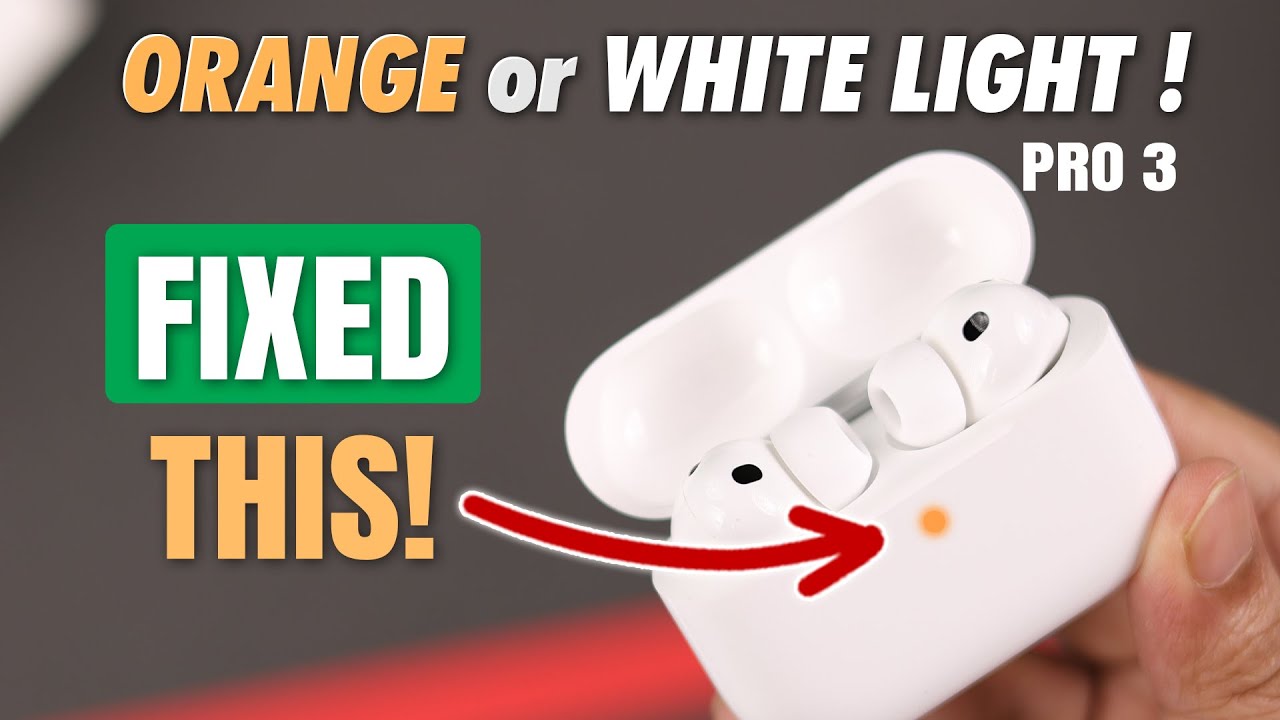
There is a distinct sinking feeling that comes with popping your AirPods Pro out of the case only to see them blinking an ominous orange light. Instead of the reassuring green or white indicator you’re used to, you’re greeted by flashing amber warnings. It’s confusing, frustrating, and usually happens at the worst possible moment—like when you’re about to run or need to take an urgent call.
Don’t panic. That flashing orange light isn’t necessarily a death sentence for your earbuds. In most cases, it’s a communication error or a simple calibration issue. With a few systematic troubleshooting steps, you can often resolve this problem without needing to visit an Apple Store.
What The Orange Light Actually Means
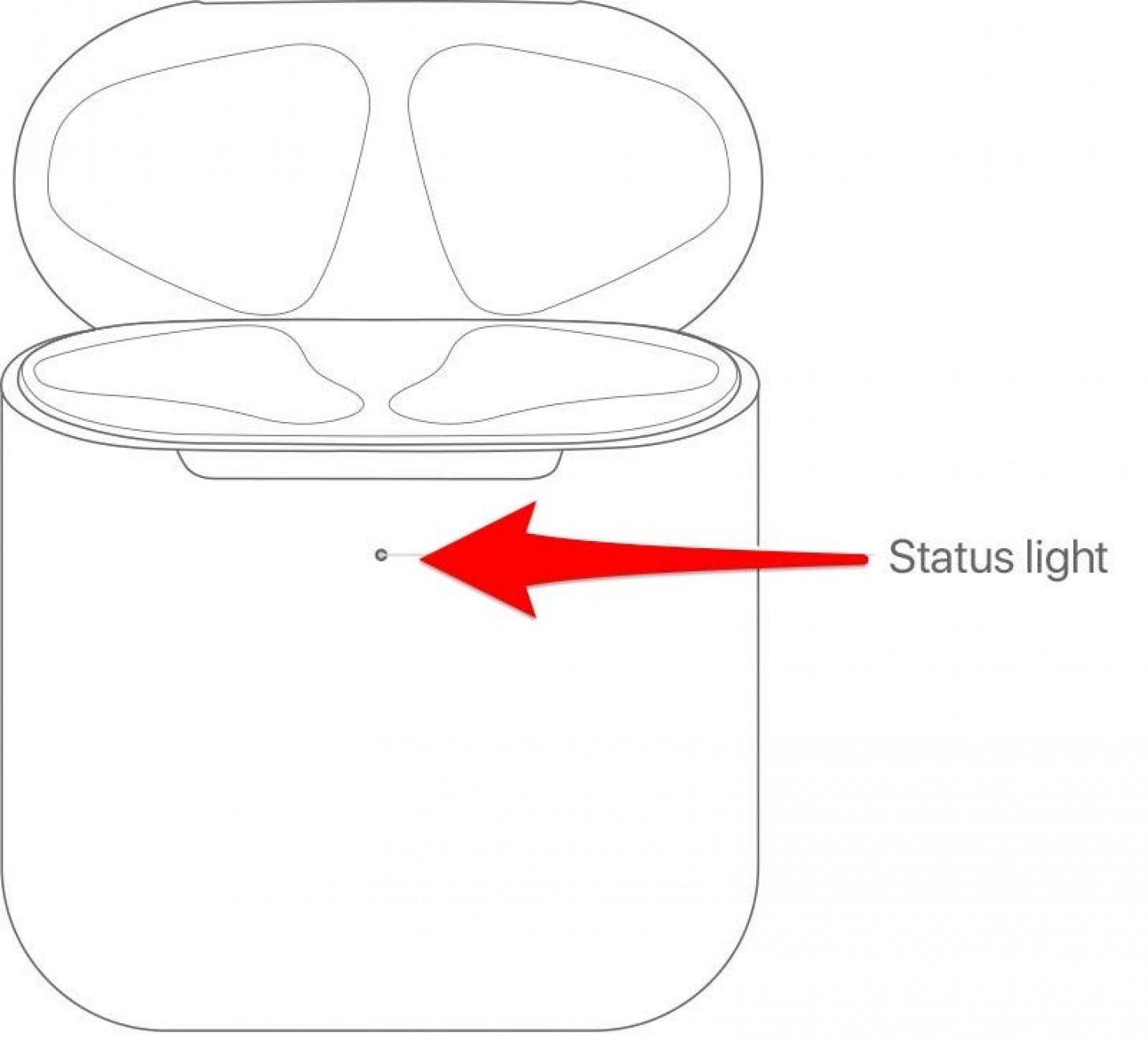
Before diving into fixes, it helps to understand why the light is flashing. Apple uses LED indicators to communicate the status of your AirPods Pro. A solid white light means charged and ready. A flashing white light means they are in pairing mode. A green light indicates the charging case has plenty of battery left.
An orange light, on the other hand, generally signals one of two things: either the earbuds or the case have a critically low battery, or there is a connectivity issue preventing them from syncing properly. If the light flashes orange repeatedly, the internal status lights may be out of sync with the actual charge levels, or the AirPods are failing to connect to your device during the pairing process.
Step One: Check The Obvious Battery Issues
It sounds simple, but it is the most common culprit. If your AirPods have been sitting in a pocket or a bag for days, they might have drained completely. Plug the charging case into a power source. Use a known-good Lightning cable and a wall adapter, rather than charging it through a computer USB port, which might not provide enough power to wake up a deeply discharged battery.
Leave them plugged in for at least 15 to 30 minutes. Sometimes, a battery that drops below a certain threshold will go into a protection mode, causing the light to flash erratically. If the orange light stops flashing and turns solid orange or green after some time, your issue is resolved. Just let them charge.
Step Two: Perform A Hard Reset
If charging doesn’t fix the flashing, the issue is likely a software glitch or a desynchronization between the earbuds and the case. A hard reset is the most effective way to clear this up. Here is how you do it:
- Forget the device from your iPhone or iPad. Go to Settings > Bluetooth, tap the (i) icon next to your AirPods, and select “Forget This Device.”
- Place both AirPods in the charging case and close the lid. Wait 30 seconds.
- Open the lid and locate the setup button on the back of the case.
- Press and hold the setup button until the status light flashes amber, and then white. This may take 15 seconds or so.
- Bring the case close to your iPhone or iPad and follow the on-screen setup instructions.
This process essentially wipes the previous connection data and forces the AirPods to introduce themselves to your device as new hardware. It fixes the majority of flashing light issues.
Step Three: Clean The Charging Contacts
If your AirPods still flash orange after a reset, the problem might be physical. The metal charging contacts on the stem of the AirPods and the pins inside the case can get coated with earwax, oil, or debris. This buildup prevents proper charging and communication.
Take a dry, lint-free cloth and gently clean the gold contacts on the AirPods. Check inside the case for any lint or dust. If you see green or white corrosion on the pins, you may have a more serious hardware issue, but often a gentle wipe with a cotton swab dipped in a tiny amount of rubbing alcohol (let it dry completely before reinserting the buds) can restore the connection.
Check For Firmware Updates
Once your AirPods are reconnected, iOS will automatically check for the latest firmware. You cannot manually update AirPods firmware, but you can ensure your iPhone is up to date. An outdated iOS version can sometimes cause compatibility issues with newer AirPods Pro repairs or features. Go to Settings > General > Software Update on your phone to ensure it’s current.
When To Seek Professional Help
If you have cleansed the contacts, charged them overnight, and performed a hard reset, yet the orange light continues to flash, you may be dealing with a hardware failure. This could be a faulty charging port in the case or a dying battery cell in one of the earbuds.
Apple typically offers free repairs or replacements for AirPods Pro issues under warranty. If your device is covered, contact Apple Support directly. If it’s out of warranty, they may offer a paid repair or trade-in option. It’s better to act quickly, as leaving a lithium-ion battery in a damaged state can sometimes lead to further degradation.
Frequently Asked Questions
Can I use my AirPods Pro while the light is flashing orange?
Generally, no. If the light is flashing orange, the earbuds are likely not pairing correctly or have insufficient battery to operate. You might be able to hear audio if they were last paired successfully, but microphone function and spatial audio may not work. It’s best to resolve the issue before relying on them for critical tasks.
Does a flashing orange light mean my AirPods are stolen?
No. There is no specific indicator for theft on AirPods. However, if you see your AirPods on the “Find My” app location map and they are not in your possession, that would indicate a potential theft issue. The orange light itself is purely a technical status indicator.
Why is only one AirPod flashing orange?
If only one side is indicated or if the sound is unbalanced, it usually means that specific earbud isn’t charging properly. Check the contacts on that specific bud and inside the case slot for debris. You can also try placing only the problematic earbud in the case with the cap on, holding the button, to force a re-sync for that single unit.
![[Fix] Why My AirPods Flashing Orange Light? 2026 - Sound Gear Authority](https://soundgearauthority.com/wp-content/uploads/2022/03/AirPods-Flashing-Orange-Light.jpeg)