AirPods Pro Left AirPod Not Charging? How To Fix It
If your left AirPod suddenly refuses to charge, you’re not alone. The tiny device can be surprisingly picky about dirt, alignment, and software glitches. Below is a mix of quick checks and deeper fixes that often bring that stubborn earbud back to life.
First Things First: Simple Checks
Before you dismantle anything, make sure the basics are covered. A loose connection or a forgotten setting can masquerade as a hardware problem.
- Inspect the case’s charging contacts. Use a flashlight to see if any debris is hiding in the metal pads where the left AirPod sits.
- Verify the case battery. Even a fully charged case won’t give power if its own battery is depleted.
- Check the AirPod’s orientation. The left pod has a small magnet that should snap into place; if it feels off‑center, it may not be connecting properly.
Cleaning the Left AirPod and Its Case
Dust, earwax, and lint love to collect on the charging pins. A gentle clean can make a world of difference.
What You’ll Need
- A dry, lint‑free microfiber cloth.
- A soft, anti‑static brush (a clean toothbrush works well).
- Isopropyl alcohol (90% or higher) – use sparingly.
Step‑by‑Step Cleaning
1. Remove the left AirPod from the case.
2. Lightly dampen the cloth with alcohol – you want it barely moist, not dripping.
3. Gently wipe the bottom of the AirPod, focusing on the metal contacts.
4. Use the brush to sweep any stubborn particles from the case’s charging tray.
5. Let everything air‑dry for a minute, then place the AirPod back and see if the indicator light turns on.
Software Solutions: Resetting and Updating
Sometimes the issue isn’t physical at all. Firmware bugs can stop charging cycles.
- Force a reset. Press and hold the setup button on the back of the case for about 15 seconds until the status light flashes amber, then white.
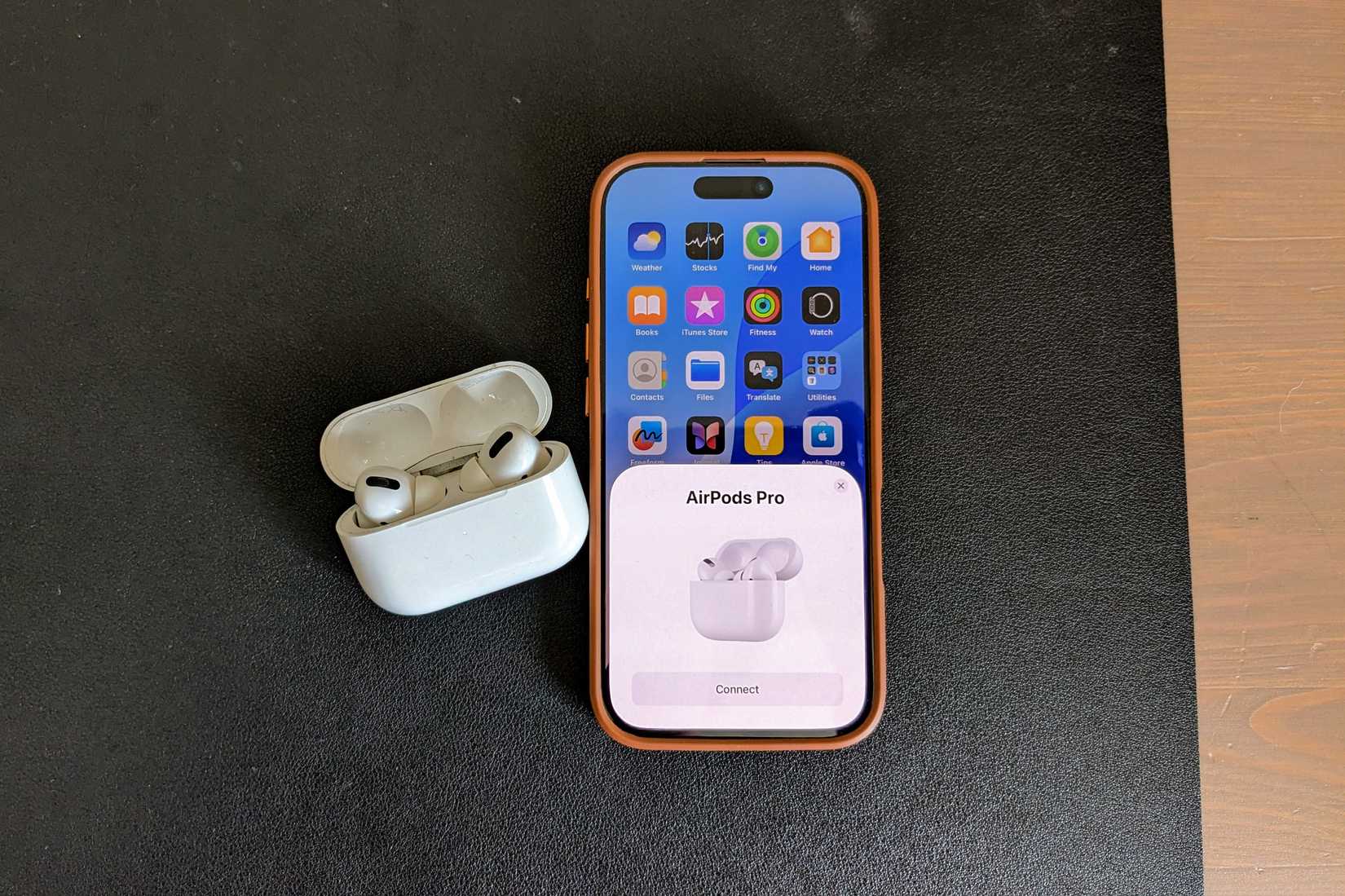
- Forget and re‑pair. In your iPhone’s Bluetooth settings, tap the “i” icon next to your AirPods, choose “Forget This Device,” then reconnect.
- Check for updates. With the AirPods in the case and near your iPhone, go to Settings → General → About → AirPods. If an update appears, install it.
Battery Health: When the Left Pod Is Truly Draining
If the left AirPod’s battery has aged faster than the right, it may no longer hold a charge. Apple doesn’t provide a detailed health readout, but you can infer it by:
- Running the “Ear Health” test in the “Find My” app – a sudden drop in capacity is a clue.
- Listening for a brief “pop” or “click” when inserting the pod, indicating a possible internal connection issue.
When battery wear is the culprit, professional service is the safest route.
Hardware Troubleshooting: When Cleaning and Resetting Fail
At this stage, you’re looking at possible hardware faults.
Inspect for Physical Damage
Cracks, dents, or water exposure can impair the charging circuit. Even a tiny bend in the internal spring can stop power flow.
Try a Different Charging Cable and Power Source
Switch to a known‑good Lightning cable and a wall adapter rather than a laptop or car charger. Some third‑party cables don’t maintain the necessary current for the case’s internal battery.
Use a Spare Case (If Available)
Borrow a friend's AirPods Pro case and test the left pod inside it. If it charges there, the problem lies with your case’s contacts rather than the pod itself.
When to Seek Professional Help
Apple’s warranty typically covers manufacturing defects for one year, and AppleCare+ extends that period. Consider these options:
- Apple Store Genius Bar. A quick diagnostic can confirm whether a component needs replacement.
- Authorized Service Provider. They often have spare parts and can fix the issue faster than mailing the device.
- Self‑service kits. Some third‑party vendors sell replacement charging modules, but opening the case yourself voids any warranty.
Preventive Tips to Keep Both AirPods Happy
Proactive care can reduce the chances of a future charging hiccup.
- Wipe the contacts after each use, especially after workouts.
- Avoid exposing the case to extreme temperatures – a hot car can degrade the battery faster.
- Store the case in a dry place; humidity can encourage corrosion on the metal pads.
- Schedule a monthly check: pop the AirPods out, look for debris, and give them a quick brush.
With a bit of patience and the right approach, most left‑AirPod charging woes can be tackled at home. If the problem persists despite the steps above, it’s a clear signal that professional repair is the next logical step. Good luck, and may your playlists keep flowing uninterrupted.