Are Curved Monitors Worth It for PC Gaming? The Reddit Verdict
If you spend any amount of time lurking on r/buildapc or r/gamingsuggestions, you’ve probably seen the debate. Is the curve hype real, or is it just another Marketing trick designed to drain your wallet? For years, curved monitors were viewed with suspicion by the hardcore PC gaming community. The consensus back then was simple: if you care about pixels, you want them flat and sharp. Curvature implied distortion, glare, and a premium price tag for zero performance gain.
But things have shifted. With the maturation of OLED technology and the rise in ultrawide resolutions, the discourse on Reddit has evolved from “never” to “maybe, if…” So, what does the collective wisdom of the Reddit hive mind actually say about buying a curved monitor in 2024? It turns out, it’s not about the shape itself, but the experience it enables.
The Immersion Factor: More Than Just Geometry
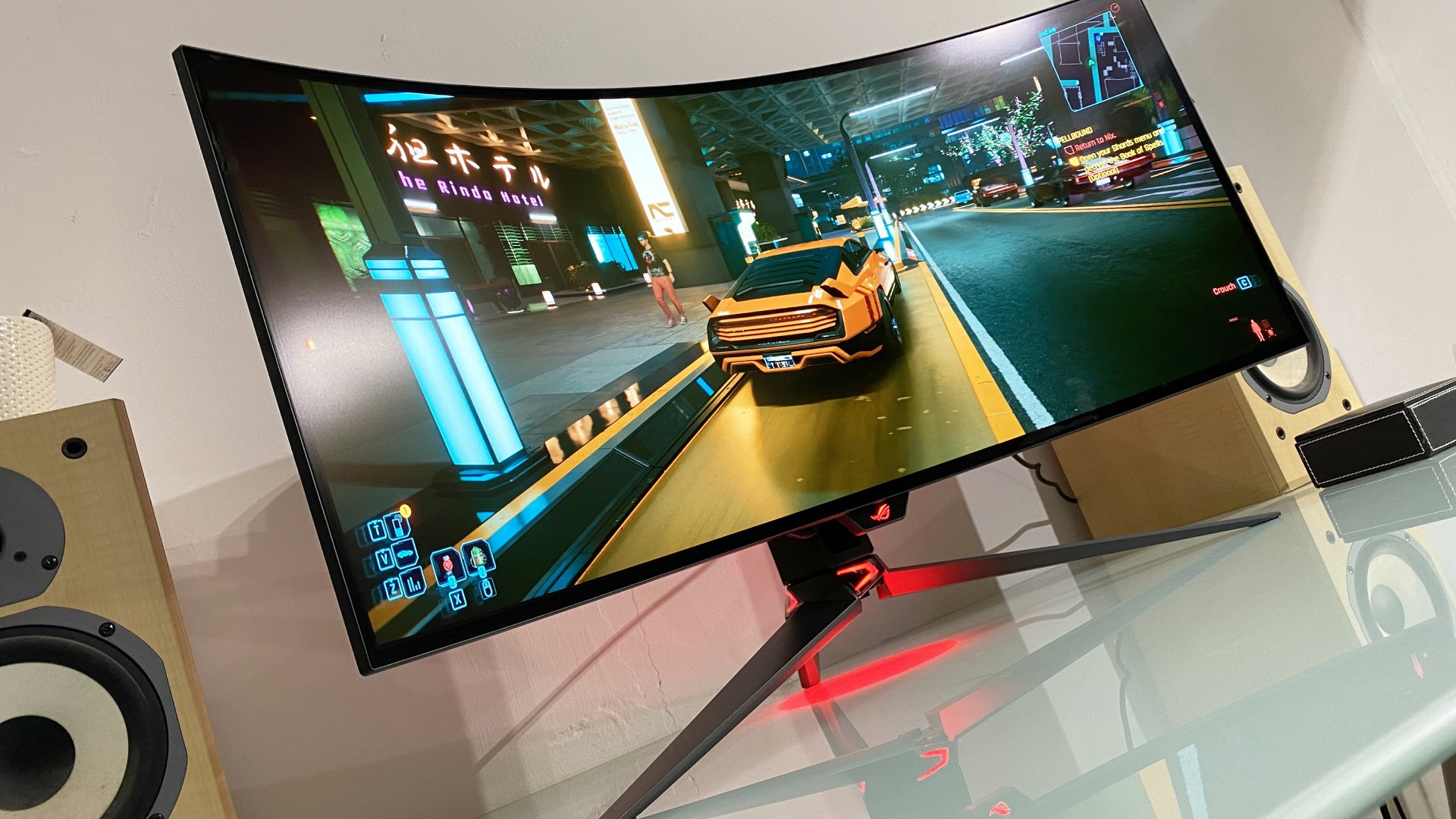
The single most common argument in favor of curved displays, particularly those with a 1800R or 1500R curvature, is immersion. On a flat screen, your eyes naturally focus on the center. The corners are further away from your focal point, which can create a subtle disconnect between what you see and where you look. A curved monitor brings the edges of the screen closer to your eyes, matching the natural curve of your field of vision.
Reddit users frequently cite first-person shooters and sims as the sweet spots. In games like Counter-Strike 2 or Flight Simulator, that peripheral visibility feels less like looking at a window into another world and more like being inside it. One user famously described it as “wrapping the game around you.” While this sounds like marketing fluff, the geometric reality is that the distance from your eye to any point on the screen is roughly equal. This reduces eye strain during long sessions and makes fast-paced tracking slightly more intuitive.
Resolution Matters More Than Radius
However, the curve isn’t a magic bullet. The most critical takeaway from Reddit discussions is that curvature is heavily dependent on resolution and screen size. A 27-inch 1080p curved monitor is often cited as a hard “no.” At that resolution, the pixel density is low enough that you can already see individual subpixels. Curving the panel just highlights those imperfections and can make text look blurry or distorted, which is a dealbreaker for anyone who does coding, writing, or general productivity alongside their gaming.
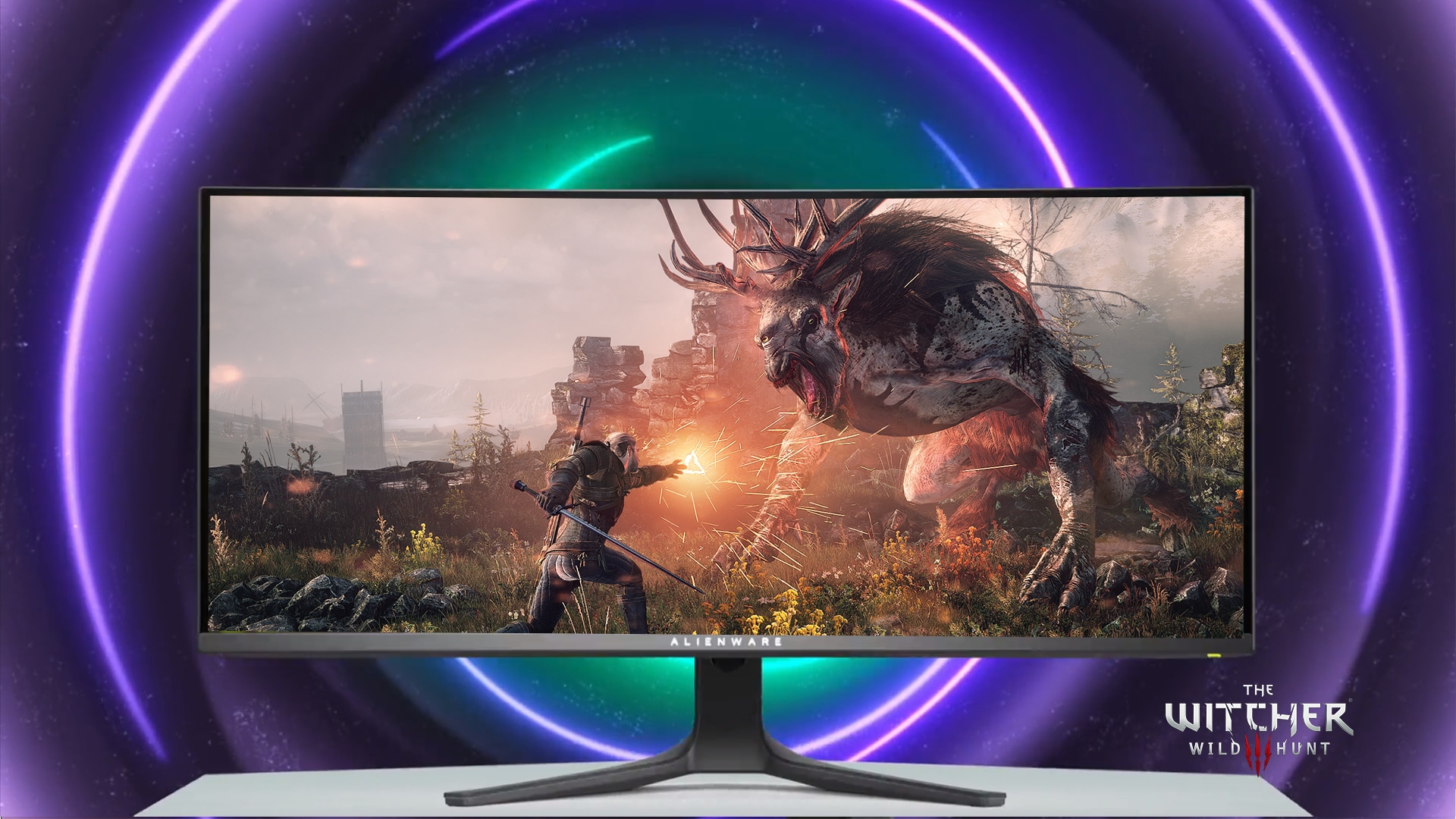
The threshold for satisfaction usually kicks in at 34-inch or larger with a resolution of 1440p or 4K. When you hit 3440x1440 (the standard ultrawide resolution), the curve helps hide the lower pixel density compared to a 27-inch 1440p panel. It makes the display feel cohesive rather than fragmented. Many Redditors argue that if you are going to buy a curved monitor, you should skip the 27-inch category entirely. The jump to 32-inch is awkward for curvature, but 34-inch and 49-inch (Super Ultrawide) are where the value proposition lands securely.
The Panel Type Debate: VA vs. IPS vs. OLED
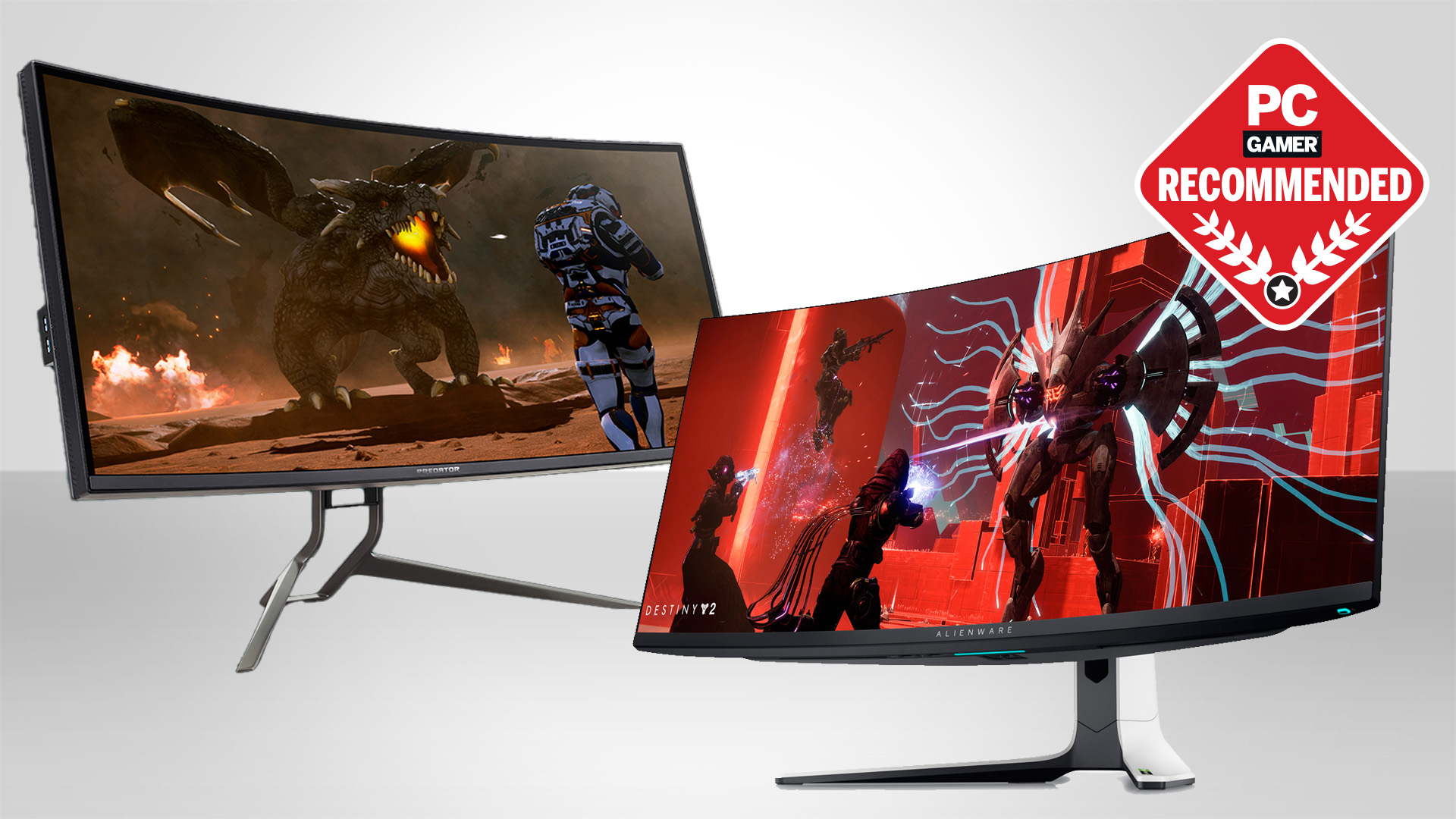
You can’t talk about curved monitors without discussing the underlying panel technology, and Reddit is notoriously picky about this. Historically, curved screens were almost exclusively VA panels. VA panels offer high contrast ratios and deep blacks, which look incredible in dark-themed games like Elden Ring or God of War. The curve enhances this contrast effect because the angle of view remains consistent across the panel.
However, VA panels have a notorious flaw: grey smearing. In fast-moving scenarios, dark objects moving across darker backgrounds can leave a ghostly trail. Competitive gamers on Reddit tend to despise this. They often prefer flat IPS panels because, despite lower contrast, they offer faster response times and better color accuracy from off-center angles. If you are an FPS head, the curve might actually work against you if the panel isn’t high-quality. The third option, OLED, is changing the game (pun intended). OLED panels are inherently darker and faster, and because they are thinner, manufacturers can curve them more aggressively without the uniformity issues seen in older LCDs.
Productivity and Multitasking
Interestingly, a growing number of PC builders on Reddit are choosing curved ultrawides for work, not just play. The extra horizontal real estate of a 34-inch or 49-inch screen allows for seamless multitasking. You can have a code editor on the left, a browser in the middle, and a Slack window on the right without the visual disruption of toggling between multiple flat monitors. The curve helps bridge the gap between these windows, making the workspace feel like a single, unified canvas rather than a choppy array of screens with bezels in between.
Common Pitfalls to Avoid
Before you drop your budget on a curved beast, keep these Reddit-vetted warnings in mind:
- Check the Stand: Many curved ultrawides come with flimsy stands that wobble when you adjust your posture. A good VESA mount arm is almost mandatory for these large panels.
- Reflections are Real: Curved screens act like funhouse mirrors. If you have windows directly behind or in front of you, the glare will be noticeable and distracting. Darker modes on the panel can help, but positioning is key.
- Not All Games Support Ultrawide: While most modern titles handle 21:9 aspect ratios well, some older or niche games may stretch the image or force black bars. You’ll want to check community patches before committing to an ultrawide setup.
The Verdict
The Reddit consensus isn’t a blanket endorsement, but it is a conditional one. Curved monitors are no longer the novelty they once were. For the average PC gamer who wants immersion, especially in RPGs, sims, or single-player narratives, a 34-inch 1440p curved monitor is considered one of the best upgrades you can make. It transforms the gaming experience from something you watch to something you inhabit.
However, for the competitive FPS player, the curve is secondary to refresh rate and response time. In that niche, flat remains king. Ultimately, the best monitor is the one that fits your viewing distance and your primary use case. If you sit close to your desk and value that wrapped-in feeling, the curve is worth the extra cash. If you are chasing the lowest possible latency for ranked matches, stick to flat. The technology has matured, but the choice remains personal.
Frequently Asked Questions
What is the ideal curvature for gaming?
For most gamers, a 1500R or 1800R curve is the sweet spot. 1500R is tighter and more immersive, while 1800R is gentler and often easier on the eyes for mixed productivity and gaming. Avoid anything tighter than 1000R unless you are using a massive 49-inch super ultrawide, as it can cause distortion.
Are curved monitors bad for competitive gaming?
Not inherently bad, but not necessarily better either. Competitive players often prefer flat panels for minimal input lag and perfect geometric accuracy. However, many pro players are moving to curved OLEDs because they offer the speed of IPS with the contrast of VA, minus the tint issues.
Can I use a curved monitor for coding and writing?
Yes, but resolution is critical. Ensure you are getting at least 1440p on a 27-inch screen or 1440p/4K on an ultrawide. Low-resolution curved screens can make text appear blurry at the edges, which is tiring for long coding sessions.