Bypass iCloud Activation Lock on iPhone 7 Plus – Full Guide
If you’ve ever picked up a pre‑owned iPhone 7 Plus that greets you with the dreaded iCloud Activation screen, you’re not alone. The lock is a genuine security feature, but it can turn a promising device into a paperweight in minutes. Below, we walk through the practical steps, tools, and cautionary notes you’ll need to consider when attempting to bypass the lock safely and responsibly.
Understanding the Activation Lock
Apple ties an iPhone to the Apple ID that was used to set it up. Once Find My iPhone is switched on, the device refuses to be activated with a new account unless the original credentials are entered. This is the Activation Lock, and it’s designed to deter theft.
In plain terms, the lock checks two things:
- Is the device linked to an Apple ID?
- Is Find My iPhone enabled?
If both answers are “yes,” the lock pulls up the activation screen.
Legal and Ethical Quick Check
Before you dive into any method, pause and ask yourself:
- Do you own the device, or have clear permission from the owner?
- Is the iPhone potentially stolen?
- Are you prepared for possible data loss?
Bypassing the lock on a device that isn’t yours can breach local laws. This guide assumes you have legitimate ownership or written consent.
Common Bypass Paths
1. Apple’s Official Route – Contacting Support
If you have the original proof of purchase (receipt, invoice, or carrier contract), Apple Support can remove the lock after verifying ownership. It’s the cleanest path, but it often requires patience and paperwork.
2. Using iCloud.com to Remove the Device
When the original owner is reachable, ask them to log into iCloud.com, select “Find iPhone,” and click “Remove from Account.” The removal takes a few minutes, and the device should reboot ready for a fresh setup.
3. Third‑Party Software Solutions
Numerous tools claim to bypass Activation Lock without credentials. Most operate on a Windows PC or macOS, connecting via USB. Popular names include:
- Tenorshare 4uKey
- dr.fone – Unlock (iOS)
- iMyFone LockWiper
These programs typically follow a three‑step process: detect the lock, download a signed firmware package, and install it. While success rates vary, they often work on iPhone 7 Plus models running iOS 10‑13. Newer iOS versions (14+) have tightened security, reducing effectiveness.
4. DFU Mode and Custom Firmware
For the technically inclined, entering DFU (Device Firmware Upgrade) mode and flashing custom firmware can sometimes reset the lock. This method requires a Mac with Apple Configurator 2 or a Windows computer with iTunes, plus a compatible .ipsw file. Beware: flashing the wrong firmware can brick the phone permanently.
Step‑by‑Step: Using a Trusted Third‑Party Tool
Below is a practical workflow with a widely‑used utility. The exact UI may differ slightly between versions, but the core steps remain consistent.
- Download and Install the chosen software on a clean PC. Disable any antivirus temporarily, as some tools trigger false positives.
- Connect the iPhone 7 Plus via a genuine Lightning cable. Ensure the device is powered on.
- Enter DFU Mode – hold the Power button for 3 seconds, then press and hold Volume Down while continuing to hold Power for another 10 seconds. Release the Power button but keep holding Volume Down for 5 seconds. The screen stays black, confirming DFU mode.
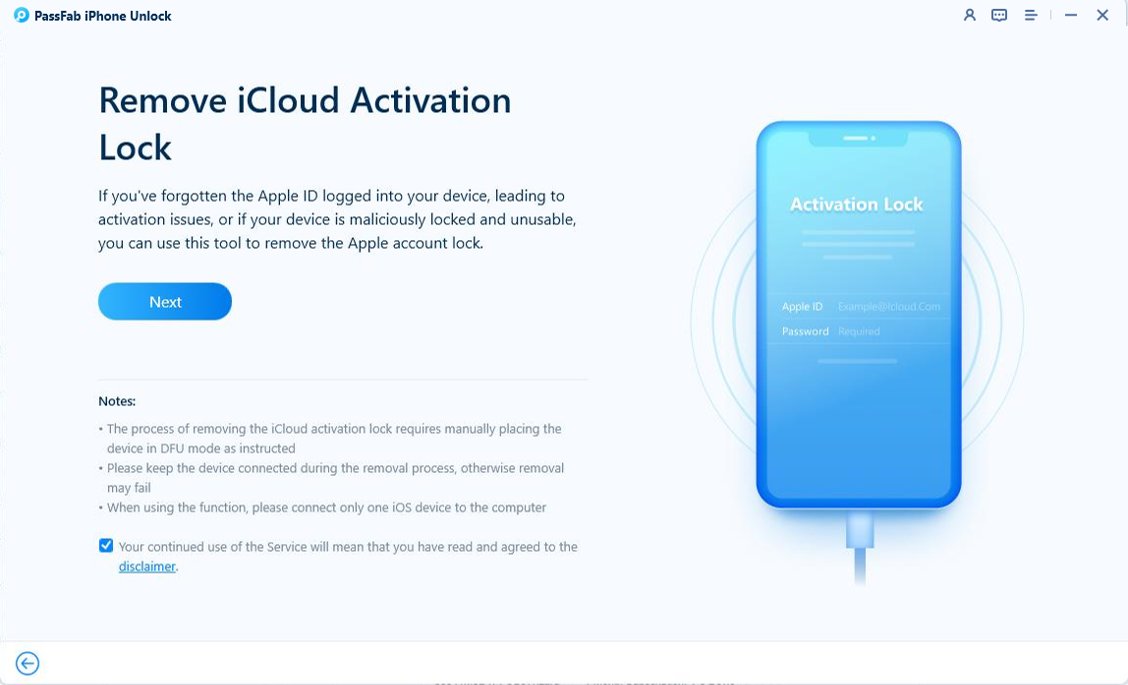
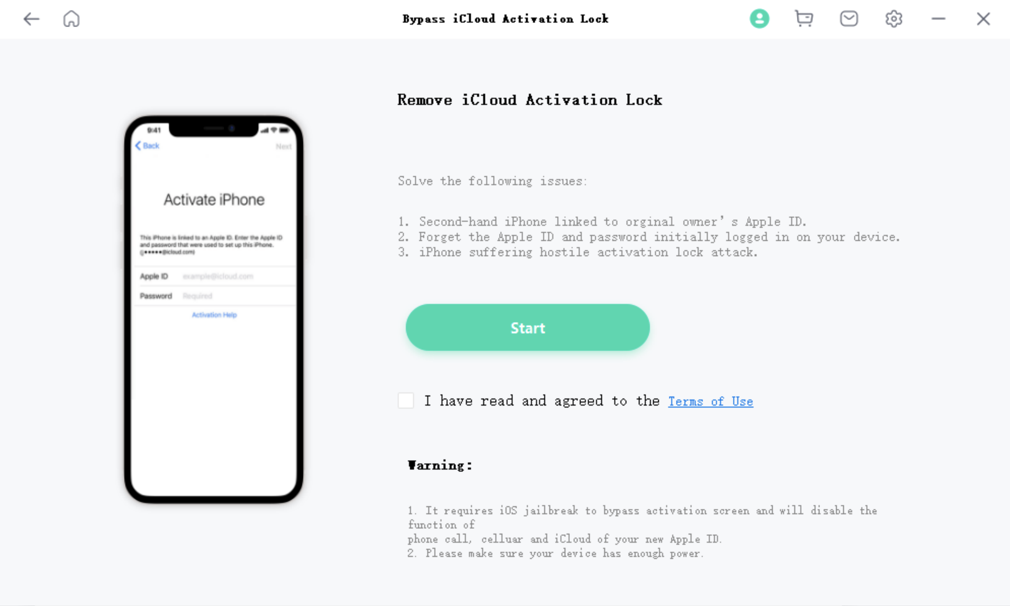
- Launch the Bypass Function (often labeled “Unlock iCloud” or “Remove Activation Lock”). The software will detect the device and prompt you to download a signed firmware bundle. Let it complete.
- Start the Bypass. The tool replaces the lock screen with the standard iOS setup wizard. Follow on‑screen prompts to create a new Apple ID or sign in with an existing one.
- Verify that the iPhone boots normally. Open Settings → Apple ID to confirm the lock is gone.
Typical processing time ranges from 15 to 30 minutes, depending on internet speed and firmware size.
Potential Pitfalls and How to Mitigate Them
- iOS Version Mismatch: If the device runs a newer iOS than the tool supports, the bypass may fail. Check the software’s compatibility list before starting.
- Corrupted Firmware: A bad download can cause the device to get stuck in a boot loop. Re‑download the .ipsw from a reputable source or use the tool’s built‑in downloader.
- Battery Level: DFU flashing demands a stable power source. Keep the iPhone above 50 % or connect it to a charger.
- Data Loss: The process erases all content. If you have important data, back it up beforehand—though the lock often prevents any backup from being created.
After the Bypass: Restoring Your iPhone
Once the lock is removed, you’ll probably want to freshen up the device. Here’s a quick checklist:
- Update to the latest iOS version via Settings → General → Software Update.
- Re‑install essential apps from the App Store.
- Enable Find My iPhone under Settings → Apple ID → iCloud, to protect against future lockouts.
- Consider setting a strong passcode and enabling Face ID for added security.
When Bypass Isn’t Possible
There are scenarios where even the best tools hit a wall:
- The device is linked to an iCloud account with two‑factor authentication that the owner can’t access.
- The iPhone’s hardware ID (IMEI) is blacklisted by Apple as stolen.
- Newer iOS updates (iOS 15+) have introduced extra verification steps that many tools haven’t cracked yet.
In those cases, the most reliable fallback is to seek a refund or replacement from the seller, provided you have proof of purchase. If the seller is uncooperative, you may need to report the device to local authorities.
Final Thoughts
Bypassing an iCloud Activation Lock on an iPhone 7 Plus isn’t a magical trick; it’s a blend of legitimate channels, third‑party utilities, and a dash of technical know‑how. The safest route is always to work with the original owner or Apple directly. If that’s not an option, choose a reputable software solution, follow the steps carefully, and keep realistic expectations about success rates.