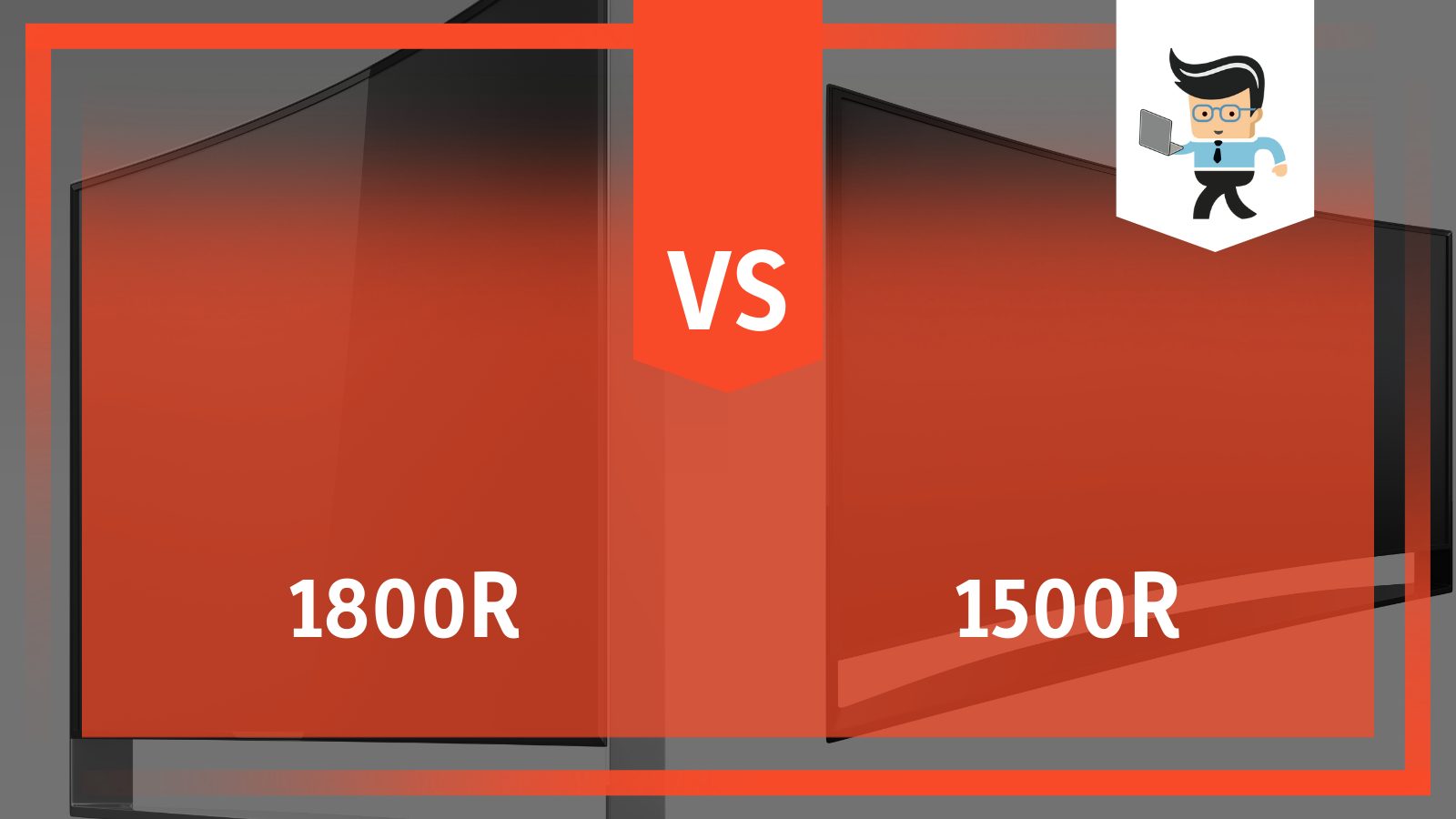
Choosing Between 1800R and 1500R Monitor Curves: Which Is Best
When you start comparing ultra‑wide displays, the first thing you’ll notice is the curve rating – often shown as “1800R vs 1500R.” That “R” figure tells you the radius of an imaginary circle that the screen would form if you extended its curve. A lower number means a tighter bend, which can feel more immersive but also demands a bit more desk real‑estate. Deciding which curvature suits you depends on how you work, play, and sit in front of the screen.
What the “R” Actually Means
The “R” stands for radius, measured in millimetres. An 1800R curve matches a circle with an 1.8‑metre radius, while a 1500R curve fits a 1.5‑metre radius. Imagine drawing a circle on a piece of paper; the tighter the curve, the smaller the circle. Manufacturers use this metric to give you a sense of how aggressively the screen wraps around your field of view.
Because the radius is a geometric concept, it translates directly into perceived immersion: the tighter the curve, the more the edges of the monitor line up with the natural curvature of your eyes.
Visual Impact of an 1800R Curve
An 1800R screen is often described as “gentle” or “subtle.” It provides a noticeable curvature without overwhelming peripheral vision. For most desk setups, the curve feels natural when you sit about 50‑60 cm away – a typical distance for a 27‑ to 34‑inch display.
- Pros: Less distortion at the edges, easier to share the screen with a colleague, and generally more forgiving on smaller desks.
- Cons: The immersion boost isn’t as dramatic as a tighter curve, which some gamers may find underwhelming.
Visual Impact of a 1500R Curve
A 1500R monitor leans into the “cave‑like” experience. The screen bends more sharply, pulling the left and right edges closer to your line of sight. This can make large‑format games or cinematic video feel like they’re happening right in front of you.
- Pros: Stronger sense of depth, reduced need to move your eyes across the screen, and a more pronounced 3‑D effect in titles that support it.
- Cons: Can introduce slight geometric distortion on the far edges, and the tighter curve may feel cramped on a shallow desk.
When 1800R Is the Smarter Choice
If you spend most of your day on spreadsheets, coding, or multi‑tasking with several windows open, the 1800R curvature offers a comfortable compromise. The gentler bend keeps text lines straight enough to read without the occasional “fish‑eye” effect you sometimes see on tighter curves. It also works well in shared workspaces because the screen’s profile isn’t as aggressive, making it easier for a second person to glance at the display without feeling blocked.
When 1500R Wins the Day
For immersive gaming, especially in first‑person shooters or open‑world adventures, the 1500R curve can be a game‑changer. The tighter radius aligns the screen more closely with your peripheral vision, helping you spot enemies or details without turning your head. Film enthusiasts who binge series on a wide‑format monitor also appreciate the cinema‑like feel that a 1500R curve can deliver.
Compatibility and Desk Space Considerations
Before you buy, measure the width of the monitor and compare it to your desk. A 34‑inch 1500R panel can be a few centimeters wider than an 1800R counterpart of the same size, simply because the tighter curve adds a bit of “depth” to the edges. Also, check your chair height: you’ll want the screen’s top to sit roughly at eye level to avoid neck strain, regardless of curvature.
Another technical note: most modern graphics cards can drive both 1800R and 1500R monitors at 144 Hz or higher, but if you plan on using a very high refresh rate (e.g., 240 Hz) on a large ultra‑wide, double‑check that your GPU can sustain the required bandwidth.
Practical Buying Tips
- Test the curvature in person if you can. A quick showroom visit will let you feel the difference between 1800R and 1500R.
- Match the curve to your primary use case – productivity leans toward 1800R, immersive entertainment leans toward 1500R.
- Consider the panel type (IPS, VA, or Mini‑LED). A VA panel on a 1500R curve can enhance contrast for movies, while an IPS panel on an 1800R curve may give you more accurate colours for design work.
- Don’t forget ergonomics. A fully adjustable stand or a VESA‑compatible mount will let you fine‑tune height and tilt, which matters more than the curve itself.
FAQ
Is a tighter curve always better for gaming?
Not necessarily. While a 1500R curve can boost immersion, some fast‑paced shooters benefit from a flatter view to keep targets in the periphery without distortion. Personal preference and desk layout play big roles.
Will a 1500R monitor cause eye strain?
For most users, no. The curve is designed to match the natural shape of your eyes, reducing the need to refocus across a flat plane. However, if you sit too close (under 40 cm), any curvature can feel overwhelming and may lead to discomfort.
Can I use a 1800R monitor for professional video editing?
Absolutely. The gentle curve provides a wider workspace without the edge distortion that can affect colour grading. Pair it with a calibrated IPS panel for the best colour accuracy.
Do I need a special graphics card for a 1500R monitor?
Only if you aim for very high resolutions (e.g., 3440 × 1440) at ultra‑high refresh rates. Most mid‑range GPUs handle 1500R monitors at 144 Hz without trouble, but for 240 Hz or higher, look for a card with ample video memory and DisplayPort 1.4 support.

:quality(70)/cloudfront-us-east-1.images.arcpublishing.com/metroworldnews/VPUY43TJJFDOXIEHKHAEXZOBUQ.jpg)