Choosing the Best Android TV Set‑Top Box: An Ultimate Guide
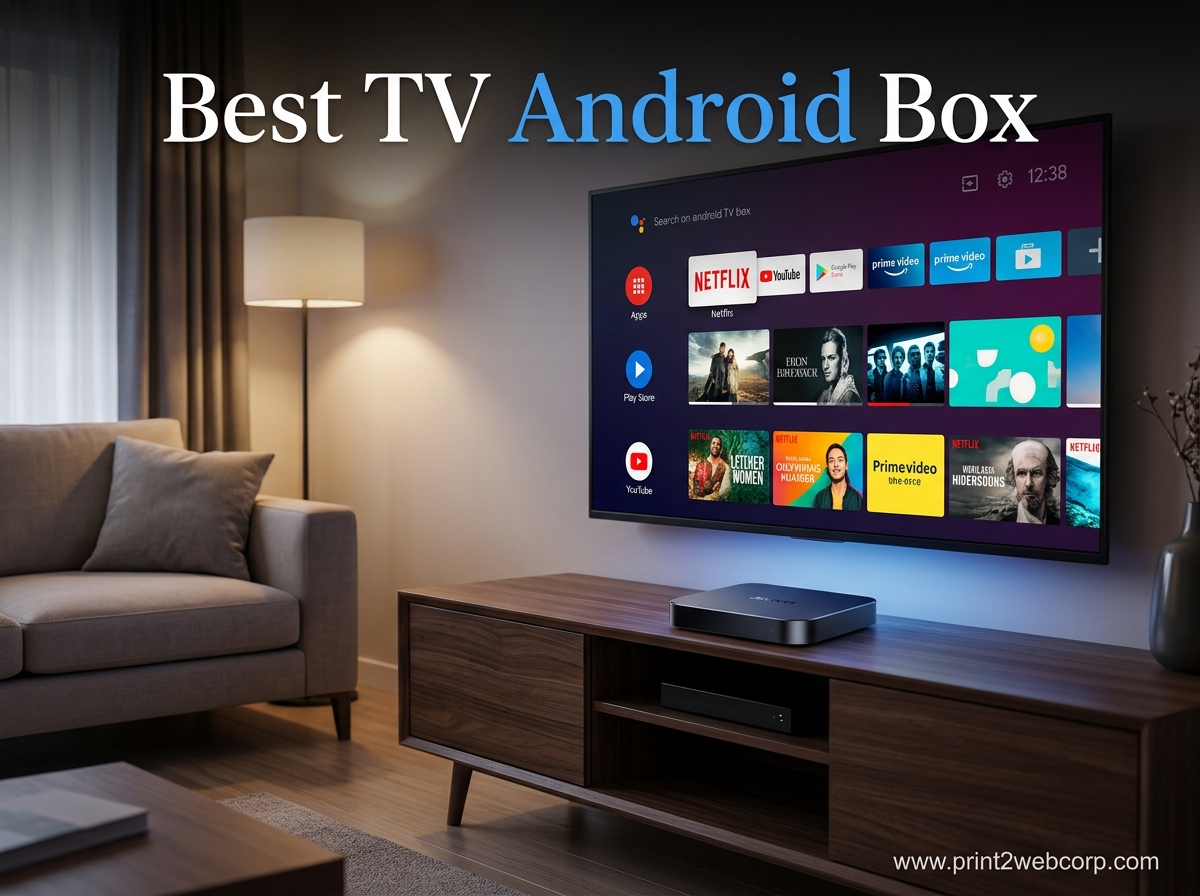
If you’ve ever wondered how to turn a regular TV into a smart entertainment hub, the answer often lies in an Android TV set‑top box. These compact devices pack Google’s Android operating system, a remote control, and a suite of streaming apps into a box that plugs straight into your TV’s HDMI port. In this guide we’ll walk through what a set‑top box actually does, the features that matter most, and how to pick the model that fits your living‑room setup.
What Is an Android TV Set‑Top Box?
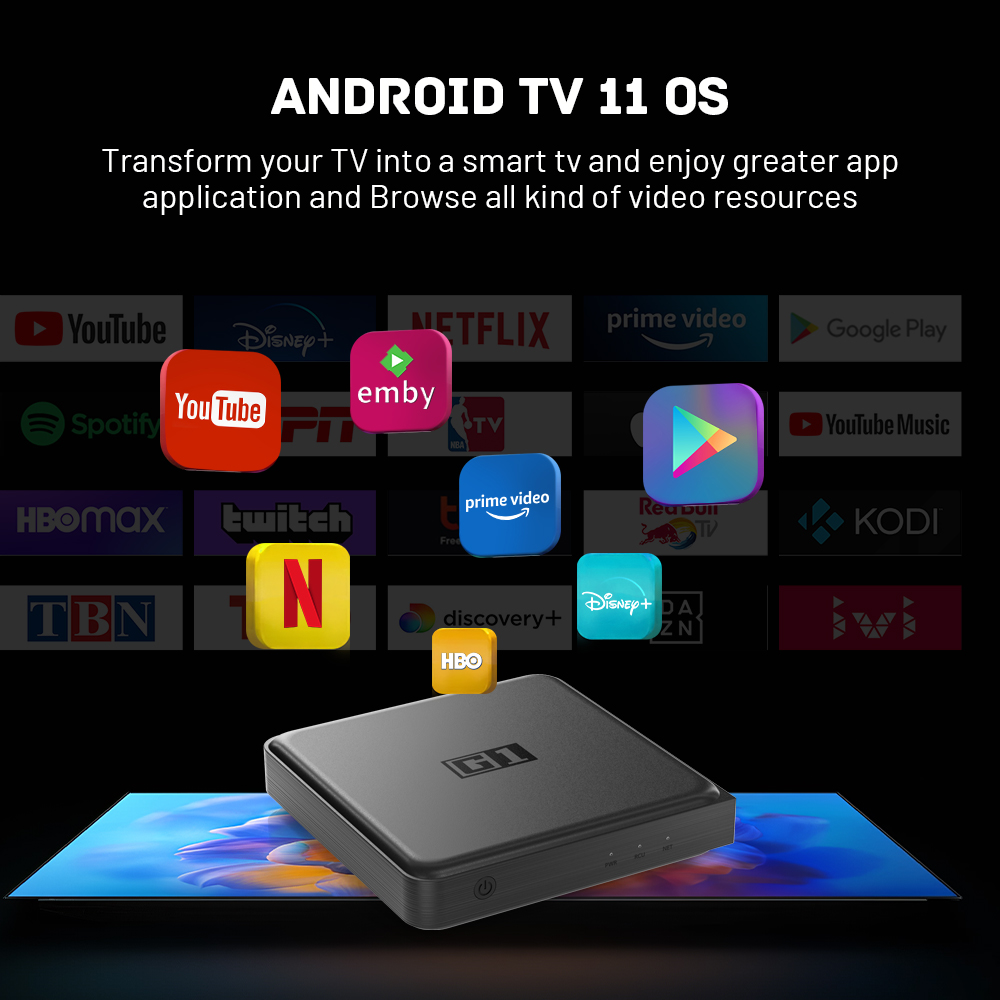
An Android TV set‑top box is essentially a mini‑computer designed for the television. It runs a version of Android tailored for big screens, offering a user interface that’s navigable with a remote rather than a touch screen. Because it’s powered by Android, you get access to the Google Play Store, voice search via Google Assistant, and compatibility with a wide range of apps—from Netflix and Disney+ to niche gaming services.
Key Benefits Over a Smart TV
- Upgrade Path: You can breathe new life into an older TV without replacing the whole set.
- App Freedom: Not all smart TV platforms support the same apps; Android TV covers most major services.
- Customization: Install launchers, sideload games, or connect external peripherals like keyboards.
- Regular Updates: Google pushes security patches and feature upgrades more frequently than many TV manufacturers.
Core Features to Evaluate
When you start comparing models, keep these criteria in mind. They’ll help you separate the occasional bargain from a truly versatile device.
Processor and RAM
A faster processor and at least 2 GB of RAM keep the UI smooth and prevent lag when you switch between apps. Mid‑range boxes often use quad‑core chips that handle 4K streaming without breaking a sweat.
Video Output
Look for HDMI 2.0 or higher, which supports 4K at 60 fps, HDR10, and Dolby Vision. If you plan to watch high‑dynamic‑range content on a compatible TV, these standards make a noticeable difference.
Storage Options
Internal storage ranges from 8 GB to 64 GB. More space lets you install additional games or media apps, but you can usually expand it with a USB drive or microSD card.
Audio Support
Dolby Atmos and DTS‑X are becoming common on newer boxes, delivering immersive sound when paired with a compatible sound system.
Connectivity
Beyond Wi‑Fi (preferably dual‑band 802.11ac), a gigabit Ethernet port guarantees stable streaming during peak hours. Bluetooth 5.0 lets you pair wireless headphones or game controllers with ease.
Popular Use Cases
Not everyone buys an Android TV set‑top box for the same reason. Here are three typical scenarios.
- Streaming binge‑watcher: Prioritizes 4K HDR support and a wide app catalog.
- Casual gamer: Looks for low input lag, Bluetooth controller support, and access to cloud gaming services.
- Family hub: Needs a child‑friendly interface, Google Family Link integration, and perhaps a built‑in Chromecast for screen mirroring.
How to Set Up Your Android TV Set‑Top Box
Installation is straightforward, but a few steps help you avoid common hiccups.
- Connect the box to your TV via HDMI and plug in the power adapter.
- Turn on the TV, select the appropriate HDMI input, and follow the on‑screen wizard.
- Connect to your Wi‑Fi network or plug in the Ethernet cable.
- Sign in with your Google account to sync apps, preferences, and the Play Store.
- Optional: Attach a Bluetooth remote, game controller, or headphones for a customized experience.
Top Picks for 2024
While new models appear regularly, a handful of devices consistently earn high marks for performance and value.
- Nvidia Shield TV Pro: Quad‑core processor, 3 TB of storage via external drive, excellent gaming support, and AI‑upscaled 4K.
- Amazon Fire TV Cube (Android‑based):** While not pure Android TV, it offers a comparable experience with Alexa voice control.
- Minix NEO U9‑H: Affordable, supports Dolby Vision, and includes a USB‑C port for future‑proofing.
- Xiaomi Mi Box S: Budget‑friendly, Google Assistant built‑in, and a solid 4K HDR engine for casual viewers.
Budget vs. Premium: What’s the Trade‑off?
A budget box will cover the basics—streaming Netflix, YouTube, and a few games—but may lack advanced audio codecs or the latest processor. Premium models often include better upscaling, more RAM, and a richer set of connectivity options. Decide whether you’ll notice the difference in everyday use before splurging.
Common Pitfalls and How to Avoid Them
Even a well‑reviewed device can become a source of frustration if you overlook a few details.
- Insufficient Wi‑Fi bandwidth: Streaming 4K HDR reliably needs at least 25 Mbps per stream. If your router is old, consider a wired Ethernet connection.
- App compatibility: Some regional services aren’t available on Android TV. Verify that your favorite apps appear in the Play Store before buying.
- Remote lag: Cheap remotes may suffer from delayed response. Look for ones with Bluetooth or RF rather than infrared.
- Heat buildup: Place the box in a well‑ventilated area; prolonged heat can throttle performance.
Future‑Proofing Your Entertainment Setup
Technology evolves quickly, but a good Android TV set‑top box can stay relevant for several years. Choose a device that receives regular software updates, supports the latest HDR formats, and offers enough RAM to handle upcoming apps. Investing a bit more now can save you from a premature upgrade later.
FAQ
Q: Can I use an Android TV set‑top box with a non‑smart TV?
A: Absolutely. As long as the TV has an HDMI port, the box will provide all the smart features, turning any display into a streaming hub.
Q: Do I need a Google account to use the box?
A: A Google account is required for the Play Store and for syncing your preferences across devices, but you can still use many apps without signing in.
Q: Is a remote control necessary, or can I use my phone?
A: Both work. The remote offers quick navigation, while the Android TV app on your phone adds a touchpad and voice search.
Q: How does an Android TV set‑top box differ from a Chromecast?
A: Chromecast focuses on casting content from another device, whereas an Android TV box runs apps locally, providing a full on‑screen experience without a phone.
Whether you’re upgrading a dated television, hunting for a budget‑friendly streaming solution, or looking to dabble in cloud gaming, the right Android TV set‑top box can transform your viewing habits. By weighing processor power, video capabilities, and your own usage patterns, you’ll land on a device that feels like a natural extension of your living‑room entertainment.