Effortless Translation: Turkish Audio to English Made Simple
Imagine you’re watching a Turkish documentary, scrolling through a podcast, or listening to a friend’s voice note, and you’re left wondering what was just said. The good news? Translating Turkish audio into English no longer feels like deciphering an ancient code. With a handful of tools and a few practical tricks, you can turn spoken Turkish into clear English in minutes.
Why Traditional Methods Fall Short
For years, the go‑to solution was to hire a professional linguist or manually rewrite the transcript. Both routes are time‑consuming and pricey, especially if you only need a quick gist. Moreover, many transcription services stumble on colloquialisms, regional accents, or background noise—common hurdles in Turkish media.
Modern Solutions at a Glance
Today’s technology blends speech recognition with machine translation, delivering near‑real‑time results. The best options share a few core features:
- Automatic speech‑to‑text that can handle Turkish dialects.
- Integrated translation engines that convert the transcript to English without a separate step.
- User‑friendly interfaces – often just a drag‑and‑drop or a simple upload.
- Export flexibility – you can download subtitles, text files, or even embed the translation into videos.
Getting Started: A Step‑By‑Step Walkthrough
1. Choose the Right Platform
Popular choices include:
- Google Cloud Speech‑to‑Text + Google Translate: robust, but requires a Google Cloud account.
- Microsoft Azure Speech Services: excellent for enterprise‑level accuracy.
- Otter.ai or Sonix: user‑friendly web apps with built‑in translation add‑ons.
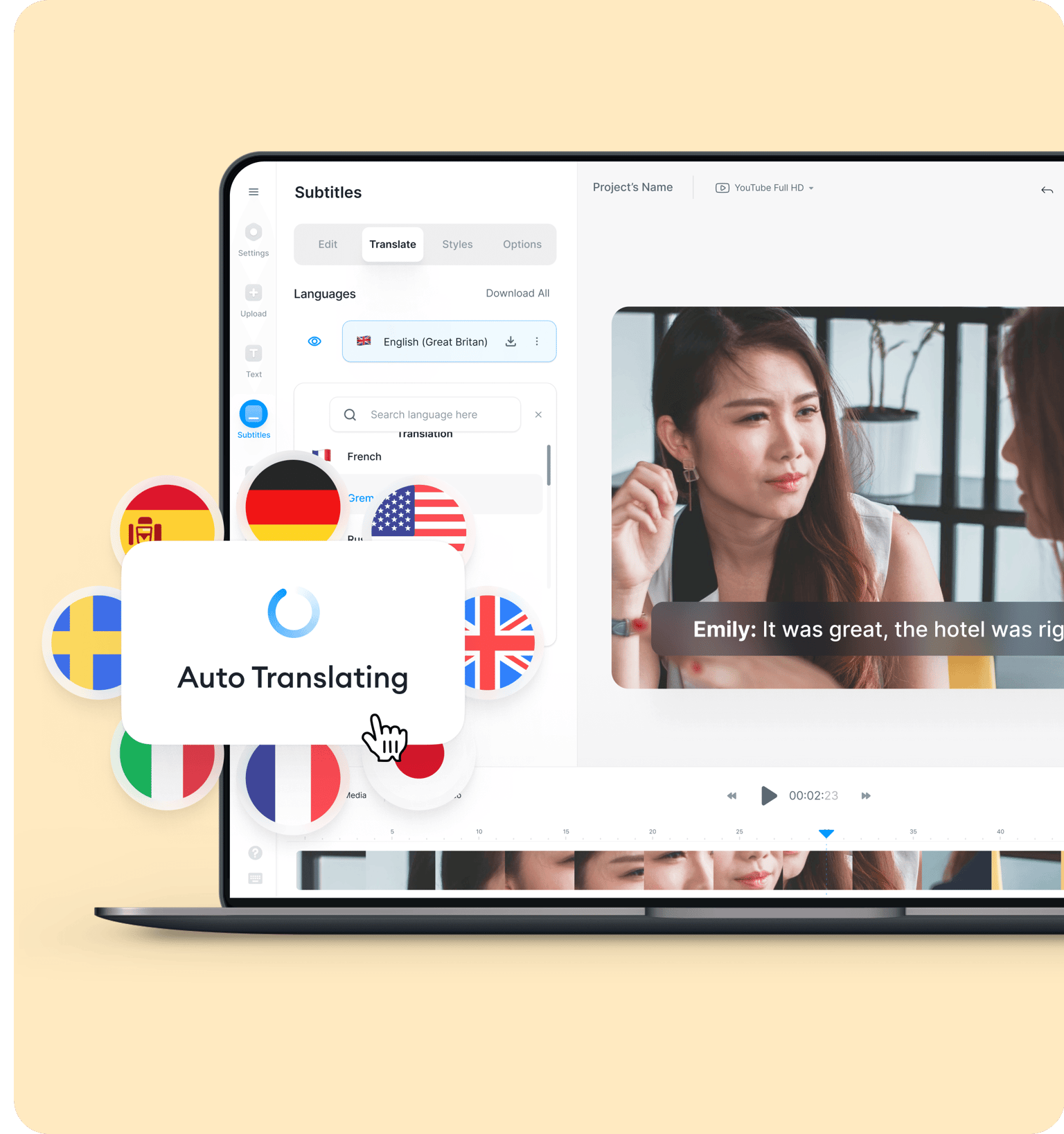
- Veed.io: perfect for video creators who need subtitles quickly.
Most of these platforms offer a free tier—enough for short clips or occasional use.
2. Prepare Your Audio
Clear audio yields better results. If you can, reduce background chatter, boost the volume, and trim unnecessary silence. A quick pass through a free editor like Audacity can work wonders.
3. Upload and Let the AI Do Its Thing
Once the file is on the platform, select “Turkish” as the source language. The system will generate a Turkish transcript, typically within seconds for a minute‑long clip. From there, click the translate button and choose “English.” In many tools, this second step happens automatically.
4. Review and Refine
No AI is perfect. Scan the English output for any odd phrasing—especially if the original speech included idioms like “göz yummak” (literally “to close one’s eye,” meaning “to turn a blind eye”). A quick manual tweak can save your readers from confusion.
Tips for Maximizing Accuracy
- Speak slowly and clearly whenever you can control the source. Even native speakers help the algorithm when they enunciate.
- Use proper punctuation in the original speech. Pauses often translate into commas or periods, guiding the AI’s segmentation.
- Leverage custom vocabularies if the platform supports them—add names, technical terms, or brand slogans that might otherwise be misheard.
- Cross‑check with a second tool for critical content. If two services agree, confidence rises sharply.
Common Pitfalls and How to Dodge Them
Even seasoned users hit snags. Here are a few that crop up regularly:
Accents and regional slang. Turkish spoken in Istanbul differs from the dialect of Anatolia. If the AI misinterprets a word, try adjusting the audio quality or providing a small “hint” file where the speaker repeats the tricky phrase.
Background music. A soundtrack can drown out speech. Mute the music track or isolate the voice channel when possible.
Over‑reliance on literal translation. Machine engines might render “kafayı yemiş gibi” as “ate the brain,” when the intended sense is “to act crazy.” Always keep an eye out for context.
Beyond Text: Adding Subtitles to Video Content
If you’re working with video, the workflow expands slightly. Most platforms will let you export an SRT file—a subtitle format that synchronizes text with timestamps. Upload that SRT to YouTube, Vimeo, or directly embed it in editing software like Adobe Premiere. The result: viewers can toggle English captions with a single click.
When to Turn to a Human Touch
Automation shines for speed, but there are scenarios where a professional translator still reigns supreme:
- Legal documents or contracts where nuance matters.
- Literary works that rely on poetic rhythm.
- Marketing copy aimed at brand perception.
In those cases, treat the AI output as a first draft—then hand it over to a native speaker for polishing.
Future Trends to Watch
Artificial intelligence is on a rapid upgrade path. Expect improvements in:
- Contextual awareness—systems that remember earlier sentences to resolve ambiguous words.
- Real‑time streaming translation—think live webinars with instant English subtitles.
- Multimodal integration where visual cues (like lip‑reading) boost audio accuracy.
Keeping an eye on these developments will ensure you stay ahead of the curve, turning any Turkish audio into fluent English with ever‑less effort.