Fiber Internet: What You Need to Know Before Switching
Imagine streaming 4K movies, video‑chatting with friends abroad, and downloading massive game updates—all at the same time—with nothing but a faint blur of buffering. That’s the promise of fiber‑to‑the‑home (FTTH) connections, and more households are trading copper for glass every year. But the upgrade isn’t just a plug‑and‑play swap; there are cost, availability, and technical quirks worth chewing over before you sign on the dotted line.
Why Fiber Beats the Competition
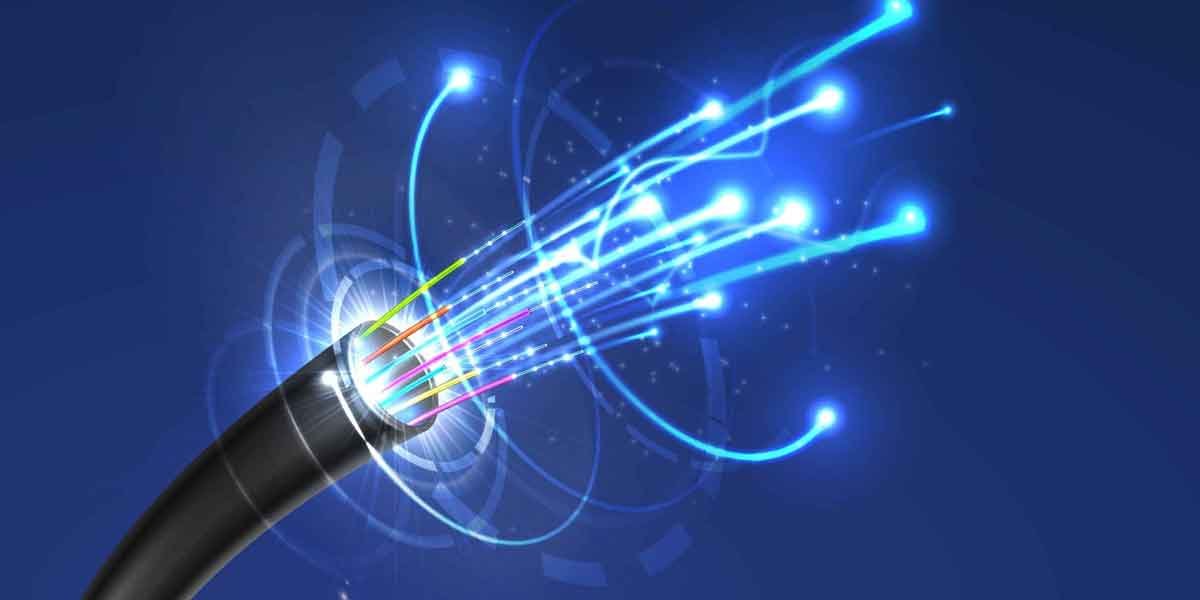
Fiber optics transmit data as pulses of light, which means they’re immune to many of the electromagnetic interferences that slow down traditional coax or DSL lines. The result? Speed that feels more like a promise than a possibility. While a typical cable package might top out at 300 Mbps, many fiber offerings start at 500 Mbps and soar to gigabit‑plus tiers with no noticeable slowdown during peak hours.
Beyond raw speed, the latency—how quickly a signal travels back and forth—is dramatically lower. For gamers, that translates to a fraction of a second shaved off ping times; for remote workers, it means smoother Zoom calls and quicker file syncs. And because the signal doesn’t degrade over distance the way copper does, you get consistent performance whether you live at the edge of the provider’s network or right in the middle.
Checking Availability: The First Hurdle
Fiber isn’t everywhere yet, and the rollout maps can look like patchwork quilts. Before you dream of instant gigabit speeds, you’ll need to verify two things:
- Neighborhood coverage. Most providers list zip‑code level maps on their websites. If a map shows a solid block of coverage, you’re likely good, but edge cases exist.
- Building readiness. Even if your street is “fiber‑ready,” your specific building may need internal wiring upgrades, especially in multi‑unit complexes.
A quick call to the provider’s support line often uncovers hidden fees for “last‑mile” installation, or reveals that a neighboring property has already opted in, speeding up the process for you.
Cost Breakdown: What’s the Real Price Tag?
At first glance, a gigabit plan may seem pricey—$70 to $100 a month is not uncommon. However, the total cost of ownership extends beyond the monthly bill. Here’s a rough checklist:
- Installation fee (usually $50‑$150, sometimes waived with a contract).
- Router or gateway rental—many providers push a $10‑$15 monthly add‑on.
- Potential fiber‑to‑the‑premises (FTTP) upgrade for apartments, which can add $30‑$60 a month.
- Contract length—shorter terms give flexibility but often cost more per month.
When you stack these numbers against a typical cable package that throttles after a data cap, the difference narrows, especially if you factor in the value of unmetered, ultra‑fast service.
Hidden Savings You Might Miss
Fiber plans usually come with generous data allowances—often “unlimited” with no speed throttling. That eliminates overage charges that plague some cable or satellite services. Moreover, many providers bundle a Wi‑Fi 6 router, which can boost your home network’s efficiency without the extra expense of buying a high‑end device.
Installation Realities: What to Expect on the Day
When the technician arrives, they’ll first confirm the entry point for the fiber line. In a single‑family home, that’s often a small conduit in the basement or garage. In an apartment, the line may run through a shared utility shaft.
Key steps include:
- Running the fiber cable from the street pole or underground conduit to your home’s network box.
- Installing an Optical Network Terminal (ONT), which converts light pulses into Ethernet signals.
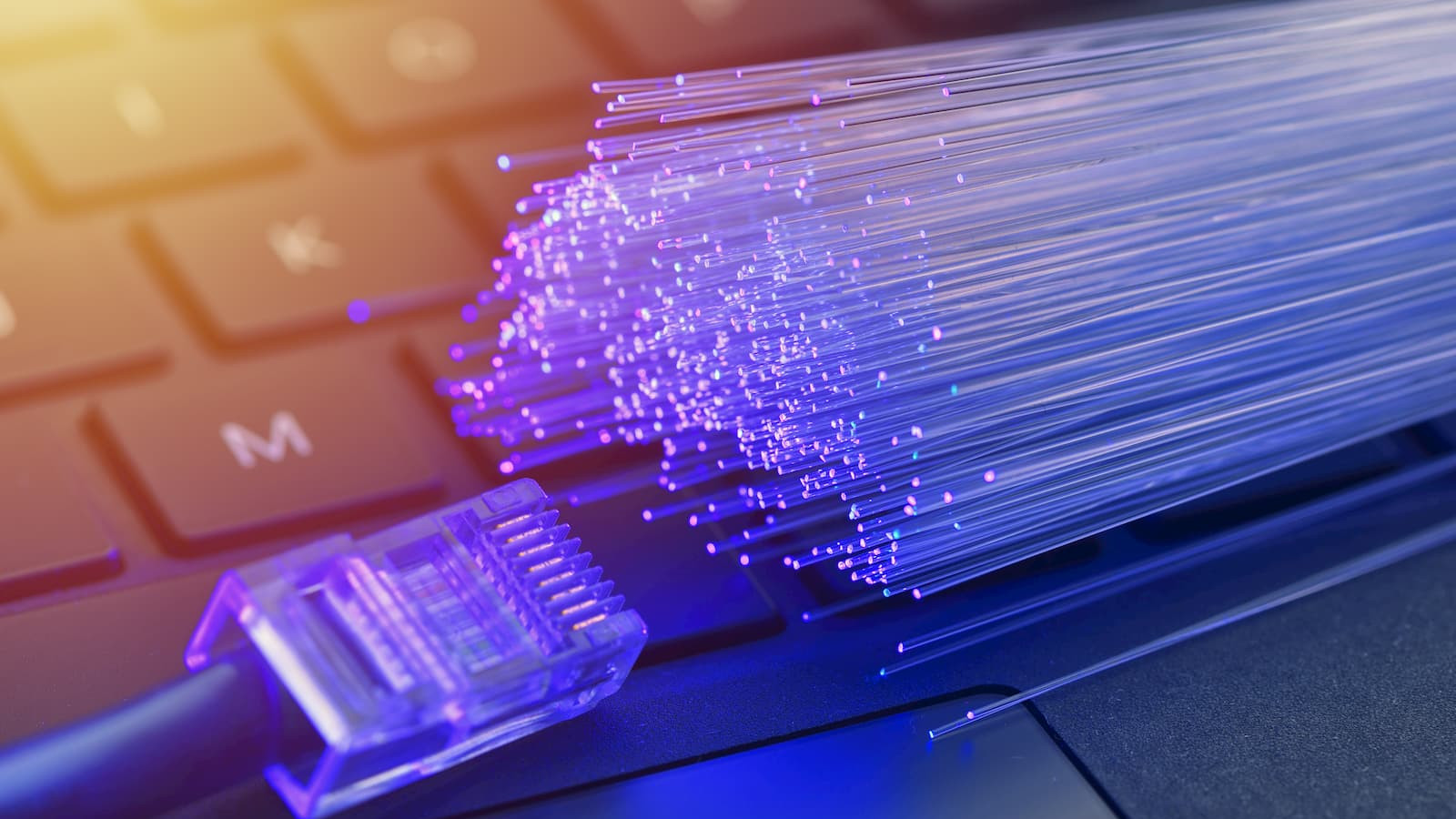
- Connecting the ONT to your router—most modern routers have a dedicated “Fiber” port for optimal performance.
The whole process usually takes 2‑3 hours, but be prepared for a brief outage while the technician swaps the old line for the new one.
Choosing the Right Speed Tier
Not everyone needs a full 1 Gbps pipe. Consider your household’s usage patterns:
- Light users (browsing, streaming Netflix at 1080p) can comfortably run on 250‑500 Mbps.
- Power users (4K streaming, large‑file uploads, multiple gamers) will feel the difference at 1 Gbps or higher.
- Work‑from‑home families might prioritize low latency over sheer speed, making a 500 Mbps plan with guaranteed latency under 20 ms a sweet spot.
Remember, the advertised “up to” speed is a ceiling, not a guarantee. If multiple devices are active, a higher tier provides a buffer against congestion.
Potential Drawbacks: What Could Trip You Up
Fiber isn’t a silver bullet. Some pitfalls to keep in mind include:
- Limited ISP competition. In many suburbs, only one provider offers fiber, which can limit bargaining power.
- Installation disruption. Digging for underground fiber can be noisy, and in older neighborhoods you might encounter unexpected obstacles.
- Equipment compatibility. Legacy Ethernet devices may not fully exploit gigabit speeds without a Cat‑6 or better cable.
Weighing these factors against the benefits helps you decide whether the switch is worth the hassle.
Future‑Proofing Your Home Network
Even if you start with a modest 500 Mbps plan, the fiber line itself can handle far more. Upgrading later usually involves just a plan change—no new cabling. To make the most of this scalability, consider:
- Investing in a Wi‑Fi 6 or Wi‑Fi 6E router that can deliver multi‑gigabit speeds wirelessly.
- Running Cat‑6a or Cat‑7 Ethernet to key rooms (home office, media center) for stable, wired performance.
- Setting up a mesh network if you have a sprawling floor plan, ensuring the fiber’s speed reaches every corner.
These steps keep your setup ready for the next wave of high‑resolution content and bandwidth‑hungry applications.
Bottom Line: Is Fiber Right for You?
If you value consistent, high‑speed internet and are willing to navigate a short installation process, fiber often outshines its copper counterparts in speed, latency, and reliability. The upfront costs can be offset by unlimited data, future‑proof infrastructure, and the peace of mind that comes with a network less prone to weather‑related outages.
Take a few minutes to map your address, compare tier pricing, and think about your household’s digital habits. When the numbers line up, you’ll likely find that the promise of “fast as light” is more than just clever marketing—it’s a tangible improvement to everyday life.