Free Streaming Software Showdown: The Best OBS Alternatives
Why Look Beyond OBS?
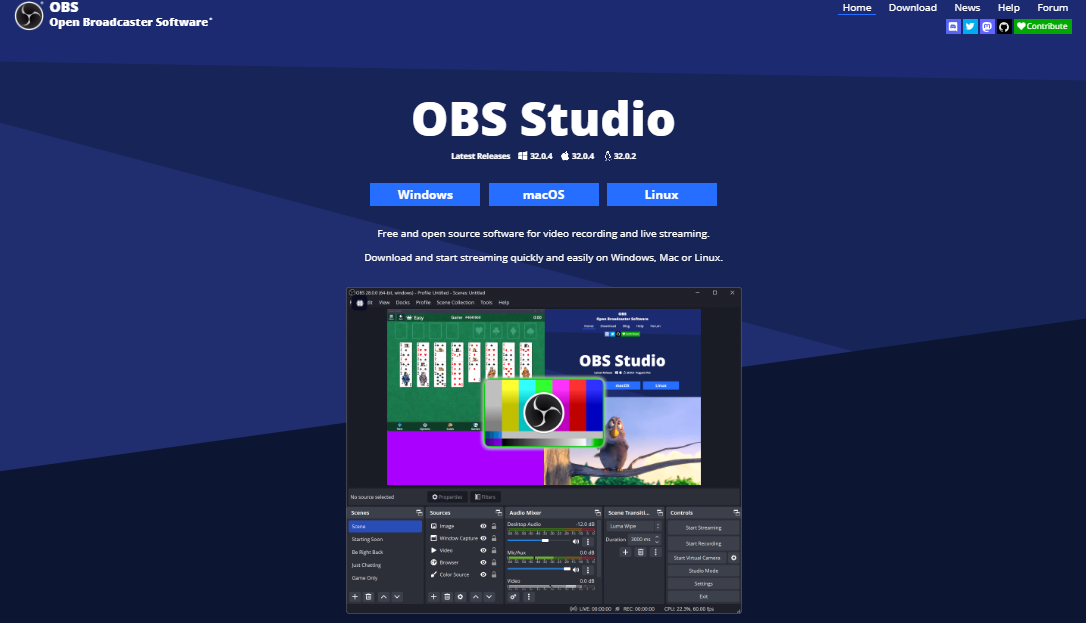
Open Broadcaster Software (OBS) has earned its reputation as a versatile, open‑source powerhouse, but its steep learning curve and occasional stability quirks can leave newcomers feeling overwhelmed. A clean interface, built‑in tutorials, or lightweight performance on older hardware often tip the scales toward a different solution. Whether you’re a hobbyist gamer, a teacher delivering live lessons, or a podcaster experimenting with video, a tool that matches your workflow without demanding a PhD in streaming can make a world of difference.
Key Criteria for a Good Free Alternative
Before diving into the list, it helps to know what matters most. First, ease of use—a clear layout and sensible default settings let you go live in minutes. Second, system performance; a lean encoder should keep frame drops at bay, especially on modest CPUs. Third, feature set; scene composition, chroma key, and audio mixing are non‑negotiables for most creators. Finally, community support; active forums or tutorial libraries reduce the frustration of hitting a snag.
Streamlabs Desktop (formerly Streamlabs OBS)
If you love OBS’s flexibility but crave a more polished UI, Streamlabs Desktop is the first stop. It wraps OBS’s engine in a sleek, drag‑and‑drop canvas, and it ships with a library of ready‑made themes, alerts, and donation widgets that integrate with popular platforms like Twitch and YouTube. The onboarding wizard walks you through setting up your microphone, webcam, and stream key, so you can hit “Go Live” almost instantly.
- Built‑in chat and activity feed overlays
- One‑click alerts for followers, subs, and donations
- Performance mode for low‑end PCs
Because it still relies on the same underlying encoder as OBS, you get comparable video quality while enjoying a friendlier experience.
XSplit Broadcaster (Free Tier)
XSplit has long been a favorite among professional streamers, and its free version offers enough to get serious content out there without reaching for a credit card. The interface resembles traditional video‑editing software, which can be comforting for users accustomed to Premiere or DaVinci Resolve. While the free tier caps output resolution at 720p and adds a subtle watermark, it still supports scene transitions, chroma key, and real‑time video effects.
- Simple scene switching via hotkeys
- Integrated video editor for post‑stream highlights
- Direct streaming to multiple platforms simultaneously (premium only)
For creators who plan to upgrade later, XSplit’s tiered pricing makes scaling a breeze.
Lightstream Studio
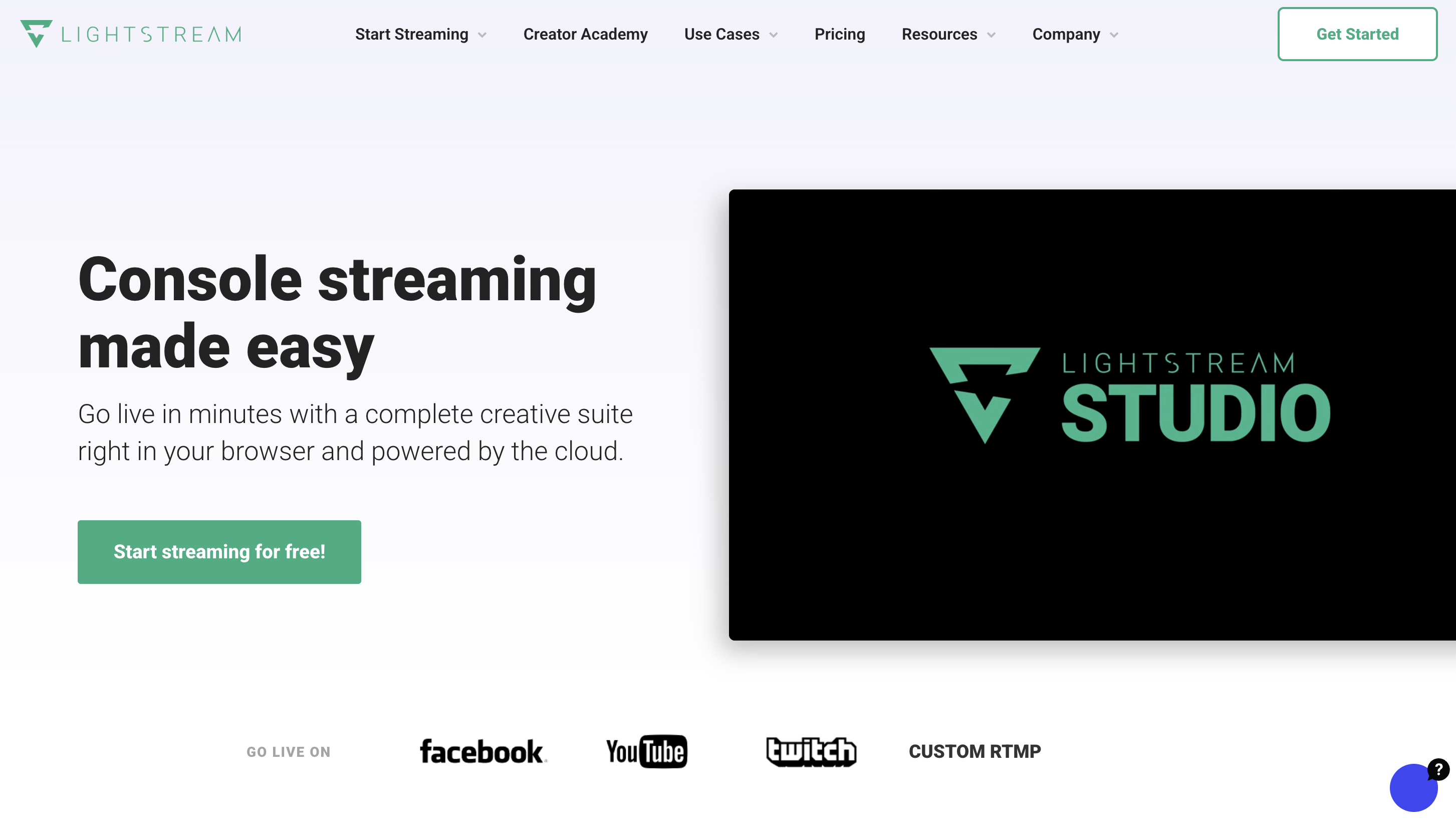
Unlike the desktop‑bound options above, Lightstream runs entirely in your web browser. That means you can set up a broadcast from a Chromebook, a locked‑down work laptop, or even a public computer without installing anything. The platform shines with its collaborative features—multiple users can edit a stream simultaneously, which is perfect for remote production teams or classroom projects.
- No software download; works on any modern browser
- Cloud‑based rendering reduces CPU load locally
- Live guest invitations via a shareable link
The trade‑off is a reliance on a stable internet connection and a 1080p limit for free accounts, but the convenience factor often outweighs those constraints.
StreamYard (Free Version)
StreamYard caters to interview‑heavy formats, making it a strong contender for podcasters and talk‑show hosts. Its interface is intentionally minimal: you add guests, choose a layout, and start broadcasting. Because everything is processed in the cloud, you can stream from a phone, tablet, or laptop without worrying about encoding settings. The free plan allows up to 20 hours of streaming per month and supports multi‑platform output.
- Brand‑able overlays and on‑screen comments
- Screen sharing and pre‑recorded video insertion
- Automatic recording of each broadcast
While advanced features like custom RTMP destinations require a paid tier, the free offering is generous enough for most casual creators.
OBS.Ninja (Now Video.Ninja)
For those who already have a primary streaming app but need a reliable way to bring in remote participants, Video.Ninja is a lightweight, browser‑based solution. It creates low‑latency video feeds that you can capture as a source in OBS, Streamlabs, or any other encoder. The service is completely free, open‑source, and doesn’t impose watermarks or usage caps.
- Peer‑to‑peer connections minimize server costs
- Supports up to 8 participants in a single room
- Works on any device with a webcam and browser
Think of it as a free add‑on rather than a full‑featured broadcaster, but its utility in collaborative streams is hard to ignore.
Honorable Mentions
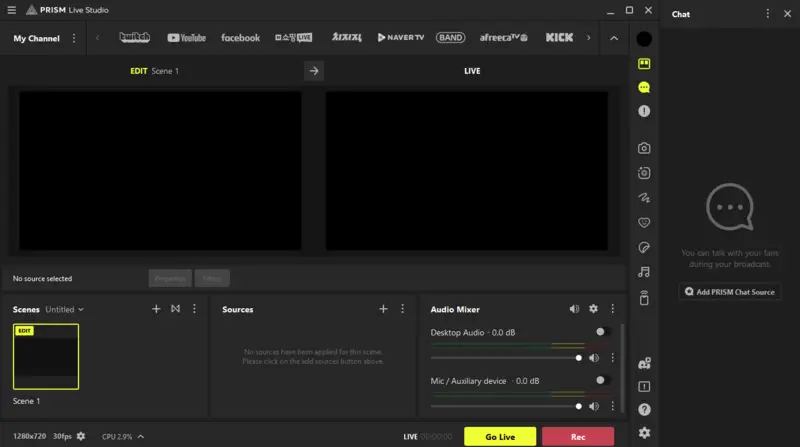
There are a few other tools that didn’t make the primary list but deserve a nod. Prism Live Studio offers mobile‑first streaming with built‑in filters and a simple layout editor, ideal for creators on the go. VDO.Ninja is essentially a stripped‑down version of Video.Ninja, perfect for single‑camera setups. Finally, OBS Studio’s own portable version can be run from a USB stick, sidestepping installation hassles on locked‑down machines.
Choosing the Right Fit for Your Workflow
When the dust settles, the best OBS alternative is the one that aligns with how you create. If you crave a familiar OBS backbone with a friendlier UI, Streamlabs Desktop is a natural upgrade. For teams that need remote collaboration without a hefty learning curve, Lightstream’s browser‑based studio wins points. XSplit offers a polished desktop experience for those willing to tolerate a watermark while they grow. And if your primary need is guest integration, Video.Ninja provides a no‑cost bridge that plays nicely with any encoder.
Ultimately, test a couple of options, see which interface feels intuitive, and check how each handles your hardware. The free tier landscape is generous enough that you can experiment without spending a dime—just remember to keep an eye on resolution limits and watermarks, as those are the usual trade‑offs. With the right tool in hand, your next livestream will feel less like a technical hurdle and more like an extension of your creative voice.