How Confluence Pricing Works: Choose the Right Plan for Your Team
When you first hear “Confluence,” the image that often comes to mind is a sleek, collaborative workspace that lets every teammate chime in without drowning in endless email threads. Yet before you roll out that digital whiteboard across your organization, you’ll need to make sense of the pricing tiers that Atlassian offers. The good news? The structure is straightforward enough to map onto most team sizes, but there are enough nuances—like user caps, add‑on functionality, and cloud versus server options—to merit a closer look.
Cloud vs. Self‑Managed: The First Decision Point
Atlassian splits its product line into two delivery models. The cloud version lives on Atlassian’s own servers, receives automatic updates, and includes built‑in security patches. The self‑managed (formerly “Server”) version lets you host Confluence on your own infrastructure, giving you tighter control over data residency and custom integrations.
Pricing for the two diverges dramatically:
- Confluence Cloud is billed per user, per month, with no upfront hardware costs.
- Confluence Data Center (the self‑managed enterprise option) is priced by tiered user buckets and requires an annual license plus support fees.
If your organization already maintains robust IT resources and needs on‑premises compliance, Data Center may make sense. Most small‑to‑mid‑size teams, however, gravitate toward the cloud for its simplicity and predictable cost curve.
Breaking Down the Cloud Plans
The cloud offering rolls out three primary plans—Free, Standard, and Premium. Each adds features that address a specific set of collaboration pain points.
Free: The Starter Sandbox
Up to 10 users can collaborate without paying a dime. You get basic page creation, inline comments, and the ability to embed images or videos. The major limitation? No admin console, no granular permissions, and a 2‑GB file storage ceiling. For a brand‑new startup testing the waters, it’s a decent trial run, but growth beyond a handful of contributors quickly outgrows the cap.
Standard: The Workhorse
Priced at $5 per user per month (billed annually), Standard lifts many of the Free plan’s restrictions. Storage jumps to 250 GB, and you gain access to the admin dashboard, permission schemes, and basic analytics. The plan also introduces Atlassian’s “Collaborative editing,” allowing multiple editors to type on the same page in real time—a feature that can shave minutes off meeting cycles.
Most teams of 20–100 people find Standard sufficient because it balances cost with essential governance tools.
Premium: The Enterprise‑Ready Tier
At $10 per user per month, Premium targets organizations that can’t afford downtime or data loss. Key upgrades include:
- Unlimited storage (subject to fair use).
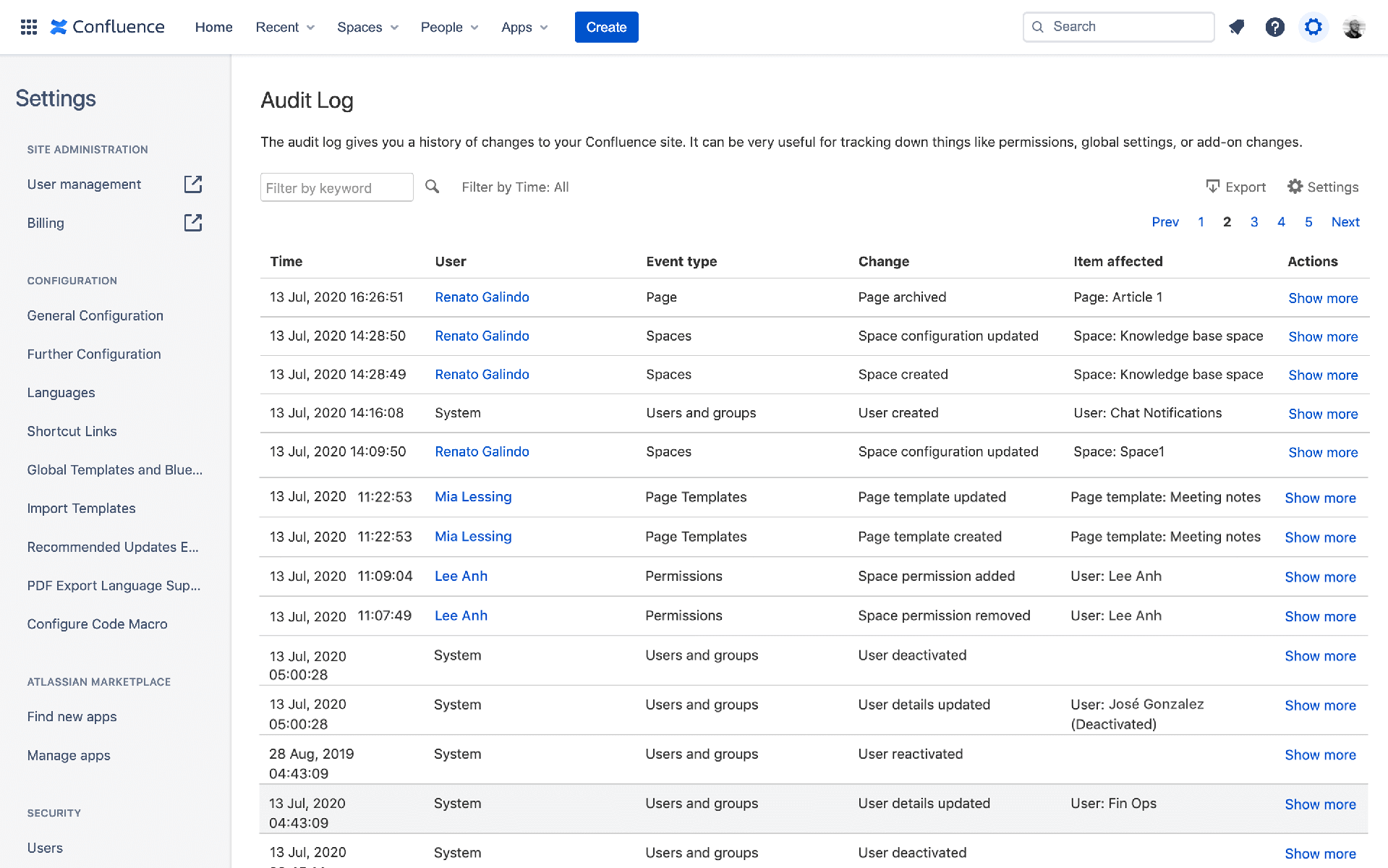
- Advanced admin controls like IP allow‑listing and audit logs.
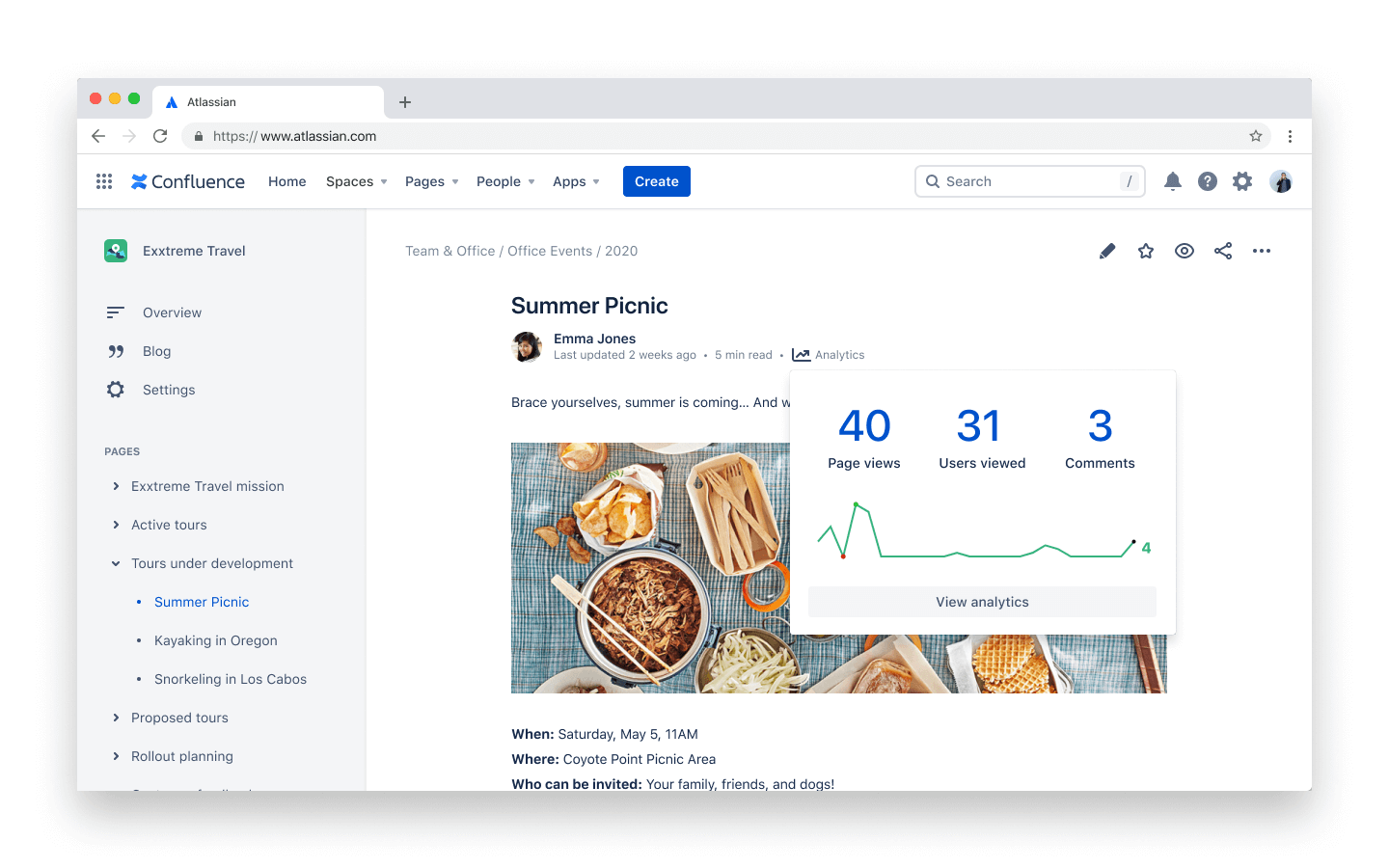
- Analytics dashboards that surface page‑view trends and user adoption metrics.
- 24/7 support with a 1‑hour response SLA for critical incidents.
Businesses with distributed teams, strict compliance mandates, or heavy documentation needs usually opt for Premium.
Data Center Pricing: Tiered by User Count
Unlike the per‑user cloud model, Data Center uses tiered pricing brackets. For example, a 500‑user license might cost roughly $20,000 per year, while a 1,000‑user tier sits near $35,000. The exact numbers fluctuate based on regional pricing and any negotiated enterprise agreements.
Why would a company pay that much? The answer lies in the “always‑on” guarantee. Data Center promises 99.9% uptime, built‑in clustering for load balancing, and the freedom to customize the underlying database. If your organization runs mission‑critical processes—say, regulated product documentation or engineering schematics—those guarantees can offset the higher price tag.
Add‑Ons and Marketplace Extensions
Both cloud and Data Center versions support a thriving marketplace of third‑party add‑ons. Typical categories include:
- Diagramming tools (e.g., Gliffy, draw.io) that let you embed flowcharts directly on pages.
- Automation bots that trigger notifications when a page is updated.
- Compliance suites that enforce GDPR or HIPAA rules.
Marketplace pricing varies widely—some extensions are free, others charge a per‑user fee that stacks on top of your base Confluence cost. When budgeting, factor in at least a 10–15% cushion for likely add‑ons, especially if you plan to scale beyond basic documentation.
Hidden Costs to Watch Out For
It’s easy to focus on the headline per‑user price, but a few less obvious expenses can creep in:
- Migration fees. Moving from an on‑premise Confluence instance to the cloud often requires a paid migration service, especially if you have custom macros.
- Training and change management. Teams unfamiliar with a wiki‑style workflow may need onboarding sessions, which can add consulting costs.
- External integrations. Connecting Confluence to Jira, Slack, or Microsoft Teams may involve additional licensing for those platforms.
Planning for these line items upfront helps prevent budget surprises six months down the line.
Choosing the Right Plan for Your Team
Start by mapping three core questions:
- How many active contributors will regularly edit pages?
- Do you need enterprise‑grade security and uptime guarantees?
- Which integrations are mission‑critical for your workflow?
If you answer “under 10 users” and “basic collaboration,” the Free plan is a low‑risk trial. Hit 15 users or need tighter permissions? Upgrade to Standard. Once you find yourself demanding analytics, 24/7 support, or unlimited storage, the Premium tier becomes a logical next step.
For organizations that already run their own servers, compare the annual Data Center cost against the cumulative cloud spend over a three‑year horizon. Factor in hardware depreciation, admin overhead, and the value of rapid feature releases that cloud users receive automatically.
Real‑World Example: A Growing Tech Startup
Imagine a startup with 30 engineers, a product designer, and a handful of marketers. They begin on the Free plan, quickly hitting the 10‑user ceiling. Moving to Standard unlocks the admin console, letting the CTO set read‑only permissions for legal docs. Six months later, the team adopts a CI/CD pipeline that automatically pushes design specs into Confluence. The surge in stored assets pushes them toward Premium, where unlimited storage and audit logs become essential for a forthcoming ISO certification.
This progression showcases how pricing tiers align with evolving needs rather than static user counts.
Tips for Getting the Best Value
- Annual billing beats monthly. Atlassian typically offers a 10% discount when you commit to a year.
- Leverage the free trial. All cloud plans include a 30‑day trial, allowing you to test premium features without a credit card.
- Consolidate add‑ons. Some marketplace vendors bundle several functionalities together at a reduced rate.
- Negotiate for large teams. If you’re eyeing 500+ seats, reach out to Atlassian sales—volume discounts are often on the table.
Bottom Line
Confluence pricing isn’t a one‑size‑fits‑all model; it’s a ladder that scales with your collaborative ambition. By understanding the distinction between cloud and Data Center, recognizing what each tier actually delivers, and budgeting for inevitable add‑ons, you can pick a plan that feels both affordable today and sustainable as your organization expands. The next time you hear “Let’s move our knowledge base to Confluence,” you’ll be ready to answer the financial follow‑up with confidence.