How HDMI 2.1 Unlocks the Full Potential of 1440p Monitors
Why 1440p Still Matters in 2026
When 4K became the buzzword, many assumed 1440p (also called QHD) would fade into the background. In reality, it’s thriving—especially for gamers, creators, and office workers who crave crisp detail without the GPU strain that 4K demands. A 27‑inch panel at 2560 × 1440 delivers a pixel density that feels sharp at typical desk distances, yet it stays comfortably within the sweet spot of most modern graphics cards.
But resolution alone isn’t the whole story. Refresh rate, color depth, and the bandwidth of your video link all dictate whether you’ll truly experience “smooth” and “vivid.” That’s where HDMI 2.1 enters the conversation.
What HDMI 2.1 Brings to the Table
HDMI 2.1 isn’t just a bump in the version number; it’s a leap in capability. The new standard raises the maximum bandwidth from 18 Gbps (HDMI 2.0) to 48 Gbps, opening doors for higher frame rates, deeper color, and advanced features like Variable Refresh Rate (VRR) and Auto Low‑Latency Mode (ALLM). For a 1440p display, the practical benefits include:
- 120 Hz or higher refresh rates without compression artifacts.
- 10‑bit or 12‑bit color for smoother gradients, which matters for photo editing and HDR content.
- Dynamic HDR support that adapts tone‑mapping scene by scene.
- Reduced input lag thanks to ALLM, which tells the monitor to switch to a low‑latency mode automatically.
Choosing the Right Cable and Port
Not every “HDMI cable” is created equal. To reap the benefits of HDMI 2.1, you’ll need a certified Ultra‑High‑Speed cable. Look for markings that say “48 Gbps” or “Ultra High‑Speed HDMI.” A cheap 2‑meter cable can still deliver the full bandwidth, but a longer run (over 5 meters) may need active amplification.
On the monitor side, ensure the HDMI port is labeled “HDMI 2.1” or “HDMI 2.1 (120 Hz).” Some manufacturers include both HDMI 2.0 and HDMI 2.1 ports; plugging into the older port will cap you at 60 Hz even if the cable is top‑tier.
Real‑World Performance: Gaming and Beyond
Gaming at 1440p with 120 Hz has become the new baseline for many titles. With HDMI 2.1, the signal stays uncompressed, meaning you won’t see the subtle tearing or stutter that can appear when a monitor falls back to DSC (Display Stream Compression). For fast‑paced shooters, the difference between 60 Hz and 120 Hz is noticeable—targets feel more responsive, and motion blur is reduced.
Outside the cockpit, video editors appreciate the higher color depth. When you’re grading 10‑bit footage, a 1440p monitor that supports HDMI 2.1 can display the full range without down‑sampling, making timelines look more accurate.
Compatibility Checklist
Before you celebrate, run a quick audit:
- Graphics card – Must support HDMI 2.1 output. The RTX 40‑series, AMD Radeon 7000 series, and newer integrated GPUs do.
- Operating system – Windows 11 and most recent Linux kernels handle VRR over HDMI 2.1 natively.
- Monitor firmware – Some early 1440p models required a firmware update to unlock 120 Hz over HDMI.
- Game or app settings – Enable “Performance Mode” or “120 Hz” in the display options; otherwise you’ll be stuck at 60 Hz.
Potential Pitfalls and How to Avoid Them
Even with the right gear, a few hiccups can sneak in:
Bandwidth Limits
If you push 1440p @ 144 Hz with 10‑bit color, you’re flirting with the upper edge of HDMI 2.1’s 48 Gbps limit. Some monitors will automatically downgrade to 8‑bit or drop to 120 Hz to stay within spec. Check the spec sheet; many manufacturers list the exact combinations they support.
Cable Quality
Cheap “high‑speed” cables might claim HDMI 2.1 compatibility but only deliver 18 Gbps. The result? flickering or a fallback to 60 Hz. Investing in a reputable brand (Monoprice, Belkin, or Cable Matters) saves frustration.
Mixed Signal Chains
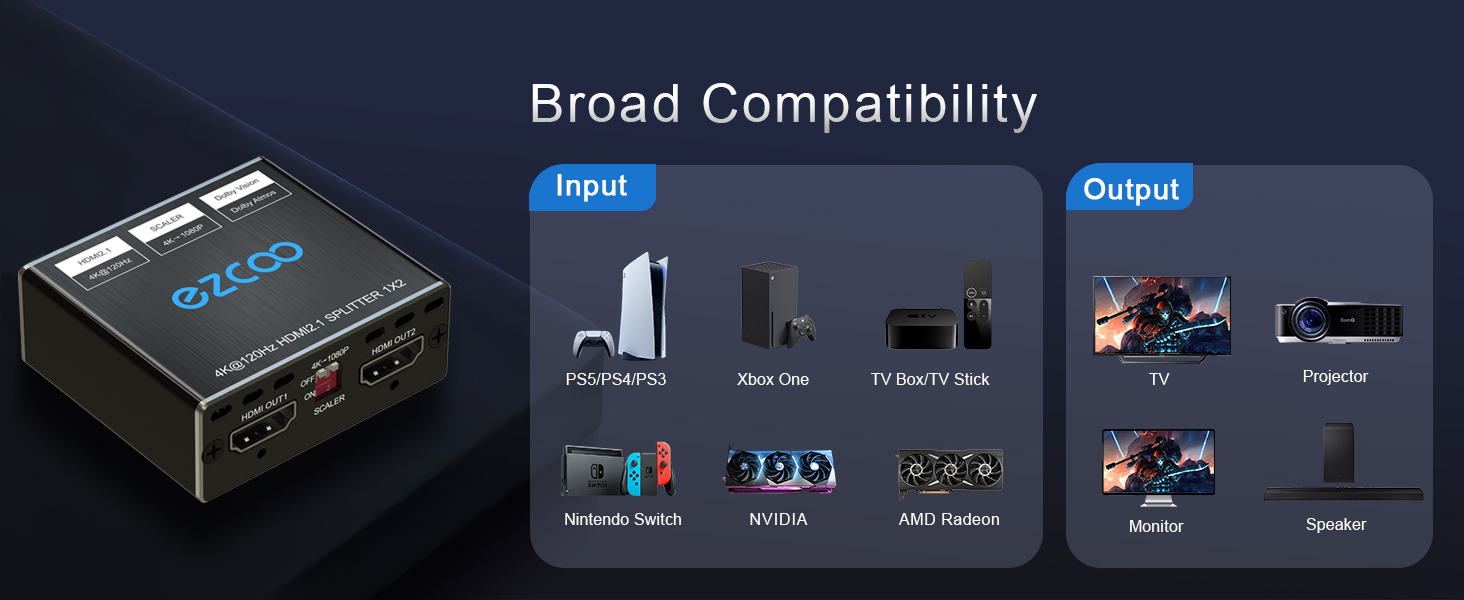
Using an HDMI switch or splitter that isn’t HDMI 2.1‑certified will bottleneck the signal. If you need a splitter, buy one rated for 48 Gbps.
Future‑Proofing Your Setup
Looking ahead, HDMI 2.1’s 48 Gbps ceiling will comfortably handle 4K at 120 Hz or even 8K at 60 Hz. By choosing a 1440p monitor that already supports the full spec, you’re essentially buying a bridge to those higher resolutions without a full upgrade. When you eventually decide to go bigger, the same cable and GPU will likely still be up to the task.
Moreover, the inclusion of eARC (enhanced Audio Return Channel) in HDMI 2.1 means you can route high‑resolution audio to a soundbar or AV receiver without an extra optical cable—a modest convenience that adds to the overall tidy‑ness of a modern desktop or home‑theater rig.
Bottom Line: Is HDMI 2.1 Worth the Upgrade for 1440p?
If you’re already enjoying 1440p at 60 Hz, the jump to HDMI 2.1 may feel like a luxury. Yet for anyone who values higher frame rates, richer color, or simply wants a setup that won’t feel dated in the next couple of years, the answer is a resounding yes. The technology is mature, cables are affordable, and the performance lift is tangible—especially in competitive gaming and color‑critical work.