How Live Star Wallpapers Turn Your Screen Into a Cosmic Journey
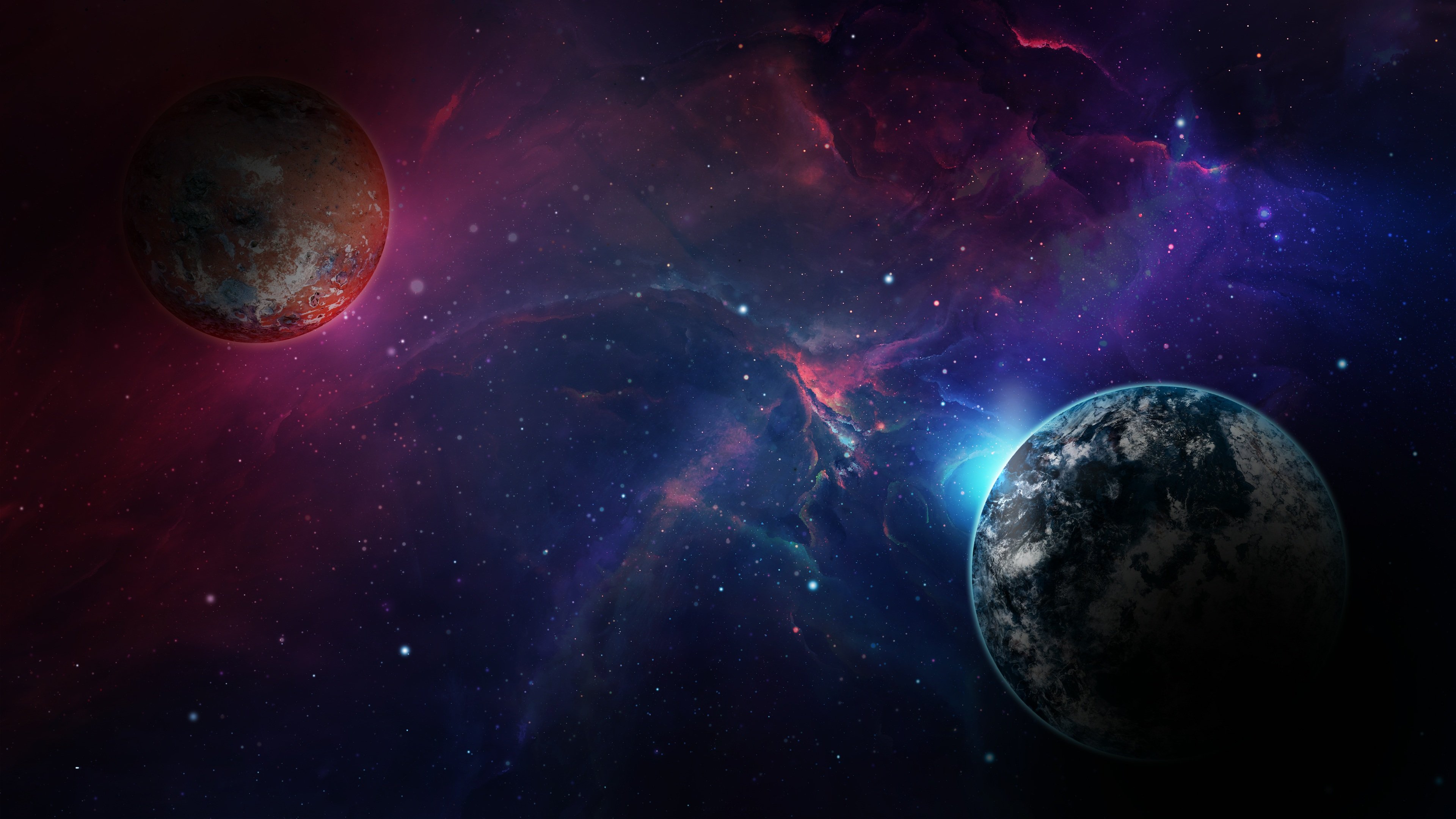
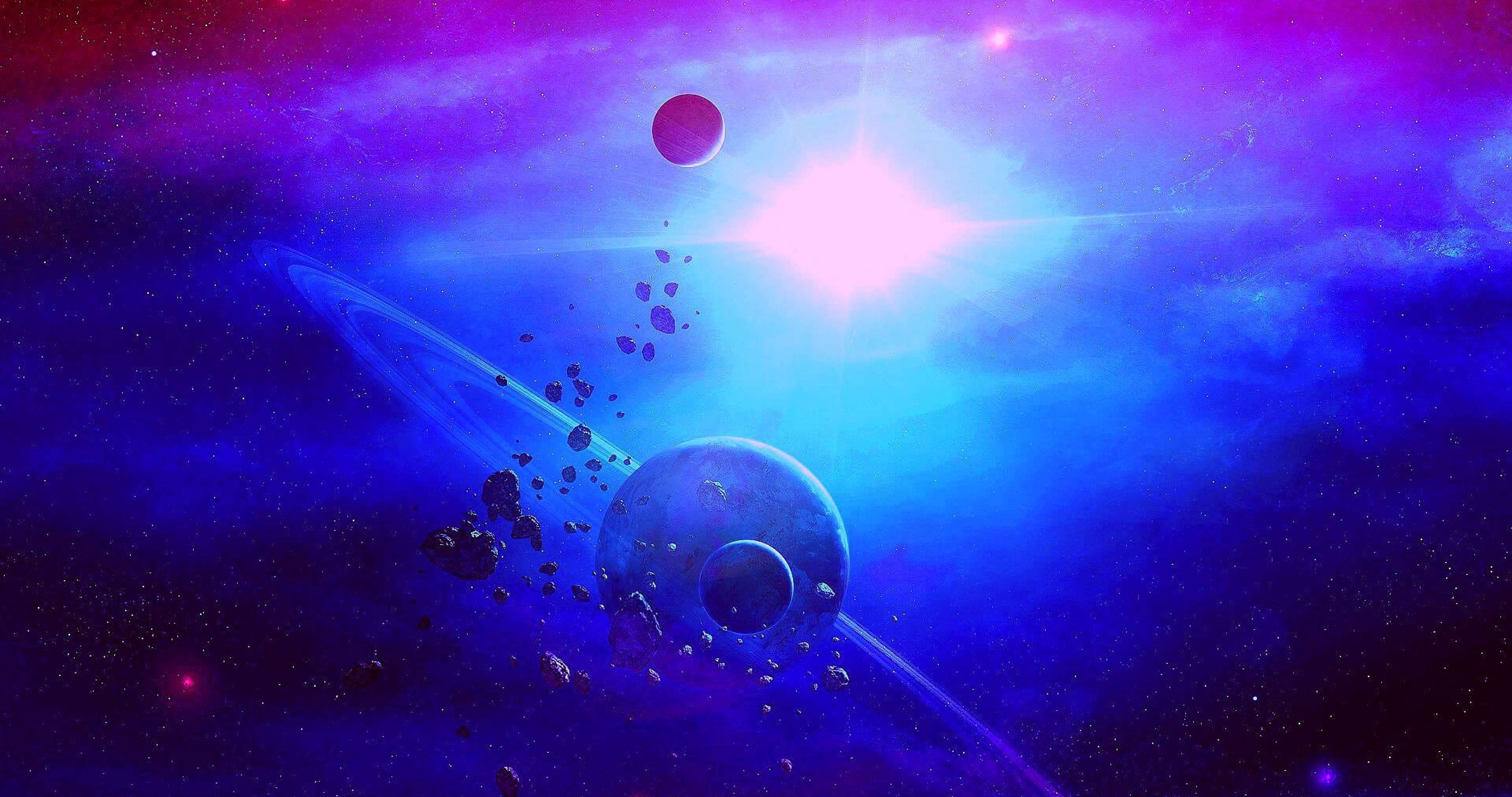
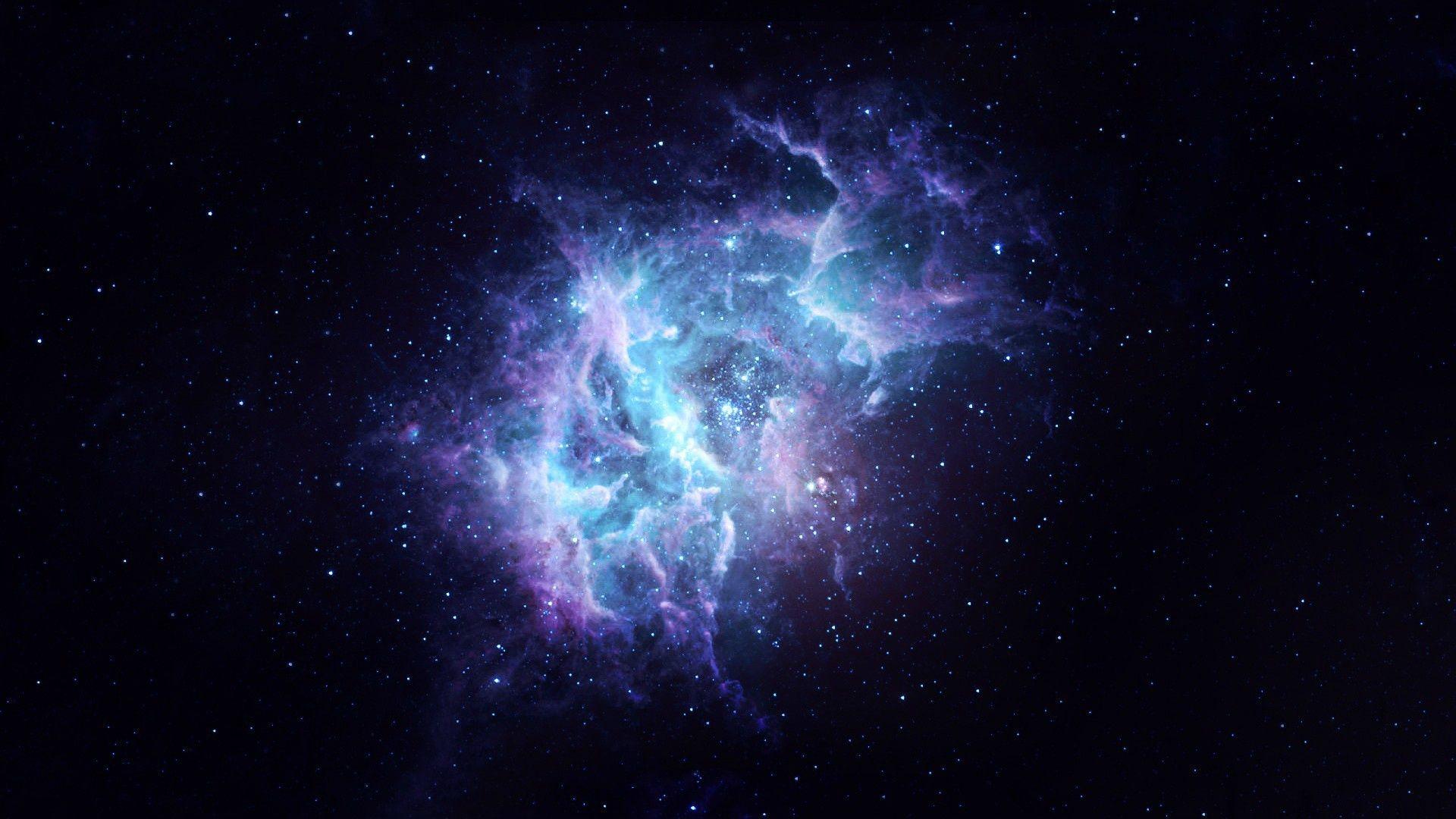
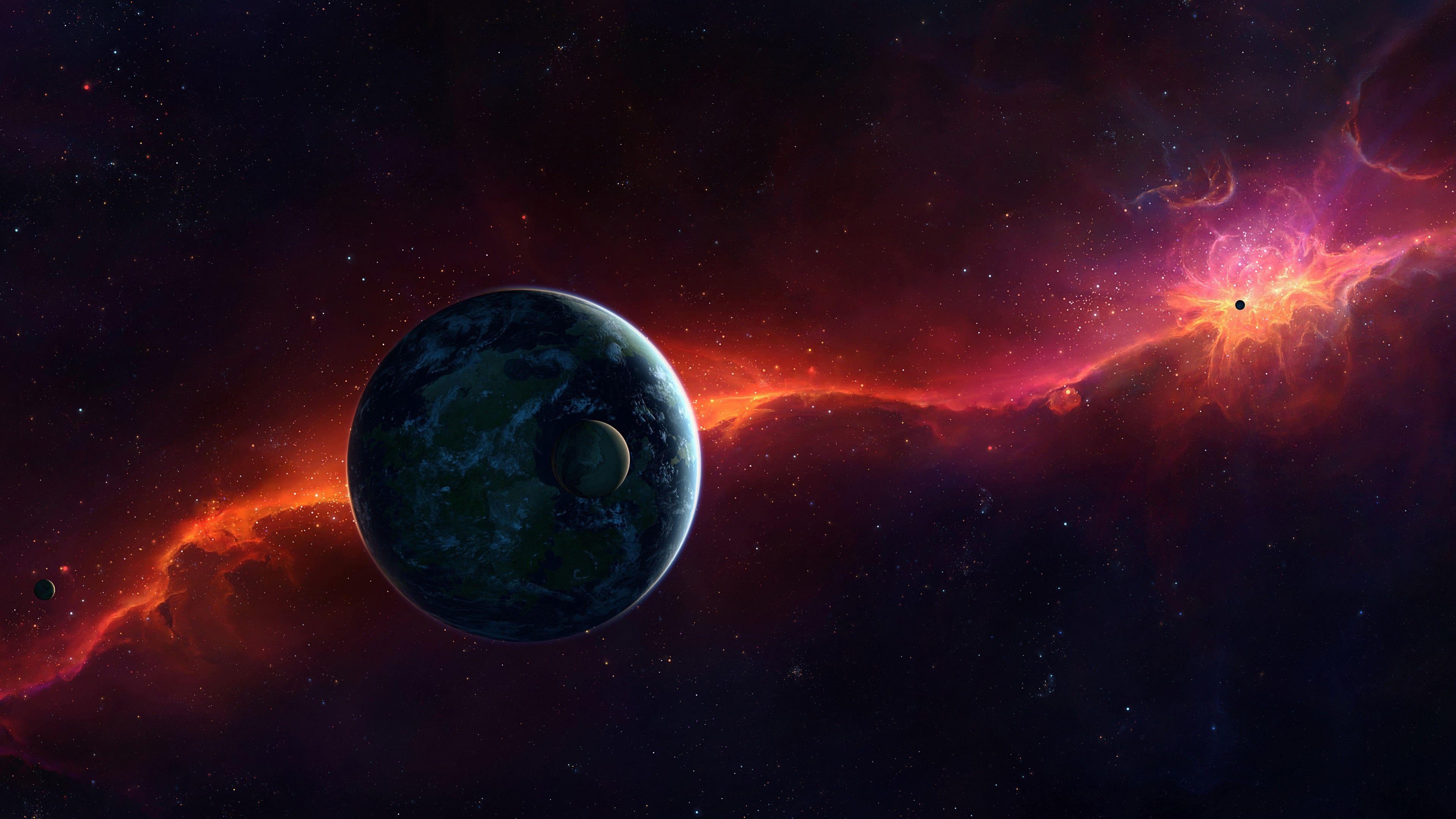
Imagine glancing at your phone or computer and instantly feeling the awe of a night sky far beyond Earth’s atmosphere. That’s the promise of live star wallpapers — animated backgrounds that mimic twinkling constellations, drifting nebulae, and even the slow rotation of distant galaxies. They’re more than a decorative tweak; they can subtly shift mood, reduce eye strain, and remind us that we’re part of something larger.
Why Choose a Live Star Wallpaper?
Static images freeze a moment in time, but the universe never stops moving. Live star wallpapers capture that dynamism, offering several practical and psychological perks:
- Gentle motion that can act as a low‑key visual anchor, especially during long work sessions.
- Dynamic lighting that adapts to the time of day, easing the transition from bright daylight to evening darkness.
- Customizable layers – you can spotlight a favorite nebula, highlight a specific constellation, or overlay subtle astrological symbols.
And, let’s be honest, there’s a certain brag‑factor to having a galaxy swirling behind your icons.
Finding the Right App or Software
There’s a smorgasbord of options across platforms. Here are a few that consistently get good reviews:
- Stellify Live (Android) – offers a library of high‑resolution nebulae and a “shooting star” mode that triggers random meteors.
- CosmoCanvas (iOS) – integrates with Apple’s Live Photos so you can capture a brief starburst when you lock your screen.
- Galaxy Wallpaper Engine (Windows) – a desktop‑focused tool that lets you import custom 3D star fields and even sync them with music beats.
Most of these apps are free to try, with premium packs for those who want ultra‑HD textures or exclusive celestial events like the Perseids.
Setting It Up Without a Hitch
Installation is usually a matter of a few taps, but a smooth experience often hinges on a couple of hidden steps:
1. Check Your Device’s Refresh Rate
Live wallpapers consume more GPU cycles than static ones. If your phone supports 90 Hz or higher, you’ll notice buttery‑smooth star movement. On a 60 Hz screen, the animation may feel slightly choppy, which some users find distracting.
2. Battery Management
Enable a “low‑power” mode within the app. It typically reduces the frame rate after a period of inactivity, preserving battery while still keeping the cosmos alive on your lock screen.
3. Adjust Brightness and Contrast
Most apps let you fine‑tune the luminance of the stars versus the background nebula. Dim the background a touch if you work in a dark room; crank up the contrast when you need a bold visual cue.
Personalizing the Cosmic Canvas
Beyond the default presets, many apps let you craft a truly bespoke night sky:
- Choose a constellation – highlight Orion, the Big Dipper, or any pattern you love. Some platforms even label the stars with subtle glows.
- Layer multiple phenomena – combine a slow‑rotating galaxy with occasional comet trails for a richer tableau.
- Sync with real‑time data – a handful of services pull live astronomical data, showing the current position of the Moon or upcoming meteor showers.
These tweaks transform a simple background into an interactive learning tool, especially for kids who are curious about the heavens.
Potential Drawbacks and How to Mitigate Them
Live wallpapers aren’t a silver bullet. Here are a few common hiccups and quick fixes:
- Performance lag – if you notice your device stuttering, try lowering the animation resolution or disabling the wallpaper while gaming.
- Increased data usage – some apps download new textures when a celestial event occurs. Switch to Wi‑Fi‑only updates in the settings.
- Eye fatigue – for those sensitive to motion, select a “still” mode that only changes the wallpaper at set intervals rather than continuously.
Most issues can be resolved without sacrificing the overall experience.
Beyond Screens: Extending the Cosmic Vibe
If the stars have earned a permanent spot on your phone, why not let them spill over to other devices?
- Smart TVs – many streaming boxes support live wallpapers via HDMI‑CEC; set your living‑room display to a rotating galaxy while you binge‑watch.
- Wearables – some smartwatches let you upload tiny animated star loops, giving a subtle twinkle at a glance.
- Ambient lighting – Philips Hue or LIFX strips can be programmed to shift colors in sync with your wallpaper, turning an entire room into a quiet observatory.
The result? A cohesive, immersive environment that blurs the line between digital and celestial.
Final Thoughts: Is It Worth the Switch?
Live star wallpapers strike a balance between aesthetic flair and functional calm. They’re not a cure‑all for distractions, but they do add a layer of visual serenity that many users find surprisingly grounding. If you enjoy a touch of the universe in your daily routine, give one a try. The cosmos is only a tap away.