How Minecraft Education Edition Mods Unleash Learning
Ever walked into a classroom and felt the buzz of curiosity, only to watch it fizzle because the tools felt stale? Now imagine swapping that static board for a blocky universe where chemistry, history, and geometry literally pop up around you. That’s the promise of Minecraft Education Edition mods – a subtle, yet powerful, way to transform passive lessons into interactive adventures.
Why Mods Matter in the Classroom
Mods, short for modifications, are community‑crafted add‑ons that extend Minecraft’s native features. In the education edition, they’re not just for fun; they’re carefully designed to align with curricula. Think of them as plug‑ins for learning, letting teachers tailor the environment without rewriting code from scratch.
When students manipulate a redstone circuit to power a virtual water pump, they’re grappling with real‑world physics. When a history mod reconstructs ancient Rome, they’re walking through streets they’d only read about. The learning‑by‑doing principle becomes literal, and retention spikes.
Top Mods for Classroom Power
Below are a handful of mods that have earned a reputation for boosting engagement. Each one can be imported directly into the Education Edition via the built‑in Code Connection or the Education Edition Marketplace.
- Chemistry Lab – Enables students to combine elements, create compounds, and visualize molecular structures. Perfect for middle‑school science.
- Historical World Builder – Offers pre‑made landscapes from ancient civilizations, complete with landmarks and quests tied to textbooks.
- Math Puzzle Pack – Generates dynamic geometry challenges; students must build shapes that satisfy given area or volume constraints.
- Code Builder – Integrates block‑based coding (MakeCode) with in‑game structures; ideal for introducing programming concepts.
- Ecology Explorer – Simulates ecosystems, allowing learners to experiment with food chains, climate change, and biodiversity.
These mods aren’t one‑size‑fits‑all; pick the ones that echo your lesson goals, and you’ll notice a shift from passive listening to active problem‑solving.
How a Mod Changes the Learning Flow
Take the Chemistry Lab as a case study. Instead of a textbook diagram, students gather raw elements in a virtual inventory, combine them with a simple click, and watch a glowing compound appear. The moment of discovery is immediate, and the teacher can pivot to a discussion about real‑world applications – from medicine to materials engineering. The feedback loop is tighter than any lab report could achieve.
Getting Started with Minecraft Education Edition
First steps are surprisingly straightforward. If you already have a school account, log in, navigate to Settings → Mods & Marketplace, and browse the categories. Download the mod you need, then hit Activate. The world reloads, and the new features appear on the left‑hand toolbar.
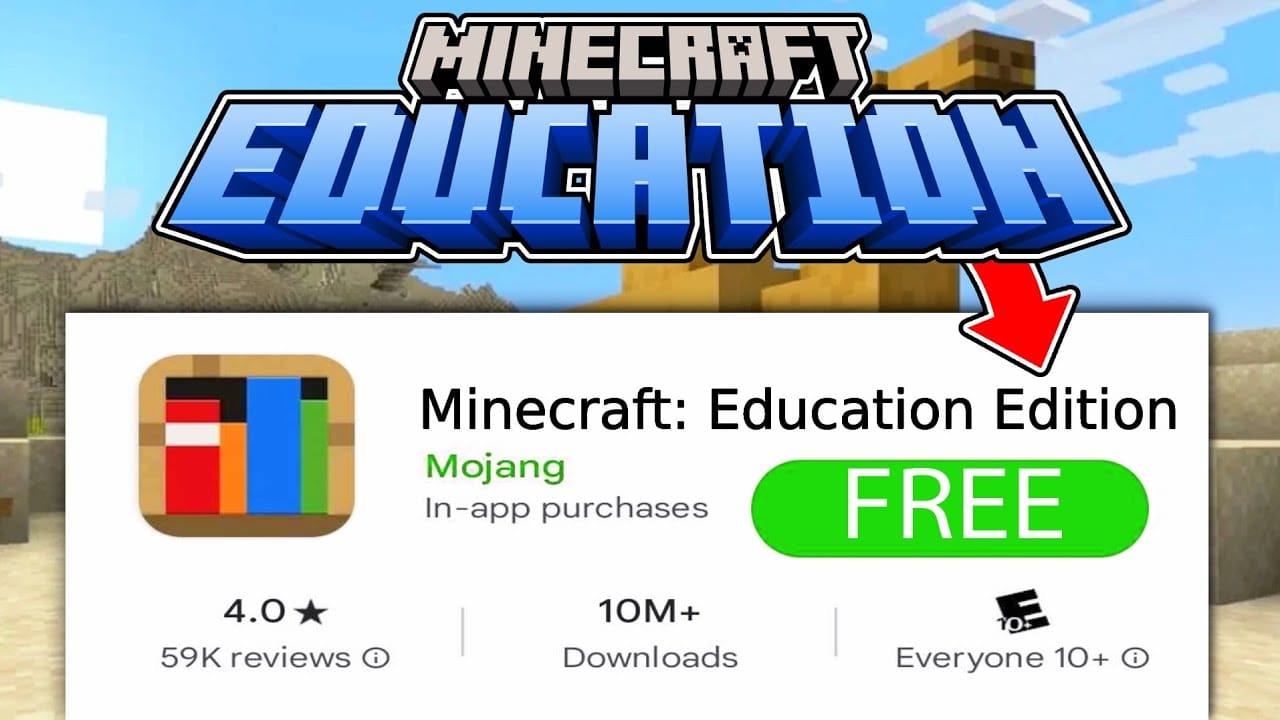
Don’t have an account yet? Most districts can request a free trial – it’s a quick form, and the activation email arrives within minutes. Once you’re in, explore the Sample Worlds section; they showcase how each mod might look in practice.
Quick Checklist Before You Dive In
- Verify that the mod’s version matches your Education Edition build.
- Read the brief “Teacher Guide” attached to each mod – it outlines lesson ideas and assessment tips.
- Test the mod in a sandbox world before exposing students to it.
- Ensure your classroom’s hardware meets the minimum specs (GPU, RAM).
Tips for Integrating Mods Smoothly
Even the best mod can stumble if the rollout feels forced. Here are a few practical pointers to keep the experience fluid.
- Start Small. Introduce one mod per unit. Overloading students with too many new mechanics can dilute the learning impact.
- Blend with Existing Curriculum. Align mod activities with standards you already cover; this avoids the “extra‑credit” perception.
- Encourage Collaboration. Set up teams of two or three, each responsible for a different aspect of the challenge – design, data collection, presentation.
- Use Real‑Time Feedback. Leverage the in‑game chat or a shared Google Doc to capture observations as they happen.
- Reflect Post‑Play. A brief debrief session where students articulate what they built, why it mattered, and how it connects to the textbook solidifies understanding.
One teacher I spoke with described the moment a class used the Ecology Explorer to simulate a coral bleaching event. The room fell silent as virtual reefs faded, then erupted into discussion about ocean temperature rise. That pause – the “wow” – is what turns a game into a learning catalyst.
Beyond the Classroom: Community and Continued Growth
Mods thrive on community contributions. Sites like CurseForge and the official Minecraft Education forums host countless user‑created additions. By encouraging students to design their own mini‑mods, you nurture creativity and technical fluency simultaneously.
Moreover, many mods receive updates that reflect the latest scientific findings or educational standards. Keeping an eye on version notes ensures your lessons stay current without extra effort.
Final Thought (Without Being a Summary)
If you’re still skeptical about inserting a blocky sandbox into a rigorous syllabus, consider the simple equation: Engagement + Interactivity = Deeper Learning. Minecraft Education Edition mods embody that equation, offering a flexible, low‑cost bridge between curiosity and curriculum.