How to Ace Your Zoom Interview Prep Like a Pro
Virtual interviews have become the norm, and mastering Zoom isn’t just about pressing “join.” It’s about presenting yourself confidently, handling tech hiccups gracefully, and making a memorable impression—all from the comfort of your own space. Below is a practical roadmap that walks you through every stage, from the moments before you click “connect” to the subtle cues that keep the conversation flowing.
Set the Stage: Your Environment Matters
First impressions start with what the camera sees. A tidy, well‑lit backdrop signals professionalism and helps the interviewer focus on you, not on a chaotic room.
- Lighting: Position a lamp or natural light source in front of you, not behind. Soft, even lighting reduces shadows.
- Background: Choose a neutral wall or a simple bookshelf. If you can’t control the setting, use Zoom’s virtual background feature sparingly.
- Noise control: Close windows, silence notifications, and let housemates know you’re in “meeting mode.” A pair of cheap foam plugs can make a world of difference.
Technical Run‑Through: Treat It Like a Rehearsal
Nothing derails confidence faster than a frozen screen or broken audio. Allocate at least 30 minutes the day before to test everything.
Key checkpoints
- Internet stability: A wired Ethernet connection is ideal; otherwise, sit close to the router.
- Camera angle: Eye level is flattering and mimics natural eye contact.
- Audio quality: Use headphones with a built‑in microphone, or invest in a budget lapel mic.
- Zoom settings: Enable “Touch up my appearance” only if you’re comfortable; otherwise, keep it off for authenticity.
Run a quick test call with a friend. Ask them to confirm that you’re clearly visible, audible, and that there’s no echo.
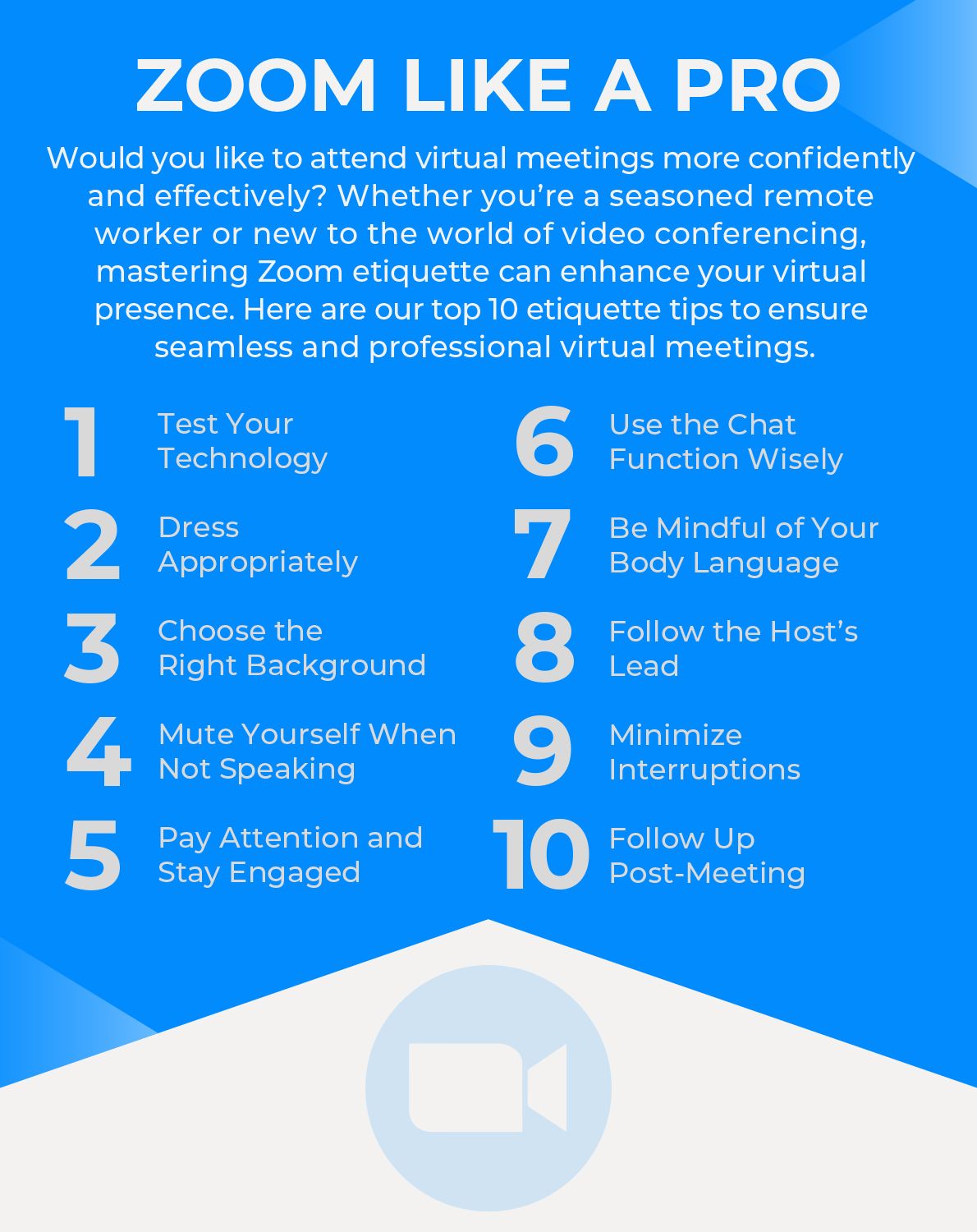
Master the Basics: The “Zoom Etiquette” Checklist
Even if you’re technically flawless, small lapses in virtual etiquette can be distracting.
- Join the meeting 2–3 minutes early. It shows punctuality and gives you a buffer for last‑minute glitches.
- Mute yourself when you’re not speaking. Background chatter disappears, and the interviewer can focus.
- Use the “Raise Hand” feature sparingly—most one‑on‑one interviews don’t need it, but it can be handy in group panels.
- Keep your video on unless instructed otherwise; it conveys engagement.
Crafting Your Narrative: Answering Questions on Camera
When the interview starts, you’ll likely face the classic “Tell me about yourself.” The difference now is the visual element—your gestures, facial expressions, and posture all add layers to your answer.
Try the “STAR” framework (Situation, Task, Action, Result) but keep each component concise—one sentence each works well on Zoom. Between points, pause briefly; it gives the interviewer time to absorb your story and reduces the urge to fill silence with filler words.
Non‑Verbal Cues: The Subtle Art of Virtual Presence
In a physical interview, a firm handshake and a nod go hand‑in‑hand. On-screen, you replace them with a few digital equivalents.
- Eye contact: Look at the camera, not the screen, when you’re speaking. It feels strange at first, but it mimics direct eye contact.
- Smile naturally: A genuine smile brightens your face and projects confidence.
- Posture: Sit upright, shoulders relaxed. Slouching can make you appear disengaged, even if you’re mentally sharp.
- Hand gestures: Small, purposeful gestures reinforce points without becoming a circus act.
Handling Unexpected Glitches Gracefully
Even the best‑prepared candidates encounter a brief freeze or a stray pet. The key is not the glitch itself, but how you respond.
Apologize briefly, unmute, and continue. If the issue persists, politely suggest moving to a phone call. Most interviewers appreciate honesty and adaptability more than a flawless performance.
Questions to Ask: Turning the Tables
When the interviewer asks, “Do you have any questions for us?” you have a golden opportunity to demonstrate curiosity and cultural fit.
Consider queries like:
- “How does the team collaborate across different time zones?”
- “What tools does the company rely on for remote communication?”
- “Can you share an example of a recent project that excited the team?”
These show you’re already envisioning yourself in the role, and they give you insight into the company’s virtual work environment.
Post‑Interview Follow‑Up: The Quiet Finish
A well‑timed thank‑you email can reinforce a positive impression. Reference a specific moment from the interview—perhaps a challenge the team is tackling—to personalize your note.
Send it within 24 hours, keep it concise (no more than three short paragraphs), and attach a PDF of your portfolio if relevant.
Quick Recap Checklist
- Optimize lighting, background, and sound.
- Run a full tech test 30 minutes before.
- Join early, mute when not speaking, keep video on.
- Use STAR for answers; pause between points.
- Maintain eye contact with the camera, smile, sit straight.
- Address glitches calmly; offer a phone fallback.
- Ask insightful questions about team dynamics.
- Follow up with a brief, personalized thank‑you.
With these steps in place, you’ll step into any Zoom interview feeling organized, confident, and ready to showcase the real you—no matter what digital backdrop you’re framed against.