How to Build a Basic FastAPI App with a Ready‑Made GitHub Example
Why start with a template?
Jumping straight into code can feel like stepping onto a moving train. A well‑structured starter repository gives you the tracks, the locomotive, and a clear signal for where to attach your own logic. The FastAPI simple example repository does exactly that: it scaffolds a tiny, fully functional API while showcasing the framework’s best practices.
Getting the repo onto your machine
- Open a terminal and run
git clone https://github.com/tiangolo/fastapi. - Navigate to
fastapi/examples/tutorial. - Create a virtual environment (
python -m venv venv) and activate it. - Install the dependencies with
pip install -r requirements.txt.
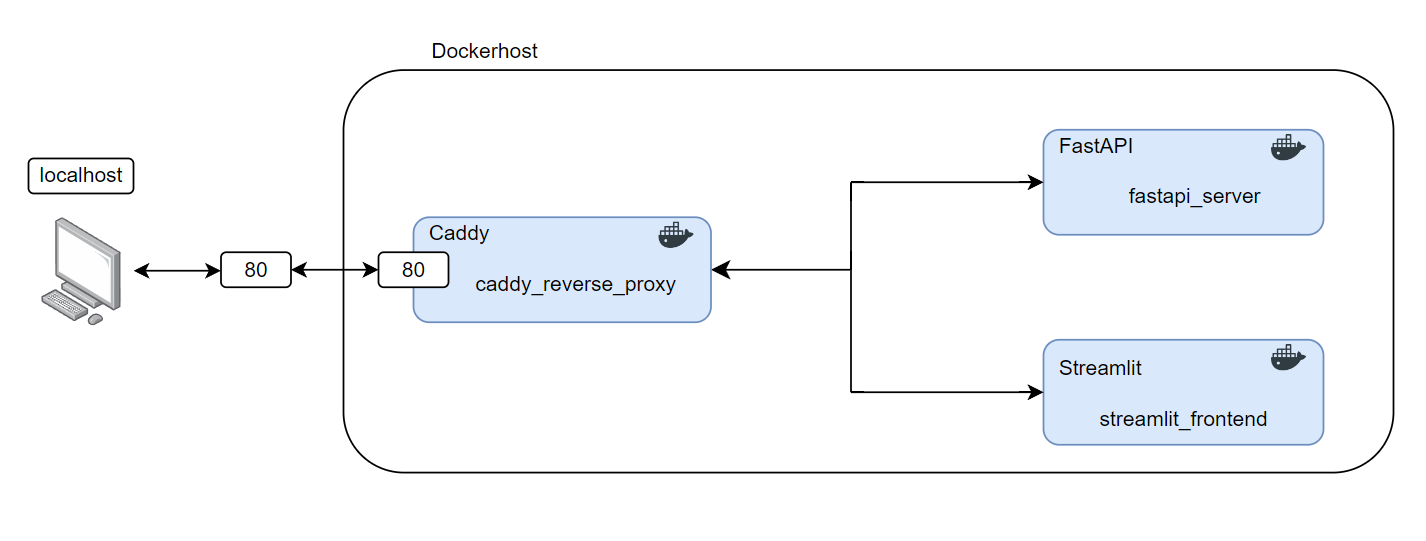
If you prefer Docker, a one‑liner docker compose up will spin up the service the same way the author intended.
What the starter code actually does
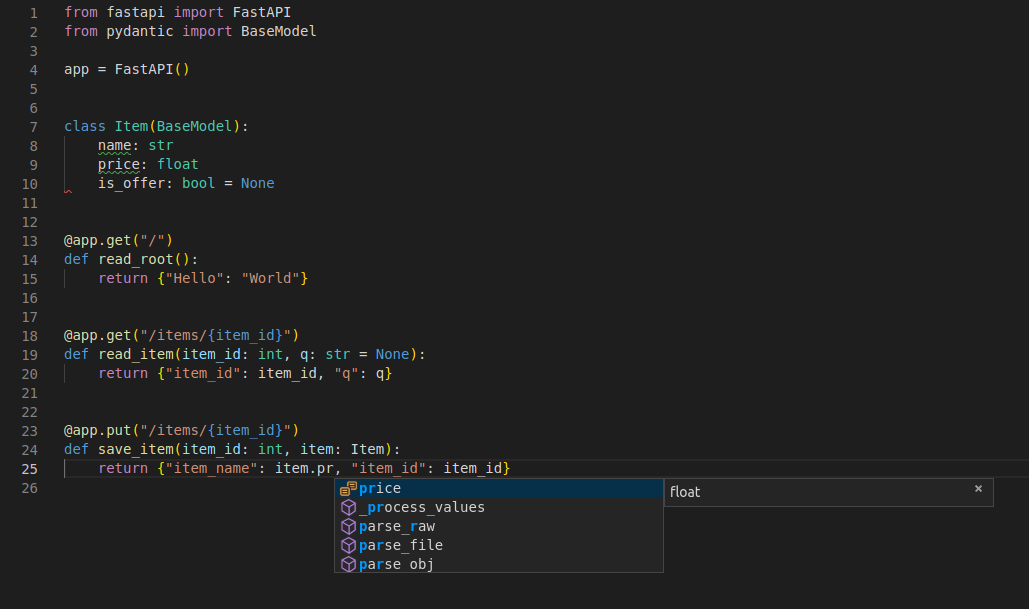
Inside main.py you’ll find three concise sections:
- Imports and app creation –
FastAPI()is instantiated with a brief description, which later appears in the automatically generated docs. - Path operations – two GET endpoints (
/and/items/{item_id}) illustrate how to declare query parameters, path parameters, and response models. - Data models – the
ItemPydantic class defines the shape of the JSON payload, giving you validation for free.
Running uvicorn main:app --reload launches the API on http://127.0.0.1:8000. Visiting /docs reveals Swagger UI, while /redoc shows the ReDoc alternative—both generated without any extra code.
Modifying the example for your own use case
Suppose you need to store a list of books instead of generic items. You’d start by renaming the Item model to Book, adding fields like author and published_year. Then adjust the endpoint signatures to accept a Book body and perhaps introduce a POST route for creation.
Because FastAPI uses type hints, IDEs instantly surface autocomplete suggestions and flag mismatches. Adding a new endpoint is as simple as copying an existing function, tweaking the decorator, and updating the return type.
Testing the API without leaving the terminal
FastAPI ships with TestClient, a thin wrapper around requests. A minimal test might look like this:
from fastapi.testclient import TestClientfrom main import app
client = TestClient(app)
def test_read_root():
response = client.get("/")
assert response.status_code == 200
assert response.json() == {"message": "Hello World"}
Running pytest will execute the test in seconds, giving you confidence that changes haven’t broken the original contract.
Deploying to production
When you’re ready to push the service beyond localhost, the repo already contains a Dockerfile that builds a slim image based on tiangolo/uvicorn-gunicorn-fastapi. The image includes Gunicorn workers, which handle concurrency far better than the development server.
Deploying to a cloud provider is then a matter of pushing the image to a container registry and pointing your orchestration platform (Kubernetes, Fly.io, Render, etc.) at it. The same --reload flag you used for development should be omitted; the production image runs with multiple workers out of the box.
Common pitfalls and how to avoid them
- Missing type hints – FastAPI’s magic hinges on them. Forgetting a
intannotation on a path parameter will cause the route to accept strings, leading to subtle bugs. - Hard‑coding data – The tutorial stores items in a simple dictionary. For real apps, swap that out for a database layer; otherwise you’ll lose state on every restart.
- Over‑relying on the auto‑docs – Swagger/UI is great for exploration, but it’s not a substitute for proper OpenAPI versioning and authentication.
Next steps after the basics
Once the skeleton feels comfortable, consider adding:
- OAuth2 password flow for secure endpoints.
- Background tasks for sending emails or processing images.
- Dependency injection to keep database sessions tidy.
All of these patterns are demonstrated in other folders of the same FastAPI repository, so you won’t need to search far for examples that match the style of the starter app.
Wrapping up
The simple GitHub example is more than a “hello world” script; it’s a miniature blueprint that shows how FastAPI blends declarative typing, automatic documentation, and performant ASGI serving. Clone it, run it, tweak a few lines, and you’ll have a production‑ready skeleton in minutes. From there, the real work—business logic, persistence, and security—fits naturally onto the foundation you just explored.