How to Choose the Right Charger for iPhone 14 Pro
When you first unbox the iPhone 14 Pro, the sleek design and lightning‑fast performance steal the show. Yet, a reliable charger often slips to the bottom of the to‑do list—until the battery warning pops up. Picking a charger isn’t just about plugging in; it’s about matching power, safety, and convenience to your daily rhythm. Below is a practical walk‑through that helps you sort fact from hype, whether you’re hunting for a budget‑friendly brick or a premium, feature‑rich hub.
What the iPhone 14 Pro Really Needs
The device supports up to 20 W fast‑charging via USB‑C to Lightning. In theory, any charger that can deliver 20 W or more will unlock the advertised 30%‑plus charge in roughly 30 minutes. But the story doesn’t end there.
- Power Rating – Look for a charger rated 20 W ± 10% or higher. Anything below 15 W will still work, but you’ll miss out on speed.
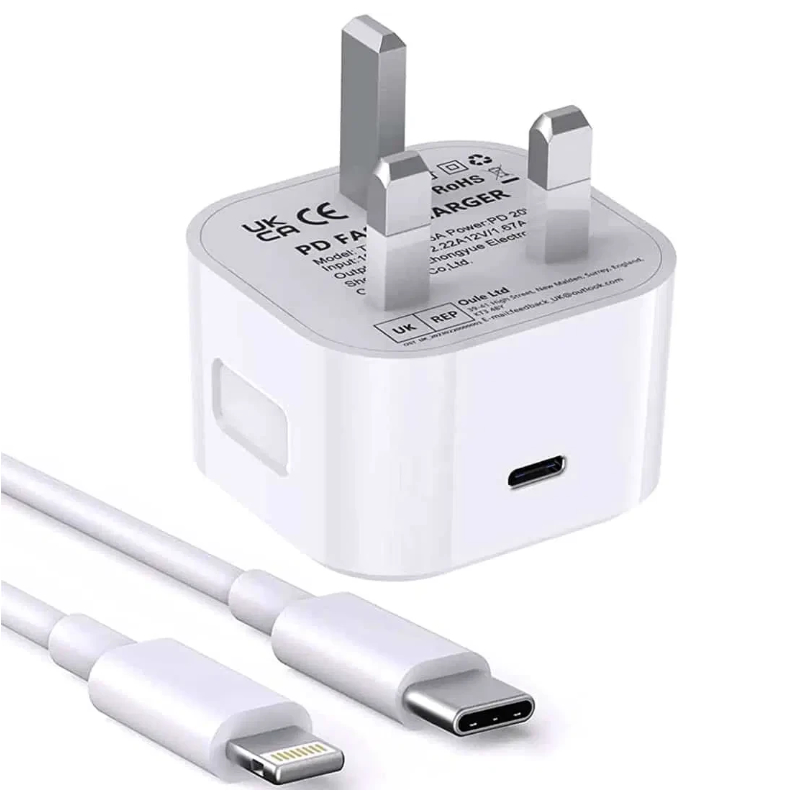
- USB‑C Port – The iPhone 14 Pro uses a Lightning cable, but the charger’s output must be USB‑C. That’s where the magic happens.
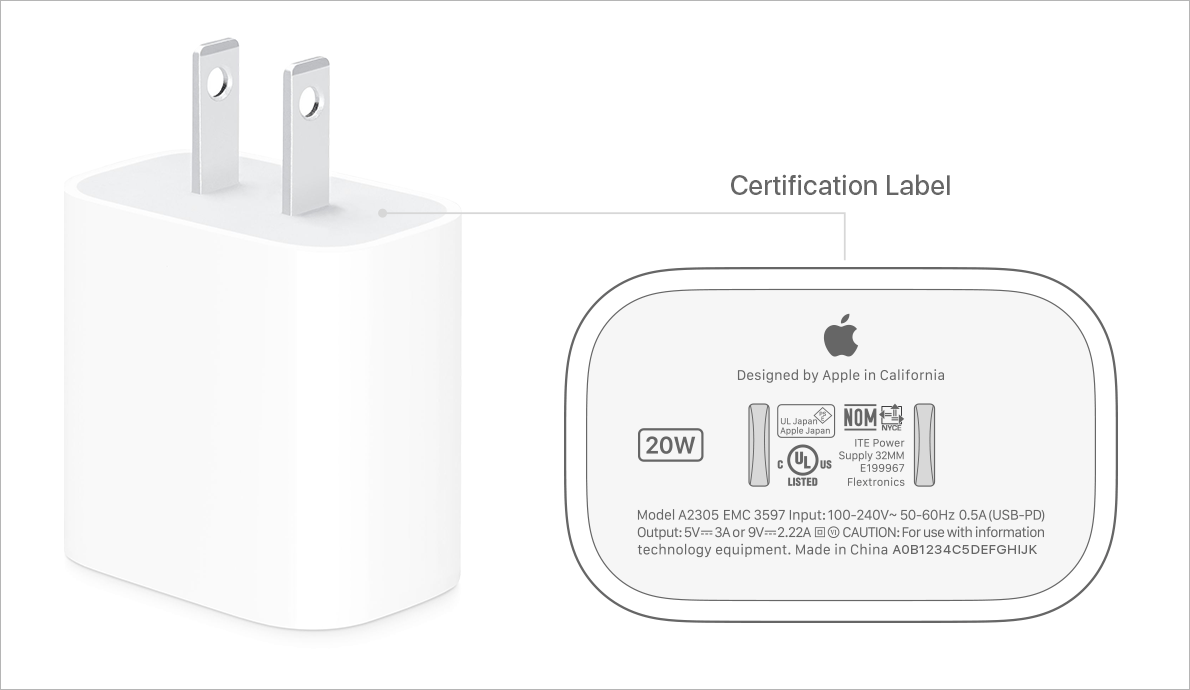
- Safety Certifications – UL, CE, or FCC marks indicate the charger meets baseline safety standards. It’s a small detail that keeps heat and over‑voltage in check.
Built‑In vs. External Battery Packs
If you spend most of your day at a desk, a wall adapter is the obvious pick. Travelers, however, often benefit from a power bank that can double as a backup charger.
Wall Adapters
- Compact models (e.g., 18 W Apple “USB‑C Power Adapter”) tuck neatly into a bag.
- Higher‑wattage units (30 W, 45 W, even 65 W) can charge a MacBook Air and iPhone simultaneously—great for a single‑device “charging station.”
- Look for “Power Delivery” (PD) labeling; it guarantees the charger negotiates the correct voltage (5 V, 9 V, or 12 V) with the iPhone.
Power Banks
- Choose a capacity of at least 10,000 mAh if you want two full iPhone 14 Pro charges.
- Models with USB‑C PD output (18 W or more) keep the fast‑charging advantage on the go.
- Some banks include multiple ports—USB‑C for the phone, USB‑A for earbuds or a smartwatch.
Brands and Price Points
Apple’s own charger is the benchmark for compatibility, but it isn’t the only game in town. Mid‑range options from Anker, Belkin, and Aukey often match Apple’s performance while shaving a few dollars off your bill.
- Apple 20 W USB‑C Adapter – $19, reliable, minimalist design.
- Anker PowerPort III 20W – $15, compact, includes a foldable plug.
- Belkin BoostCharge 30W USB‑C – $30, extra headroom for laptops.
- RAVPower 65W GaN Charger – $45, small thanks to gallium‑nitride tech, handles multiple devices.
Don’t be swayed by ultra‑cheap chargers lacking certifications. A $5 “fast charger” often tricks the phone into a slower charge while generating excess heat—a risk you don’t want to take.
Cable Matters: The Often‑Overlooked Link
The charger’s output is only half the equation; the cable you pair with it matters just as much. A USB‑C to Lightning cable rated for 20 W or higher is essential. Look for “MFi” (Made for iPhone) stickers—Apple’s way of saying the cable has passed its compliance tests.
Tips for Cable Longevity
- Prefer a braided sleeve; it resists fraying.
- Avoid sharp bends near the connector—stress points break over time.
- Store the cable loosely in a pouch instead of tightening it around a cord wrap.
Do You Need a Magnetic (MagSafe) Charger?
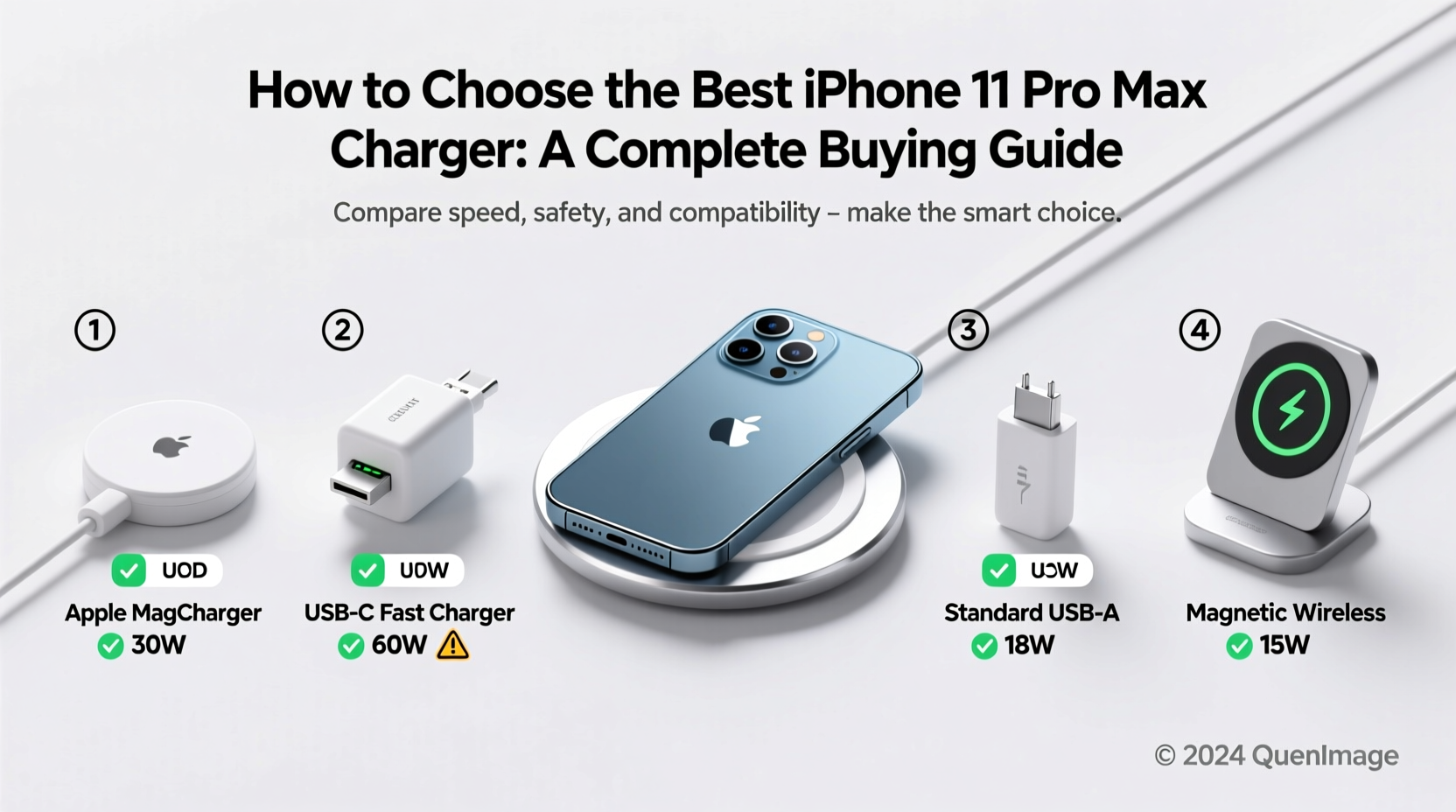
Apple’s MagSafe ecosystem adds convenience: snap the charger onto the back of the iPhone and let the magnet do the alignment. The downside? MagSafe adapters start at 15 W, which is slightly slower than a wired 20 W USB‑C connection. If you value a tidy desk and can live with a few extra minutes of charge time, MagSafe is a solid choice. Otherwise, a wired PD charger remains the most efficient route.
Future‑Proofing: Is a Higher Wattage Worth It?
Investing in a 30 W or 45 W charger doesn’t harm the iPhone 14 Pro—it will simply draw the 20 W it needs. The benefit appears when you add other gadgets: AirPods, Apple Watch, or a MacBook. A single, slightly more powerful adapter can become the hub for all your devices, reducing clutter.
Wrapping Up the Decision
Choosing a charger for the iPhone 14 Pro boils down to three simple questions:
- Do you need speed? → Look for 20 W PD, USB‑C.
- Will you travel often? → A USB‑C power bank with at least 18 W output.
- Do you want a single hub for multiple devices? → Consider 30 W+ or GaN chargers.
Armed with this checklist, you can sidestep the maze of marketing hype and land a charger that fits your lifestyle—without sacrificing safety or speed.