How to Enable Cracked Players on an Aternos Minecraft Server
If you’ve grabbed a copy of Minecraft that isn’t tied to a Microsoft account, you’ll quickly discover that most public servers reject you outright. Aternos, the free hosting platform beloved by hobbyists, offers a simple toggle to let those “cracked” accounts join. Below is a walk‑through that balances the basics with a few tips you might not find in the official FAQ.
Why You Might Want to Allow Cracked Clients
There are a few scenarios where enabling cracked players makes sense:
- Friends who own the old Java edition and haven’t upgraded yet.
- Testing a mod pack that only runs on unofficial builds.
- Running a private world where you control who logs in, so the security risk is minimal.
Remember, once the setting is active, anyone with a non‑premium client can attempt to connect, so keep your whitelist tight if you’re worried about strangers.
Step‑By‑Step: Turning On the Cracked Option
1. Log into the Aternos Dashboard
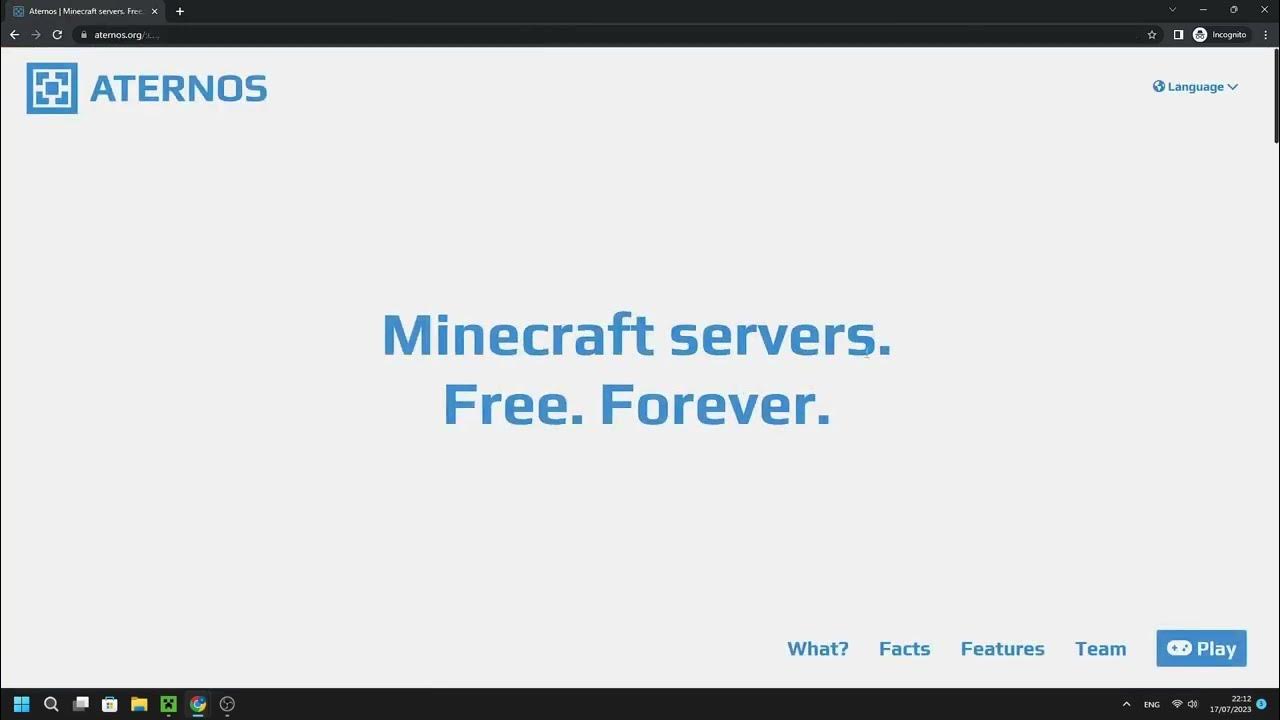
Head over to aternos.org and sign in with your email or Discord. The main page shows a list of your servers; click the one you want to modify.
2. Open the “Settings” Tab
On the left sidebar you’ll see several icons. The gear‑shaped Settings is where most configuration lives. Click it, and you’ll land on a page split into several sections (General, Plugins, etc.).
3. Locate the “Enable Cracked” Switch
Scroll down to the General section. Near the bottom, just above “Server Visibility,” there’s a checkbox labelled “Enable cracked.” Tick it.
4. Save and Restart
Any change in Aternos requires a server restart. Hit the Save button, then click Restart on the main server page. Wait a minute; the status will flip from “Starting” back to “Online.”
5. Test the Connection
Launch your cracked client, enter the server IP shown on your Aternos page, and hit “Join.” If everything lines up, you’ll be in without the usual “authentication failed” message.
Additional Settings Worth Checking
While the cracked toggle is the star of the show, a couple of other options can smooth the experience.
- Whitelist – Turn this on if you only want specific cracked users to join. Add their usernames under the “Whitelist” tab.
- Server Visibility – Setting the server to “Private” prevents it from appearing in public server lists, reducing random login attempts.
- Online Mode – This is automatically overridden when you enable cracked, but double‑check that it reads “offline” in the server console.
Common Pitfalls and How to Fix Them
“My cracked client keeps getting kicked for ‘Invalid session’.” This often means the server didn’t fully restart after you toggled the option. A quick stop‑then‑start usually clears the stale state.
“I can’t see the server in the multiplayer list.” Aternos hides offline‑mode servers from the vanilla server browser. Grab the IP manually from your dashboard and paste it directly.
If you’re still stuck, the Aternos support pages have a troubleshooting section that covers firewall quirks and version mismatches.
Best Practices for Running a Cracked Server
Running a server that accepts non‑premium accounts isn’t inherently dangerous, but a few habits keep things tidy:
- Regular Backups – Use the “Backups” tab to schedule daily snapshots; cracked players can lead to more frequent griefing attempts.
- Moderation Plugins – Plugins like EssentialsX and LuckPerms work fine on Aternos and let you assign roles, mute chat, or even ban troublemakers.
- Version Consistency – Ensure every player runs the exact same Minecraft version as the server (e.g., 1.20.1). Mismatched builds can cause strange disconnects.
What If You Change Your Mind?
Disabling cracked mode is as easy as reversing the steps: uncheck the box, save, and restart. Once the server flips back to “online” mode, any cracked client will be denied instantly. It’s a good safety net if you decide to open the world to premium players later on.
Quick Recap
- Log in → Settings → General → Enable cracked.
- Save, restart, and test with a cracked client.
- Optional: tighten security with a whitelist or private visibility.
- Back up often and consider moderation plugins.
With those steps in place, your Aternos server should welcome both premium and cracked players without a hitch. Happy building!