How to Explore CCTV Security with Kali Linux: A Beginner’s Walkthrough
Curiosity about how surveillance systems work often leads enthusiasts to experiment with penetration‑testing tools. If you’re just starting out with Kali Linux and want to understand the typical security checks performed on IP cameras, this guide walks you through the fundamental steps—focusing on learning, responsible handling, and reinforcing protection.
Why Test CCTV Security?
Modern CCTV setups usually rely on networked IP cameras. Those devices expose a web interface, RTSP streams, and sometimes open ports that can be probed. By examining these entry points in a controlled environment, you can spot misconfigurations before a malicious actor does.
Prerequisites
- A dedicated lab network (router, switch, and a separate VLAN)
- Kali Linux installed on a laptop or virtual machine
- At least one IP camera you own or have explicit permission to test
- Basic knowledge of networking (IP addressing, ports)
Step 1: Map the Camera’s Network Footprint
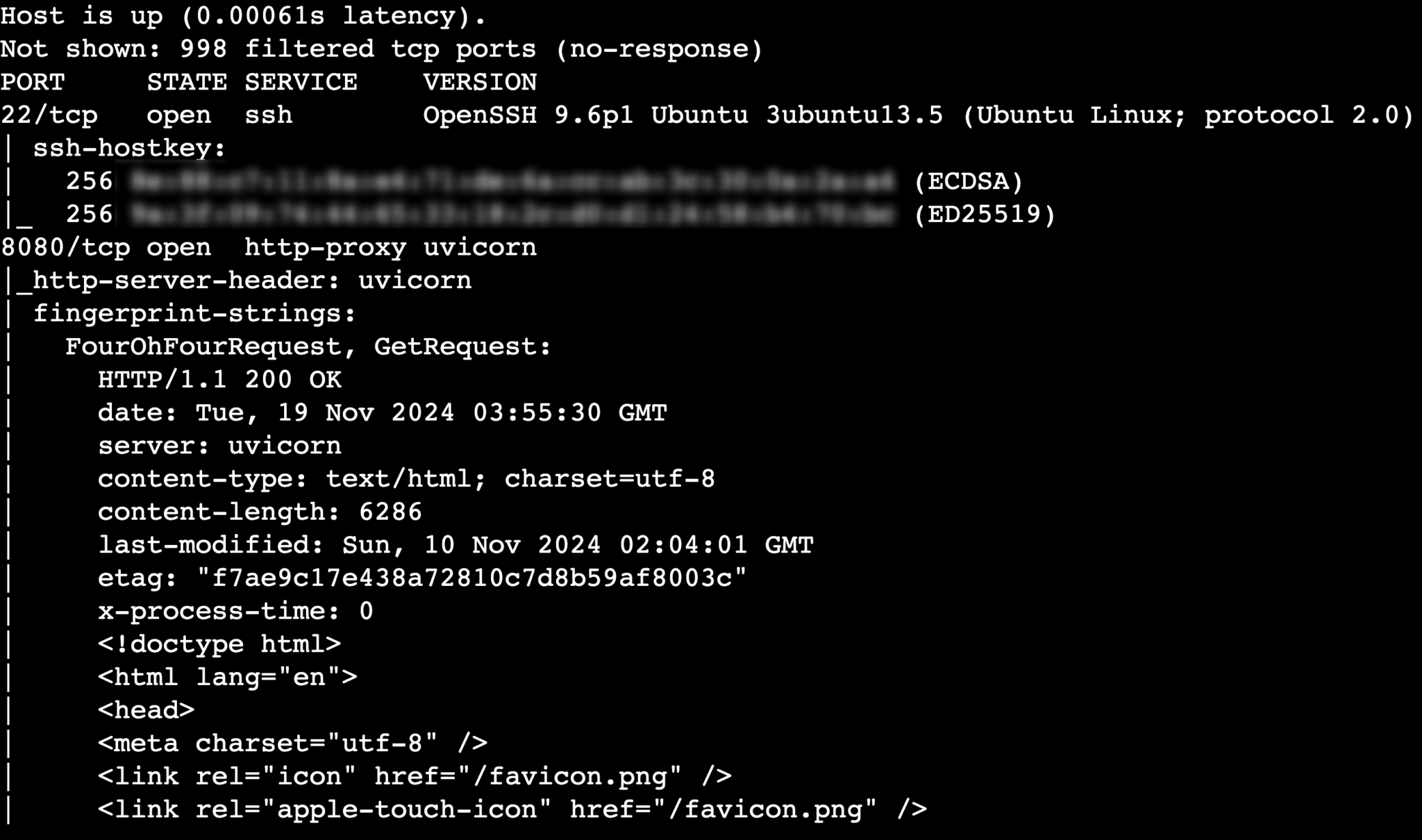
Start with a gentle scan. Use nmap to discover open ports and services:
nmap -sS -sV -p 80,554,8000-8010 192.168.1.25
This command checks the typical HTTP, RTSP, and proprietary service ports. Note the service version strings; they often reveal firmware details that can be cross‑checked with vendor security advisories.
Step 2: Enumerate the Web Interface
Many cameras host a lightweight web UI. Tools like nikto or dirb can list hidden directories or default pages:
nikto -h http://192.168.1.25
If you spot a '/admin' or '/login' path, try default credentials commonly published in public databases (admin/admin, admin/password). Of course, only proceed if you own the device or have documented consent.
Step 3: Test Authentication Mechanisms
For cameras that support basic HTTP authentication, hydra can run a quick password spray:
hydra -l admin -P /usr/share/wordlists/rockyou.txt 192.168.1.25 http-get /login
Again, the goal here is to verify whether weak passwords are still accepted. If you succeed, immediately change the credentials and document the finding.
Step 4: Probe the RTSP Stream
RTSP (Real Time Streaming Protocol) often runs on port 554. Use ffprobe to see if the stream is accessible without authentication:
ffprobe rtsp://192.168.1.25:554/stream1
An open stream is a red flag. Secure cameras should require a token or login before delivering video.
Step 5: Review Firmware and Update Options
Identify the firmware version from the earlier nmap scan or the web UI. Then visit the manufacturer’s site to see if newer patches exist. Outdated firmware is a common source of vulnerabilities.
Best Practices for Strengthening CCTV Security
- Change all default usernames and passwords immediately.
- Isolate cameras on a separate VLAN with limited inbound/outbound traffic.
- Enable HTTPS or encrypted RTSP wherever possible.
- Apply firmware updates as soon as they’re released.
- Disable unused services (e.g., telnet, FTP) on the device.
Legal and Ethical Reminder
Testing network cameras without clear permission can breach laws and trust. Use this knowledge solely on equipment you own or on systems where you have written authorization. The purpose of these steps is to highlight potential weaknesses so you can fix them—not to exploit them.