How to Get a Free Birthday Newspaper Template Design Today
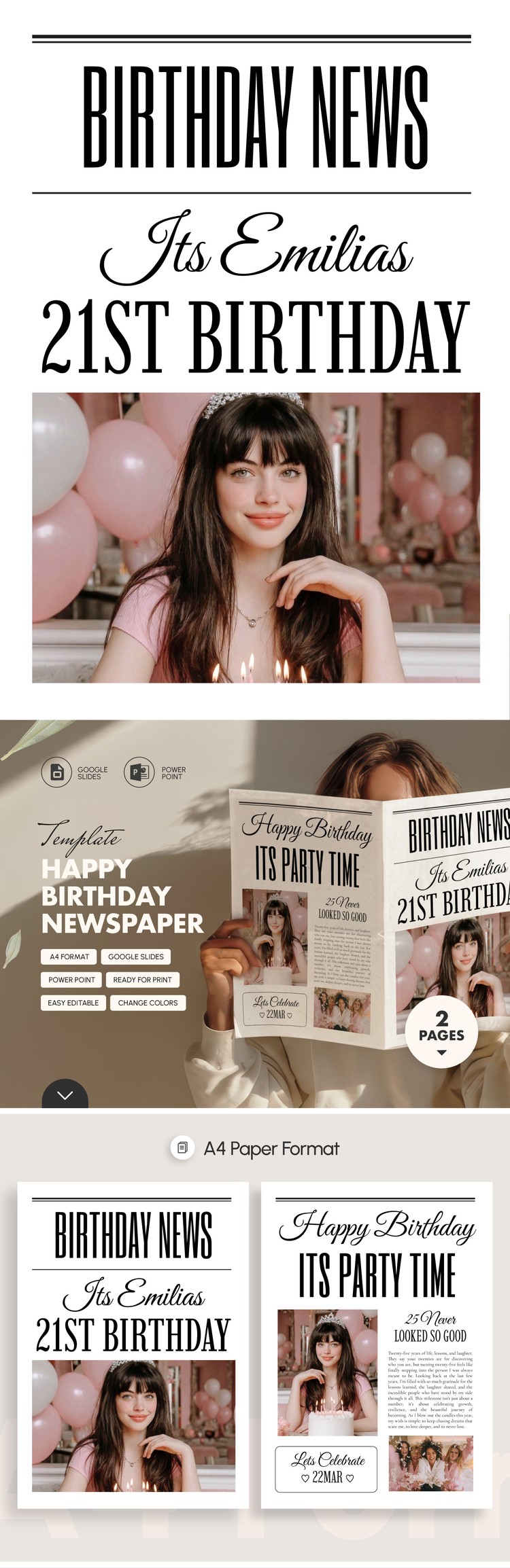
Ever imagined turning a simple birthday greeting into a headline‑making, page‑turning mini‑newspaper? The idea sounds extravagant, but with the right template you can pull it off without spending a dime. Below is a practical walk‑through that shows where to find free designs, how to personalize them, and a few tricks to make the final product feel truly newspaper‑worthy.
Why a Birthday Newspaper Works
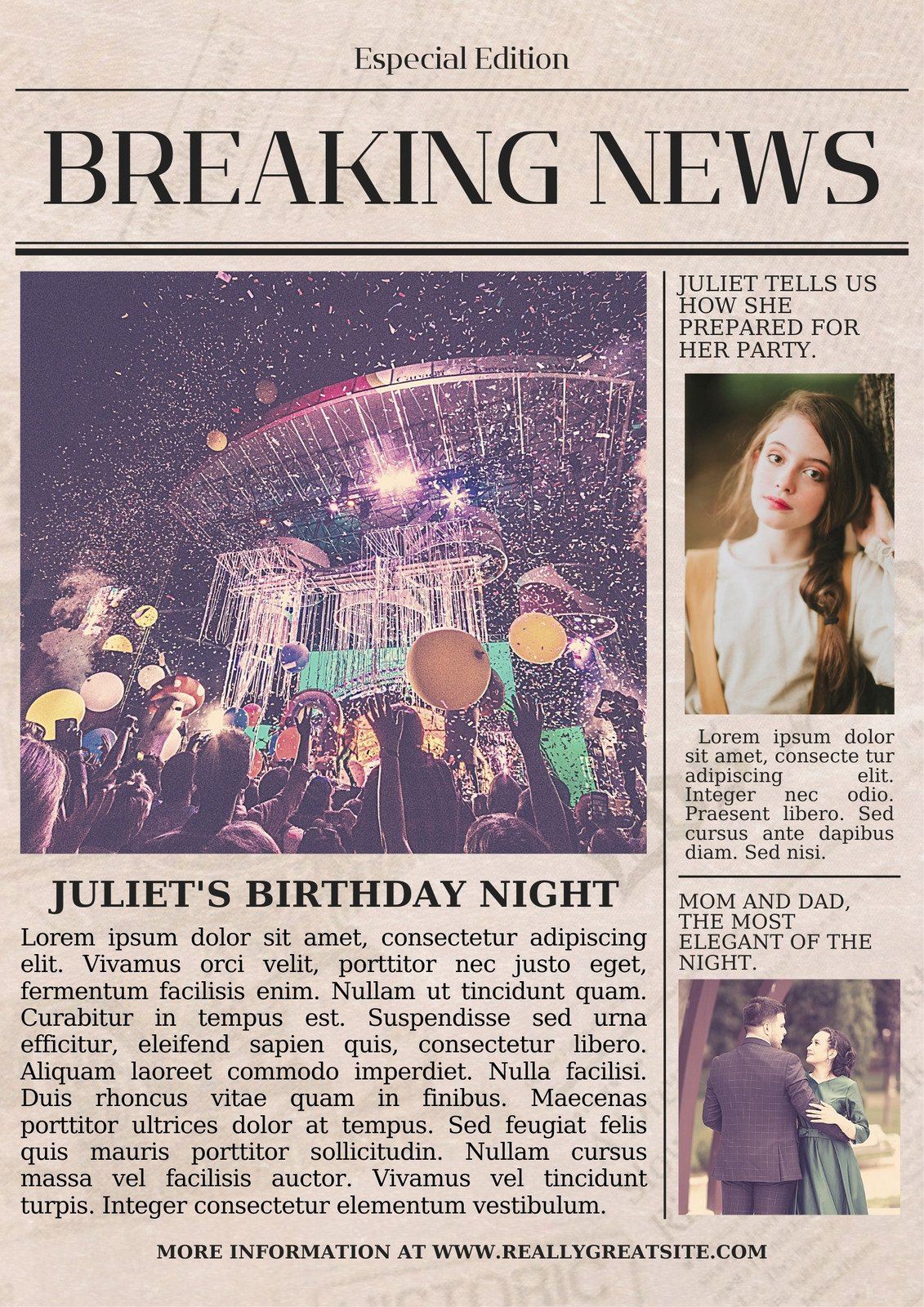
People love a good story, especially when it’s about themselves. A newspaper‑style layout frames the birthday person as the star of a front‑page feature, complete with “in‑depth” interviews, “photo spreads,” and even a quirky “weather forecast” for the party day. This approach adds a playful, memorable twist that a regular card simply can’t match.
Where to Find Free Templates
Not all resources are created equal. Here are three reliable spots that consistently offer high‑quality, printable templates:
- Canva’s free library – Search “birthday newspaper” and filter by “Free.” The drag‑and‑drop editor lets you swap images and text in minutes.
- Adobe Express (formerly Spark) – Offers a handful of printable newspaper layouts that are fully customizable and don’t require a subscription for basic use.
- Microsoft Office Templates – The “Newsletter” collection includes a few birthday‑themed options that work directly in Word or Publisher.
All three let you download a PDF ready for printing, which saves you the extra step of converting files later.
Choosing the Right Layout
Size matters. Most home printers handle A4 (8.27 × 11.69 in) or Letter (8.5 × 11 in) without fuss. If you plan to fold the paper like a traditional broadsheet, look for a template that spans two columns per page and includes a clear “fold here” guide.
Consider the following when picking:
- Column count – Two columns mimic classic newspaper aesthetics; three can feel cramped unless you have plenty of content.
- Image placeholders – Choose a design with generous photo frames for childhood snaps, recent selfies, and a group shot from the celebration.
- Typography – Serif fonts (e.g., Times New Roman, Georgia) reinforce the newspaper vibe, while a bold headline font provides that front‑page punch.
Personalizing the Content
Now the fun part: turning a template into a tribute. Keep the tone light and include a mix of factual “news” and silly sidebars.
Front‑Page Headline
Think of a punchy headline that captures the birthday spirit. Examples:
- “Local Legend Turns 30: Celebration Hits Record Highs”
- “Breaking: Jane Doe’s Birthday Bash Sets New Party Standards”
Feature Articles
Write short “articles” about milestones, favorite hobbies, or funny anecdotes. A 150‑word profile works well for a front‑page feature, while a 80‑word “editor’s note” can serve as a friendly intro on the second page.
Sidebars and Fun Extras
Sidebars are perfect for quick items:
- “Top 5 Birthday Wishes” – A bullet list of messages from friends.
- “Weather Forecast” – A playful prediction (e.g., “Sunny with a 100% chance of cake”).
- “Classifieds” – Tiny ads like “Looking for the best birthday song DJ.”
Design Tips for a Polished Look
Even a free template can look professional with a few adjustments.
- Consistent color scheme – Stick to two or three colors that match the birthday theme; too many shades make the page look chaotic.
- High‑resolution images – Use photos at least 300 dpi; blurry pictures ruin the newspaper feel.
- Whitespace is your friend – Don’t cram text into every column. A little breathing room helps each “article” stand out.
- Line spacing – Set body text to 1.15 or 1.2 line height; it mimics printed newsprint and improves readability.
Printing and Assembly
When it’s time to bring the design to life, keep these practical steps in mind:
- Export the final version as a PDF to preserve layout.
- Print on slightly heavier paper (around 120 gsm) for a tactile, newspaper‑like feel.
- If using a home printer, print double‑sided and select “flip on short edge” to keep the orientation correct.
- Fold the sheets down the center, then staple or bind with a simple newspaper clip.
For a more authentic touch, consider a local print shop; they can offer a glossy “cover” page while keeping the interior matte.
Adding a Personal Touch
Even after the newspaper is printed, you can boost its impact:
- Attach a handwritten note on the “letter to the editor” section.
- Slip a tiny gift (like a bookmark) into the back page.
- Take a photo of the recipient holding the newspaper and share it on social media with a custom hashtag.
Common Pitfalls and How to Avoid Them
It’s easy to stumble over a few details, especially if you’re new to desktop publishing.
- Overloading text – Remember, a newspaper thrives on brevity. Trim any paragraph that feels repetitive.
- Mismatched fonts – Stick to one serif for body copy and one bold sans for headlines; mixing too many fonts looks chaotic.
- Ignoring bleed margins – If you print edge‑to‑edge, set a 3 mm bleed; otherwise, vital content may be cut off.
Checking these items before you hit “print” saves time, ink, and a few embarrassed moments.
Ready to Dive In?
With free templates just a few clicks away, turning a birthday into a headline event is more accessible than ever. Pick a layout, sprinkle in personal stories, and watch the birthday star beam with pride as they read their very own front page. Happy designing, and may the celebrations be as news‑worthy as the paper you create!