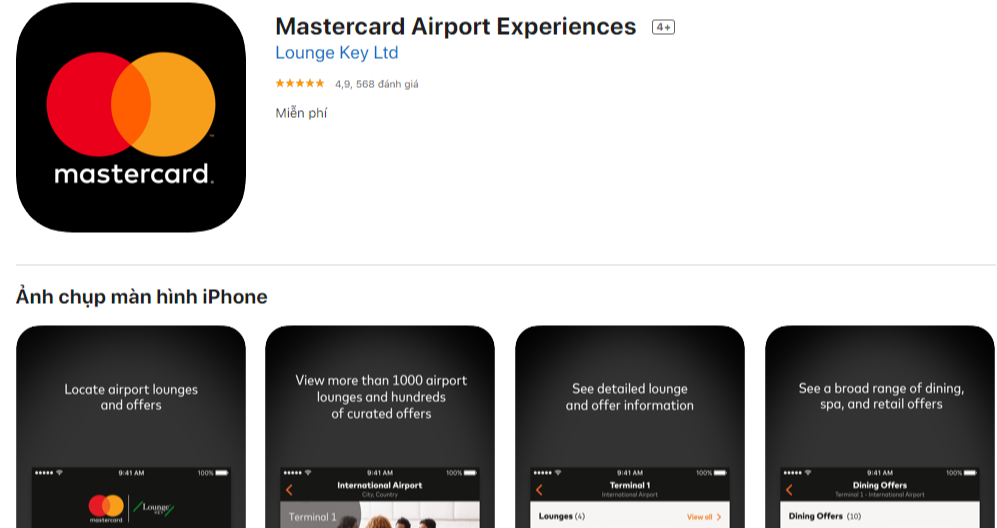
How to Get the Most Out of Mastercard’s Airport Experiences App
Travelers who spend any time in an airport know that the little details—fast Wi‑Fi, a comfortable lounge, or a smooth way to pay for a quick bite—can make the whole journey feel a lot less stressful. The Mastercard Airport Experiences App was built to turn those details into a seamless part of the trip. Below is a practical guide that walks you through the app’s core features, the steps to set it up, and a handful of tricks that can stretch the benefits further than you might expect.
What the App Actually Offers
At its core, the app is a hub for three types of airport‑related services:
- Live airport information—real‑time flight updates, gate changes, and security wait times.
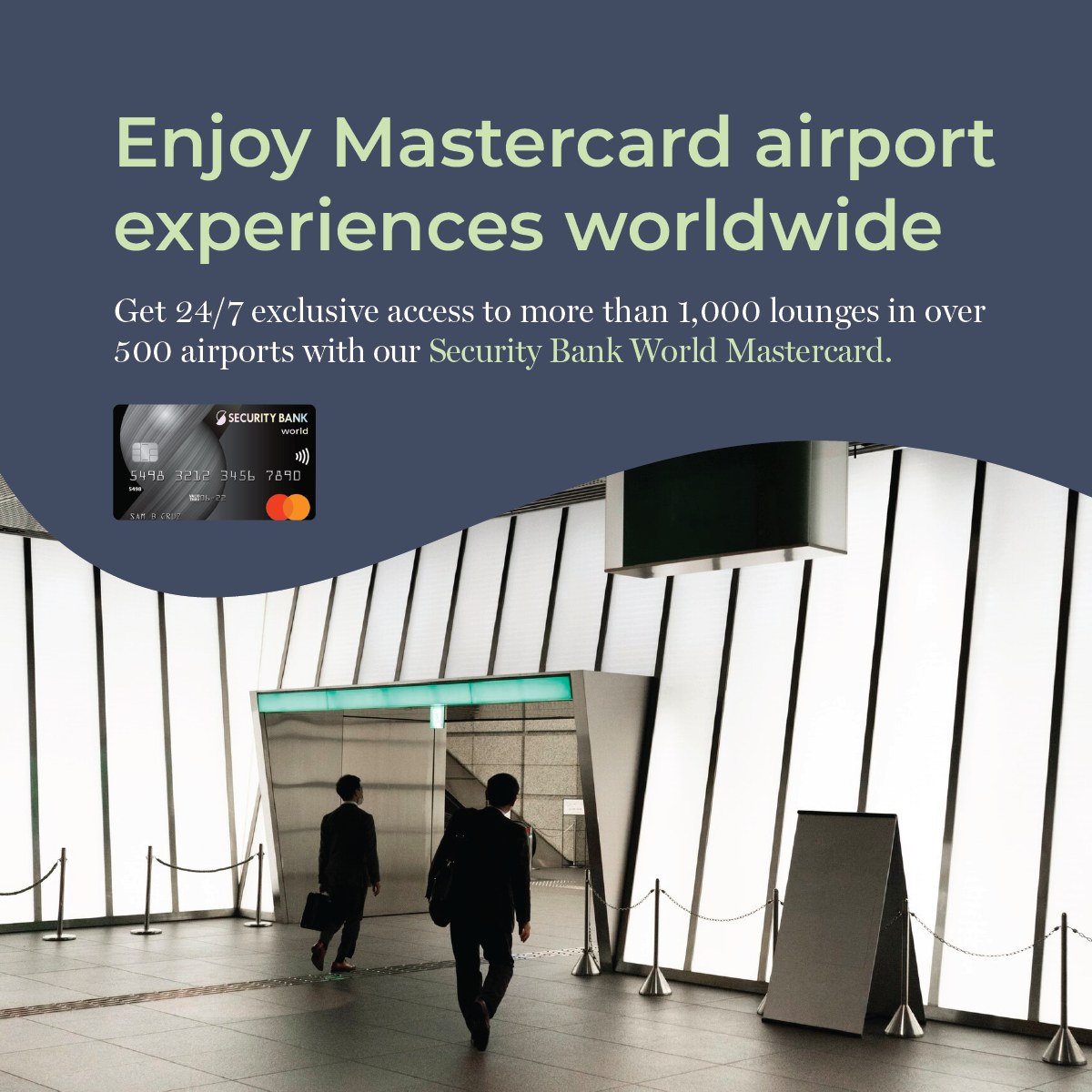
- Lounge access and discounts—members can locate participating lounges, see availability, and sometimes book a pass directly through the app.
- Retail and dining perks—exclusive offers from airport merchants, ranging from a free coffee to a percentage off a shop purchase.
All of these are tied to your Mastercard, which means the app can verify eligibility without you having to carry extra cards or coupons. The experience feels almost like a personalized concierge that pops up whenever you’re within the airport’s Wi‑Fi zone.
Setting Up Your Account
Getting started doesn’t require a tech wizard. Follow these three simple steps:
- Download the app from the Apple App Store or Google Play Store.
- Log in with the Mastercard you use most often for travel. If you have multiple cards, you can add them later in the settings.
- Allow location access. The app uses your GPS to surface relevant offers only when you’re inside a participating airport.
Once you’ve confirmed the permissions, the home screen will display a map of the nearest airport, along with a snapshot of your current flight status if you’ve entered the itinerary manually or linked your travel confirmation email.
Using the App While Traveling
When you step into an airport, the app automatically switches to “airport mode.” A banner at the top lets you know that you’re in a location where offers are active. From there you can:
- Tap the “Lounge” tab to see a list of nearby lounges, their current occupancy, and whether a complimentary pass is available.
- Browse the “Deals” section for dining or retail promotions. Many offers are “tap‑to‑redeem,” meaning you simply present a QR code at checkout.
- Check the “Flight Tracker” for any updates that might affect your gate or boarding time.
If you’re running late, the app will push a notification with the latest security line estimates, giving you a chance to reroute to a shorter checkpoint if one exists.
Tips for Maximizing Savings
Even if you’re already a frequent flyer, a few small habits can turn the app into a real money‑saving tool.
- Sync your travel calendar. When the app sees a booked flight, it pre‑loads relevant offers for that specific airport, so you don’t have to search manually.
- Activate push notifications. Some promotions appear only a few hours before departure; a timely alert can mean a free snack you might otherwise miss.
- Combine lounge access with other benefits. If your card already includes lounge privileges, the app can still highlight upgrades or special amenities that are not covered by your standard membership.
- Check expiration dates. Certain merchant offers are valid only for the day of travel, so redeem them before you board.
Privacy and Data Considerations
Because the app relies on location data, it’s natural to wonder how that information is used. Mastercard states that the data is retained only for the duration of your travel session and is not sold to third parties. The app’s privacy settings let you:
- Turn off location sharing after you leave the airport.
- Delete your activity log from the “Settings” menu.
- Opt out of promotional emails while still keeping the core functionality.
Reviewing these options before your first use can give you peace of mind while still enjoying the convenience of the service.
Frequently Asked Questions
Do I need a specific type of Mastercard to use the app? Most Mastercard credit and debit cards that are part of the bank’s “Travel Benefits” program are compatible. If your card isn’t listed, you can still browse deals, but the exclusive lounge passes may not apply.
Can I use the app for airports outside the United States? Yes. The app supports a growing network of international airports, especially those that have partnered with Mastercard for lounge access. Availability varies, so it’s worth checking the app before you travel abroad.
What happens if I lose internet connectivity inside the airport? The app caches the most recent flight and lounge data for about 30 minutes. You’ll still be able to view QR codes for any redeemed offers, though real‑time updates will pause until you reconnect.
Is there a fee for using the lounge booking feature? Generally, lounge passes offered through the app are complimentary for eligible cardholders. Some premium lounges may charge a small fee, which will be disclosed before you confirm the reservation.