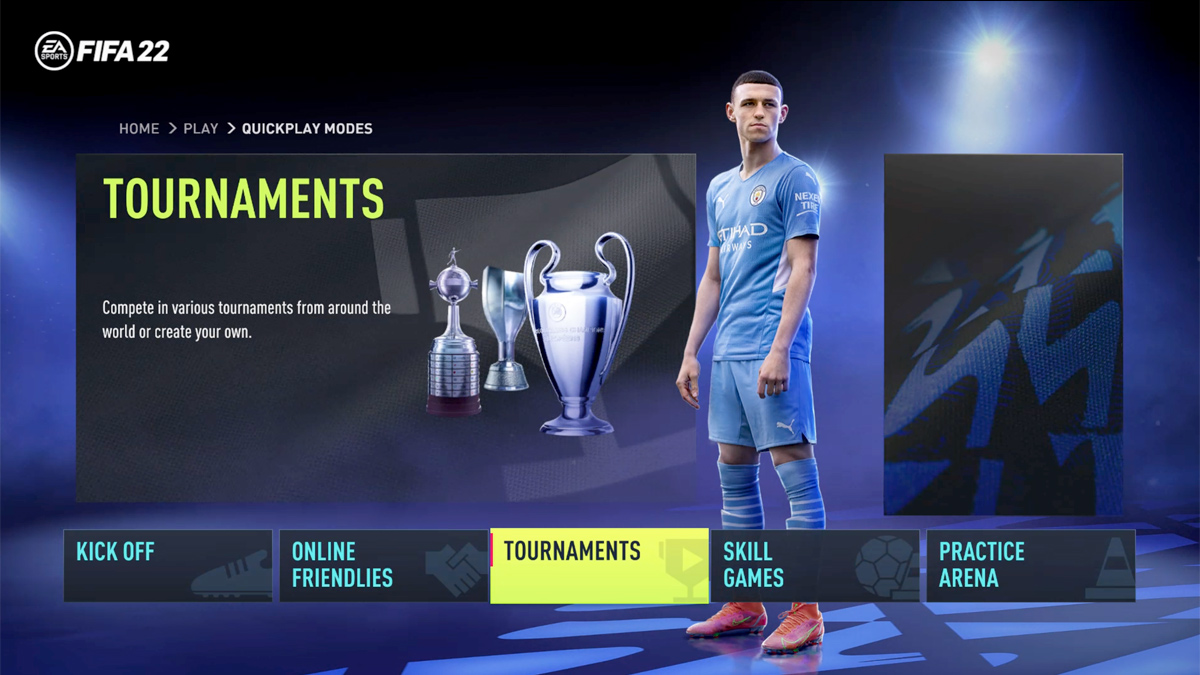
How to Install and Play the FIFA 22 Club World Cup Mod
What the Club World Cup Mod Adds to FIFA 22
EA’s FIFA 22 already packs a hefty roster of clubs, but the official Club World Cup isn’t part of the base game. That gap has spurred the community to craft a Club World Cup mod that inserts the eight‑team tournament straight into the Career Mode and Online Seasons. In practice, you’ll see authentic kits, stadiums and the proper knockout bracket, letting you guide a club from the group stage all the way to a global title.
The mod doesn’t overhaul the engine; instead, it swaps out a few data files and adds a new menu entry. That means the core gameplay—ball physics, AI behavior, and visual polish—remains untouched, while the tournament feels official. Fans especially appreciate the inclusion of venues like the Khalifa International Stadium and the chance to pit European giants against South American and Asian champions in a single competition.
Preparing Your PC for the Installation
Before diving into the files, make sure your setup meets these basic criteria:
- FIFA 22 installed via Origin, Steam or the EA app (the mod works across all platforms).
- A fresh backup of the FIFA 22 folder—just in case something goes sideways.
- Administrator rights on your Windows account; the installer needs to write to the game’s directory.
- At least 2 GB of free space for the mod’s assets.
Having a backup is a small step that saves a lot of headache later. Simply copy the entire FIFA 22 folder to a separate location, or create a restore point via Windows.
Step‑by‑Step Installation Guide
Follow these instructions in order; skipping a step could prevent the tournament from showing up.
- Download the mod package. Head to a reputable mod site—such as ModDB or Nexus Mods—and locate the latest “Club World Cup” release for FIFA 22. The file is typically a compressed
.zipor.rararchive. - Extract the contents. Use a tool like 7‑Zip. Inside you’ll find a
datafolder and a read‑me file with version notes. - Copy the data files. Paste the
datafolder into your main FIFA 22 directory, overwriting any existing files when prompted. The path usually looks likeC:\Program Files (x86)\Origin Games\FIFA 22orSteam\steamapps\common\FIFA 22. - Run the installer script. Some versions include a small
.exethat registers the new tournament with the game’s menu. Run it as administrator; a quick progress bar will appear. - Verify the mod. Launch FIFA 22, navigate to Career Mode → Tournaments → International. You should now see “Club World Cup” listed alongside the FIFA World Cup and other events.
- Test a quick match. Start a simulation with any club. If the game loads the new stadiums and displays the correct trophy, you’re good to go.
If the tournament doesn’t appear, double‑check that you placed the files in the correct folder and that no anti‑virus software blocked the installer.
Gameplay Tweaks and What to Expect
Once the mod is active, the experience mirrors the official competition in several subtle ways:
- Authentic squad line‑ups. Each participating club is loaded with its most recent roster, reflecting real‑world transfers up to the 2022‑23 season.
- Adjusted difficulty. The AI’s tactical settings are slightly tougher for knockout matches, encouraging you to manage stamina and squad rotation carefully.
- New commentary lines. EA’s commentary crew added a handful of references to “Club World Cup” that trigger when you enter the stadium or score a decisive goal.
- Prize money and stats. Winning the tournament rewards a modest cash boost in Career Mode, plus a unique trophy in the player’s achievements list.
The mod also respects existing custom kits you may have installed, so you won’t lose any personal touches. If you enjoy playing online, the tournament can be selected in Online Seasons, letting you face real opponents under the same global spotlight.
Troubleshooting Common Issues
Even well‑crafted mods sometimes clash with other add‑ons. Here are a few frequent hiccups and quick fixes:
- Game crashes at startup. This often signals a conflict with another tournament mod. Temporarily remove the other mod’s folder and try launching again.
- Missing stadium textures. Verify that the
stadiumssubfolder insidedataisn’t corrupted; re‑extract the archive if needed. - Online matchmaking error. Some servers still reference older tournament IDs. Clearing the cache from the EA app’s settings can refresh the list.
When in doubt, the mod’s community forum usually has a “Known Issues” thread updated with patches from the creator.
FAQ
Do I need a specific version of FIFA 22 for the mod?
The mod is built for the latest patch released in early 2023. If you’re on an older version, update the game first—otherwise the new files may not load correctly.
Can I use the Club World Cup mod on consoles?
Unfortunately, the mod relies on file‑level editing that consoles don’t allow. It’s currently Windows‑only.
Is the mod safe to download?
Stick to well‑known mod sites and read user reviews. The mod itself is just data files, but a reputable source reduces the risk of bundled malware.
Will the mod affect my save files?
No. The changes are confined to tournament data. Your career progress, player stats and custom settings remain untouched.
With the Club World Cup mod installed, FIFA 22 finally offers a taste of the global club showdown that many fans have been missing. The steps above should get you up and running quickly, and the added competition brings fresh strategic challenges to both solo and online play. Dive in, pick your favorite club, and see if you can lift the coveted trophy.