How to Manage Product Data in PHP: A Practical Guide
Getting a grip on product information—prices, descriptions, stock levels—can feel like juggling, especially when you throw PHP into the mix. The good news? With a few built‑in tools and a little discipline, turning raw database rows into tidy, usable data is more straightforward than it appears.
Why Proper Data Handling Matters
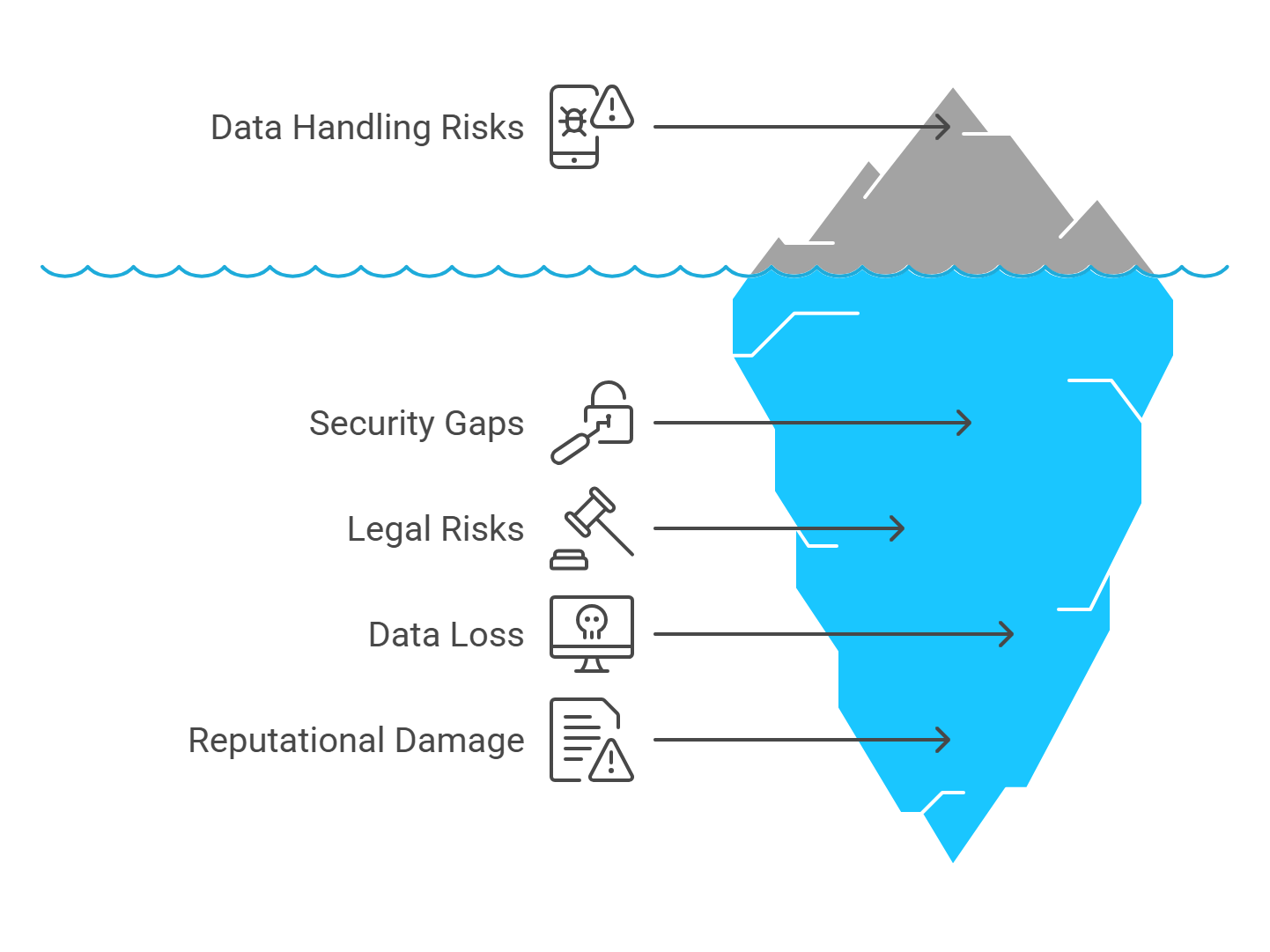
Badly managed data leads to mismatched inventory, angry customers, and endless debugging sessions. A clean approach shields you from these headaches and keeps your codebase flexible for future features.
Key PHP Tools for Product Info
PHP offers several extensions that make data work easier. Picking the right one hinges on the project’s scale and security needs.
PDO vs. MySQLi
- PDO supports multiple database drivers, letting you switch from MySQL to PostgreSQL without rewriting queries.
- MySQLi provides a native MySQL interface and offers both procedural and object‑oriented styles.
- Both extensions support prepared statements—essential for preventing SQL injection.
Most developers lean toward PDO for its flexibility, but if you’re certain MySQL is your only target, MySQLi can be a tidy alternative.
Step‑by‑Step: Building a Simple Product API
Let’s walk through a minimal API that can retrieve, add, update, and delete product entries. The example assumes a products table with id, name, price, and stock columns.
Setup and Configuration
First, create a config.php file that returns a PDO instance. Keeping the connection logic separate makes the rest of the code cleaner.
<?phpreturn new PDO(
'mysql:host=localhost;dbname=shop;charset=utf8',
'db_user',
'secret_pass',
[PDO::ATTR_ERRMODE => PDO::ERRMODE_EXCEPTION]
);
?>
Fetching Data
To list all products, you might write a function like this:
function getAllProducts(PDO $db): array {$stmt = $db->query('SELECT id, name, price, stock FROM products');
return $stmt->fetchAll(PDO::FETCH_ASSOC);
}
Notice the use of FETCH_ASSOC—it returns an associative array, which maps cleanly to JSON later on.
Creating a New Product
When inserting, always rely on prepared statements:
function addProduct(PDO $db, string $name, float $price, int $stock): int {$sql = 'INSERT INTO products (name, price, stock) VALUES (:name, :price, :stock)';
$stmt = $db->prepare($sql);
$stmt->execute([':name' => $name, ':price' => $price, ':stock' => $stock]);
return (int)$db->lastInsertId();
}
The function returns the newly created id, handy for building a response payload.
Updating Existing Records
Updates follow a similar pattern. Here’s a quick example that adjusts stock levels:
function updateStock(PDO $db, int $id, int $newStock): bool {$sql = 'UPDATE products SET stock = :stock WHERE id = :id';
$stmt = $db->prepare($sql);
return $stmt->execute([':stock' => $newStock, ':id' => $id]);
}
Deleting a Product
Deletion is straightforward but remember to check the affected rows to confirm success.
function deleteProduct(PDO $db, int $id): bool {$stmt = $db->prepare('DELETE FROM products WHERE id = :id');
$stmt->execute([':id' => $id]);
return $stmt->rowCount() > 0;
}
Common Pitfalls and How to Avoid Them
- Directly embedding user input in queries – always use prepared statements.
- Ignoring character encoding – set
charset=utf8in the DSN to prevent garbled text. - Not handling exceptions – enable
PDO::ERRMODE_EXCEPTIONand wrap database calls intry/catchblocks. - Hard‑coding credentials – store them outside the web root or use environment variables.
Next Steps – Extending Your Solution
Once the basics are solid, consider adding pagination, search filters, or even a caching layer with Redis to reduce database load. If your shop grows, a micro‑service architecture could isolate product handling from other concerns, keeping the codebase maintainable.
In short, mastering PHP’s data tools equips you to turn raw rows into reliable product information—no magic required, just a bit of disciplined coding.