How to Replicate Chris Evans’ Voice with Voice Changers & AI
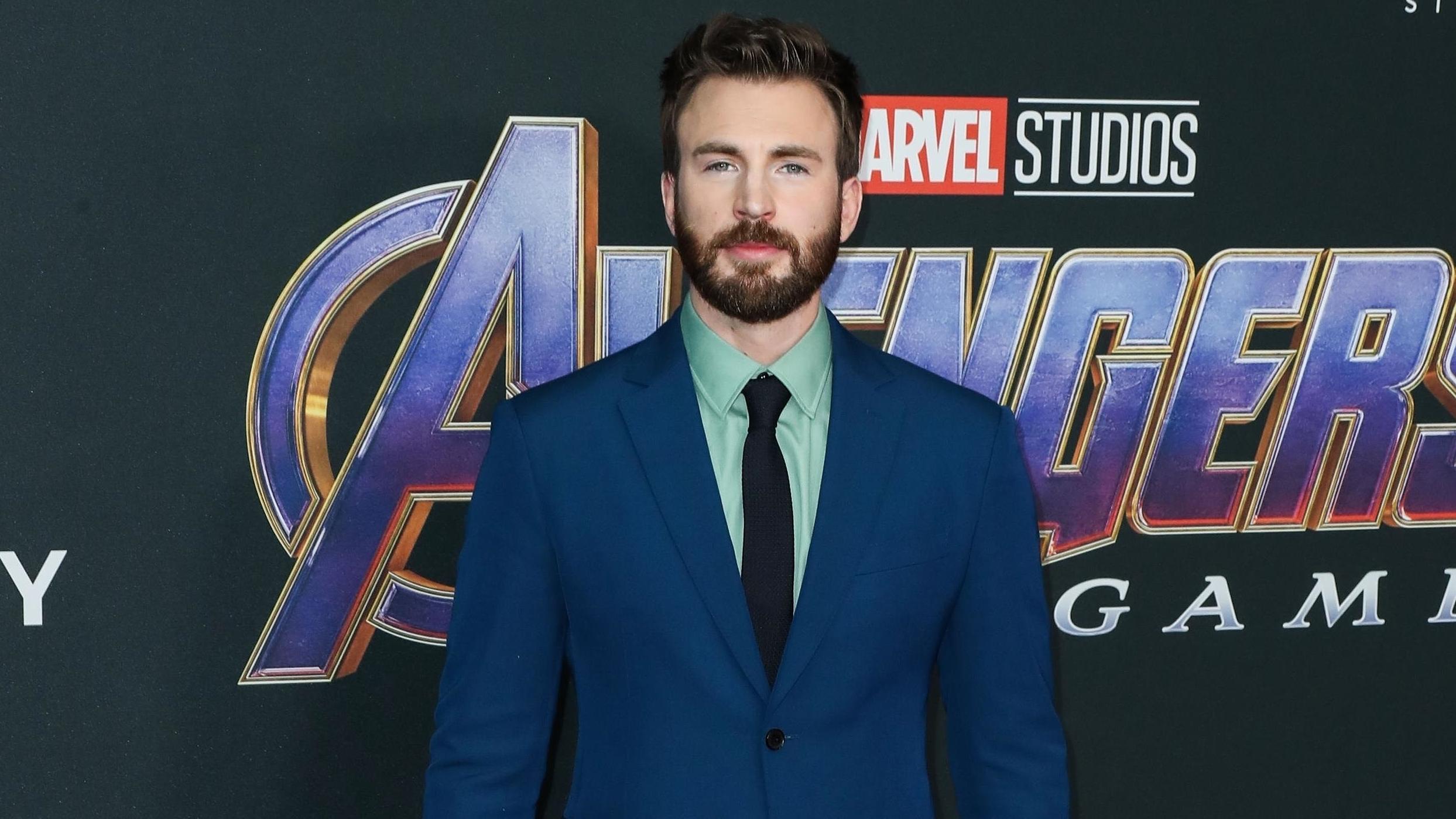
Ever wondered why Chris Evans’ voice feels instantly recognizable, whether he’s on the screen or behind a microphone? The blend of his natural timbre, subtle cadence, and that unmistakable heroic tone makes a lasting impression. Luckily, today’s technology offers tools that let hobbyists and creators get surprisingly close—without needing a Hollywood‑grade studio.
What Makes Chris Evans’ Voice Stand Out?
Before we dive into the tech, it helps to break down the elements that give his voice its signature character:
- Mid‑range richness: His vocal sweet spot sits comfortably between baritone and tenor, creating a warm, approachable sound.
- Controlled breathing: Evans uses steady, diaphragmatic support, which adds a smoothness that’s hard to fake.
- Subtle inflection: A slight rise on key words draws attention without sounding theatrical.
These traits can be mimicked, but they’re easier to highlight when you know what to look for.
Voice‑Changer Apps: Quick Wins for Casual Use
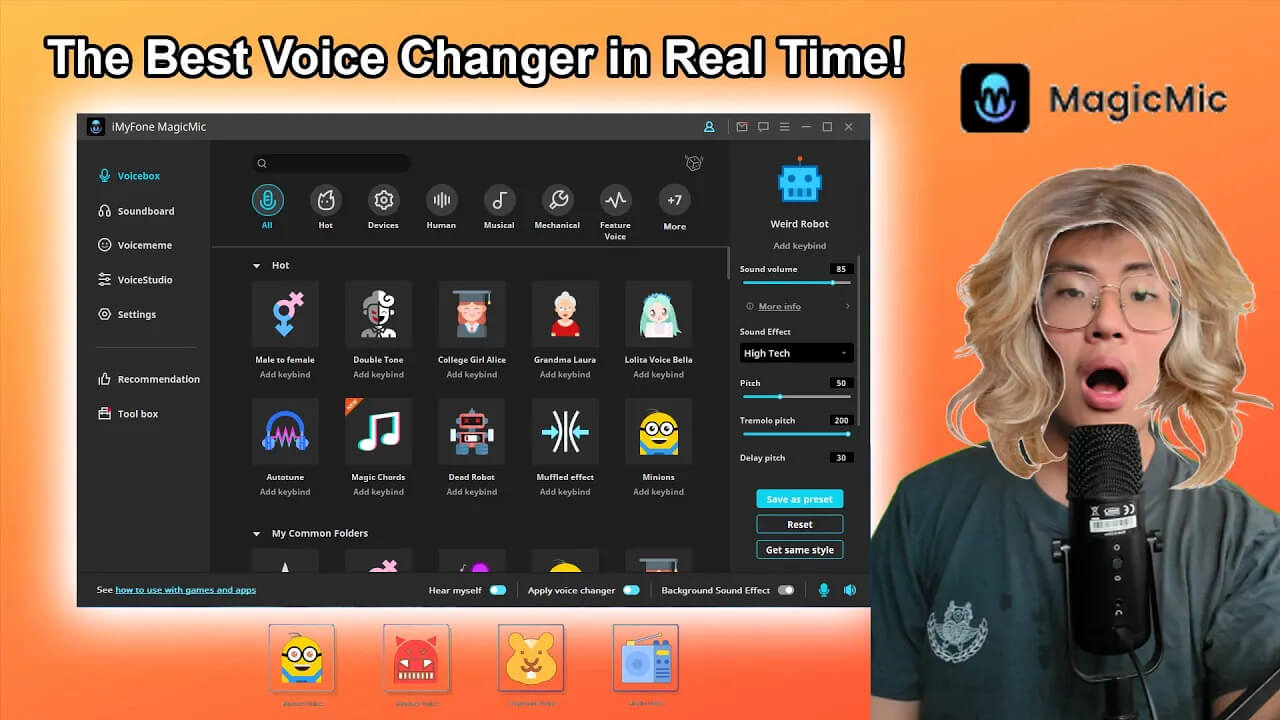
If you’re after a fun, instant result—say for a TikTok video or a gaming stream—several mobile and desktop apps do the heavy lifting. Most of them let you tweak pitch, resonance, and formants, the three knobs that shape a voice the most.
Top Picks (Free & Low‑Cost)
- Voicemod – Real‑time processing with preset “heroic” filters that approximate Evans’ timbre.
- Clownfish Voice Changer – Simple UI, works system‑wide on Windows, decent for quick experiments.
- Voice AI Studio – Offers a “deep‑learning” mode that learns your voice and applies a custom filter.
Short of a perfect match, these tools give you a baseline you can refine later.
AI‑Powered Voice Synthesis: Getting Closer to the Real Deal
For creators who need higher fidelity—think podcast intros or short‑form narration—AI voice synthesis can produce remarkably realistic results. The principle is straightforward: feed the model a handful of clean recordings of Evans, then let it generate new lines in his style.
How It Works
- Data collection: Gather a few minutes of clear speech (public domain clips work best).
- Model training: Use a platform like Respeecher or ElevenLabs, which fine‑tunes a neural network on that sample.
- Prompt crafting: Write the script you want, then let the model render it.
While the output can be impressively close, keep in mind licensing considerations—using a celebrity’s voice commercially may require clearance.
Practical Tips for a Convincing Chris Evans‑Style Delivery
Even the best software can’t fully replace technique. Pairing tech with a little vocal practice yields the most credible results.
- Warm up with humming to engage the lower register, mirroring Evans’ resonant foundation.
- Record yourself speaking a line, then compare it with a clip of Evans; tweak pitch by < 2 semitones to stay natural.
- Apply a slight “nasal” boost (around 800 Hz) to emulate his subtle forward placement.
Experimentation is key—sometimes a tiny adjustment makes the difference between “nice” and “spot‑on.”
Ethical and Legal Considerations
Using a recognizable voice for entertainment is generally fine, but crossing into deception or commercial misuse can land you in hot water. Here are quick guidelines:
- Always disclose that a voice is synthesized or altered, especially in public‑facing content.
- Avoid using the cloned voice for endorsements, political messaging, or anything that could mislead the audience.
- If you plan to monetize the material, seek legal advice or obtain a license where required.
Wrapping Up the Toolkit
Whether you’re a streamer looking for a fresh avatar, a podcaster wanting a heroic intro, or just a fan having fun, the combination of modern voice‑changer apps and AI synthesis opens a path to “Chris Evans‑ish” tones without a studio hire. Start with a free app to test the waters, then consider an AI platform if you need that extra polish. And remember: a dash of vocal training never hurts—technology can enhance, but it can’t fully replace genuine technique.