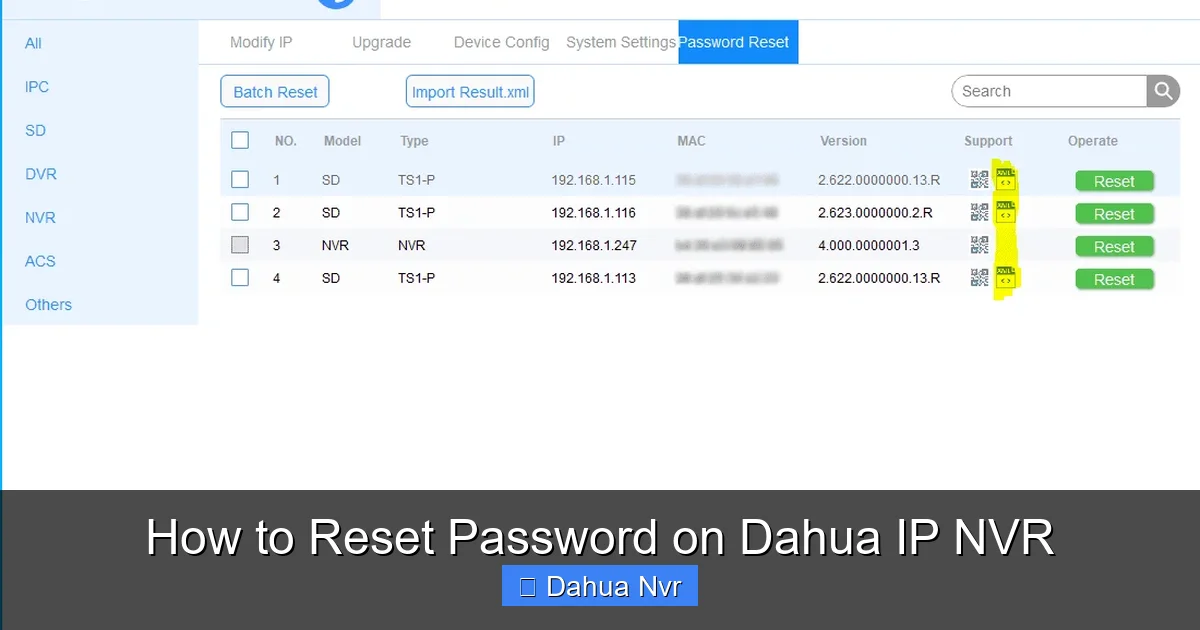
How to Reset a Dahua NVR Password Using the Jumper Method
Forgot the admin password on a Dahua NVR? It’s a common snag, especially after a firmware update or a hard‑reset. The good news is that the “jumper method” offers a reliable way back into the system without pulling the plug on your recordings.
Why the Jumper Method Works
The Dahua NVR stores its configuration, including passwords, on a separate EEPROM chip. By temporarily short‑circuiting two specific pins on the motherboard, you force the device to bypass the stored credentials and revert to the factory default login. This hardware‑level trick is safe—provided you follow the steps carefully.
What You’ll Need
- A small flat‑head screwdriver or a metal jumper pin
- A Phillips‑head screwdriver (for opening the case)
- Anti‑static wrist strap (optional but recommended)
- Access to the NVR’s power source (you’ll need to power it down briefly)
Step‑By‑Step Guide
1. Power Down the NVR
Unplug the power cable and disconnect any Ethernet or HDMI connections. Wait about 10 seconds—this clears any residual charge in the circuitry.
2. Open the Enclosure
Remove the side panel using the Phillips screwdriver. Most Dahua models have a simple snap‑fit design, so a gentle pry with the screwdriver tip usually does the trick.
3. Locate the Jumper Pads
Inside, you’ll see a small rectangular area labeled JUMPER or RESET. It typically consists of two metal pads spaced a few millimeters apart. If you’re unsure, refer to the board’s silkscreen; it often reads “J1” or “RST”.
4. Bridge the Pads
Take your flat‑head screwdriver or jumper pin and gently press it across the two pads. You should hear a faint click—this indicates a solid connection.
5. Restore Power
While keeping the bridge in place, plug the power cable back in. The NVR will boot, and the firmware will detect the jumper, automatically resetting the admin password to admin with a blank password field.
6. Log In and Reconfigure
Connect a monitor or use a web browser pointed at the device’s IP address. Log in with username admin and leave the password field empty (or use the default password if your model specifies one). Once you’re in, go to System Settings → User Management and set a new, strong password.
7. Remove the Jumper
Power down again, remove the bridge, re‑assemble the case, and plug everything back in. The NVR should start normally, now secured with your fresh credentials.
Tips for a Smooth Reset
- Document the new password. Write it down or store it in a password manager.
- Backup config files. Before you ever need a reset, export the system settings via the web interface.
- Keep the firmware updated. New releases often tighten security, reducing the need for hardware resets.
- Use static‑free tools. A static discharge can corrupt the EEPROM, so handle the board gently.
When the Jumper Method Might Fail
If the NVR doesn’t respond after bridging the pads, consider these possibilities:
- The jumper pins are mislabeled—double‑check the board layout.
- The EEPROM is corrupted; a complete firmware reinstall may be required.
- Physical damage to the board (e.g., burnt components) prevents proper detection.
In such cases, contacting Dahua support or a qualified technician is the safest route.
Alternative Reset Options
While the jumper method is the go‑to for most models, a few newer units support a soft reset through the web UI:
- Navigate to System → Maintenance → Factory Reset (requires admin access).
- Use the Reset Password email feature if the NVR is linked to an SMTP server.
These software paths are convenient but assume you still have at least one valid login.