How to Safely Access Super Smash Bros. Melee ISO Files and What They Offer
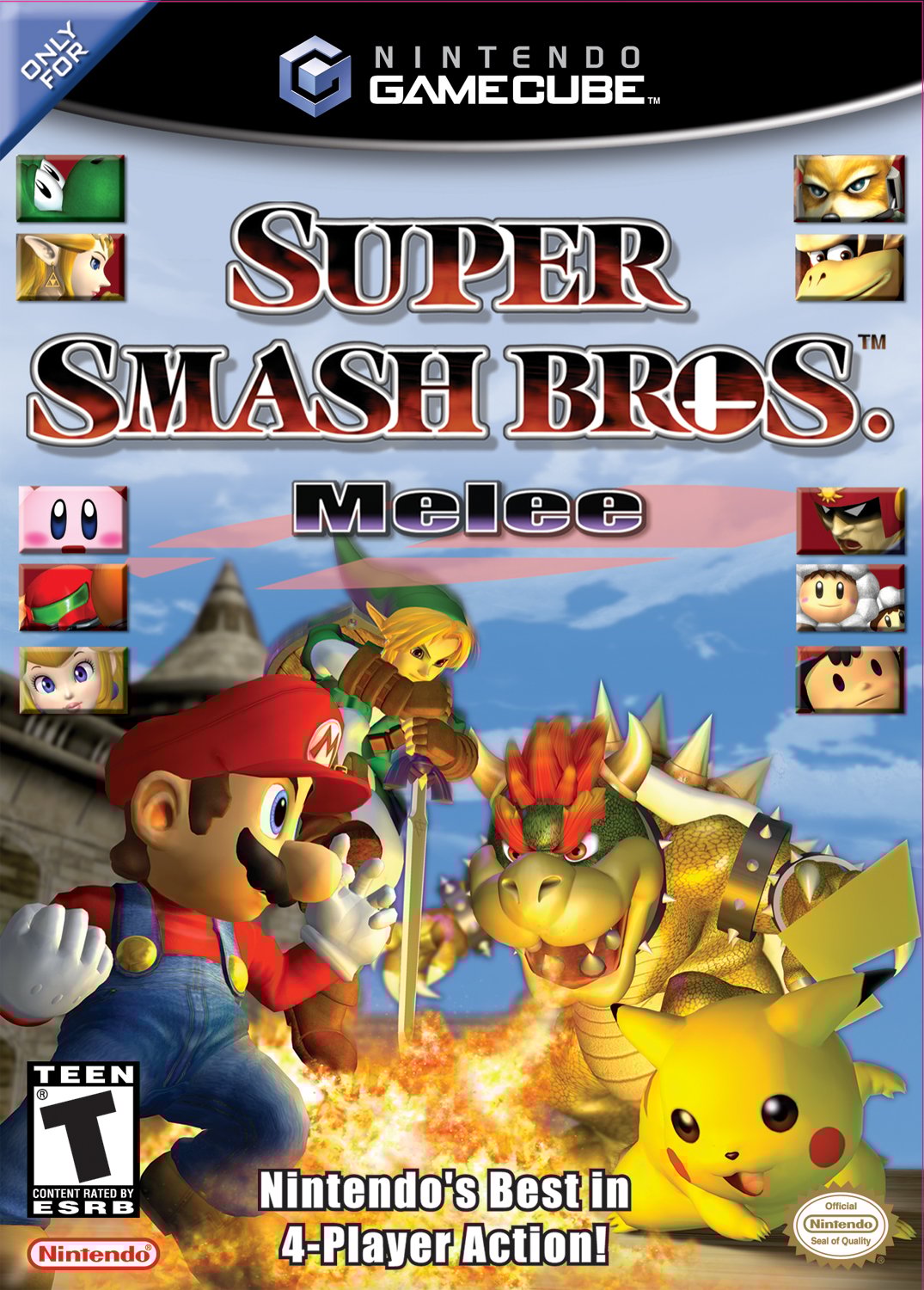
For many fans, Super Smash Bros. Melee remains the gold standard of console fighting games. The original GameCube disc is still prized, yet the community has long shared a practical way to enjoy the title without the hardware: ISO files. Understanding how these digital copies work, where to find them responsibly, and what you can actually do with them can make the difference between a smooth experience and a frustrating dead‑end.
What Exactly Is an ISO?
An ISO is essentially a perfect digital replica of a disc. Think of it as a snapshot that contains every bit of data from the original, from menus to hidden files. When loaded onto a compatible emulator, the ISO behaves like a real GameCube disc—no extra patches, no altered content.
Key Characteristics
- Exact copy: No compression or modification unless you deliberately apply it.
- Size: The Melee ISO typically sits around 1.6 GB, reflecting the original disc’s capacity.
- Portability: Once you have the file, a single emulator can run it on multiple platforms—PC, Mac, or even mobile devices.
Why People Use ISOs
There are a few practical reasons why an ISO might be the right choice for you.
- Hardware limitations – Not everyone owns a functional GameCube or a working disc drive.
- Preservation – Physical media degrade over time; a digital copy preserves the experience.
- Convenient practice – Emulators often offer tools like frame‑advance or input recording that help players improve.
That said, using an ISO does not replace the nostalgia of popping a cartridge into a console. It’s simply a way to keep the game alive when the original hardware is out of reach.
Getting an ISO Legally and Safely
The biggest hurdle is obtaining the file without stepping into murky legal waters. Here’s a responsible approach:
- Own the game: The safest legal footing is to own a legitimate copy of Melee. Some jurisdictions allow you to back up your own disc for personal use.
- Use trusted ripping tools: Programs like CleanRip or GCRebuilder can create an ISO directly from your disc without altering data.
- Avoid shady download sites: Many sites host pirated copies that may include malware or tampered content.
If you cannot rip the disc yourself, consider reaching out to community forums for advice on reputable sources. Some veteran members may offer guidance on verified torrent trackers that respect the community’s code of conduct.
Choosing an Emulator
Once you have a clean ISO, the next step is picking an emulator. The two most popular choices are:
- Dolphin: Widely regarded as the most stable and feature‑rich emulator for GameCube and Wii titles.
- RetroArch (with a GameCube core): Offers a unified interface for many retro systems, though setup can be a bit more technical.
Dolphin shines because it includes built-in netplay, custom controller mapping, and graphical enhancements like anti‑aliasing. For most players, it’s the go‑to solution.
Setting Up Dolphin for Melee
A quick rundown to get you fighting in under ten minutes:
- Download the latest stable Dolphin build from the official site.
- Install the program and launch it.
- Drag the Melee ISO onto Dolphin’s main window – it should appear in the game list.
- Open Graphics settings: enable Enhancements like 2× internal resolution for a sharper image.
- Navigate to Controllers and map your gamepad or keyboard to the appropriate inputs.
- Hit Play and enjoy the chaos.
Don’t forget to explore Dolphin’s Config tab, where you can tweak audio latency and enable Widescreen Hack if you prefer a broader view.
What You Can Do With a Melee ISO
Beyond simply playing, an ISO opens up a handful of fun possibilities:
- Online matches: Dolphin’s netplay lets you battle friends worldwide, using the same mechanics as the original.
- Training modes: Frame‑by‑frame advancement helps you perfect advanced techniques like wave‑dashing.
- Modding: While Melee’s core code stays intact, you can add custom textures or practice stages using community‑made patches.
- Recording: Built‑in video capture makes it easy to share highlight reels on social media.
Common Pitfalls and How to Avoid Them
Even with a clean ISO, a few hiccups can arise.
Performance Drops
If you notice lag, try lowering the internal resolution or disabling anti‑aliasing. Older laptops may also benefit from the Speed Up (Force) option in Dolphin’s settings.
Controller Mismatch
Some players report sticky inputs when using certain USB adapters. A quick test in Dolphin’s Controller Settings—press each button and confirm it registers—can save you hours of frustration.
Online Connectivity
Netplay relies on a stable internet connection. Using a wired Ethernet cable or a high‑quality Wi‑Fi router reduces latency, especially important for a game as timing‑sensitive as Melee.
Preserving the Community Spirit
The Melee scene thrives on tournaments, fan‑made content, and collaborative learning. When you use an ISO, consider giving back:
- Share custom stage packs or practice rigs you create.
- Participate in online brackets that support charitable causes.
- Document useful Dolphin settings in forum posts to help newcomers.
These small contributions keep the ecosystem vibrant and ensure that both newcomers and veterans can keep the fight alive.
Final Thoughts on Diving Into Melee ISOs
Whether you’re reliving the glory days or discovering the game for the first time, an ISO paired with a solid emulator offers a convenient gateway into Super Smash Bros. Melee. By respecting legal boundaries, choosing reliable tools, and staying engaged with the community, you’ll enjoy a smooth experience that feels as authentic as possible—without the need for a dusty GameCube in the attic.


_(v1.02)-1470855197.png)
