How to Sign Up on Lazada Seller Center in 5 Simple Steps
Venturing into e‑commerce can feel like stepping into a bustling marketplace without a map. Lazada’s Seller Center, however, offers a fairly straightforward route for newcomers who want to showcase their products to millions of shoppers across Southeast Asia. Below is a practical walk‑through that strips away the jargon and gets you from a blank screen to a live storefront.
Why Choose Lazada Seller Center?
- Regional reach: Access users in Indonesia, Malaysia, Thailand, Vietnam, the Philippines, and Singapore from a single dashboard.
- Built‑in logistics: Tap into Lazada’s fulfillment network, which can handle storage, packing, and delivery for you.
- Marketing tools: Promote listings with native ads, flash sales, and bundle deals without needing a separate ad platform.
- Support ecosystem: From live chat to seller university courses, help is never far away.
Preparing Your Business Details
Before you click “Register,” gather the following items. Having them on hand saves you a handful of back‑and‑forth emails.
- Legal business name and registration number (e.g., PT, LLC, or sole proprietorship).
- Valid tax identification number applicable in your country.
- A dedicated email address that you’ll check regularly.
- Bank account information for payouts – Lazada typically requires a local bank.
- High‑resolution product images and brief descriptions that meet the platform’s guidelines.
Step‑by‑Step Registration Process
Step 1 – Access the Seller Center
Head to sellercenter.lazada.com and click the “Sign Up” button. You’ll be redirected to a page that asks for your email and a password. Choose something memorable; you’ll need it for two‑factor authentication later.
Step 2 – Verify Your Email
Within a minute, Lazada sends a verification link. Click it, and you’ll land back on the registration wizard. If the email doesn’t appear, check your spam folder – Lazada’s messages sometimes get filtered.
Step 3 – Fill Out Business Information
Enter the legal name, registration number, and tax ID exactly as they appear on official documents. A tiny typo here can delay approval, so double‑check before you hit “Next.”
Step 4 – Set Up Your Store Profile
Choose a store name that reflects your brand but also fits Lazada’s character limits (usually 30 characters). Upload a logo – a clear PNG or JPEG works best. This is where you start shaping the shopper’s first impression.
Step 5 – Add Payment and Shipping Details
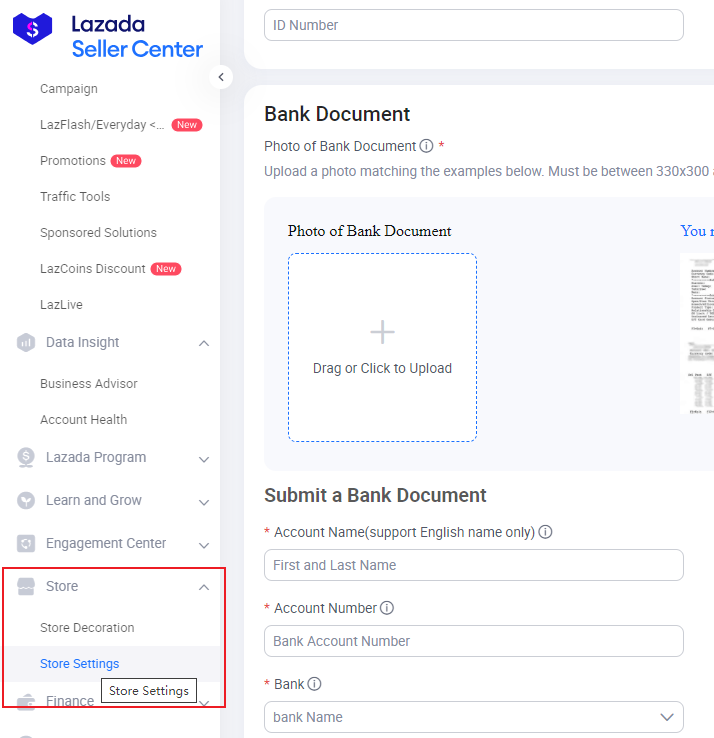
Provide the bank account where you’d like to receive earnings. Then, select your preferred shipping method: you can rely on Lazada’s own logistics (LGS) or link an external courier. Most new sellers start with LGS to keep things simple.
Once all sections are complete, submit the application. Lazada typically reviews new accounts within 24‑48 hours, though occasional verification steps (like a brief phone call) may arise.
Common Pitfalls and How to Avoid Them
- Skipping the tax ID field: The platform won’t let you publish products without a valid tax number.
- Using low‑resolution images: Pixelated photos hurt conversion rates and may be rejected during quality checks.
- Overlooking the store name policy: Names that contain trademarked terms or prohibited words are automatically blocked.
- Neglecting two‑factor authentication: Without it, you risk account lockouts if suspicious activity is detected.
Next Steps After Registration
Congratulations—your seller account is live. Here’s what to tackle next, in no particular order:
- Upload your first product batch: Use the bulk upload template if you have many SKUs; otherwise, add items individually.
- Set competitive pricing: Check similar listings on Lazada, then adjust for your cost structure and desired margin.
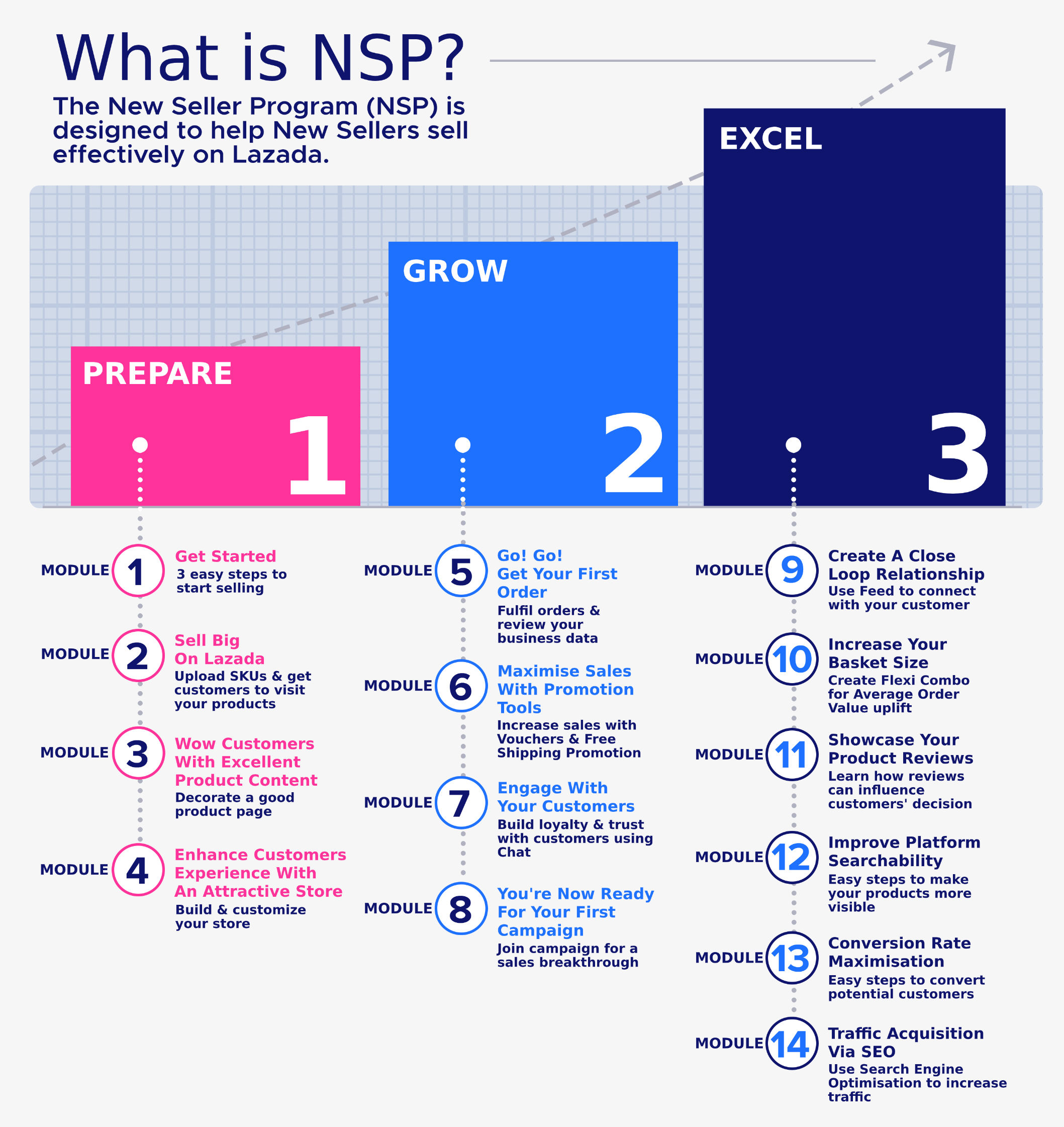
- Run a promotional campaign: A “Welcome Discount” or “Free Shipping” offer can boost early sales and improve your shop’s visibility.
- Monitor performance metrics: The Seller Center dashboard shows order rates, click‑throughs, and customer feedback—keep an eye on them weekly.
- Engage with the seller community: Forums and webinars often share insider tips that can shorten your learning curve.
Getting started on Lazada doesn’t have to feel like a marathon. Follow these five steps, stay mindful of the common snags, and you’ll be positioned to turn clicks into satisfied customers faster than you’d expect.