How to Spoof Pokémon GO on iOS: A Step‑by‑Step Guide
What spoofing actually means in Pokémon GO
In the world of AR gaming, spoofing refers to feeding your device a fake GPS location so the game thinks you’re somewhere else. It’s the digital equivalent of saying, “I’m right here,” when you’re actually across town or even overseas. For many players, the appeal is simple: chase region‑locked Pokémons, attend distant raids, or just explore the map without leaving the couch.
Legal and ethical gray areas
Before diving in, it’s worth acknowledging that Niantic’s terms of service explicitly forbid location manipulation. While most users never see a ban, the risk exists, especially for repeat offenders or those who push the limits. Consider the impact on local players—spamming raids or dominating gyms from a phantom address can sour the community experience.
Getting your iPhone ready
A smooth spoofing session starts with a clean slate.
- Back up your device via iCloud or iTunes. If anything goes wrong, you’ll thank yourself later.
- Make sure you’re running the latest iOS version that your device supports; newer firmware often tightens GPS security.
- Disable “Find My iPhone” temporarily—some spoofing tools can’t coexist with activation lock.
Choosing a spoofing tool
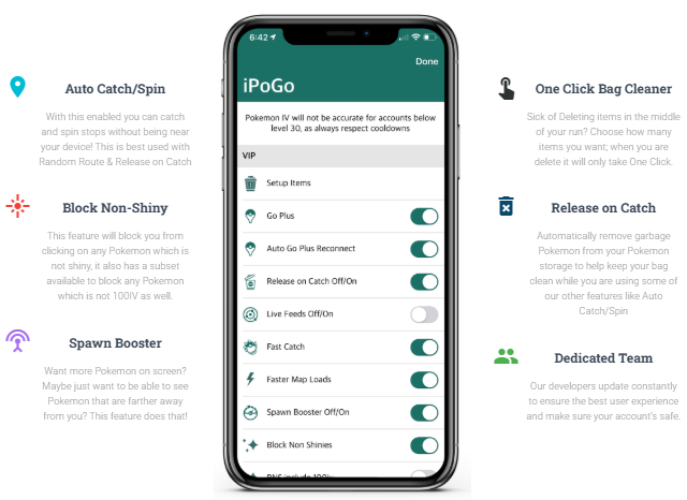
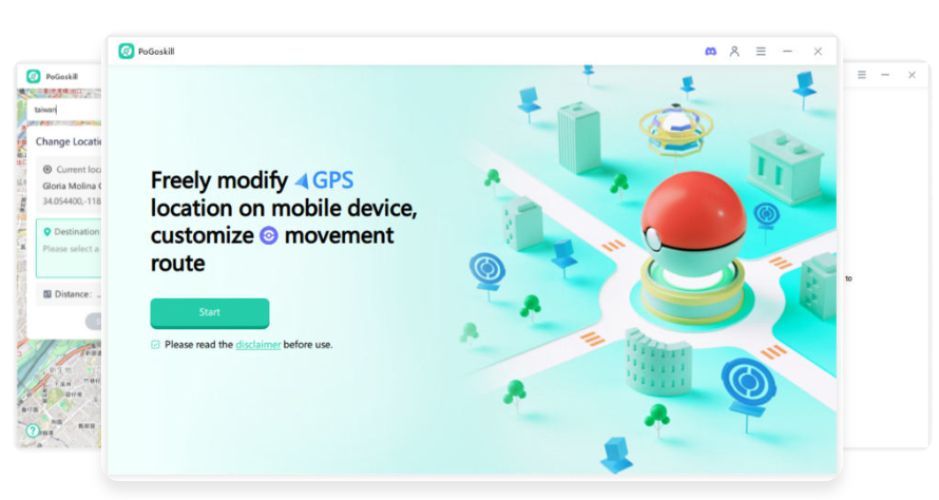
There’s a small market of iOS‑compatible GPS spoofers. The most reliable ones tend to be paid apps that require a developer certificate, or they come bundled with a jailbreak‑free method known as “AltStore.” Here’s a quick rundown of three popular choices:
- iSpoofer (legacy) – no longer officially supported, but older builds still circulate.
- iTools/Checkra1n combo – works if you’re comfortable with a semi‑jailbreak approach.
- AltStore + Xcode method – free, requires a Mac or Windows PC with iTunes, and stays within Apple’s developer provisions.
Installing the AltStore method
If you’re not into jailbreaking, this is the safest bet.
- Download AltServer on your computer (Windows or macOS).
- Install the companion AltStore app on your iPhone via a USB connection.
- Open AltStore, go to Settings, and enable “Refresh Apps Every 7 Days.” This keeps the spoofing app alive without re‑signing.
- Now search for a GPS spoofing app—many developers distribute them as .ipa files that you can sideload through AltStore.
Configuring the fake location
Once the spoofing app is on your phone, follow these basic steps:
- Launch the app and grant it “Precise Location” access in Settings → Privacy → Location Services.
- Enter the desired coordinates manually, or drop a pin on the integrated map.
- Tap “Start Spoofing.” You’ll notice the status bar turning green or a small overlay confirming the fake GPS is active.
Keep the app running in the background; closing it will revert your location to the real one.
Testing in Pokémon GO
Open Pokémon GO after the spoof is active. If the map instantly jumps to your chosen spot, you’ve succeeded. If it flickers back, try these quick fixes:
- Toggle “Airplane Mode” on, then off—this sometimes forces the game to accept the injected GPS data.
- Restart the spoofing app and re‑enter the coordinates.
- Make sure no other location‑based apps are running; they can interfere with the spoof.
Common pitfalls and how to avoid them
Even seasoned spoofers run into hiccups. Below are the most frequent issues and the simplest remedies.
- App crashes on launch. Update both Pokémon GO and the spoofing tool; mismatched versions often cause instability.
- Sudden bans. Limit your spoofed sessions to a few hours per day and vary your in‑game actions—constant high‑level raids from a single spot raise red flags.
- GPS drift. Some tools allow a “jitter” setting; turn it off for a steady location.
Alternatives to full‑on spoofing
If the risk feels too steep, there are lower‑stakes ways to stretch your gameplay:
- Use Pokémon GO’s “Nearby” feature to plan real‑world trips, then combine them with public transport.
- Join community days and events in your actual area—Niantic often releases rare spawns globally.
- Consider “remote raids” through a friend’s account; you still need a legitimate location, but you can attend distant battles without moving.
Final thoughts
Spoofing Pokémon GO on iOS isn’t a plug‑and‑play process, but with a careful setup—backup, a reputable tool, and a bit of patience—you can explore the world map from the comfort of your couch. Just remember that each extra step you take to stay hidden (refreshing the app, avoiding long sessions) is a trade‑off between fun and safety. Choose wisely, and happy hunting.
![Top 9 Pokemon Go Spoofer for iOS [GPS Spoofing Hack]](https://www.mobitrix.com/iphone-location/images/article/en/latest-pokemon-go-spoofer.jpg)