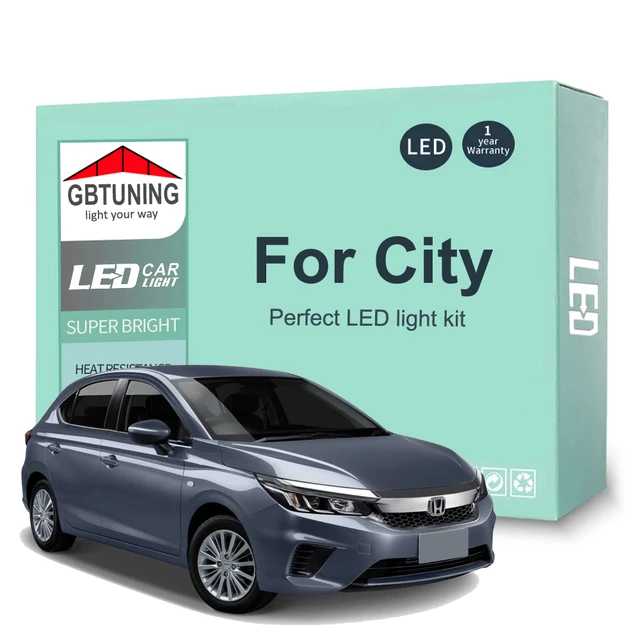
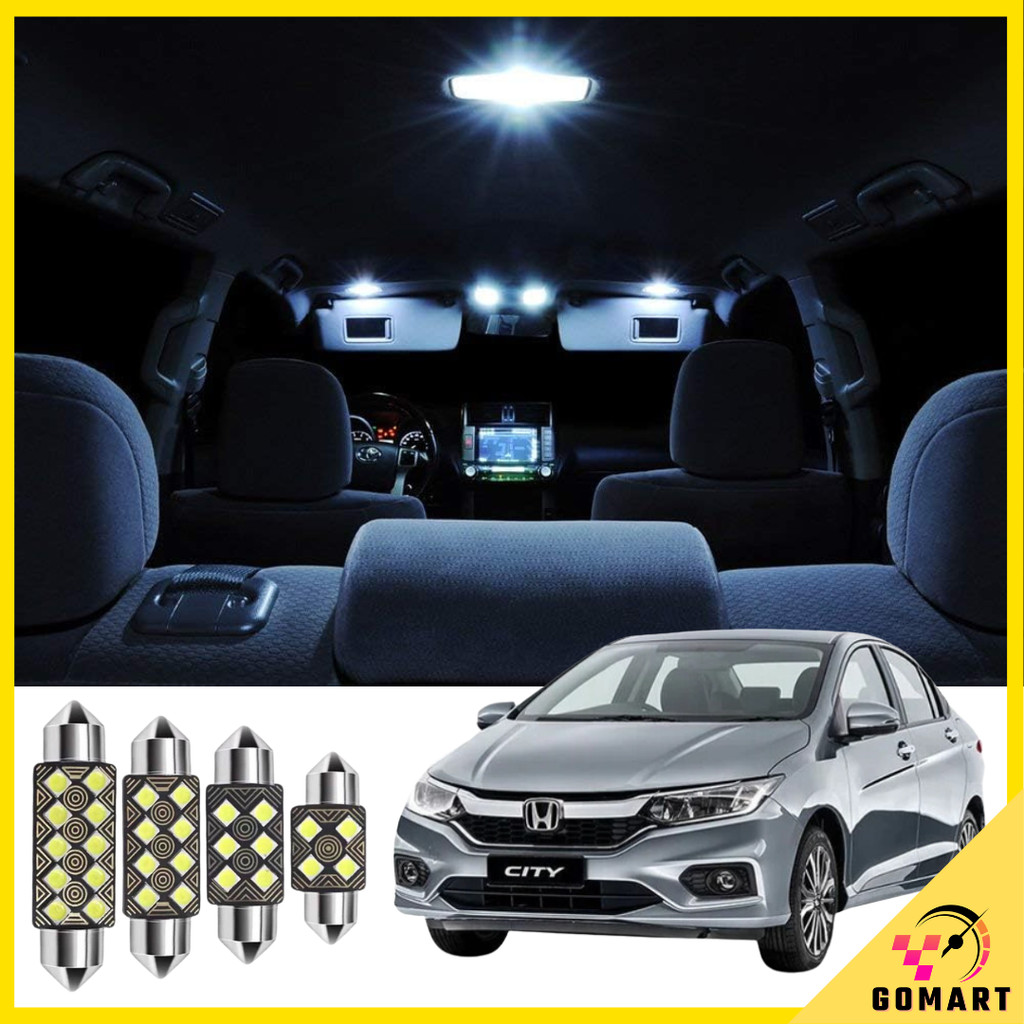
How to Upgrade Your Honda City's Interior Lighting
When it comes to interior lighting, many car owners settle for the standard factory setup, but why not take it to the next level? Upgrading your Honda City's interior lighting can greatly enhance the ambiance and overall driving experience. In this guide, we'll walk you through a step-by-step DIY process to give your vehicle a premium feel without breaking the bank.
To get started, you'll need a few basic tools and materials. Make sure you have a screwdriver, pliers, and a wiring diagram specific to your Honda City model. It's also essential to choose the right type of lighting that suits your needs. You can opt for LED strips, neon lights, or even fiber-optic cables, depending on the desired effect.
Preparing the Vehicle
Before you begin, ensure your vehicle is parked in a well-ventilated area and the ignition is switched off. Put the car in park (if it's an automatic) or first gear (if it's a manual), and engage the parking brake. This will prevent any accidental movements while you're working under the dashboard.
Next, disconnect the battery to avoid any electrical shocks or short circuits. Locate the negative terminal (usually marked with a negative sign or colored black) and loosen the nut that holds the cable in place. Once loose, pull the cable off the terminal and tuck it away from the battery to prevent accidental contact.
Choosing the Right Lighting Kit
With the vehicle prepared, it's time to select the perfect lighting kit for your Honda City. Consider the color temperature, brightness, and durability when making your choice. LED strips are a popular option due to their energy efficiency, flexibility, and ease of installation. They come in various colors and can be cut to fit specific areas of the vehicle.
- LED strips: Energy-efficient, flexible, and easy to install
- Neon lights: Bright, colorful, and can be customized to fit specific areas
- Fiber-optic cables: Create a unique, starry night effect
Installation Process
Now that you've chosen your lighting kit, it's time to start the installation process. Begin by locating the areas you want to illuminate, such as the footwells, door panels, or dashboard trim. Use a screwdriver to remove any trim pieces or screws that may be covering the area where you'll be installing the lights.
For LED strips, peel off the adhesive backing and press the strip firmly onto the desired surface. Make sure it's securely attached and won't come loose over time. If you're using neon lights or fiber-optic cables, follow the manufacturer's instructions for installation, as the process may vary.
Troubleshooting Common Issues
During the installation process, you may encounter some common issues, such as faulty connections or insufficient lighting. If your lights aren't turning on, check the wiring and connections to ensure they're secure and not damaged. If the lights are too dim, you may need to adjust the voltage or add more lights to achieve the desired brightness.
Another issue you might face is interference with the vehicle's electrical system. To avoid this, make sure to use a wiring diagram specific to your Honda City model and follow proper installation procedures.
In conclusion, upgrading your Honda City's interior lighting is a straightforward DIY project that can greatly enhance the overall driving experience. By following this guide and choosing the right lighting kit, you can create a unique and premium ambiance that reflects your personal style. So why settle for the standard factory setup when you can take your vehicle to the next level with a custom interior lighting system?