How to Use an IMEI Check to Spot Blacklisted Phones
Ever bought a second‑hand smartphone that seemed perfect—until it suddenly stopped working on your carrier? More often than you’d think, the culprit is an IMEI that’s been flagged as blacklisted. Before you hand over cash, a quick IMEI lookup can save you from a costly surprise.
What Exactly Is an IMEI?
The International Mobile Equipment Identity (IMEI) is a 15‑digit code stamped into every GSM phone. Think of it as the device’s fingerprint; carriers and manufacturers use it to track, lock, or unlock a handset. When you dial *#06# on most phones, that number pops up on screen.
Why Do Phones Get Blacklisted?
Several scenarios can land a device on the blacklist:
- Stolen or lost: Owners report the phone, prompting carriers to block the IMEI.
- Unpaid contracts: If a user defaults on a payment plan, the provider may blacklist the handset.
- Fraudulent activity: Devices linked to scams or illegal use can be flagged.
In most cases, a blacklisted IMEI means the phone won’t register on major networks, though it might still work on Wi‑Fi.
How to Perform an IMEI Check
The process is straightforward:
- Locate the IMEI on your device (dial *#06# or check the back cover).
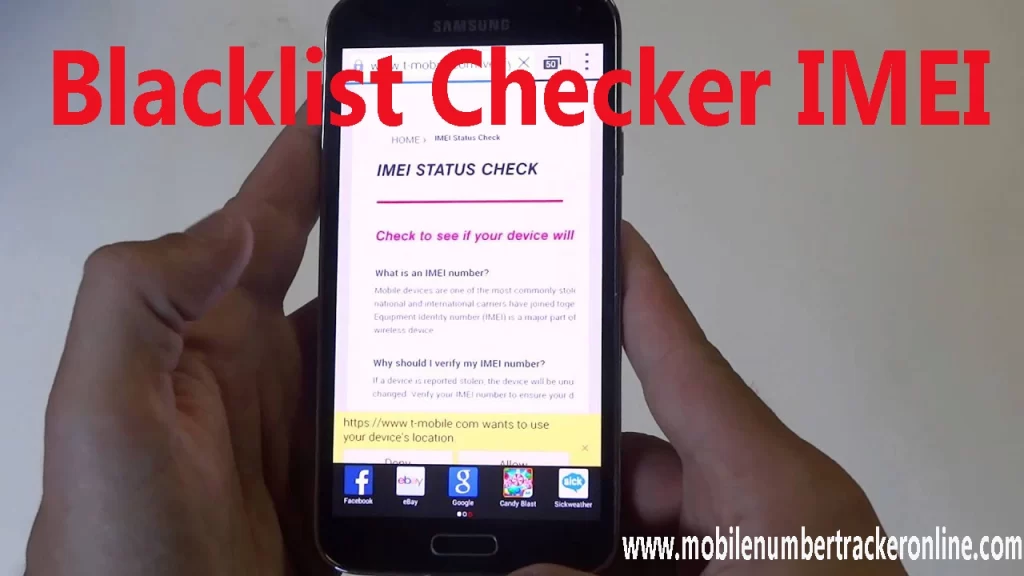
- Visit a reputable IMEI lookup site—many are free, but some subscription services offer deeper data.
- Enter the number and hit “search.”
- Review the results: clean, blacklisted, locked, or possibly duplicated.
Most sites will also show the phone’s brand, model, and manufacturing date, which is handy for confirming you’ve got the right device.
Spotting Red Flags in the Results
If the report says “blacklisted” or “blocked,” you’ve got a problem. However, watch out for these subtle warning signs too:
- “Network locked” paired with an unfamiliar carrier.
- “Duplicate IMEI” – a sign the number may have been tampered with.
- Missing manufacturing details, which could indicate a counterfeit unit.
What to Do If Your Phone Is Blacklisted
All is not lost. Here are a few routes you can explore:
- Contact the seller: Ask for proof that the device is clean or request a refund.
- Check with the carrier: Sometimes a simple paperwork correction can lift the block.
- Unlock services: Certain third‑party providers claim to “clean” blacklisted IMEIs, but proceed with caution—legality varies by region.
In many jurisdictions, a blacklisted phone cannot be legally re‑activated for standard use, so weighing the cost of repair against buying a new device is wise.
Tips for Buying Used Phones Safely
Even with an IMEI check, it’s smart to take a few extra precautions:
- Ask for the original receipt or proof of purchase.
- Test the phone on your carrier’s network before completing the sale.
- Insist on a short return window in case the IMEI status changes after you leave the store.
Common Misconceptions About IMEI Checks
People often assume that a “clean” status guarantees flawless performance. That’s not entirely true. A phone might pass the IMEI test yet still suffer from hardware defects, battery wear, or software glitches. The IMEI check is a vital step, but it’s just one piece of the puzzle.
Is a Free IMEI Lookup Reliable?
Most reputable sites pull data from carrier databases, so free checks are usually accurate for basic status (clean vs. blacklisted). However, detailed histories—like previous owners or repair records—often require a paid subscription.
Bottom Line
Before you hand over cash for a pre‑owned handset, run an IMEI check. It’s a quick, inexpensive safeguard that can spot a blacklisted device before it becomes a headache. Combine that with a few buyer‑savvy habits, and you’ll be much less likely to end up with a phone that’s good on paper but dead on the network.