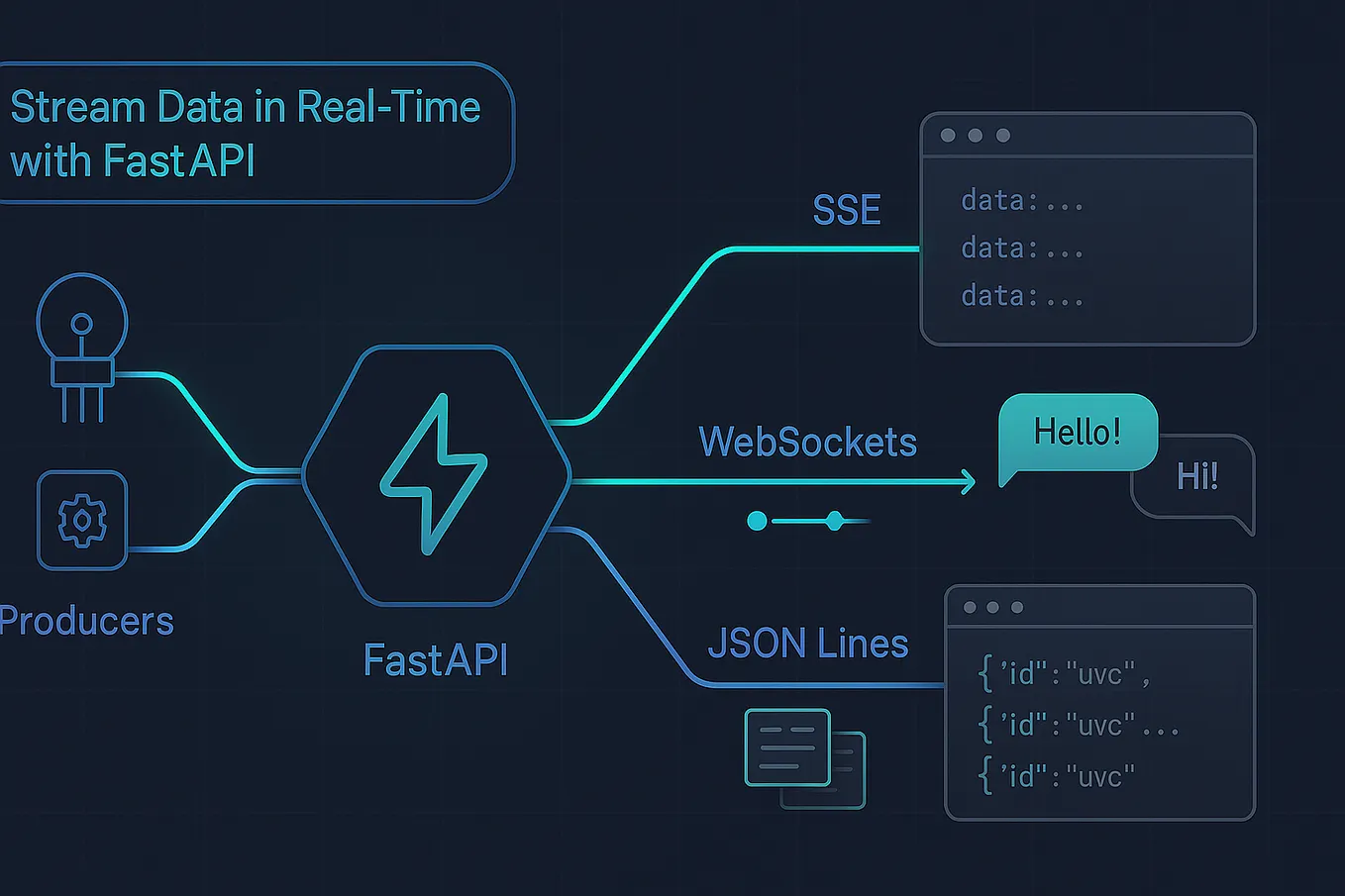
How to Use FastAPI with TCP Sockets for Real‑Time Apps
Why Choose TCP Sockets with FastAPI?
When you think of real‑time communication, WebSockets often steal the spotlight. Yet TCP sockets sit closer to the metal, offering raw, bidirectional streams without the extra framing layer. Pairing them with FastAPI gives you a Pythonic, async‑first framework that can juggle HTTP routes and low‑level socket handling side by side. The result? An architecture that feels both familiar and surprisingly nimble, especially for use‑cases like live telemetry, multiplayer game back‑ends, or custom chat protocols.
Because FastAPI is built on Starlette, it already ships with an event loop powered by asyncio. That means you can spin up a TCP listener in the same process that serves your REST API, share dependencies, and keep configuration tidy. In short, you get the convenience of a modern web framework without sacrificing the performance that raw sockets provide.
Setting Up a Basic TCP Socket Server
First, install the essentials:
fastapiuvicorn
Next, create an async function that accepts connections. The asyncio.start_server helper does most of the heavy lifting:
import asyncioasync def handle_client(reader: asyncio.StreamReader, writer: asyncio.StreamWriter):
addr = writer.get_extra_info('peername')
print(f"Connection from {addr}")
while data := await reader.read(1024):
# Echo back whatever we receive
writer.write(data)
await writer.drain()
writer.close()
await writer.wait_closed()
Notice the use of the “walrus” operator (available from Python 3.8) to keep the loop concise. The handler reads chunks of bytes, processes them—in this case, simply echoing—and then gracefully shuts down when the client disconnects.
To launch the server alongside FastAPI, wrap the start‑up call inside a background task:
from fastapi import FastAPIapp = FastAPI()
@app.on_event("startup")
async def start_tcp_server():
server = await asyncio.start_server(handle_client, "0.0.0.0", 9000)
# Store reference so we can close it on shutdown
app.state.tcp_server = server
print("TCP server listening on port 9000")
The startup event runs once when Uvicorn boots, ensuring the socket is ready before any HTTP request lands.
Integrating the Server with FastAPI Endpoints
Now that the TCP listener is alive, you can expose endpoints that interact with the same connection pool. Imagine an endpoint that broadcasts a message to all connected clients:
@app.post("/broadcast")async def broadcast(message: str):
for task in asyncio.all_tasks():
if isinstance(task.get_coro(), handle_client):
writer = task.get_coro().cr_frame.f_locals["writer"]
writer.write(message.encode())
await writer.drain()
return {"status": "sent"}
This snippet walks through all active tasks, picks out those running handle_client, extracts the writer object, and pushes the payload. While a bit hacky, it demonstrates the principle: your HTTP layer can directly manipulate the underlying TCP streams without needing an external message broker.
For production‑grade code you’d likely maintain a dedicated set of writer objects, protect it with an asyncio.Lock, and clean up on disconnect. The key takeaway is that FastAPI doesn’t isolate you from low‑level async primitives—you can blend them as you see fit.
Handling Real‑Time Data Streams
Real‑time apps rarely just echo bytes. Most of the time you’ll parse a custom protocol, apply validation, and maybe persist events to a database. Here’s a sketch of a telemetry handler that expects JSON lines terminated by a newline character:
import jsonasync def telemetry_handler(reader, writer):
while line := await reader.readline():
try:
data = json.loads(line)
# Pretend we store it somewhere
print(f"Received telemetry: {data}")
except json.JSONDecodeError:
print("Malformed packet, ignoring.")
writer.close()
await writer.wait_closed()
Using readline keeps the protocol framing simple: each JSON object must end with \n. You can swap this for length‑prefixed frames or even a binary protocol if you need tighter bandwidth control.
Because the handler runs inside an async event loop, you can also launch background tasks—say, a periodic aggregation routine that runs every few seconds—without blocking incoming socket traffic.
Best Practices and Common Pitfalls
- Graceful shutdown. Register a
shutdownevent that closes the TCP server and cancels pending client tasks. Forgetting this can leave orphaned sockets hanging after you stop Uvicorn. - Back‑pressure awareness. If a client is slow,
await writer.drain()will pause the coroutine, preventing memory bloat. Never ignore the await. - Security considerations. Raw TCP sockets expose no built‑in authentication. Implement a handshake (e.g., token exchange) before accepting data, especially if you expose the service to the internet.
- Testing. Use
asyncio.open_connectionin your test suite to simulate clients. It’s far cheaper than spinning up external tools. - Resource limits. Each connection consumes a file descriptor. On Linux, you may need to raise
ulimit -nfor high‑scale scenarios.
By keeping these guidelines in mind, you can avoid the typical headaches that accompany socket programming while still reaping its low‑latency benefits.
FAQ
Can FastAPI handle both HTTP and TCP on the same port?
No. HTTP and raw TCP use different protocols, so they must listen on separate ports. FastAPI’s built‑in server (Uvicorn) handles HTTP, while asyncio.start_server manages the TCP side.
Is WebSocket a better choice for most real‑time apps?
WebSocket is convenient for browsers because it works over HTTP upgrades. If your clients are non‑browser agents or you need the absolute lowest overhead, raw TCP sockets often win.
Do I need to run the TCP server in a separate process?
Not necessarily. As demonstrated, you can run it in the same event loop. Separate processes are useful only when you want isolation or want to scale each component independently.
How does this approach compare to using a message broker like Redis?
A broker adds durability and pub/sub semantics out of the box, but also introduces latency and operational complexity. Direct TCP sockets give you the fastest path when you control both ends of the connection.