How to Use Ookla Speed Test to Check Your Internet Speed
Ever wondered whether your broadband is really delivering what your provider promised? A quick glimpse at the numbers can save you weeks of frustration. The Ookla Speed Test, a free web tool, gives you a snapshot of download, upload, and latency—all in a matter of seconds.
Why Measure Your Connection?
Understanding your actual bandwidth helps you:
- Validate the plan you’re paying for.
- Identify bottlenecks before streaming a movie.
- Make a stronger case when contacting your ISP.
But remember, a single test isn’t the whole story; network performance can swing with traffic spikes, Wi‑Fi interference, or even weather.
Getting Ready for an Accurate Test
Before you click “Go,” follow these simple steps:
- Close background apps. Downloads, cloud sync, or video calls can skew results.
- Connect via Ethernet. A wired link removes Wi‑Fi variables and usually yields a truer speed.
- Pick a quiet time. Late night or early morning often means less congestion.
If a wired connection isn’t possible, place your device close to the router—ideally within a few feet and without obstructions.
Running the Ookla Speed Test
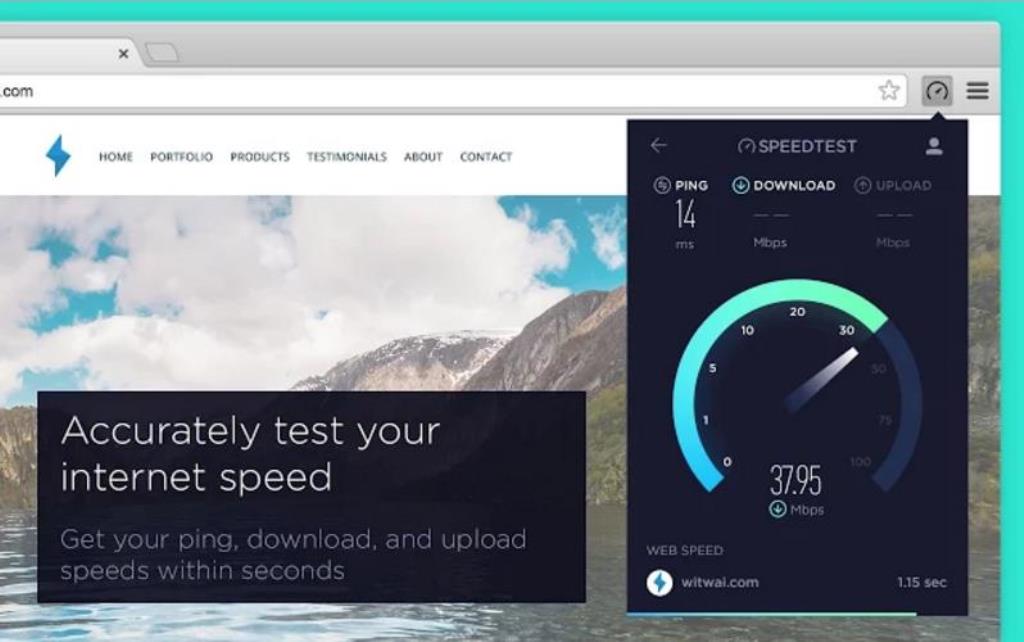
Head to speedtest.net and hit the large “Go” button. The site automatically selects a server nearby, though you can manually choose a different location if you suspect local routing issues.
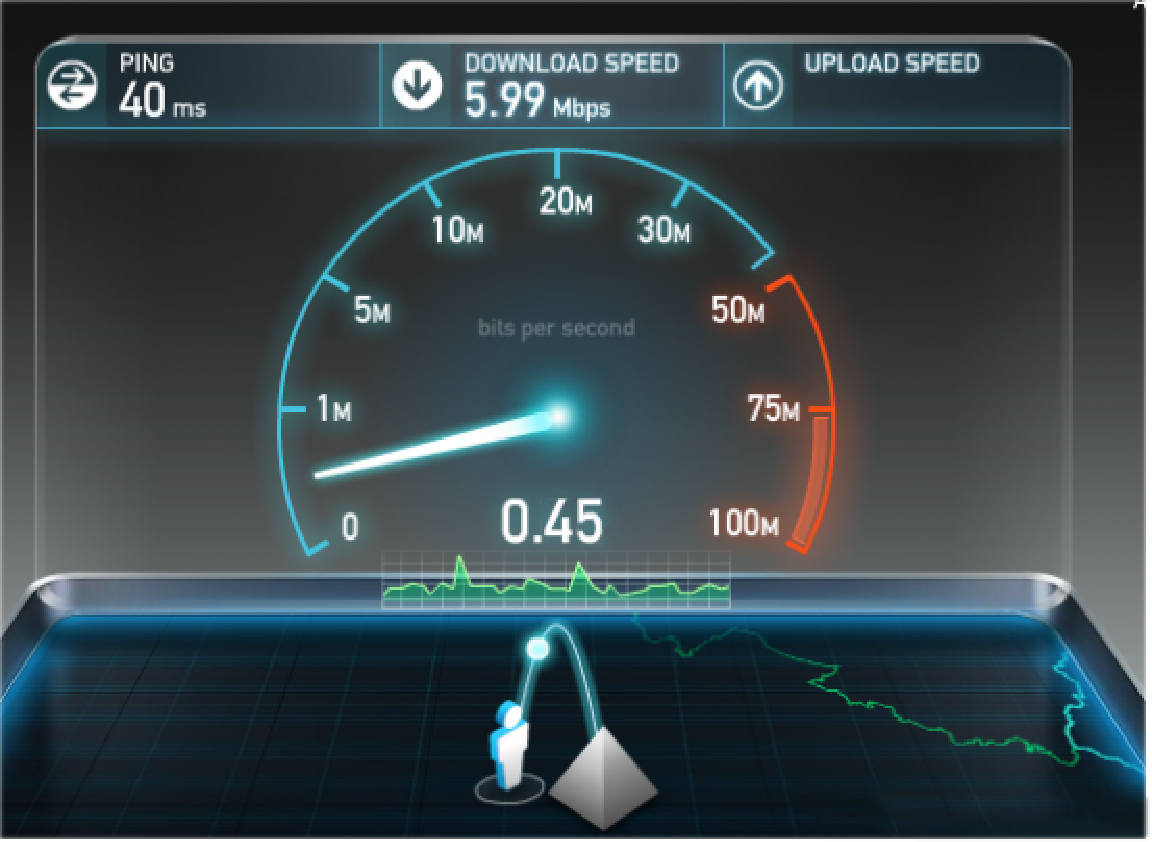
Within seconds, three numbers appear:
- Download speed – how fast data comes to you.
- Upload speed – how fast you send data out.
- Ping (latency) – the delay before a response arrives.
Don’t be surprised if the download figure exceeds the upload; most consumer plans are asymmetrical, favoring inbound traffic.
Understanding the Results
Let’s break down what each metric really means for everyday use.
Download Speed
Measured in megabits per second (Mbps), this number determines how quickly a video buffers or a file downloads. For 4K streaming, aim for at least 25 Mbps; for casual browsing, 5 Mbps is usually sufficient.
Upload Speed
Also in Mbps, upload matters when you’re video‑chatting, gaming, or sending large files. If you frequently host webinars, look for at least 3 Mbps to avoid choppy audio.
Ping (Latency)
Expressed in milliseconds, ping reflects responsiveness. Online gamers typically seek sub‑30 ms; for general web surfing, anything under 100 ms feels snappy.
Occasionally you’ll see a “packet loss” warning—this indicates data didn’t reach its destination reliably, often pointing to hardware issues or ISP throttling.
Tips to Boost Your Speed
Even after a solid test, there’s room for improvement. Try these practical tweaks:
- Restart your router. A quick power cycle clears cached traffic.
- Update firmware. Manufacturers frequently release performance patches.
- Change Wi‑Fi channels. Interference from neighboring networks can be reduced by switching to a less crowded band.
- Upgrade equipment. Older routers may cap speeds well below your plan’s ceiling.
If you consistently fall short of advertised speeds, gather several test results and present them to your ISP. They may offer a line check or a service upgrade.
When to Trust the Numbers—and When Not To
A single Ookla test is a useful benchmark, but it’s not a definitive diagnosis. For a fuller picture, run multiple tests at different times of day, across various devices, and compare wired versus wireless results.
Also, keep in mind that server selection influences latency: a distant server will naturally show a higher ping, even if your local connection is flawless.
In short, treat the Speed Test as a starting point, not the final verdict.