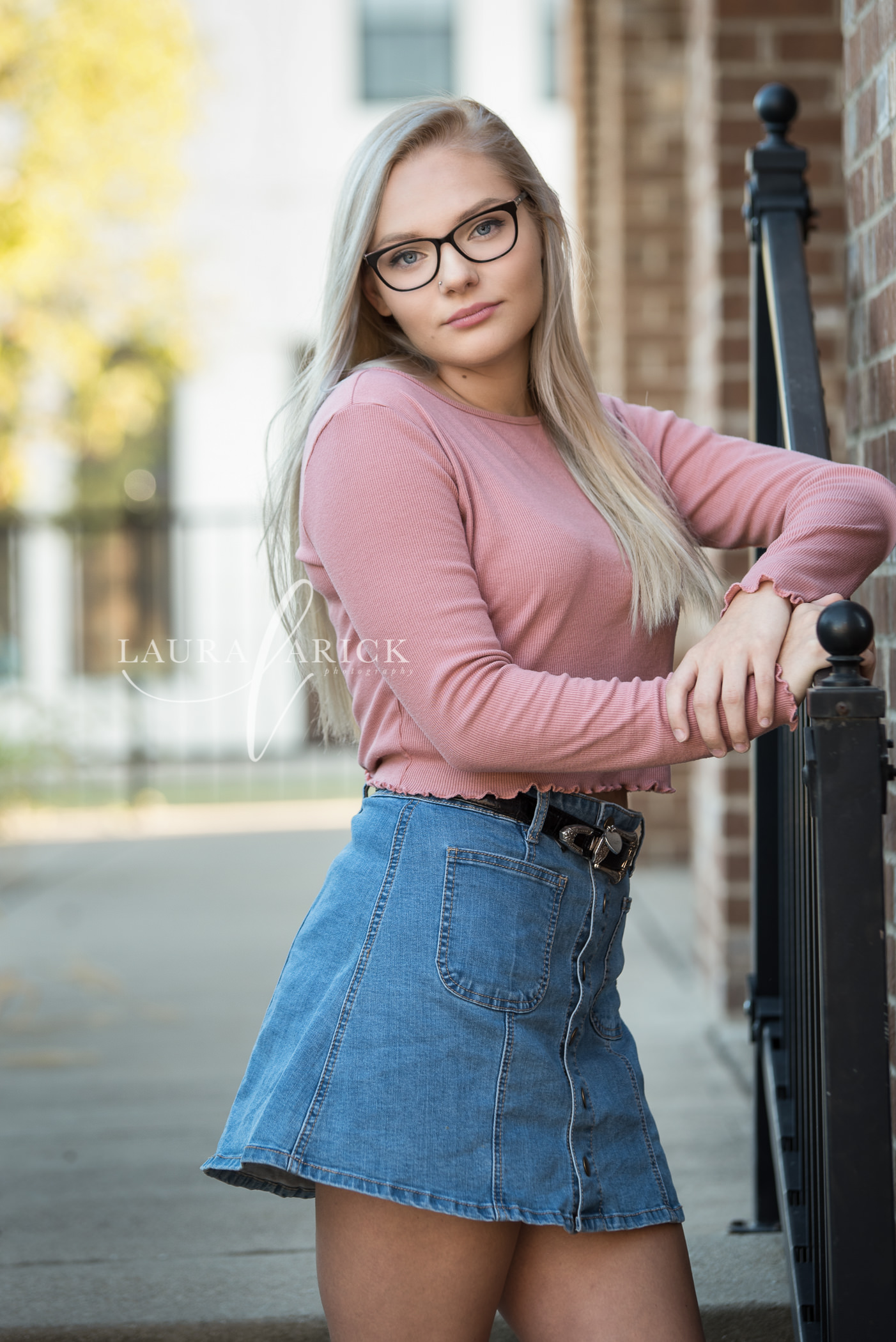
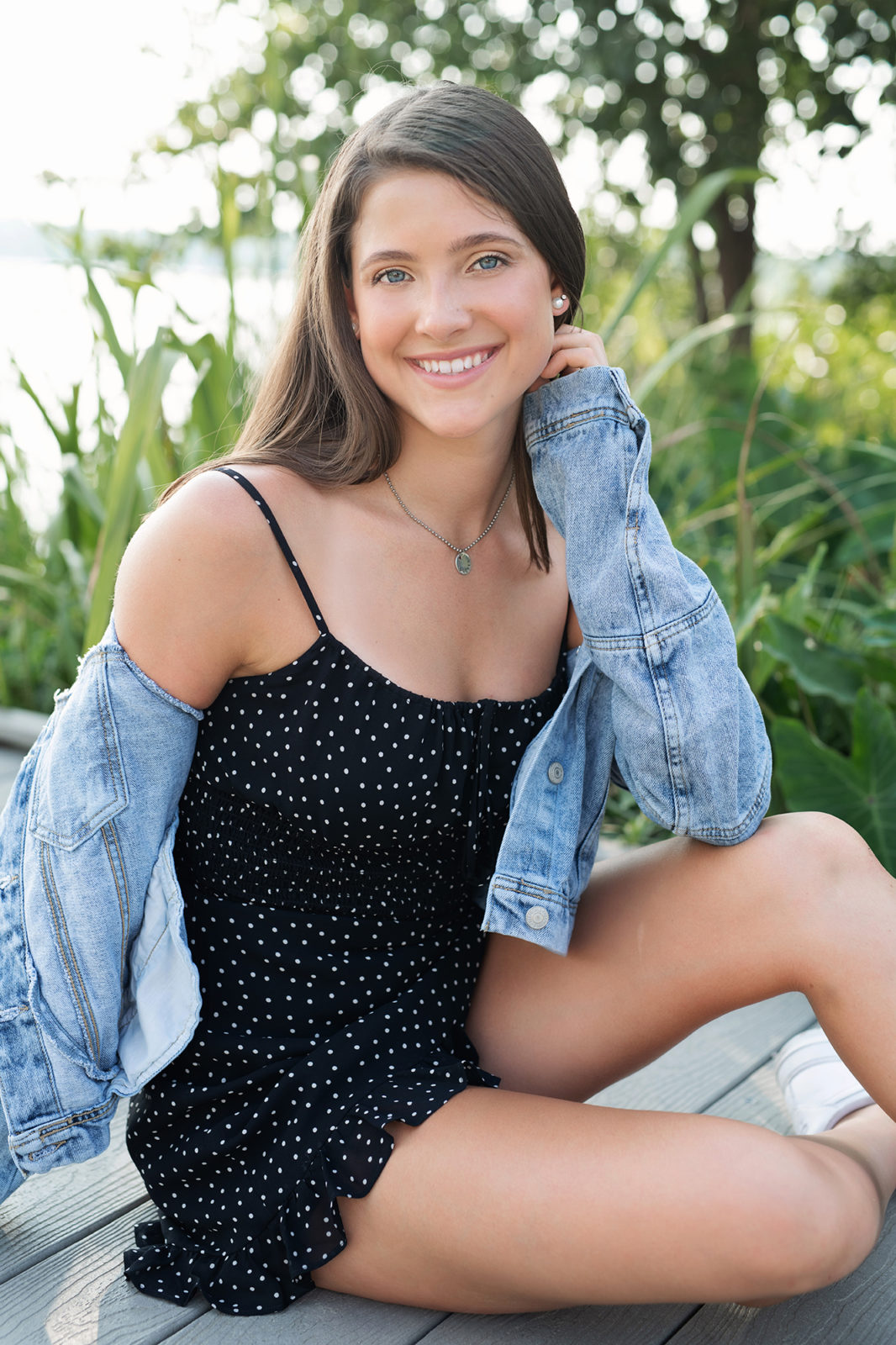
How To Use SmugMug For Your Stunning Senior Pictures
Walking into a senior photo session, you’re probably juggling excitement, nerves, and a mountain of outfit ideas. After the flash goes off, the real work begins: getting those images onto a platform that lets you showcase, share, and order prints without a hitch. That’s where SmugMug steps in, offering a mix of high‑resolution hosting and convenient storefront tools.
Why Choose SmugMug?
Not every photo‑sharing site can handle the size and quality of senior portraits. SmugMug gives you:
- Unlimited storage for full‑resolution files – no pixel‑picking limits.
- A clean, customizable gallery that feels professional whether you’re a student or a parent.
- Integrated e‑commerce options so you can sell prints, canvas wraps, or digital downloads directly from the gallery.
Plus, the platform is pretty easy on the eyes, which means browsing your own shots feels less like a chore and more like a walk down memory lane.
Preparing For Your Senior Session
Before you even hit “record” on your camera, a few small steps can save you a lot of back‑and‑forth later:
- Choose a color palette that complements your school colors or the setting you’ve picked.
- Gather multiple outfits—something casual, something formal, maybe a quirky piece that shows off your personality.
- Talk with your photographer about file formats. RAW files preserve detail, but a high‑quality JPEG works just fine for most SmugMug uploads.
And remember: a good night’s sleep often shows up better in lighting than any Photoshop tweak could.
Getting the Right Shots
Ask your photographer to capture a mix of:
- Classic headshots with a simple background.
- Action shots—maybe you tossing a graduation cap or playing your favourite sport.
- Creative portraits that tell a story, like holding a vintage camera or standing under a familiar campus arch.
A diverse set means you’ll have plenty of options when you start organizing on SmugMug.
Uploading and Organizing on SmugMug
The moment you receive the digital files, log into SmugMug and create a new gallery titled something like “Class of 2026 – Senior Portraits.” Keep the name clear; it’ll make sharing with friends and family a breeze.
When you drag files in, SmugMug keeps the original resolution intact—no sneaky compression. After the upload, take a few minutes to:
- Arrange photos into sub‑galleries (e.g., “Formal,” “Casual,” “Outdoor”).
- Add captions or short anecdotes. A line like “Senior year senior prank at the library” adds personality.
- Set privacy preferences. Choose “Password‑protected” for a private showcase, or go public if you’re proud to broadcast your achievement.
If you’re not into fiddling with settings, the default layout already looks sleek, but a tiny tweak—like swapping the thumbnail size—can make the whole album feel more like a magazine spread.
Sharing With Your Community
Once your gallery is polished, it’s time to let the world (or at least your inner circle) see it.
- Copy the share link and drop it into a group chat, email, or social media post.
- Use SmugMug’s “Invite” feature to send personalized emails with a preview thumbnail.
- If you’ve set up a storefront, embed a “Buy Prints” button directly under each image; friends can order without leaving the page.
A quick tip: adding a short thank‑you note in the description can turn a simple download into a heartfelt interaction.
Ordering Prints and Keepsakes
One of SmugMug’s biggest wins is the built‑in print lab integration. After you enable the store, you’ll see options for:
- Matte or glossy 8×10 prints—perfect for a dorm wall.
- Canvas wraps that add a gallery‑like vibe to any room.
- Photo books that compile the whole senior year narrative.
Prices vary, but you can set your own mark‑up if you’re selling to classmates. The checkout process is straightforward, and SmugMug handles shipping, so you won’t be stuck in a logistical nightmare.
Tips for Making the Most of SmugMug
- Use the Mobile App. Upload on the go, especially if you have last‑minute shots from a spontaneous backyard session.
- Enable Watermarks only if you’re selling prints; otherwise, let the images shine unmarked.
- Check the “Analytics” tab occasionally—see which photos get the most clicks, and you’ll know which moments truly resonated.
- Consider a custom domain (e.g., seniors2026.com) for a professional touch that feels less like a generic photo host.
These little adjustments can elevate a simple photo album into a lasting senior year showcase.
Wrapping Up the Experience
Choosing SmugMug for senior pictures marries high‑quality storage with a user‑friendly storefront. By planning your outfits, organizing the gallery thoughtfully, and leveraging the built‑in printing tools, you end up with a digital archive and a tangible set of memories—without the tech headaches.