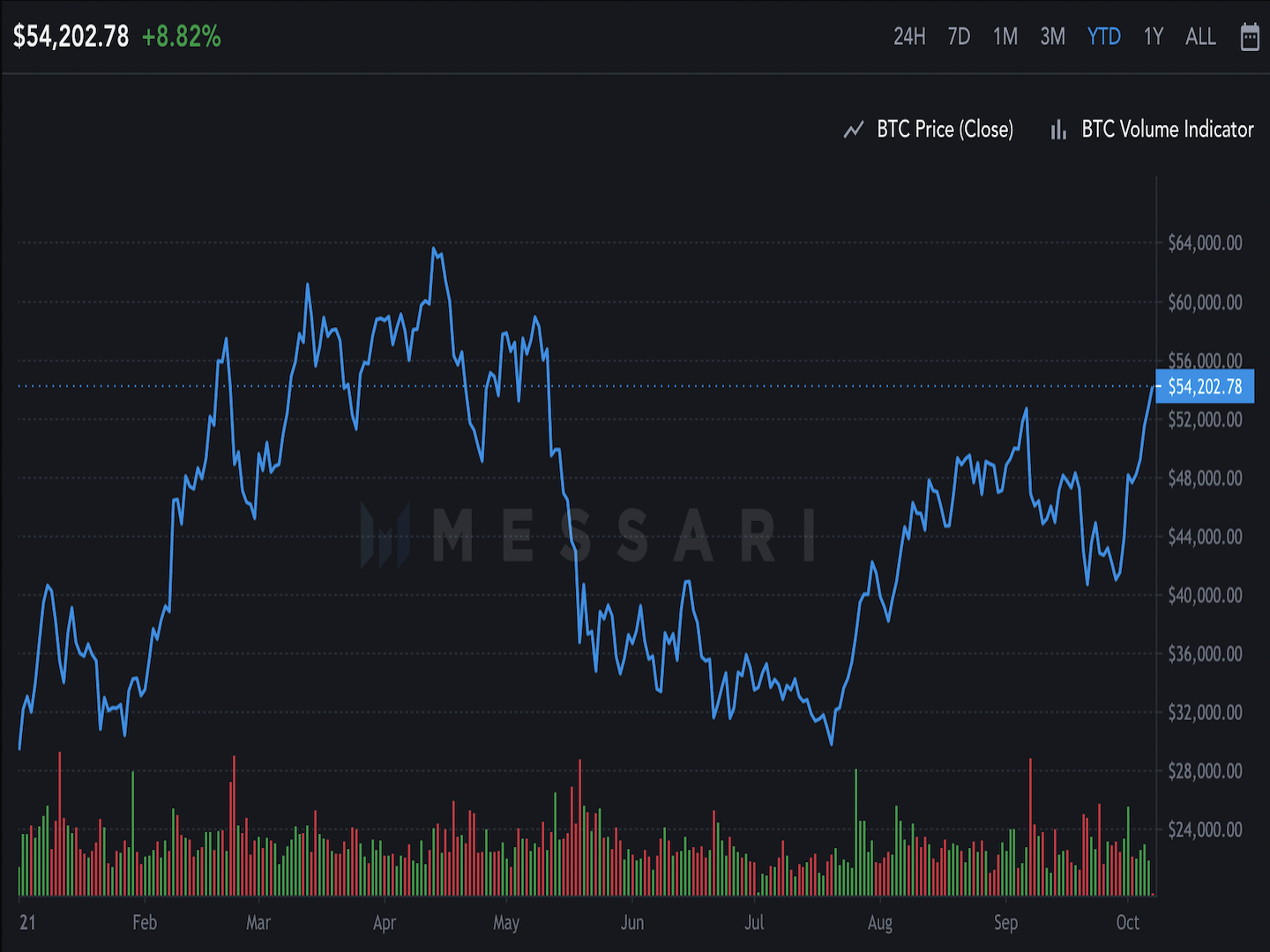
How to Use the CoinDesk API for Real‑Time Bitcoin Prices
If you’ve ever tried to embed live Bitcoin numbers into a dashboard, a trading bot, or a simple blog widget, you’ve probably hit the wall of data sources that either cost money or demand a steep learning curve. The CoinDesk API offers a free, well‑documented entry point that delivers up‑to‑the‑minute Bitcoin price information without the headache. In this guide we’ll walk through what the API can do, how to fetch the data you need, and a few practical tips for handling the responses safely.
Understanding the CoinDesk API
The CoinDesk API is a RESTful service that returns JSON‑formatted price data for Bitcoin (and, in newer versions, a handful of other major cryptocurrencies). Requests are made over HTTPS, which means the data travels encrypted—essential for any application that cares about security.
Key endpoints you’ll use most often include:
- /v1/bpi/currentprice – Returns the current Bitcoin price in USD, GBP, and EUR.
- /v1/bpi/historical/close – Gives you daily closing prices over a configurable date range.
- /v1/bpi/currentprice/<currency_code> – Retrieves the price in a specific currency you specify.
All responses follow a predictable structure: a top‑level bpi object containing the currency codes, each with a rate, symbol, and timestamp. Because the format is consistent, you can parse it with just a few lines of code in virtually any programming language.
Getting Started: Your First API Call
Before you write any code, grab a free API key from CoinDesk’s developer portal. The key isn’t mandatory for the basic endpoints, but registering helps you avoid throttling if you plan to make frequent calls.
Here’s a minimal example in Python using the requests library:
import requestsurl = "https://api.coindesk.com/v1/bpi/currentprice.json"
response = requests.get(url)
data = response.json()
usd_price = data["bpi"]["USD"]["rate"]
print(f"Current Bitcoin price: ${usd_price}")
The snippet does three things: sends an HTTPS GET request, decodes the JSON payload, and extracts the USD rate. Swap “USD” for “GBP” or “EUR” to see the other currencies.
Handling Errors Gracefully
Even a well‑run service can throw a 429 (Too Many Requests) or a temporary 5xx error. Wrap your call in a try/except block and implement exponential backoff—wait a second, then two, then four—before retrying. This simple strategy keeps your app from hammering the API and reduces the chance of being blocked.
Fetching Historical Data for Analysis
Suppose you’re building a price chart that shows Bitcoin’s movement over the past month. The historical endpoint lets you specify start and end dates in YYYY‑MM‑DD format. The response is a map of dates to closing prices, perfect for feeding into a charting library.
Example request:
https://api.coindesk.com/v1/bpi/historical/close.json?start=2024-06-01&end=2024-06-30And a quick Python loop to pull the values into two parallel lists:
import requests, jsonurl = "https://api.coindesk.com/v1/bpi/historical/close.json?start=2024-06-01&end=2024-06-30"
prices = requests.get(url).json()["bpi"]
dates = list(prices.keys())
values = list(prices.values())
# Now feed dates/values into matplotlib, plotly, etc.
This approach works well for back‑testing trading strategies, generating newsletters, or simply visualizing trends for a community forum.
Best Practices for Production Use
- Cache responses. Bitcoin’s price doesn’t change every millisecond for most use‑cases. Storing the latest JSON for a minute or two reduces load and protects you from rate limits.
- Validate JSON schema. Before you trust the data, confirm that the expected keys exist. A missing
rate_floatfield could indicate a temporary change in the API. - Respect the terms of service. CoinDesk asks that you attribute the source and avoid resale of the raw data.
- Monitor latency. If your application depends on sub‑second updates, consider measuring round‑trip time and falling back to a secondary source when delays exceed a threshold.
Extending Beyond Bitcoin
While the core API focuses on Bitcoin, newer versions include a /v2/price endpoint that can return data for Ethereum, Litecoin, and a few other tokens. The request pattern mirrors the Bitcoin calls, so you can reuse much of the code you’ve already written.
For developers building multi‑asset dashboards, pulling all prices in a single request can cut down on network chatter. Just be mindful of the increased payload size and adjust your caching interval accordingly.
Frequently Asked Questions
Do I need an API key for the basic price endpoint?
No. The /currentprice endpoint is openly accessible, but registering for a key gives you higher rate limits and access to future premium features.
How often does CoinDesk update its price data?
The service refreshes the Bitcoin price roughly every minute, based on data from major exchanges. For most applications, a one‑minute cache strikes a good balance between freshness and efficiency.
Can I use the API in a commercial product?
Yes, provided you follow CoinDesk’s attribution guidelines and do not exceed the free tier’s request limits. For high‑volume commercial use, consider contacting them about a paid plan.
What happens if the API goes down?
Implement a fallback strategy—store the most recent successful response and display a “data may be outdated” notice. This keeps user experience smooth while you retry the request.