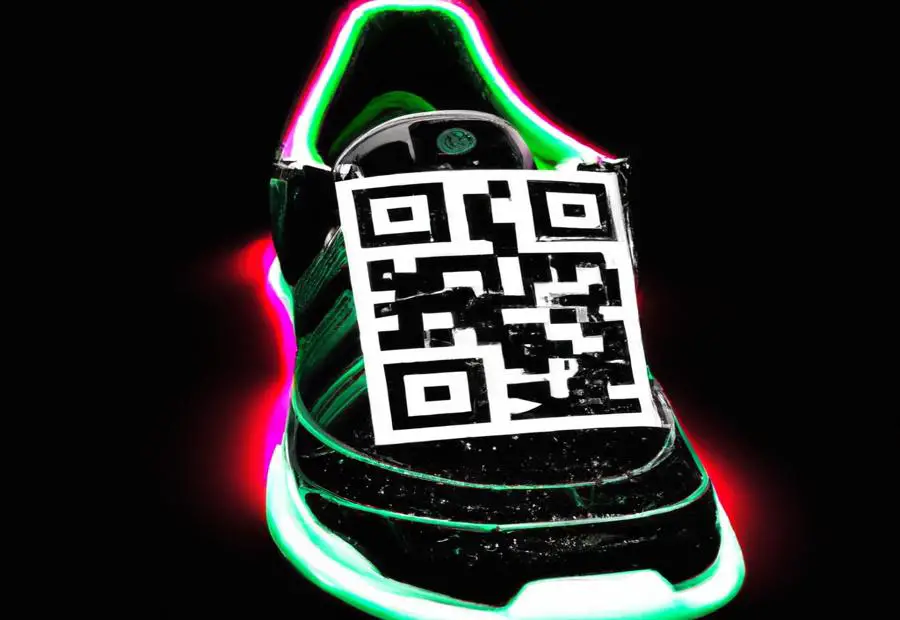
How to Verify Your Adidas Shoes Using QR Code Scans
When you finally unbox a fresh pair of Adidas kicks, the excitement can be immediate—but so can the question: “Is this the real deal?” In recent years Adidas has slipped a QR code onto the shoe’s label or inside the box, turning the verification process into something you can do with a quick scan. Below we walk through exactly how the system works, what to look for, and a few handy tips to avoid common pitfalls.
What the QR Code Actually Is
Adidas embeds a small, black-and-white pattern on the shoe’s hang tag or on a label tucked under the laces. When you point a smartphone camera at it, the code links to a secure webpage that displays:
- The shoe’s model name and colorway
- A unique serial number
- Production date and location
- Verification status (genuine or not)
The data lives on Adidas’s own servers, so it isn’t something a counterfeit shop can simply copy‑paste.
Getting Started: The Tools You Need
All you really need is a smartphone and a QR‑reading app—most modern phones already have this built in. If your camera doesn’t automatically recognize QR codes, just download a reputable free scanner from the App Store or Google Play. A stable internet connection is also crucial; the verification page won’t load without it.
Step‑by‑Step Scan Guide
- Locate the code. It’s usually printed on the inner label (the one you see when you pull the shoes apart) or on the outer box.
- Open your camera app. Point it at the square pattern—make sure the code fills most of the frame.
- Tap the notification. Your phone should pop up a link; tap it to open the verification page.
- Check the details. The page will list the model, size, and a serial number that matches the one printed on the label.
- Confirm authenticity. If the status reads “Verified” and the numbers line up, you’re good to go.
Red Flags to Keep an Eye On
Even with a QR‑code, counterfeiters sometimes try to copy the look. Here are warning signs that something’s off:
- Blurred or pixelated code. A genuine tag is crisp; any smearing could indicate a fake.
- Mismatched serial numbers. If the number on the tag differs from what the website shows, the shoe is likely not authentic.
- Dead links. The QR code should take you to an adidas.com domain. A generic URL or a broken page is a big red flag.
- Missing verification badge. Authentic pages display a green checkmark or similar icon—absence of this could be intentional misdirection.
Tips for a Smooth Verification Experience
Scanning can feel finicky, especially if you’re doing it for the first time. Try these tricks:
- Use natural light; flash can wash out the code.
- Hold the phone steady for a second or two—most apps need a moment to decode.
- If the scan fails, clean the label gently with a dry cloth; dust can obstruct the pattern.
- Refresh the verification page after a few seconds; sometimes servers need a moment to respond.
Why This Matters Beyond the Purchase
Authenticity isn’t just a status symbol—it can affect warranty claims, resale value, and even your peace of mind. When you can instantly prove a shoe’s legitimacy, you’re better positioned to:
- Claim any manufacturer warranty or repair services.
- Sell the shoes later with documented proof of authenticity.
- Feel confident that the materials, construction, and performance meet Adidas’s standards.
What If the QR Code Doesn’t Work?
Sometimes a legitimate pair still throws an error—perhaps the label fell off or the code was damaged during shipping. In those cases:
- Check the box’s outer QR code (if present); it often contains the same serial data.
- Visit the official Adidas website and use the “Product Verification” form, entering the serial number manually.
- Contact Adidas customer service with a photo of the code and purchase receipt; they can cross‑reference the information on their end.
Beyond Shoes: QR Verification for Other Adidas Gear
The same QR system now appears on apparel, bags, and even some accessories. The process is identical, which means once you’ve mastered it for shoes, you can apply the same steps to confirm the authenticity of a whole outfit.
Final Thoughts
Scanning the QR code on your Adidas shoes isn’t just a tech gimmick—it’s a practical tool that puts the power of verification in your hands. A few seconds, a quick phone swipe, and you’ve got solid proof of authenticity, saving you time, doubt, and potential headaches down the line. So the next time you slip on those fresh kicks, take a moment to scan, confirm, and stride out with confidence.
)