IObit Uninstaller Free vs Portable: Which One Wins
Why the Choice Matters
If you’ve ever wrestled with stubborn programs that refuse to disappear, you know the value of a solid uninstaller. IObit offers two flavors of its popular tool – a Free desktop version and a Portable edition you can run from a USB stick. Both promise to clean up leftover files, registry entries, and even stubborn plug‑ins, but they aren’t identical. Picking the right one hinges on how you work, where you run the software, and how much you care about extra features.
What “Free” Really Means
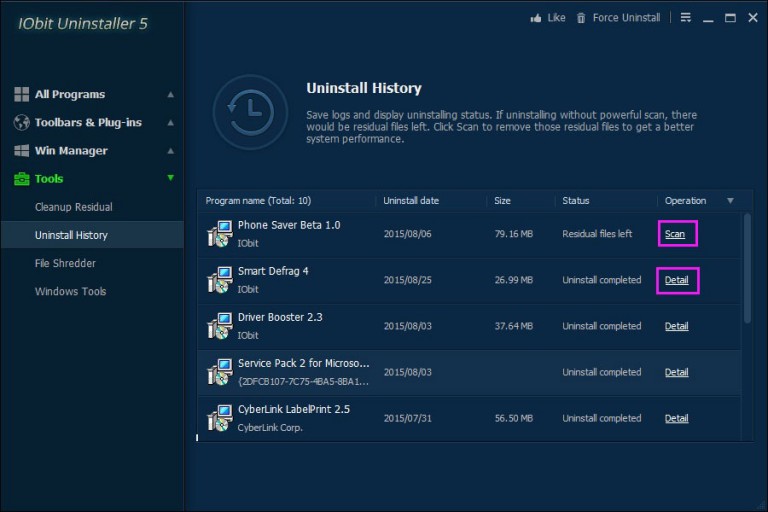
The Free version is the classic Windows application you install once and keep on your system. After a quick download, it drops an entry in the Start menu, adds a background service for real‑time monitoring, and integrates with the right‑click context menu. In practice, that means you can launch it from anywhere on the PC, and it will remember your last scan, schedule future clean‑ups, and keep a history of removed programs.
Because it’s a full‑install, the Free edition also receives automatic updates when IObit rolls out new definitions or UI tweaks. You’ll notice a small icon in the system tray reminding you when an update is ready – a convenience you won’t get with the Portable copy.
The Portable Appeal
Portable IObit Uninstaller lives on a single folder that you can copy to a USB drive, external SSD, or even a cloud‑synced folder. No registry keys are written during launch, and there’s no installer wizard to navigate. When you unplug the drive, the program vanishes without a trace, leaving your host PC untouched.
This design is a boon for IT pros who need to clean up machines in the field, or for privacy‑conscious users who avoid leaving software footprints on shared computers. The trade‑off is that the Portable edition can’t auto‑update; you must manually replace the folder when a newer build appears.
Feature‑by‑Feature Showdown
- Deep Scan Engine – Both versions use the same scanning algorithm, capable of locating hidden services, leftovers in Program Files, and orphaned registry keys.
- Batch Uninstall – The Free version lets you select multiple programs and remove them in one go, a feature the Portable edition lacks.
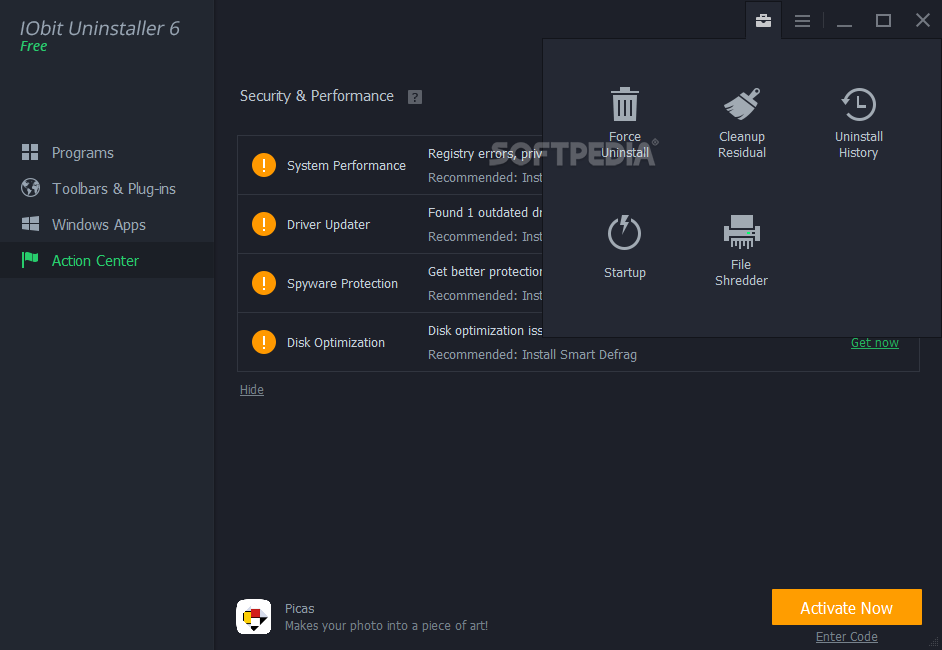
- Force Uninstall – When an app refuses to quit, both can terminate its process, but the Free version offers a “Force Remove” button that also cleans up stubborn drivers.
- Real‑time Monitoring – Only the installed Free version can watch new installations and prompt you to add them to the removal list automatically.
- Customizable Cleanup – Both expose a list of common leftovers (temp files, browser caches, etc.) you can toggle, yet the Free version remembers your preferences across reboots.
Performance and Resource Footprint
In everyday use, the Free version consumes about 30 MB of RAM while idle, thanks to its background service. The Portable edition stays under 15 MB because it only runs when you launch it. On older machines with limited memory, the lighter footprint might feel noticeable.
Scanning speed is virtually identical; the difference lies in startup time. The Portable copy launches instantly from a flash drive, whereas the installed version may pause a moment as Windows loads its helper service.
Security Considerations
Because the Free version writes entries to the registry, it can be targeted by malware trying to disable uninstallation tools. IObit mitigates this with code signing and regular updates, but the risk isn’t zero. The Portable edition sidesteps that exposure – there’s nothing permanent on the host system to tamper with.
On the flip side, the Portable version depends on the trustworthiness of the drive you carry. If you lose the USB stick, anyone who finds it could run the uninstaller on their own PC, potentially exposing your custom cleanup settings. A simple password on the folder can alleviate that concern.
When to Choose the Free Version
If you spend most of your time on a single machine and appreciate the convenience of automatic updates, scheduled scans, and batch removal, the Free edition is the natural pick. It integrates tightly with Windows, which means you can right‑click any program’s shortcut and select “Uninstall with IObit” in seconds.
Power users also benefit from the extra “Force Remove” options that dig deeper into stubborn drivers and Windows services – a capability the Portable build trims to keep its size lean.
When the Portable Build Shines
Traveling tech support technicians love the Portable version because they can carry a single folder that works on any Windows PC without needing admin rights for installation. Schools or libraries that restrict software installation will also find the Portable edition a legal workaround.
For users who deliberately avoid leaving traces – perhaps when using a public workstation – the Portable copy ensures no residual files linger after you unplug the drive.
Pricing and Licensing Nuances
Both variants are free, but IObit offers a premium upgrade that adds ad‑free operation, deeper registry cleaning, and priority support. The upgrade applies to the installed version only; the Portable edition remains forever free, albeit without the premium bells and whistles.
Since the Free version occasionally nudges you toward the paid tier, some may find the Portable build less intrusive – it simply does what it says without pop‑ups.
Bottom Line: Pick the Tool That Fits Your Workflow
There’s no universal “winner” here; the best choice aligns with how you interact with Windows. If you value seamless integration, automatic updates, and batch processing, go with IObit Uninstaller Free. If you need mobility, low‑memory usage, or a truly non‑persistent tool, the Portable edition is the smarter companion.
In practice, many people keep both: the installed Free version for everyday cleaning, and the Portable copy tucked in a USB stick for the occasional on‑the‑go rescue. That hybrid approach lets you enjoy the strengths of each without compromising on convenience or security.