IPhone 6s Screen Replacement: A Simple Guide
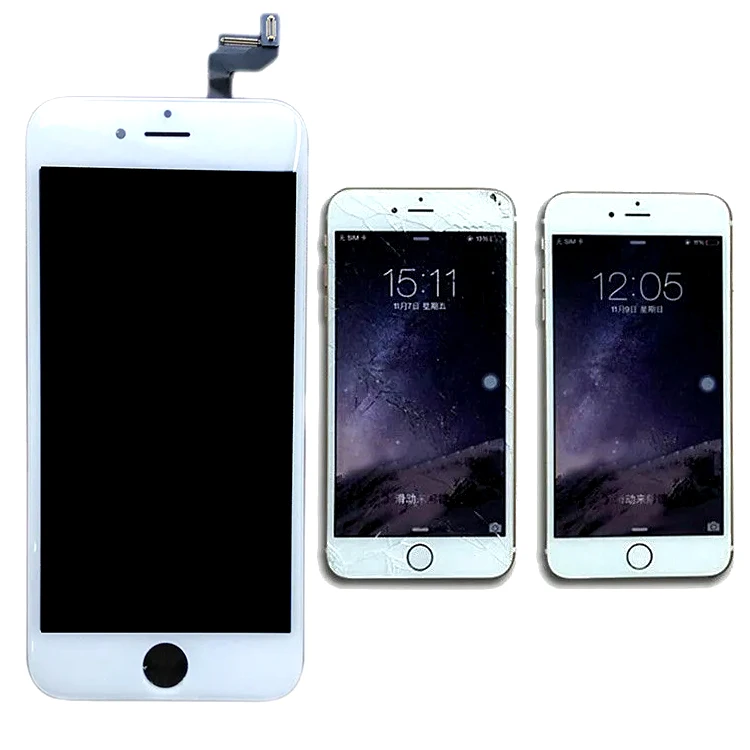
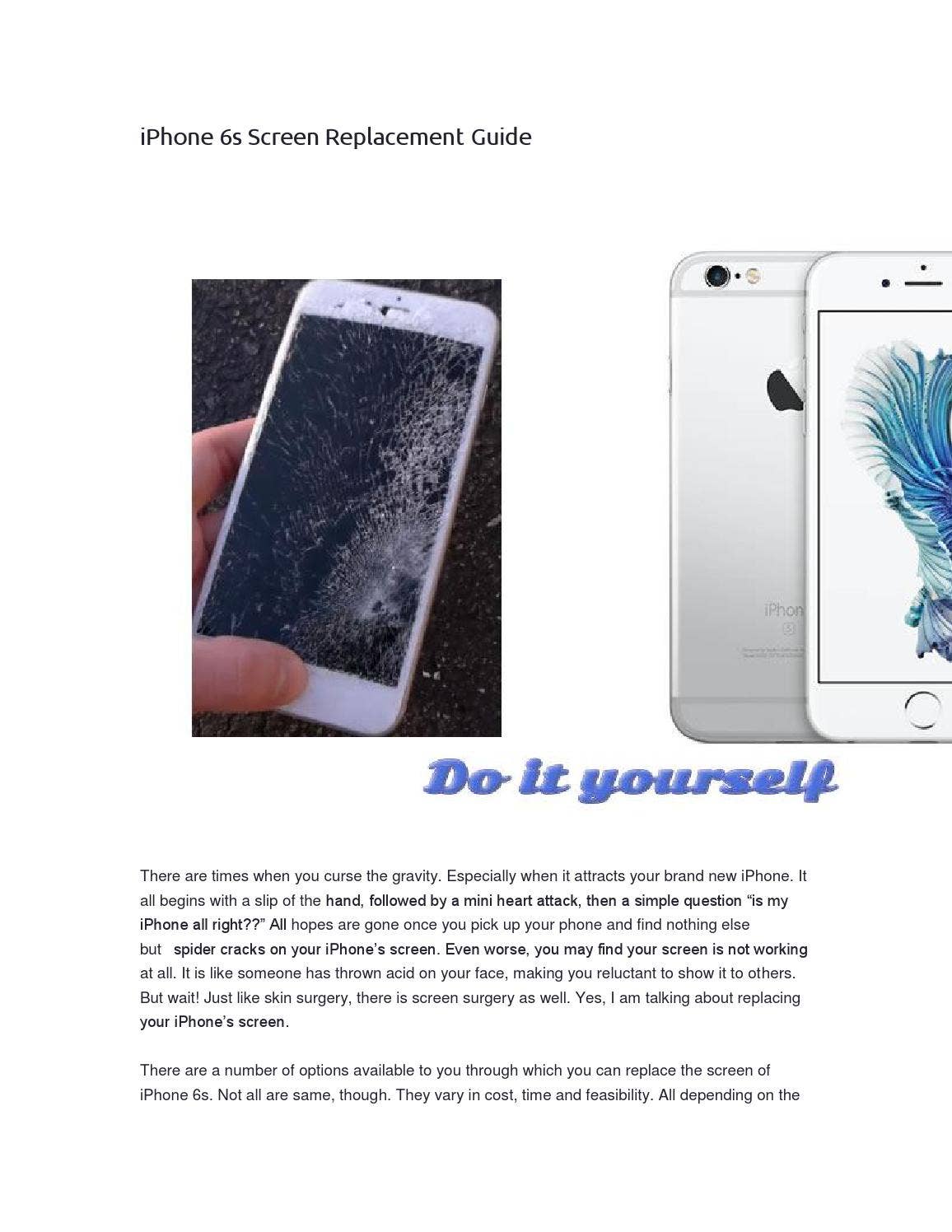
Are you tired of looking at a cracked iPhone 6s screen? Replacing the screen can seem like a daunting task, but it's actually quite straightforward. With the right tools and a bit of patience, you can have your iPhone 6s looking like new again. In this article, we'll walk you through the process of replacing the screen on your iPhone 6s.
Before You Start
Before you begin the replacement process, make sure you have the following tools and materials:
- A new iPhone 6s screen replacement kit (available online or at a local electronics store)
- A Phillips #000 screwdriver
- A Pentalobe screwdriver (for removing the iPhone's exterior screws)
- A plastic spudger (for prying open the iPhone's casing)
- Anti-static wrist strap or mat (to prevent damage to the iPhone's internal components)
It's also a good idea to back up your iPhone's data before starting the replacement process, in case something goes wrong.
Removing the Exterior Screws
To access the iPhone's internal components, you'll need to remove the exterior screws. Use a Pentalobe screwdriver to remove the two screws located at the bottom of the iPhone, near the charging port.
Once the screws are removed, use a plastic spudger to gently pry open the iPhone's casing. Be careful not to damage the casing or any of the internal components.
Disconnecting the Screen Cables
With the iPhone's casing open, you'll see the screen cables connected to the logic board. Use a Phillips #000 screwdriver to remove the screws that hold the screen cables in place.
Once the screws are removed, use a plastic spudger to gently lift the screen cables away from the logic board. Be careful not to damage the cables or the logic board.
Removing the Old Screen
With the screen cables disconnected, you can now remove the old screen. Use a plastic spudger to gently pry the screen away from the iPhone's casing.
Be careful not to damage the casing or any of the internal components. Once the old screen is removed, set it aside and prepare to install the new screen.
Installing the New Screen
To install the new screen, follow these steps:
- Align the new screen with the iPhone's casing, making sure it's properly seated
- Reconnect the screen cables to the logic board, making sure they're securely attached
- Replace the screws that hold the screen cables in place, making sure they're tightened securely
- Use a plastic spudger to gently press the screen into place, making sure it's properly seated
With the new screen installed, you can now reassemble the iPhone's casing and replace the exterior screws.
Reassembling the iPhone
To reassemble the iPhone, follow these steps:
- Replace the exterior screws, making sure they're tightened securely
- Use a plastic spudger to gently press the iPhone's casing into place, making sure it's properly seated
- Connect the iPhone to a power source and turn it on, to test the new screen
With the iPhone reassembled and the new screen installed, you should now have a fully functional iPhone 6s with a brand new screen.
Conclusion
Replacing the screen on your iPhone 6s is a relatively simple process, as long as you have the right tools and follow the steps outlined in this guide. If you're not comfortable with the replacement process, it's always best to consult a professional. But if you're feeling confident and want to save some money, replacing the screen yourself can be a great way to extend the life of your iPhone 6s.
Remember to always handle the iPhone's internal components with care, and to follow proper safety procedures when working with electronics. With a little patience and the right tools, you can have your iPhone 6s looking like new again.
Frequently Asked Questions
Here are some frequently asked questions about replacing the screen on an iPhone 6s:
- Q: How much does it cost to replace the screen on an iPhone 6s?
- A: The cost of a screen replacement kit can vary, but it's usually around $50-$100.
- Q: Can I replace the screen on my iPhone 6s myself?
- A: Yes, you can replace the screen yourself, but it's recommended that you have some experience with electronics and follow proper safety procedures.
- Q: How long does it take to replace the screen on an iPhone 6s?
- A: The replacement process can take around 30-60 minutes, depending on your level of experience and the tools you have available.