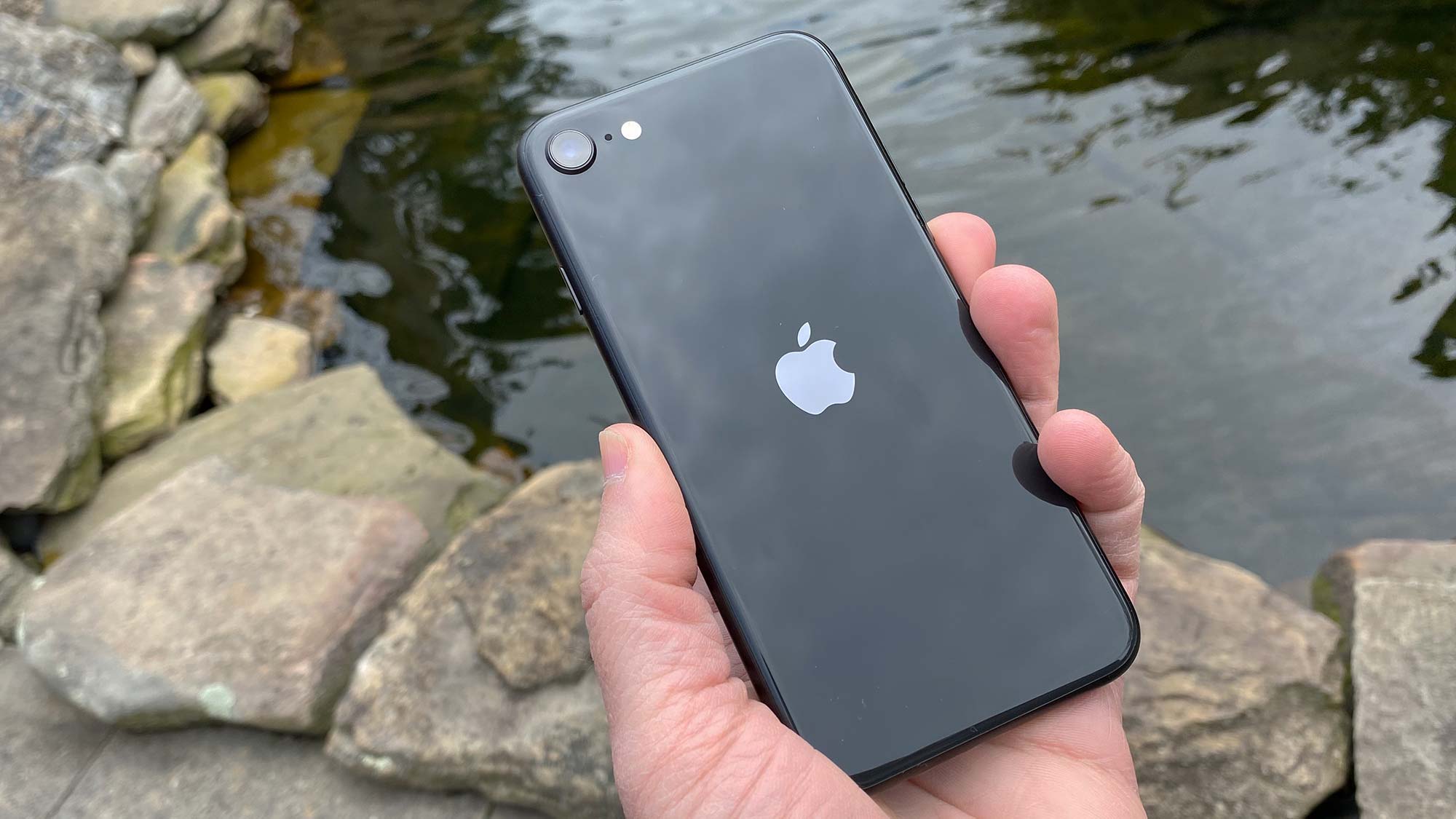
iPhone SE 2020: Is Upgrading to iOS 18 Worth It?
When Apple unveiled iOS 18 last month, the buzz was louder than ever. New widgets, a revamped lock screen, and AI‑powered shortcuts sound enticing, but the update also promises a heavier CPU load and a longer‑term support timeline. For owners of the iPhone SE (2020), the question isn’t just “Can I install it?” but “Should I?” Let’s unpack the technical realities, everyday impacts, and hidden trade‑offs so you can decide with confidence.
What iOS 18 Brings to the Table
Apple frames iOS 18 as a “more personal” operating system. Highlights include:
- Live Widgets: Real‑time data without opening an app.
- Enhanced Spotlight: AI‑driven search that pulls in web results, your photos, and even drafts responses.
- Focus Plus: Deeper integration with HomeKit and calendar events.
- Privacy Dashboard 2.0: Granular control over microphone and camera usage per app.
All of these features sound great on paper, but they’re designed with the A15 and later chips in mind. The iPhone SE (2020) still runs the A13 Bionic, a solid processor for its era, yet not as future‑proof as the newer silicon.
Performance: Does the A13 Feel the Strain?
If you’ve kept the SE up to date with iOS 16, you know it can hold its own in daily tasks—social media, email, light gaming. iOS 18 introduces a new animation engine that, while smoother on iPhone 15 models, does add a few extra frames for older hardware. Benchmarks from early adopters show a roughly 5‑7% dip in Geekbench scores on the SE compared to iOS 16.
In real‑world use, the slowdown is subtle. Launching Safari or switching between apps feels marginally slower, especially when a Live Widget is active on the Home screen. If you’re a power user who keeps dozens of apps open, you might notice a brief hitch. Casual users, however, often report “no real difference.”
Battery Life – A Double‑Edged Sword
The SE (2020) packs a 1,822 mAh battery, modest even at launch. iOS 18’s background refresh for Live Widgets and the AI‑enhanced Spotlight can nibble at that capacity. Early reports suggest a 4‑6% reduction in screen‑on time after a full charge, translating to roughly 30 minutes less per day for typical usage.
That said, Apple’s new power‑management tweaks aim to mitigate the drain. If you disable the most demanding widgets and keep Focus modes streamlined, the impact shrinks dramatically. It’s a matter of tweaking settings rather than accepting a permanent loss.
Security and Privacy: The Non‑Negotiable Wins
Apple’s commitment to privacy has never been stronger, and iOS 18 is no exception. The upgraded Privacy Dashboard gives you per‑app microphone and camera logs, something iOS 16 lacked. Moreover, the system now ships with an on‑device machine‑learning model that scans for suspicious app behavior without sending data to Apple’s servers.
For an iPhone that’s already two generations old, these improvements are arguably the most compelling reason to upgrade. Staying on iOS 16 means missing out on the latest patches for zero‑day exploits that could target the A13 architecture.
App Compatibility – Are Your Favorites Still Safe?
Developers are gradually optimizing their apps for iOS 18, but most major services maintain backward compatibility for at least two major releases. The SE should continue to run Instagram, TikTok, and Spotify without issue. However, a handful of niche productivity tools have already flagged iOS 18 as a minimum requirement.
If you rely on a specific app that hasn’t updated, you might find yourself on a waiting list. Conversely, new apps that leverage AI shortcuts (think smart note‑taking or automated photo edits) will be unavailable on iOS 16, potentially limiting future workflows.
Storage Considerations
iOS 18’s installation footprint is roughly 6 GB, slightly larger than iOS 16’s 5 GB. For the 64‑GB SE models, this isn’t a deal‑breaker, but users hovering near the limit may need to clear caches or offload rarely used apps. The new “Smart Storage” feature can automate this process, but it does require a brief learning curve.
How to Prepare If You Decide to Upgrade
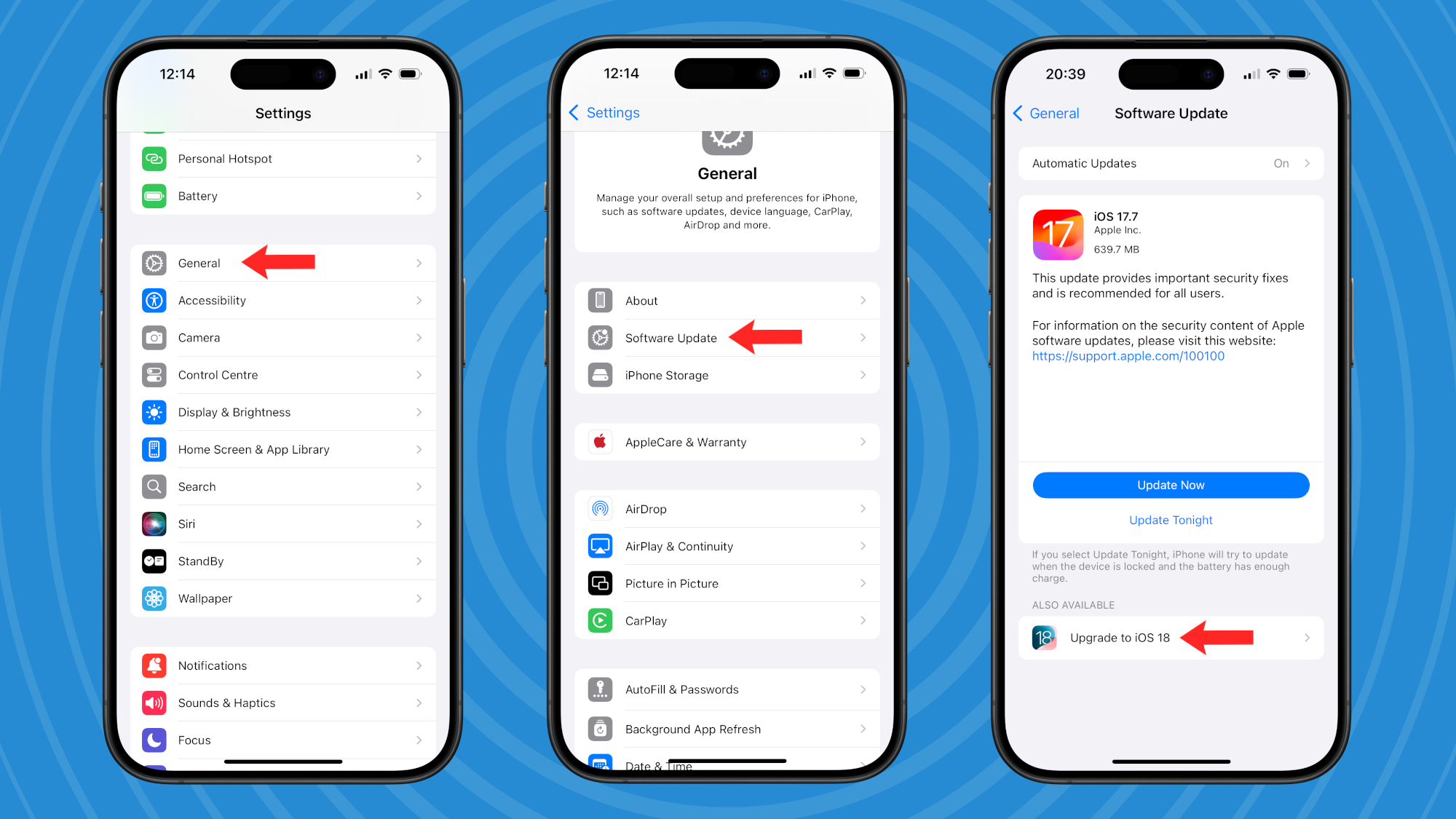
- Back up first. Use iCloud or a local computer backup to safeguard your data.
- Free up space. Aim for at least 8 GB of free storage to ensure a smooth download.
- Check battery health. If your battery capacity is below 80%, consider a replacement before the upgrade to avoid further degradation.
- Toggle widgets. Disable any non‑essential Live Widgets before updating; you can re‑enable them later if performance feels acceptable.
Following these steps reduces the risk of a botched install and gives you the flexibility to roll back if you hit unexpected issues.
To Upgrade or Not? Weighing the Pros and Cons
Pros:
- Access to the latest privacy tools and security patches.
- Enhanced Spotlight search that actually saves time.
- Future‑proofing for apps that will soon require iOS 18.
Cons:
- Potential slight slowdown in app switching and animation.
- Marginally reduced battery endurance.
- Increased storage demand during the upgrade process.
If your iPhone SE is your primary device for email, browsing, and occasional media, the cons are likely manageable. If you run resource‑intensive games or keep the phone on a charger most of the day, you might prefer to stay on iOS 16 a bit longer.
Bottom Line for the Everyday User
iOS 18 is a solid step forward, especially on the security front. The iPhone SE (2020) can handle the upgrade, but it won’t feel as snappy as newer models. For most users, the benefits—particularly the privacy upgrades—outweigh the modest performance dip. Just give your SE a quick tune‑up (clear space, check the battery) and you’ll be ready to enjoy the new features without major surprises.
:max_bytes(150000):strip_icc()/001_iOS-wireless-updates-1999188-3c7a318619044883ac1c46f24230e37d.jpg)