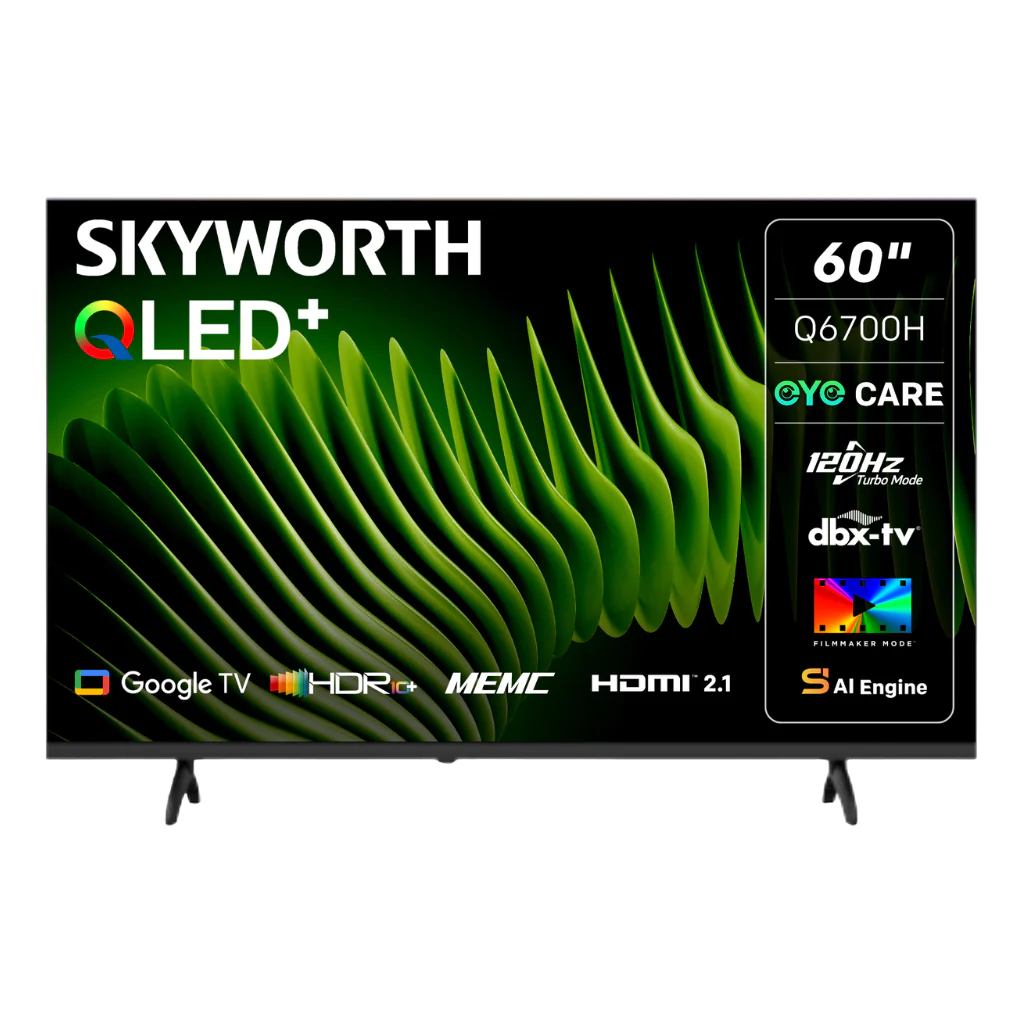
Is a Skyworth TV a Good Buy for Your Home?
When you start scrolling through the endless sea of television models, the name Skyworth often pops up alongside the usual suspects. It promises big‑screen visuals without the premium price tag, but does it live up to the hype? Below we’ll unpack the brand’s history, the tech that powers its sets, and the practical pros and cons you’ll notice once the box is plugged in.
Where Skyworth Comes From
Founded in Guangzhou in the early 1980s, Skyworth began as a modest electronics manufacturer before expanding into TVs, smartphones and home‑theater gear. Over the past decade the company has focused heavily on smart‑TV platforms, partnering with Android TV and its own Skyworth Smart OS. The result is a line of screens that aim to blend decent performance with a wallet‑friendly price.
What Sets It Apart?
- Value‑centric pricing. You’ll often find 55‑inch 4K models for under $400, a range where many competitors hover above $600.
- Decent picture engine. Most newer Skyworth units use a proprietary HDR+ processor that boosts contrast and color accuracy without the flashier marketing terms.
- Broad app support. Because many sets run a near‑stock Android TV layer, you can install most major streaming apps directly from the Play Store.
Picture Quality: The Good, the Bad, and the In‑Between
If you’re primarily watching movies or sports, you’ll care about three things: resolution, color gamut, and motion handling. Skyworth’s 4K panels deliver the promised pixel count, but the real story lies in the panel type.
Most budget Skyworths use VA (vertical alignment) panels, which offer deep blacks and solid contrast—great for dark‑room viewing. However, VA panels can suffer from narrower viewing angles, so the picture might wash out if you’re sitting off‑center. For brighter rooms, the limited peak brightness (often around 250–300 nits) may make HDR content feel under‑whelming compared to pricier IPS or QLED alternatives.
Motion interpolation is modest; the “Auto Motion Plus” setting helps with fast‑action scenes, but it isn’t as aggressive as high‑end models that can reach 120 Hz. For most households, the resulting blur is negligible, yet hardcore gamers might notice a slight lag.
Smart Features Without the Headache
One of the biggest selling points is the integration of Android TV. That means you get Google Assistant voice control, Chromecast built‑in, and a familiar interface. The remote includes a dedicated mic button and shortcuts for Netflix, Prime Video, and Disney+, which many users find convenient.
There’s a caveat, though: Skyworth’s custom skin occasionally adds bloatware—pre‑installed apps you can’t remove, and occasional ads in the home screen carousel. A quick factory reset and a few manual deletions usually keep things tidy.
Build Quality and Design
On the surface, Skyworth TVs sport sleek, thin bezels that look at home in a modern living room. The stands are sturdy, albeit a bit bulky on the wider models, which can be a hassle if you plan to mount the set on a wall.
Plastic is the dominant material for the chassis, and while it feels solid enough for everyday use, it doesn’t have the premium heft of metal‑framed competitors. In practice, this translates to an easier move‑in but potentially less durability over many years.
Audio: Do You Need a Soundbar?
Sound is where Skyworth really shows its budget limits. Most units ship with a 2‑channel 10‑15 W speaker setup—adequate for dialogue but thin on bass. If you’re a cinephile who enjoys immersive surround sound, you’ll likely pair the TV with a dedicated soundbar or a small home‑theater system.
Warranty and Customer Support
Skyworth typically offers a 1‑year limited warranty covering parts and labor. In regions where the brand has a strong dealer network, service appointments are fairly straightforward. However, in markets where Skyworth is less established, you might encounter longer wait times or the need to ship the unit back to a regional hub.
Who Will Benefit Most?
Consider your viewing habits:
- Casual streamers. If you mainly binge Netflix or YouTube, Skyworth delivers a perfectly acceptable experience at a fraction of the cost.
- Budget‑conscious families. The larger screen sizes for under $500 make it an attractive choice for a family room where everyone gathers.
- Gaming enthusiasts. The modest input lag (around 20 ms on most models) is acceptable for console gaming, but serious PC gamers might look elsewhere for higher refresh rates.
- Audiophiles. Pairing with external speakers is almost mandatory if you crave deep bass and a surround feel.
Bottom Line
Skyworth televisions occupy a sweet spot between affordability and functional performance. They won’t outshine flagship OLED or QLED sets, but for most households the picture is sharp enough, the smart platform is flexible, and the price tag leaves room in the budget for accessories like a soundbar. If you’re comfortable handling a bit of bloatware and don’t demand top‑tier HDR brightness, a Skyworth TV can be a sensible, low‑risk purchase.