Is Noreply@accounts.google.com Safe? What You Need to Know
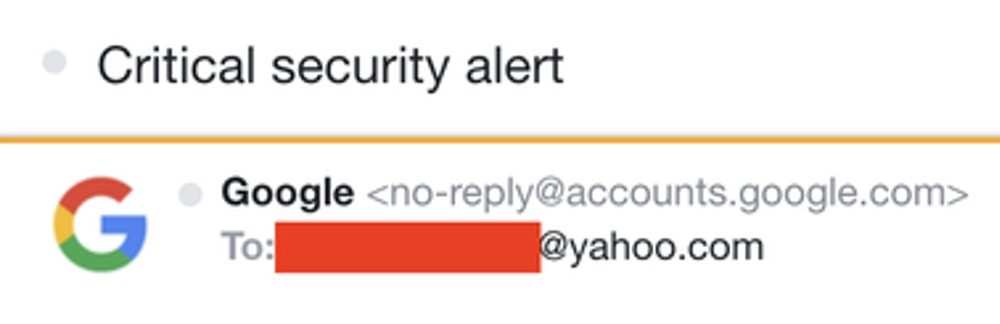
When you spot an email from noreply@accounts.google.com in your inbox, the first reaction is often a mix of curiosity and caution. Google sends countless notifications, yet scammers love to masquerade as trusted senders. Below we’ll unpack what this address actually represents, how to tell a legitimate message from a spoof, and steps you can take to stay protected.
What the “noreply@accounts.google.com” Address Means
Google uses the noreply@accounts.google.com mailbox exclusively for automated communications related to account activity. Common triggers include:
- Password changes or recovery attempts
- Two‑step verification prompts
- Security alerts about suspicious sign‑ins
- Subscription confirmations for Google services
Because the address is tied to Google’s internal infrastructure, you’ll never be able to reply to it—hence the “noreply” prefix. All genuine messages will contain links that direct you back to a *.google.com domain.
Red Flags: How to Spot a Phishing Attempt
Even though the address itself is trustworthy, attackers frequently spoof the display name or embed a similar-looking address in the From field. Here are the tell‑tale signs of a fake:
- Misspelled domain: Look for “googlee.com” or “g00gle.com”.
- Unusual URL: Hover over any link; if the URL starts with
http://or a third‑party domain, abort. - Urgent language: Phrases like “Your account will be suspended” are classic pressure tactics.
- Attachments: Legitimate Google account emails never contain .exe, .zip, or macro‑enabled files.
Verifying a Message’s Authenticity
When in doubt, follow these quick checks:
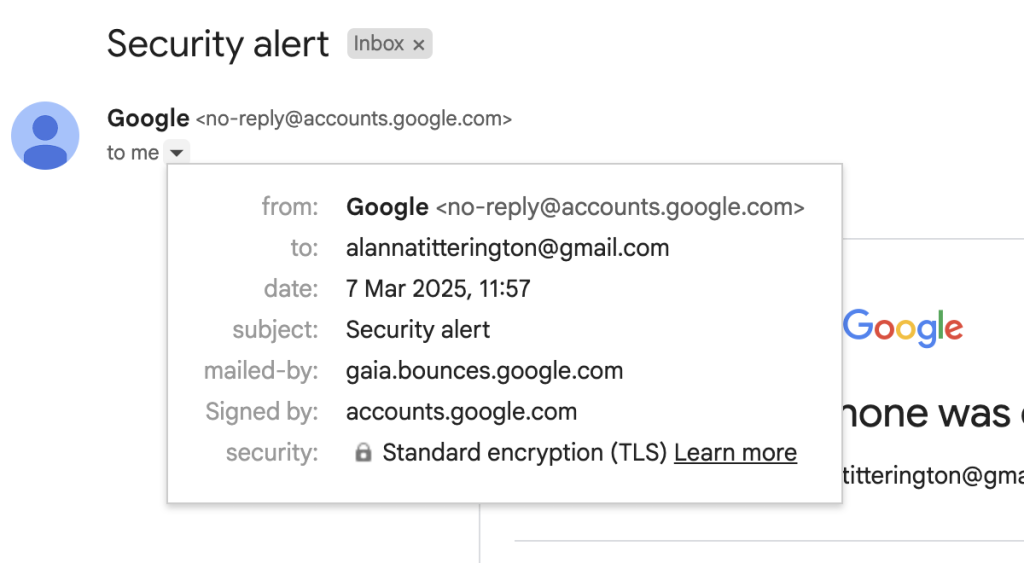
- Open the email header (most webmail clients have a “Show original” option) and locate the
Return-Path. It should read<noreply@accounts.google.com>. - Copy the link (don’t click) and paste it into a new browser tab. The domain should be
accounts.google.comor another official Google sub‑domain. - Log in to your Google account directly—type
https://myaccount.google.cominto the address bar—and check the Security section for recent alerts.
What To Do If You Receive a Suspicious Email
Take a calm, systematic approach:
- Don’t click any links. Instead, open a fresh browser window and navigate to the relevant Google page manually.
- Report the email. In Gmail, click the three‑dot menu → “Report phishing”. This helps Google improve its filters.
- Change your password. If you suspect your credentials might be compromised, go straight to the account security page and update your password.
Why Google Doesn’t Use a Reply Option
Automation is the key. The “noreply” mailbox isn’t monitored, so any reply would disappear into a void. Instead, Google directs users to appropriate help centers or support pages. This design reduces the risk of accidental data leakage and keeps the communication channel streamlined.
Best Practices for Ongoing Safety
Even with a solid verification routine, staying safe is an ongoing habit. Consider incorporating these habits into your digital routine:
- Enable two‑step verification for all Google accounts.
- Keep your recovery phone number and email up to date.
- Review the Recent security activity log monthly.
- Use a reputable password manager to generate unique passwords.
Bottom Line
noreply@accounts.google.com is a legitimate, Google‑owned address used for automated notifications. The real danger lies in imitators who craft look‑alike emails to lure you into giving away personal data. By paying attention to domain spelling, link destinations, and header details, you can confidently separate the genuine from the spoofed. A cautious click—or better yet, a manual navigation—keeps your Google account secure without missing any important alerts.