OPNsense on Proxmox vs Bare Metal: Which Wins?
When you start planning a firewall appliance, the first question isn’t “what software?” but “where will it run?” OPNsense, the open‑source firewall you’ve probably heard about, can sit directly on a server’s hardware or live inside a Proxmox virtual machine. Both routes promise solid security, but they differ in performance, resilience, and cost. Let’s walk through the practical trade‑offs so you can decide which architecture fits your network’s rhythm.
What each setup actually means
OPNsense on bare metal
Installing OPNsense straight onto a dedicated box means the OS talks directly to the NICs, storage, and CPU without any middle layer. It’s the classic “router‑appliance” model you’d find in data‑center racks or home labs.
OPNsense as a VM on Proxmox
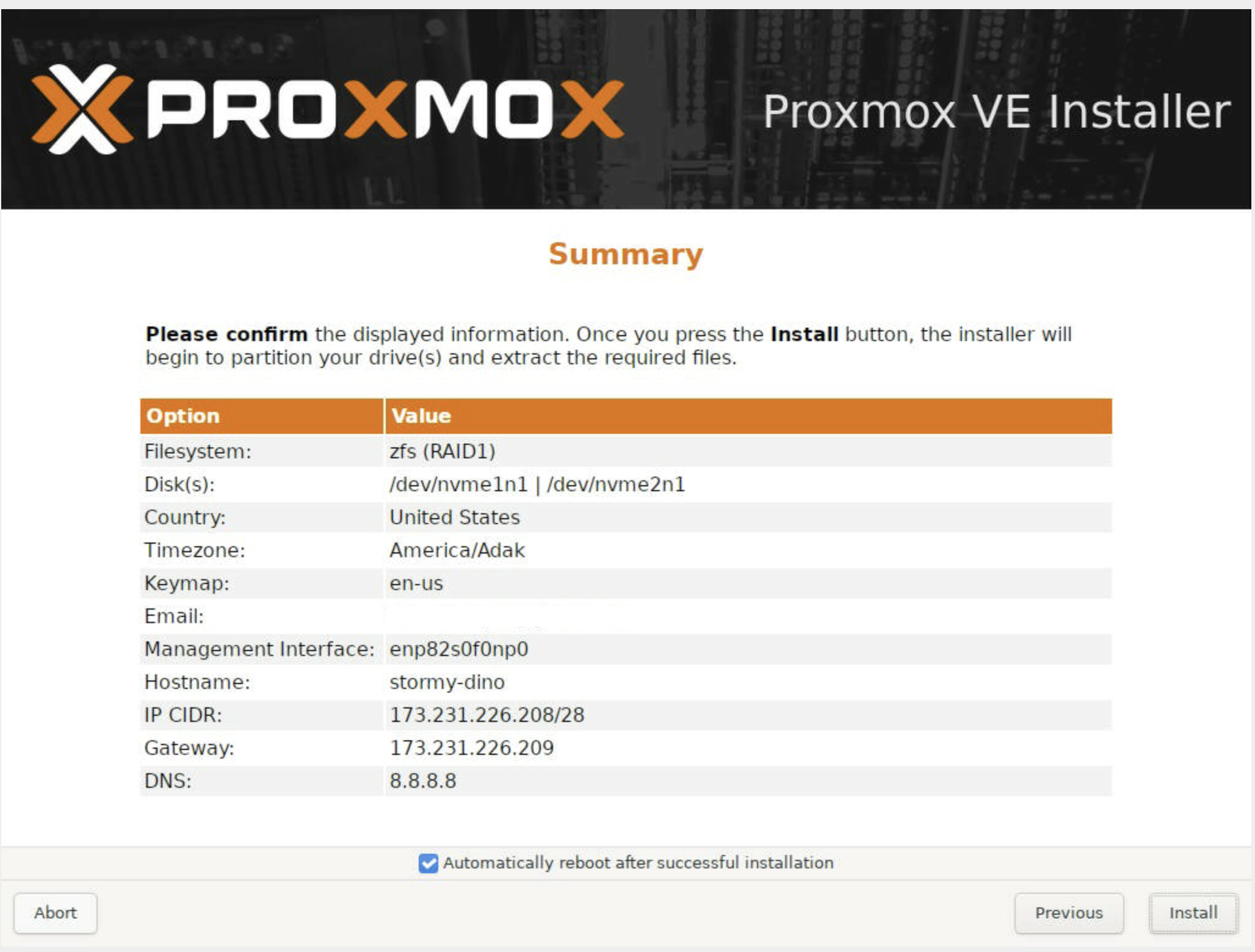
Proxmox is a Type‑1 hypervisor that hosts multiple virtual machines on the same physical host. Running OPNsense inside a VM gives you a firewall that shares the underlying hardware with other services—think IDS, VPN, or even a small web server—all managed from a single web console.
Performance considerations
Raw throughput is where the bare‑metal argument shines. With no virtualization overhead, the firewall can push the full line rate of its NICs, especially when you enable hardware offloading. In contrast, a Proxmox‑hosted OPNsense will incur a small latency penalty because packets must pass through the hypervisor’s virtual switch.
- CPU usage: Bare metal typically uses fewer CPU cycles per packet, leaving headroom for complex rule sets.
- Memory footprint: A VM adds the hypervisor’s own RAM consumption; you’ll need to allocate extra gigabytes for the guest OS.
- NIC handling: PCI‑Passthrough (or “host‑pci”) can mitigate the loss, but it ties the virtual NIC to a specific physical port, reducing flexibility.
For most small‑to‑medium sites, the difference is negligible—modern CPUs handle the extra layer with ease. If you’re chasing gigabit‑plus speeds or have latency‑sensitive applications, bare metal still has the edge.
Reliability and uptime
Virtualization introduces a single point of failure: the Proxmox host. If that server crashes, every VM—including your firewall—goes down. However, Proxmox offers robust clustering and HA (high‑availability) features that can automatically restart VMs on a secondary node.
On the flip side, a dedicated OPNsense box isolates the firewall from unrelated software bugs. There’s no risk of a rogue VM exhausting the host’s resources and pulling the network down.
In practice, many administrators run a tiny “firewall‑only” Proxmox node that hosts just OPNsense and perhaps a backup VM. The smaller the footprint, the closer the reliability mirrors a bare‑metal appliance.
Management and flexibility
Proxmox’s web UI lets you snapshot, clone, and roll back a firewall configuration in minutes. Need to test a new rule set? Spin up a copy, experiment, then merge changes without touching live traffic. This kind of sandboxing is cumbersome on a physical box, where you’d typically rely on backup images and manual restores.
On the other hand, managing a bare‑metal OPNsense is straightforward: one IP address, one console, no extra layer to learn. If your team is already comfortable with Proxmox, the learning curve for a VM is minimal; otherwise, the added complexity could be a deterrent.
Hardware costs and resource utilization
Buying a dedicated server for the firewall alone can feel wasteful, especially when you have spare CPU cycles on an existing Proxmox host. Virtualization lets you squeeze a fully‑featured firewall onto hardware that’s already serving other roles, maximizing ROI.
That said, you still need to provision enough NICs, CPU cores, and RAM to avoid contention. A common rule of thumb is to reserve at least two cores and 2 GB of RAM for OPNsense, plus the hypervisor’s baseline. If you’re already buying a small rack‑mount box for the firewall, the cost difference between “bare metal” and “VM on existing hardware” shrinks dramatically.
Use‑case checklist
- Do you need the absolute highest throughput? → Bare metal.
- Is rapid provisioning, snapshots, or cloning a daily requirement? → Proxmox VM.
- Will the firewall share a server with other services? → Virtual machine.
- Are you planning a multi‑node HA cluster for the whole infrastructure? → Proxmox’s built‑in HA makes VM‑based firewalls attractive.
- Do you have limited rack space and want to consolidate hardware? → VM wins.
Final thoughts
There’s no universal answer; the “best” choice hinges on what you value most. If raw speed and absolute isolation are non‑negotiable, installing OPNsense on bare metal remains the gold standard. If you prize agility, efficient use of existing servers, and the safety net of snapshots, the Proxmox route is compelling.
Most mid‑size deployments end up with a hybrid approach: a modest Proxmox host that runs OPNsense alongside a few low‑impact services, while a spare rack unit sits ready as a hot‑swap firewall for disaster recovery. Whatever you decide, remember that the firewall’s ruleset, monitoring, and maintenance discipline matter far more than the underlying platform.