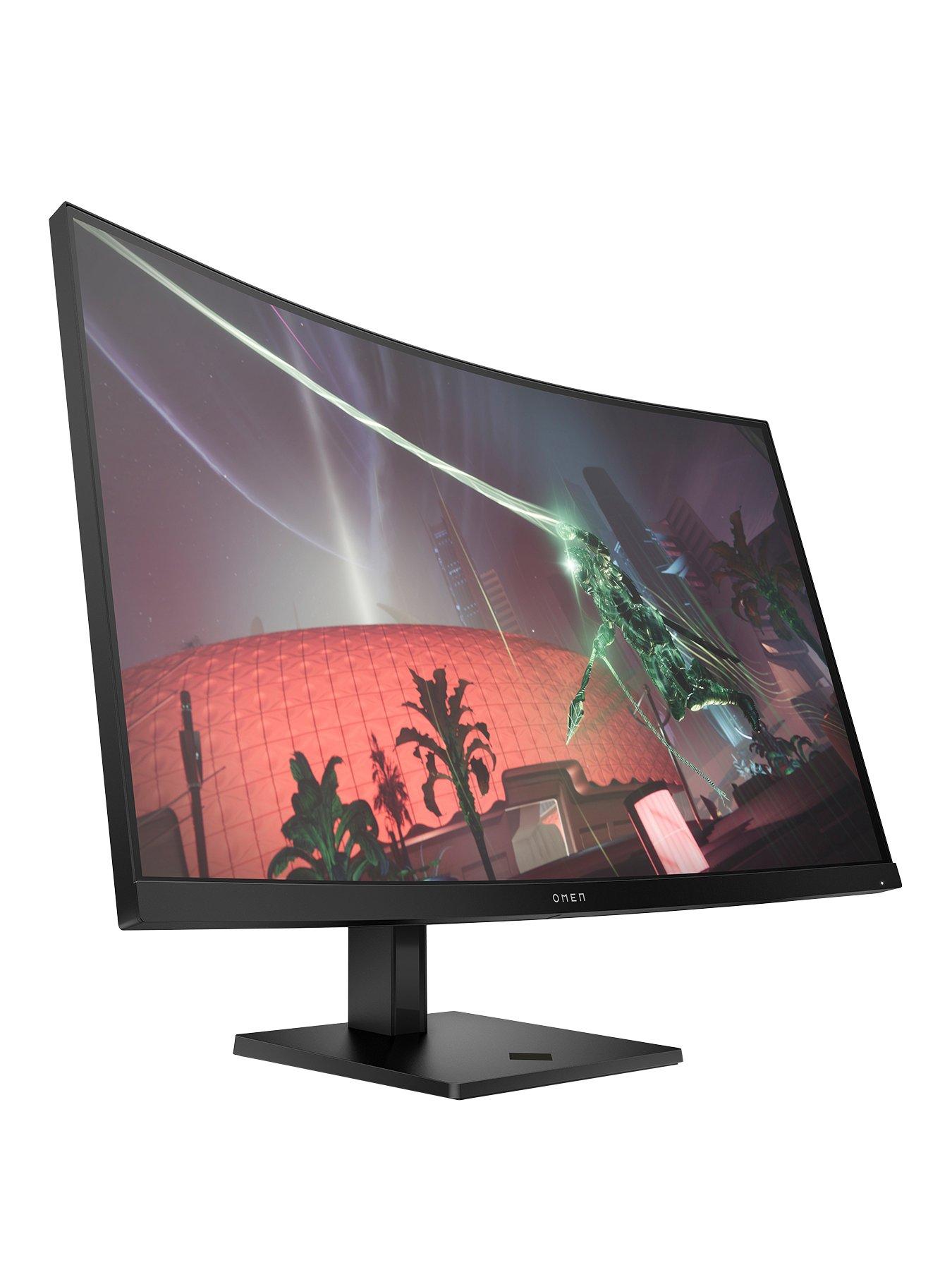
QHD 1440p Monitors: The Perfect Blend of Gaming and Productivity
When you’re hunting for a display that feels just right for both marathon gaming sessions and long‑hour spreadsheets, the QHD 1440p panel often shows up as the compromise you didn’t know you needed. It sits neatly between the pixel‑perfect world of 4K and the fast‑paced realm of 1080p, offering a mix of clarity, speed, and eye‑comfort that many users find hard to beat.
What Makes 1440p a “sweet spot”?
Resolution isn’t the only factor that determines a monitor’s usefulness. Screen size, pixel density, and refresh rate all play together, and 1440p tends to hit a comfortable middle ground.
- Pixel density that feels crisp – On a 27‑inch panel you get about 109 PPI, sharp enough to read fine text without the eye‑strain of lower‑resolution screens.
- Less GPU demand than 4K – Most modern graphics cards can push high frame rates at 1440p without the massive power draw a 4K setup demands.
- Room for multitasking – A 2560 × 1440 canvas gives you more real‑estate than 1080p, meaning windows can sit side‑by‑side without feeling cramped.
Gaming Benefits You’ll Notice
Gamers often chase higher refresh rates, and many 1440p monitors now top out at 144 Hz or even 165 Hz. Pair that with adaptive sync technologies (FreeSync or G‑Sync) and you’ve got smoother motion without the dreaded tearing.
Because the pixel count is lower than 4K, the GPU can sustain those high frame rates more readily. In fast‑paced shooters or rhythm games, the difference between 60 fps and 120 fps feels like night and day, and 1440p lets you hit those numbers without maxing out your hardware.
Productivity Perks Beyond Gaming
It’s not just about fast action. The extra vertical space—1440p adds roughly 400 more pixels vertically compared to 1080p—means you can keep more documents, spreadsheets, or browser tabs open at once. Designers love the balance of detail and screen real‑estate, while programmers enjoy clearer code without squinting.
Many 1440p models also feature adjustable stands, blue‑light filters, and flicker‑free panels, which help reduce fatigue during those long workdays.
Choosing the Right 1440p Monitor
Size and Aspect Ratio
If you sit close to your screen, a 24‑ or 27‑inch size is usually ideal. Bigger—32‑inch—panels can feel immersive for gaming, but you may need to step back a bit to keep everything in focus.
Refresh Rate & Response Time
Look for at least 144 Hz if you want a competitive edge. Response times under 5 ms keep motion blur in check, especially important for fast‑moving titles.
Panel Type
- IPS – Offers the best color accuracy and viewing angles, great for content creation.
- VA – Deeper blacks and higher contrast, favored by movie lovers.
- TN – Typically faster response times but narrower color gamut; good for budget builds.
Connectivity
Modern GPUs often support DisplayPort 1.4, which can handle 1440p at high refresh rates with HDR. HDMI 2.0 is also common, but double‑check the version if you plan to run 144 Hz.
Potential Drawbacks to Consider
While 1440p strikes a balance, it’s not flawless. On very large screens the pixel density drops, so a 32‑inch 1440p display may look less sharp than a smaller 4K panel. Also, if you already own a high‑end graphics card, you might be leaving performance on the table by not going all‑in on 4K.
Real‑World Examples
Here are a few models that consistently receive positive feedback from both gamers and professionals:
- LG 27GL850 – IPS, 144 Hz, G‑Sync compatible; a solid all‑rounder.
- Samsung Odyssey G7 – Curved VA, 240 Hz, excellent contrast for immersive play.
- Dell UltraSharp U2720Q (in 1440p mode) – Premium color accuracy for design work.
Is It Worth the Investment?
For most users, the answer leans toward yes. The price gap between 1080p and 1440p has narrowed, and the performance uplift feels genuine without demanding a top‑tier GPU. If you value sharper visuals, smoother gameplay, and a more productive workspace, a QHD monitor is a savvy middle ground.