Top Open Source SCM Tools For Modern DevOps Teams
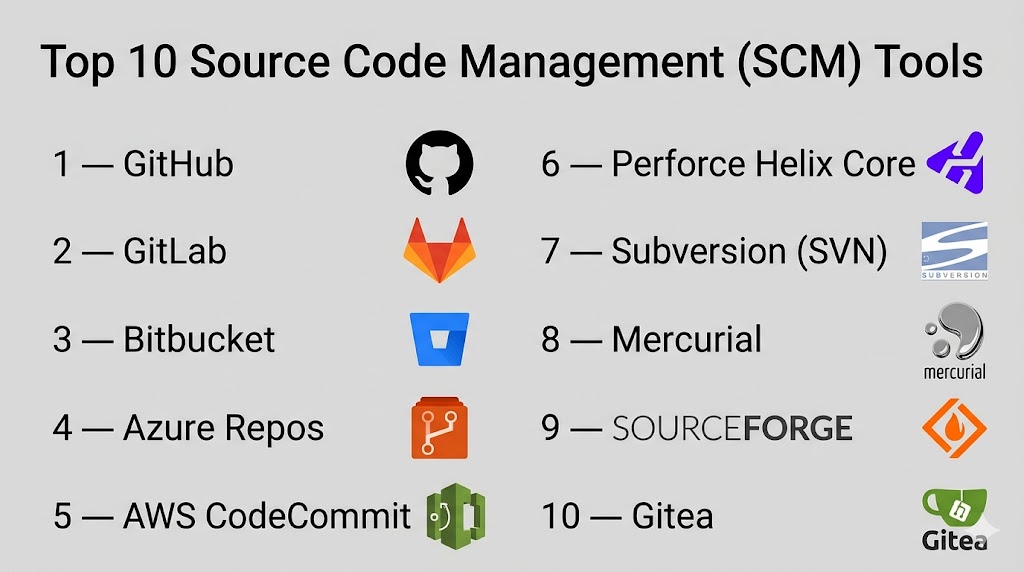
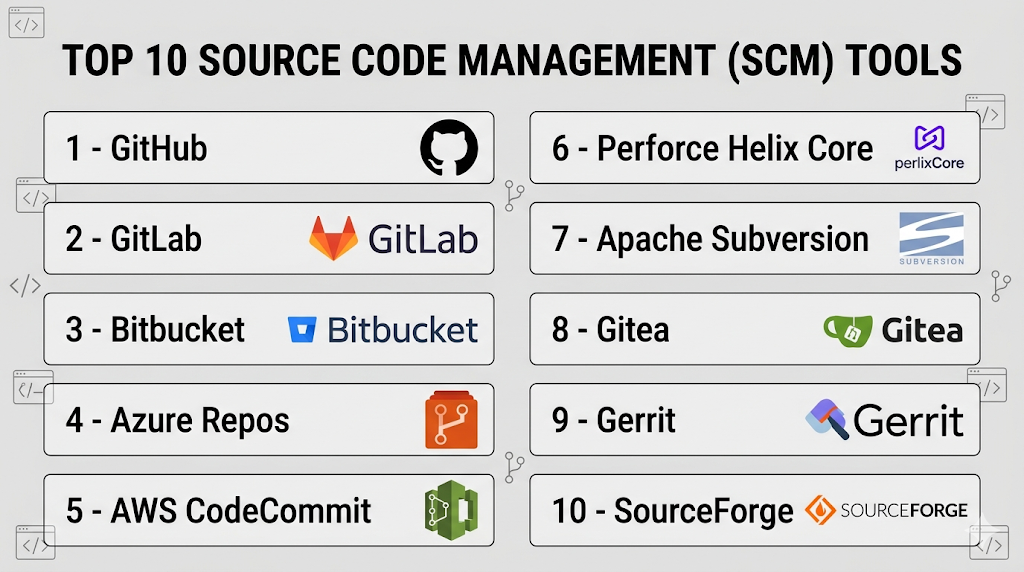
Tracking changes in code might sound boring, but using the right Source Control Management (SCM) tools is what keeps development from turning into chaos. While Git has become the industry standard for the underlying technology, the actual platforms you use to host, manage, and collaborate on repositories vary wildly. For teams looking to cut hosting fees or maintain strict data sovereignty, open source SCM solutions are no longer just a budget alternative; they are often the superior choice for customization and control.
Finding the right tool depends less on features and more on your team's workflow. Do you need heavy administrative controls? Are you integrating with legacy CI/CD pipelines? Or do you just want a lightweight interface that doesn’t require a dedicated hardware server? Below, we break down the top open source SCM tools that power modern software projects.
GitLab Community Edition: The All-in-One Powerhouse
If you want everything in one place, GitLab is the heavy hitter. Unlike simpler version control hosts, GitLab Community Edition offers a complete DevOps platform. This includes issue tracking, wiki capabilities, container registry, and built-in continuous integration (continuous deployment) tools.
It feels more like a massive ecosystem than just a code repository. The interface is polished, intuitive, and highly configurable. Larger teams often gravitate toward GitLab because it allows them to manage security vulnerabilities and compliance reporting directly within the platform. The setup is comprehensive, which makes the initial learning curve slightly steeper, but once it runs, it significantly reduces the need for third-party add-ons.
One catch: it’s resource-intensive. Running a self-hosted instance requires a server with decent RAM and CPU power, as the background processes for CI/CD pipelines can consume significant resources. However, the freedom to modify the software to fit your exact security policies makes it a favorite among enterprises.
Gitea: Lightweight and Developer-Friendly
Sometimes, all you need is a place to push code without the bloat. Enter Gitea, a project originally forked from Gogs. It is written in Go, which makes it incredibly fast and lightweight. You can run Gitea on a Raspberry Pi if you really want to, which highlights just how minimal its resource requirements are.
The interface mimics the familiar GitHub layout, which means onboarding new developers is usually painless. They already know where the pull requests are and how to create issues. Gitea handles basic collaboration features like wikis, project boards, and package registries with surprising efficiency for its size.
It is the go-to choice for small teams or hobbyists who want a self-hosted solution that requires almost no maintenance. It lacks the deep administrative granularity of GitLab, but for straightforward version control and simple teamwork, it gets the job done without taxing your server.
Gogs: Minimalist by Design
In many ways, Gogs is the spiritual predecessor to Gitea. The project focused on simplicity and single-binary installation. If you need an SCM tool that you can spin up in five minutes using a single executable file, Gogs is likely your best option.
Its philosophy is "simple, stable, and painless." Because it is so lightweight, it is excellent for proxies or basic hosting needs. Developers sticking to traditional workflows will find Gogs familiar and straightforward. It supports LDAP authentication, which is useful for corporate environments, though its feature set stops short of the advanced project management tools found in GitLab.
The trade-off is obvious: it is barebones. There are no built-in CI functions, no complex reporting, and fewer administrative hooks. But if you just want a reliable Git server that stays out of your way, Gogs delivers.
Phorge: The Sophisticated Alternative
Phorge (formerly known as Phabricator) takes a very different approach to collaboration. Instead of emulating GitHub, it focuses on specific workflows like code review, task management, and diff reviews. Its philosophy is to make the review process the center of development, rather than just an afterthought.
This tool is beloved by certain open-source communities for its rigidity and strictness. The interfaces are distinct and might feel outdated to users coming from modern cloud platforms, but the depth of the review tools is incredibly robust. It allows for highly detailed discussions on specific lines of code, which is invaluable for high-quality codebases.
That said, Phorge has a reputation for being complex to set up and configure. It is not for the faint of heart. Administrators need to be comfortable with command-line configurations and managing complex policies. However, for teams that treat code review as a sacred ritual, Phorge provides unmatched depth.
Kallithea: Old School but Reliable
For teams that still rely on Subversion (SVN) alongside Git, Kallithea is a worthy mention. It is a fork of RhodeCode, and it focuses heavily on supporting multiple VCSs. This makes it an excellent bridge for companies transitioning from legacy systems to Git.
The interface is functional and no-frills. It provides repository management, hooks, and integration with issue trackers. While it hasn't seen the rapid adoption of Gitea, it remains a solid, stable option for environments where variety in version control systems is a requirement rather than a preference.
Choosing the Right Platform for Your Stack
Ultimately, the "best" tool depends on your immediate constraints. If you have the server resources and want a full suite of DevOps tools, GitLab is the premium choice. If you are on a budget or need a lightweight solution for a small team, Gitea is arguably the best balance of features and performance.
Don't be afraid to test them out. Most of these open-source tools offer docker images or quick-start binaries that let you spin up a local instance in under ten minutes. Try submitting a pull request, creating an issue, and checking the review tools before committing to a long-term deployment.
Frequently Asked Questions
- Is hosting your own SCM harder than using GitHub?
Yes, initially. You are responsible for server maintenance, security updates, and backup strategies. Cloud providers handle this behind the scenes, but self-hosting gives you full data ownership.
- Can I move my repositories from GitHub to an open-source tool?
Absolutely. Most tools like GitLab and Gitea have importer tools that allow you to migrate your code, issues, and repositories from GitHub or Bitbucket with minimal effort.
- Is Gitea or GitLab better for small teams?
For very small teams, Gitea is often better because it is easier to set up and requires fewer server resources. GitLab is better for growing teams that need advanced CI/CD features.
- Are there costs associated with these "free" tools?
The software itself is free, but you pay for the compute resources (servers, storage, bandwidth) required to run them. The cost benefit usually comes from avoiding per-user licensing fees.