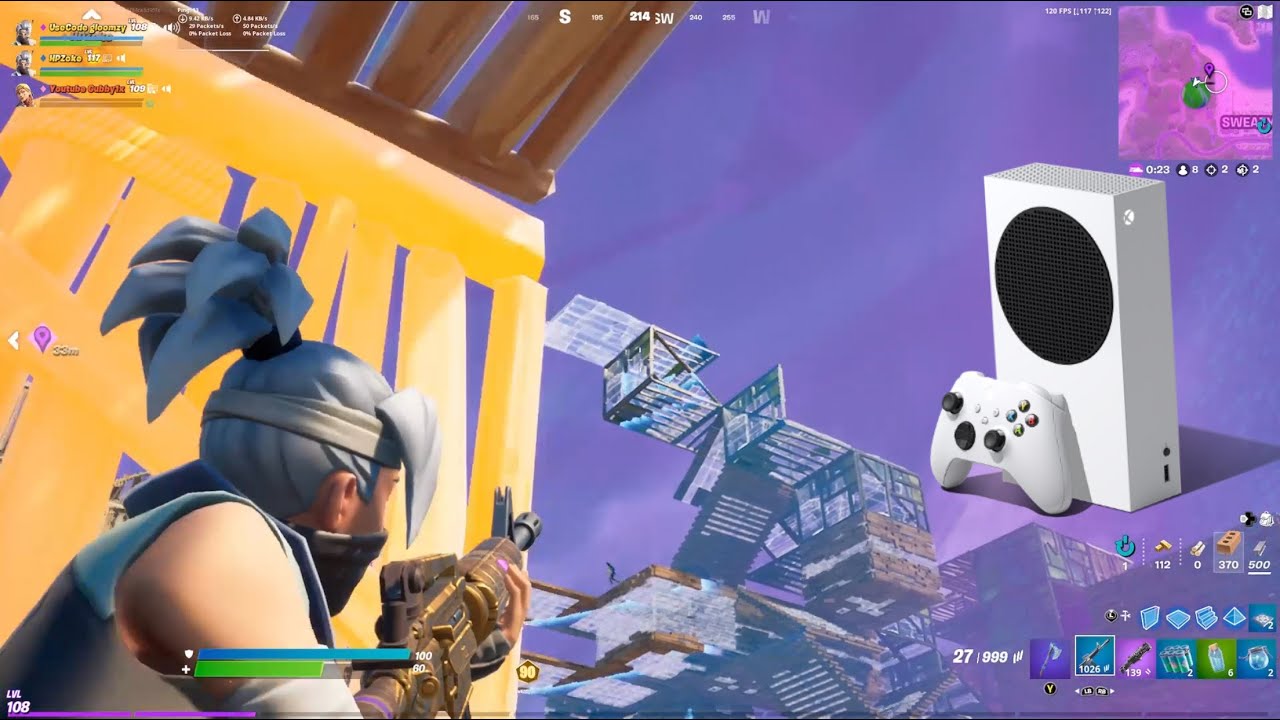
Top Xbox Series S Games That Run at 120 FPS
Finding fluidity in a budget console is a thrill all its own. The Xbox Series S might lack the raw graphical horsepower of its brother, the Series X, but its ability to push 120 frames per second (FPS) in select titles gives it an unfair advantage in competitive play. If you are chasing that buttery-smooth response time where inputs feel instantaneous, you are in luck. The library of 120 FPS games on the lower-powered model is a curated mix of shooters, fighting games, and indie platformers.
It is not a massive library yet, but the quality of the entries is high. When you unlock 120 FPS on the Series S, you are usually trading resolution for speed. Most of these games drop to 900p or dynamic resolutions around 720p-1080p. But for many players, especially those with 120Hz monitors or TVs, the clarity of motion matters far more than pixel density. Here is a breakdown of the best Xbox Series S games you should prioritize if you want to experience true 120 FPS gameplay.
First-Person Shooters: The Competitive Edge
If you are playing competitive shooters, 120 FPS is not just a luxury; it is a necessity. The Series S handles several major titles surprisingly well in their performance modes. The trade-off is always there, but the tactical advantage is undeniable.
Doom Eternal is a standout here. Rockstar optimized the Xbox version beautifully, allowing the Series S to hit 120 FPS in its performance mode. You might notice some slight texture softening or reduced resolution scaling during intense demon-on-demon brawls, but the game remains incredibly stable. The fluidity makes the already-fast-paced combat feel even more responsive and brutal. It is one of the most impressive ways to use the console's capabilities.
Overwatch 2 is another absolute must for Series S owners who play competitively. Blizzard has nailed the optimization on this title. On the Series S, Overwatch 2 can run at a console resolution mode or a performance mode that targets high refresh rates. While it might not always lock perfectly to 120 FPS in every single cinematic moment, it holds up remarkably well during firefights. The accuracy improvement when your inputs register twice as fast makes aiming significantly easier.
Then there is Call of Duty: Warzone 2 and Modern Warfare II. Activision was smart to include a performance mode that targets 120 FPS on the Series S. It is worth noting that in massive battle royale matches, frame rates can dip below that target in chaotic zones. However, in smaller lobbies or Slayer modes, it stays close enough that the difference is night and day compared to standard 60 FPS. Just keep an eye on your heat output; those intensive multiplayer sessions can warm up the compact chassis.
Fighting Games: Precision Frames
Fighting games live and die by frame data. Missing a block by a single frame can mean the difference between a combo setup and getting punished. For the fighting game community (FGC), the 120 FPS option on the Series S is transformative.
Street Fighter 6 offers a Performance Mode that targets 120 FPS. Capcom, known for their tight console ports, ensured that the visual fidelity does not suffer too catastrophically. It looks sharp, moves crisp, and feels responsive. The character "World Tour" mode is particularly smooth. If you spend any time in the Versus mode, this setting is arguably the best way to experience the game on Xbox.
Mortal Kombat 1 also joins the club. NetherRealm Studios has updated their engine to support high refresh rates on the Series S. The resulting gameplay is incredibly fluid, which is important in a series known for its complex input strings and precise execution demands. The visual drop is mostly in lighting effects and shadow distance, which are barely noticeable during a heated match.
Indie Gems: Pure Smoothness
Often, the best 120 FPS experiences on the Series S come from indie developers who built their engines to be lightweight by nature. These games don't need to compromise much to run fast because they were never graphical behemoths.
Halo Infinite on PC has had issues, but the console version is solid. The multiplayer performance mode in Halo Infinite runs at a high refresh rate feeling, though strictly speaking, it often targets a higher variable rate. However, older titles like Warframe receive frequent updates that often prioritize performance, making it a smooth looter-shooter experience on the budget box.
Rocket League is perhaps the most natural fit. Psyonix made it a point to ensure their sports-car soccer simulator could hit 120 FPS on all Series models. The visual penalty is minimal, mostly just a slight dip in resolution, but the clarity of high-speed aerial plays becomes much clearer when the frames are smoother. It feels like the game was designed for this specific hardware capability.
Essential Setup Requirements
You cannot enjoy any of these titles if your setup does not support them. First and foremost, you need a display that supports 120Hz input. This includes many modern OLEDs, high-end LCDs, and specific gaming monitors. Check your specs before buying a new TV solely for this purpose.
Next, ensure your Xbox Series S is connected via a high-quality HDMI 2.0 or 2.1 cable. The one included in the box is usually sufficient, but if you use a third-party cable, verify it handles 4K@60Hz or at least 1080p@120Hz properly. Finally, dig into your console settings. Go to Display & video and ensure Allow 120 Hz is toggled On. Some games also require you to select "Performance Mode" in their individual settings menus rather than "Quality Mode."
Is 120 FPS Worth the Visual Sacrifice?
Ultimately, whether you should prioritize these games depends on your screen and your personal preference. If you are a casual player watching narrative-driven games, the drop to 900p might bother you. But for competitive shooters and fighting games, the responsiveness gain is immense. The Series S proves that even without top-tier graphics, it can deliver a premium competitive experience through sheer processing speed and smart optimization. It is a niche feature, but for those who use it, it is the defining characteristic of the console.
Frequently Asked Questions
Does the Xbox Series S support 120 FPS in all games?
No. The library is limited primarily to shooters, fighting games, and indie titles. Most AAA role-playing games and heavy open-world titles stick to 30 or 60 FPS on the Series S due to performance constraints.
What resolution do these games run at when using 120 FPS?
Most games drop their resolution target significantly. You can expect dynamic resolutions ranging from 720p to 1080p, often averaging around 900p. Sharpness is maintained through upscaling, but textures may appear softer than in 60 FPS quality modes.
Can I force 120 FPS on any game?
No. You can only enable 120 FPS if the specific game has included a "Performance Mode" or similar toggle in its settings menu. It is not a global console setting that applies to all software automatically.
Do I need an HDMI 2.1 cable for 120 FPS?
Not necessarily. HDMI 2.0 is sufficient for 1080p at 120 FPS, which is the primary resolution target for these Series S titles. HDMI 2.1 is required if you are trying to push higher resolutions like 4K at 120 FPS, but the Series S rarely outputs that specific combination in gaming scenarios.