Best Android Browsers: Top 10 for Speed & Features
Choosing a browser for your Android phone can feel a bit like picking a new pair of shoes—comfort, performance, and a dash of style all matter. While the default options get the job done, a handful of alternatives step ahead with faster page loads, built‑in privacy tools, or clever gestures that make scrolling feel effortless.
1. Google Chrome
Chrome still leads the pack, largely because Google’s servers and the Android OS talk to each other better than any other combo.
- Speed: Data compression and predictive loading shave seconds off each visit.
- Sync: Open tabs, bookmarks, and passwords travel seamlessly across devices.
- Built‑in translator for foreign‑language pages.
2. Mozilla Firefox
Firefox embraces open‑source ideals while keeping a surprisingly snappy feel.
- Quantum engine delivers rapid rendering, especially on media‑heavy sites.
- Extensive add‑on library lets you tailor privacy, ad‑blocking, or even UI tweaks.
- Less integration with Google means fewer data‑sharing prompts.
For users who love tweaking, Firefox feels like a sandbox rather than a finished product.
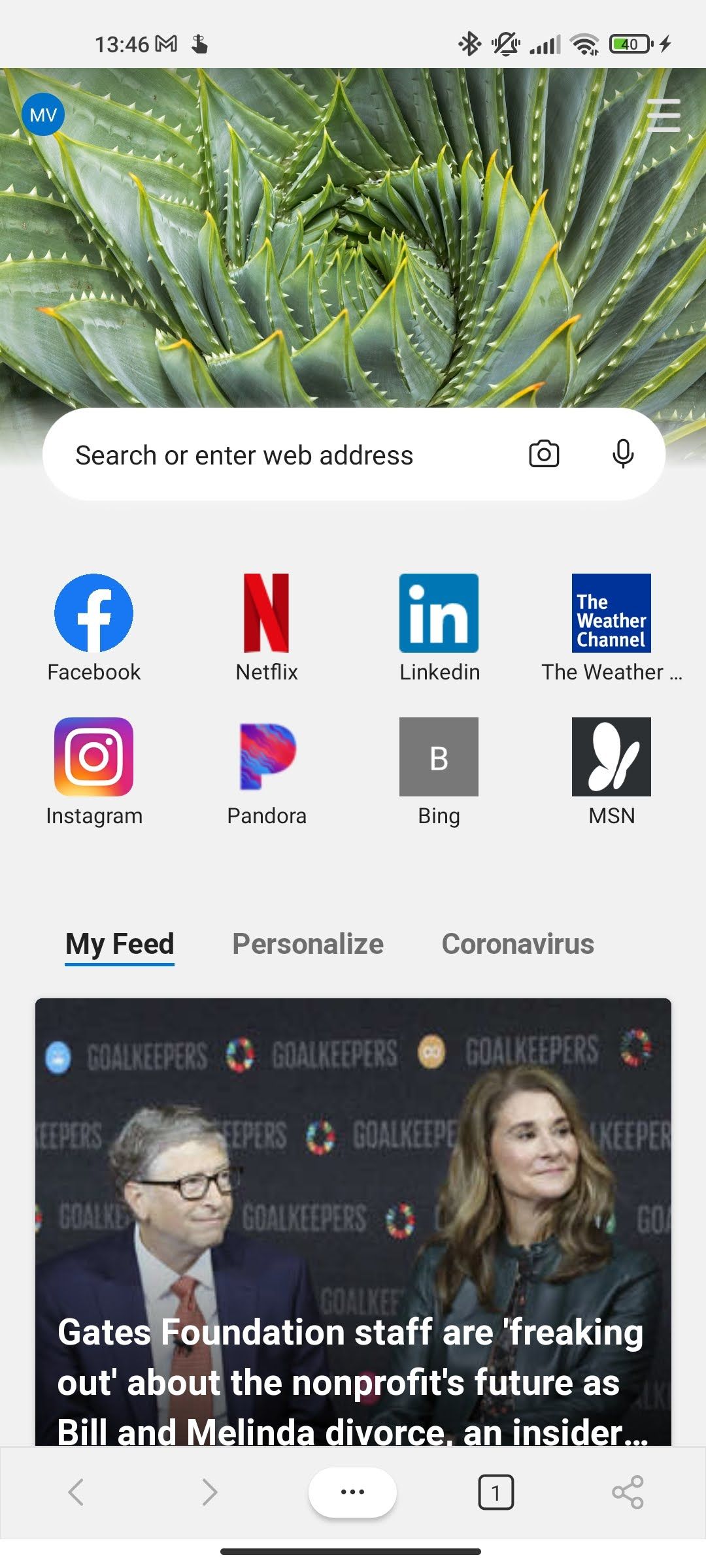
3. Microsoft Edge
Edge may have started on Windows, but its Android version has quietly become a contender.
- SmartScreen filters out known phishing sites.
- Vertical tabs keep navigation tidy on tall screens.
- Integrated “Read Aloud” reads articles without extra apps.
4. Brave
If you’re tired of intrusive ads, Brave’s aggressive blocking makes a noticeable difference.
- Default ad‑block plus optional Shields for tracking scripts.
- Earn BAT tokens for viewing optional privacy‑respecting ads.
- Fast‑forward loading thanks to reduced network chatter.
It’s a bold choice for those who value both speed and a hint of earning potential.
5. Opera
Opera packs a few quirky features that feel like hidden shortcuts.
- Turbo mode compresses traffic, useful on limited data plans.
- Integrated VPN (free, but limited) adds a layer of anonymity.
- “Quick Search” widget speeds up finding results without opening a new tab.
6. Samsung Internet
Designed for Samsung devices, this browser works surprisingly well on any Android handset.
- Robust ad‑blocking extensions from the Galaxy Store.
- Support for “Dark Mode” that respects system settings.
- Video assistant that pulls videos into a floating window.
Even non‑Samsung users appreciate its clean UI and solid performance.
7. Vivaldi
Vivaldi is the browser for power users who enjoy granular control.
- Customizable gestures let you swipe to close tabs or reload pages.
- Stacked tabs keep related sites together without clutter.
- Built‑in notes panel for jotting down ideas while browsing.
8. DuckDuckGo Privacy Browser
When privacy is the top priority, DuckDuckGo offers a minimalist experience.
- All searches are private by default; no tracking cookies.
- Fire‑button instantly clears tabs and cookies.
- Simple UI keeps focus on content, not on settings.
It’s not the fastest in raw benchmarks, but the peace of mind often outweighs a few milliseconds.
9. Kiwi Browser
Kiwi brings Chrome’s engine to a more flexible environment.
- Supports Chrome extensions directly from the Play Store.
- Built‑in ad blocker that can be toggled per site.
- Dark mode that follows system preferences.
For anyone who missed out on desktop extensions, Kiwi feels like a bridge.
10. Puffin Browser
Puffin takes a different approach by offloading most processing to cloud servers.
- Lightning‑fast page rendering on slower connections.
- Virtual trackpad and keyboard make it easier to navigate desktop‑style sites.
- Flash support still works, a rarity on modern mobile browsers.
This cloud‑centric model can raise privacy concerns, yet the speed boost is undeniable for many users.