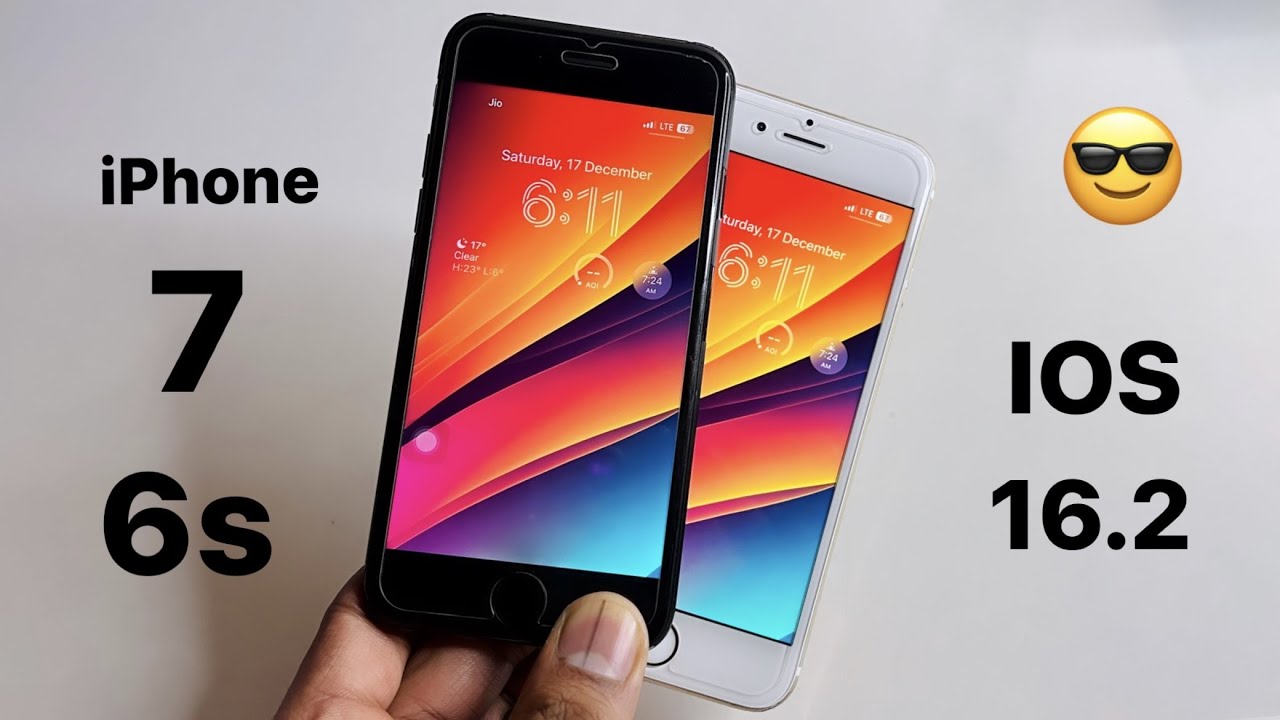
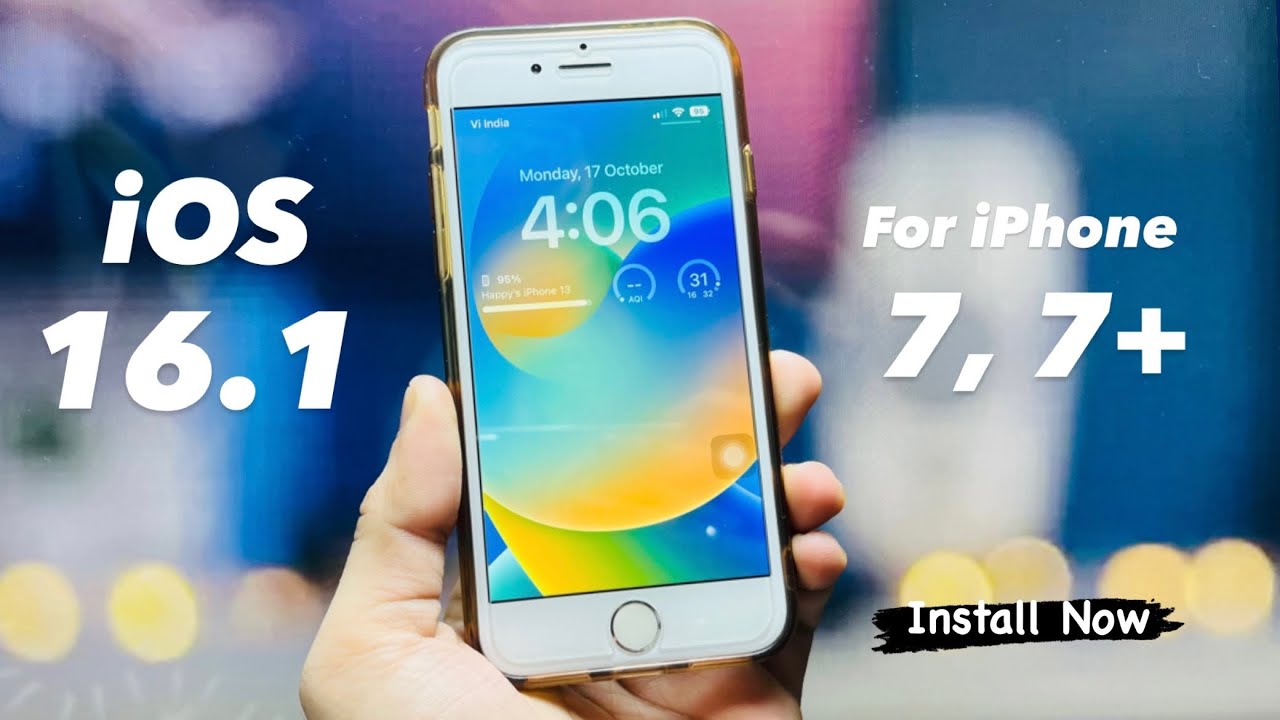
Can You Update iPhone 7 to iOS 16? The Facts
You’ve likely seen the headlines. You’ve probably checked your settings menu, looking for that familiar "Software Update" prompt, only to be met with the frustrating message that your device is already up to date. It’s a common scenario for long-time iPhone loyalists. The iPhone 7, a device that served many of us faithfully for years, has a specific place in Apple’s ecosystem, and understanding its limits is crucial before you go searching for complex jailbreaks or unofficial workarounds that could brick your phone.
Here is the straightforward truth, stripped of the hope that comes with waiting for a miracle update: The iPhone 7 cannot be updated to iOS 16.
This isn’t a glitch. It’s by design. Apple dropped support for the iPhone 7 (and the iPhone 7 Plus) starting with the release of iOS 16. The last version of the operating system your device can run is iOS 15. If you are currently running iOS 15.7 or the latest security patch within the iOS 15 family, you are at the end of the road for official major system upgrades.
Why Apple Dropped the iPhone 7
It’s easy to feel frustrated when a phone that still feels fast and reliable is left behind. After all, the A10 Fusion chip in the iPhone 7 isn’t ancient history by modern standards—it’s just not new enough to handle the heavier computational demands of newer iOS versions. Apple makes these decisions based on a balance between software ambition and hardware capability.
iOS 16 introduced features that required more RAM and processing power than the iPhone 7 could comfortably provide without compromising battery life or stability. Live Text improvements, new widget capabilities, and enhanced motion effects place a heavier load on the CPU and GPU. Supporting older hardware means optimizing heavily, which often leads to a slower experience for users with older devices. Apple chose to prioritize the user experience on newer models, leaving the iPhone 7 behind.
Is Your iPhone 7 Still Safe?
This is the most critical question for anyone still using an iPhone 7. The short answer is: mostly, but with growing risks.
Apple continues to release security patches for iOS 15, but these updates are becoming less frequent. As time passes, undiscovered vulnerabilities in older operating systems are more likely to be exploited. While your phone is still generally safe for basic tasks like checking email, using WhatsApp, or browsing the web, the margin for error is shrinking.
However, "safe" depends on your habits. If you avoid clicking on suspicious links, don’t download apps from unknown sources, and keep your apps updated within the App Store, your risk remains relatively low. The iPhone 7 is not a wide-open door for hackers simply because it’s running iOS 15, but it lacks the latest security frameworks that protect newer devices against emerging threats.
What Features Are You Missing Out On?
If you’re wondering what you’re missing, the list is significant. iOS 16 brought several user-facing changes that have now become standard across newer iPhones:
- Customizable Lock Screen: The deep personalization options for fonts, emojis, and watch faces are unavailable.
- iMessage Enhancements: Edited messages, read receipts control, and improved reactions aren’t supported.
- FaceTime Upgrades: Spatial Audio and background blur for video calls are missing.
- Wallet Improvements: Consolidated boarding passes and tickets within the Wallet app don’t function the same way.
- App Compatibility: This is the silent killer. As app developers update their software to target iOS 16 or newer APIs, your iPhone 7 may eventually stop receiving updates for popular apps. Imagine trying to use a banking app or a social media platform that requires iOS 16 as a minimum. That day is approaching.
Should You Upgrade?
If your iPhone 7 is still working well, you don’t need to replace it today. But you should start planning. The window for a smooth transition is narrowing. App compatibility is the biggest long-term issue. You might find that by the end of this year or early next year, essential apps begin to demand iOS 16 or 17, rendering your device less useful for daily tasks.
If you’re considering an upgrade, you don’t need to jump to the latest Pro model to get iOS 16 support. iPhones from the iPhone 8 series onward are compatible with iOS 16. Even more affordably, the iPhone SE (2nd and 3rd generation) offers modern chips and iOS support in a familiar form factor. It’s a pragmatic choice that extends your investment significantly.
How to Maximize Your Current Device
Until you’re ready to upgrade, here’s how to keep your iPhone 7 running as smoothly as possible:
1. Stick to iOS 15 Updates: Ensure you’re on the latest minor version of iOS 15 (e.g., iOS 15.7.x). These contain critical security fixes that Apple continues to push.
2. Manage Storage: The iPhone 7’s storage fills up quickly. Photos, videos, and app caches eat space. Regularly offload unused apps and clear browser history. A cluttered storage drive slows down any device, especially older ones.
3. Optimize Battery Settings: Enable Low Power Mode when you’re not charging. Consider disabling background app refresh for apps you don’t use constantly. This reduces the load on the A10 chip and extends battery life.
4. Use Lightweight Alternatives: If you notice lag, consider switching to lighter versions of popular apps (like Facebook Lite or YouTube Go) if they are available in your region. They consume fewer resources.
Final Thoughts
The iPhone 7 was a powerhouse in its time. It helped redefine what a smartphone could do in a smaller package. While it can’t run iOS 16, it’s not useless yet. By keeping your security patches up to date and managing your usage wisely, you can squeeze another year or two out of it. Just don’t wait until your banking apps stop working to start looking at your upgrade options.
Frequently Asked Questions
Q: Can I use a third-party tool to force iOS 16 on iPhone 7?
A: No. Jailbreaking or using unauthorized tools to force newer iOS versions onto unsupported hardware is risky. It can corrupt your system, void warranties (if any remain), and expose your device to severe security vulnerabilities. It’s not worth the potential damage.
Q: Will iPhone 7 ever receive iOS 17 or 18?
A: No. Apple has permanently discontinued support for the iPhone 7. It will not receive iOS 16, iOS 17, or any future versions.
Q: I’m still on iOS 14. Should I upgrade to iOS 15?
A: Yes, absolutely. iOS 15 offers significant security improvements and better performance optimizations. To update, go to Settings > General > Software Update. Make sure your battery is above 50% and you have Wi-Fi connection.
Q: What is the cheapest iPhone that supports iOS 16?
A: The iPhone 8 and iPhone 8 Plus are the entry-level models that support iOS 16. The iPhone SE (2nd Gen) is also a very affordable option with a more modern A13 chip, offering better longevity than the iPhone 8.