Can You Use Spotify Premium’s Web Player for Free?
If you’ve ever typed “Spotify Premium web player free access” into a search box, you’re not alone. The idea of streaming ad‑free music, skipping tracks at will, and enjoying offline playlists from any browser sounds like a dream. Yet Spotify’s official stance is clear: the premium experience is a paid service. In this article we’ll unpack what the web player actually provides, why a free‑access loophole doesn’t exist, and which legitimate options let you taste premium features without breaking the bank.
What the Spotify Premium Web Player Actually Offers
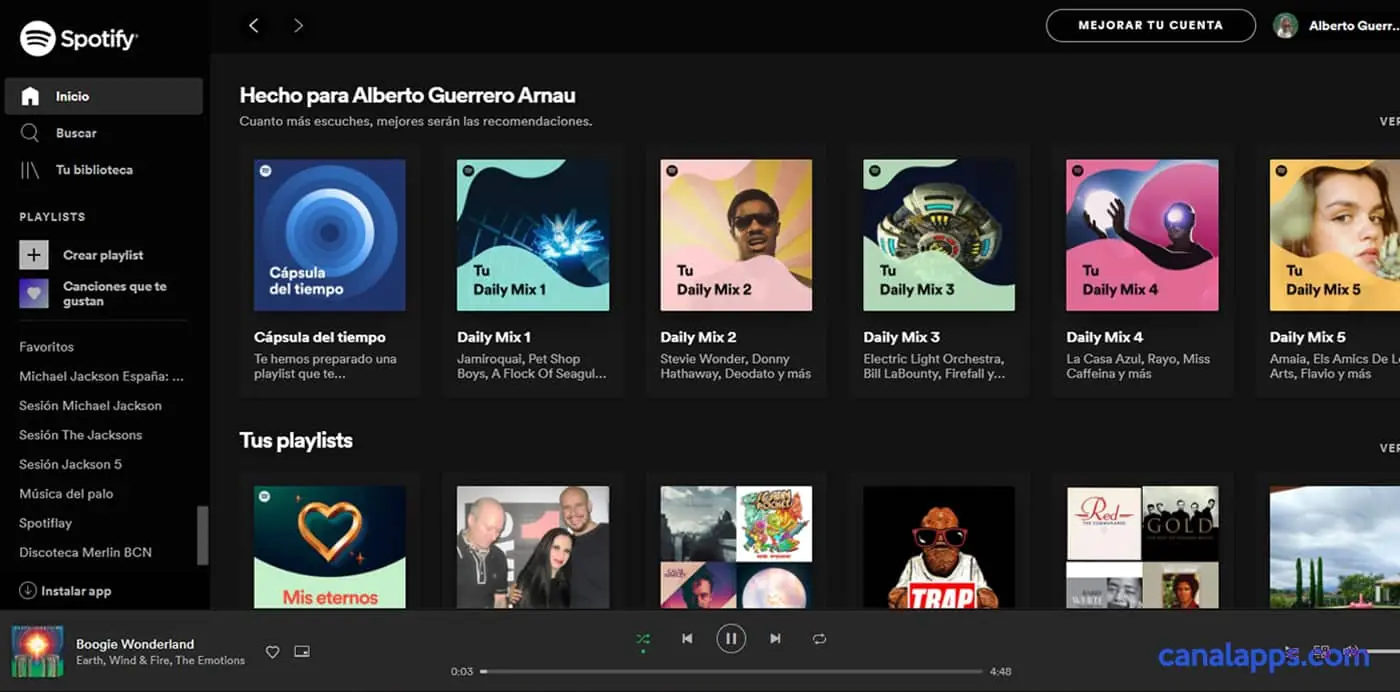
The web player mirrors the desktop app’s core functions—search, playlist creation, and real‑time playback—while running entirely in your browser. For premium subscribers, it unlocks the full catalog, removes audio interruptions, and enables unlimited skips. Non‑subscribers can still listen, but they’ll encounter the familiar 30‑second preview limits and occasional ads. The distinction isn’t just cosmetic; the backend checks your account type before streaming full‑length tracks, so the web player respects the same subscription tiers as the native apps.
Why Free Access Isn’t Officially Available
Spotify’s business model hinges on converting listeners into paying members. Offering a free premium web player would undercut that revenue stream and dilute the perceived value of the service. Moreover, licensing agreements with record labels often require strict enforcement of paid versus free tiers. Violating those contracts could jeopardize Spotify’s ability to host certain songs, something the company cannot afford.
Because of these legal and financial constraints, the platform deliberately blocks premium‑only features for accounts that haven’t paid. When you log in with a free account, the web player automatically applies the limitations, and there’s no hidden “secret” toggle to flip the switch.
Workarounds People Try (and Why They’re Risky)
Despite the clear policy, a handful of blogs and forum threads claim to have cracked the premium web player. Most of these methods involve:
- Using third‑party browser extensions that spoof account status.
- Manipulating network requests to trick Spotify’s servers.
- Sharing login credentials from a premium account.
All three approaches carry significant downsides. Extensions can inject malware or harvest your personal data. Tampering with network traffic violates Spotify’s terms of service and may result in account suspension. And, of course, using someone else’s credentials is both unethical and potentially illegal.
In short, the short‑term gain of “free access” is outweighed by the long‑term risk to your device, your privacy, and your ability to use Spotify at all.
Legitimate Ways to Experience Premium Features Without Paying
Fortunately, Spotify provides several low‑cost or trial avenues that let you explore premium benefits legally:
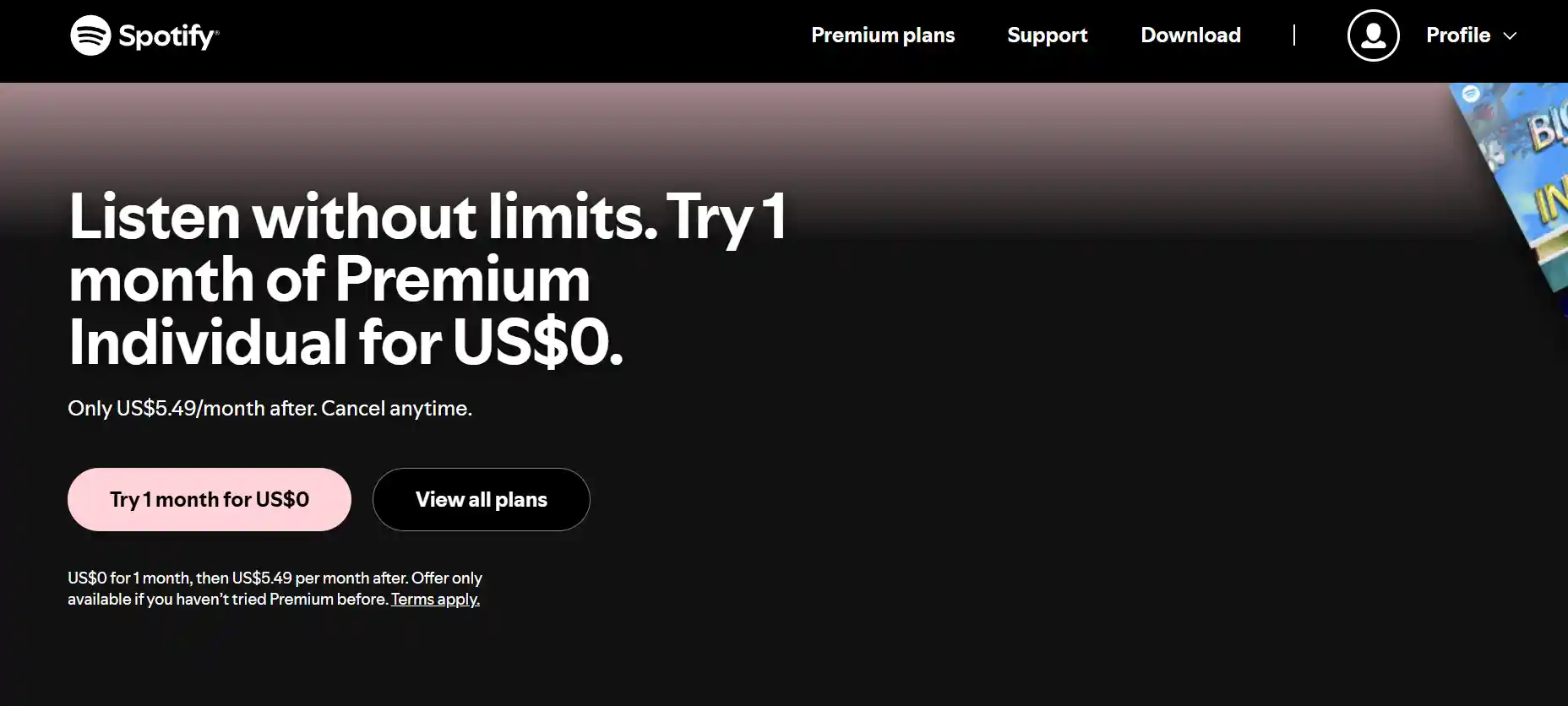
- Free 30‑day trial: New users can sign up for a month of full premium access, including the web player, without entering payment details. Just remember to cancel before the trial ends if you don’t want to be charged.
- Student discount: If you’re enrolled in a recognized university, you can get premium for half price, and the discount applies to the web player just the same.
- Family plan: Sharing a single subscription with up to five other household members can dramatically lower the per‑person cost, making premium a feasible daily tool.
- Promotional bundles: Occasionally, mobile carriers or hardware manufacturers bundle a few months of Spotify premium with a new phone or smart speaker. These offers often include web access.
While none of these options are “free forever,” they let you test the full feature set without resorting to sketchy hacks. If you enjoy the experience, you can decide whether the ongoing cost matches the value you receive.
How to Make the Most of the Web Player During a Trial
When you activate a trial, treat the web player as a sandbox for your music habits. Create genre‑specific playlists, experiment with “radio” stations, and use the “Liked Songs” collection to see how quickly the algorithm curates personalized recommendations. Also, explore the “Your Library” tab to understand how offline syncing works—though offline mode isn’t available on the web, you’ll notice the distinction when you switch between devices.
Taking note of these features helps you decide if the premium upgrade is worth the recurring fee once the trial expires. It’s a simple, risk‑free way to answer the “Spotify Premium web player free access?” question for yourself.
FAQ
Is there any legal way to get Spotify Premium’s web player for free?
Only through Spotify’s official free trials or promotional offers. Any method that bypasses payment is against the terms of service and can lead to account termination.
Can I share my premium account with friends to use the web player?
Sharing credentials is prohibited. However, a Family plan legitimately allows up to six members in the same household to enjoy premium features, including the web player.
Do ad‑blocked browsers give me premium-like listening?
No. Ads are tied to your account type, not the browser. Even with an ad blocker, a free account will still face playback limits and occasional promotional messages.
Will the free trial work on the web player?
Yes. Once you start a trial, logging into the web player with that account unlocks the full premium experience for the trial duration.