How Apple One Family Sharing Affects Your Privacy
Apple One bundles a suite of services—Apple Music, Apple TV+, iCloud, and more—into a single subscription that families can share. It’s a convenient way to keep everyone entertained while cutting costs. But whenever multiple devices and accounts converge under one roof, the question of data privacy inevitably surfaces. Below we unpack what Apple does with the information it gathers, where the shared family data lives, and what steps you can take to keep personal details under control.
What Is “Family Sharing” in Apple One?
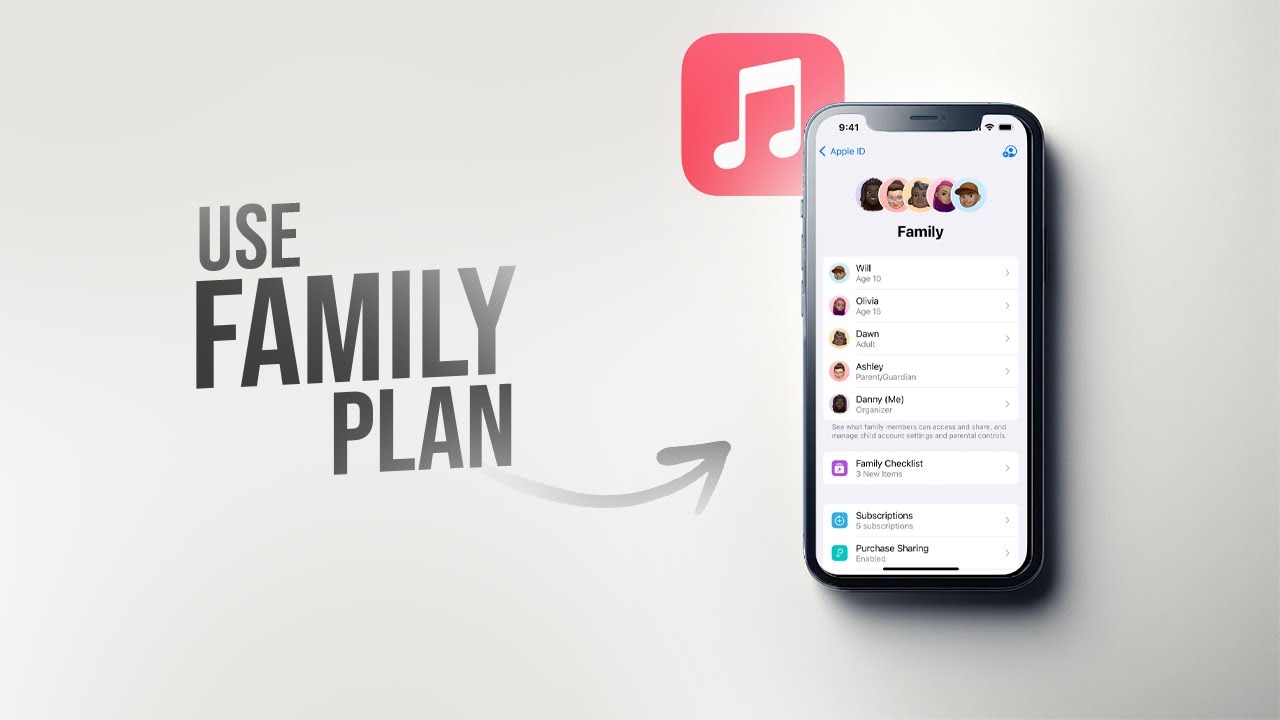
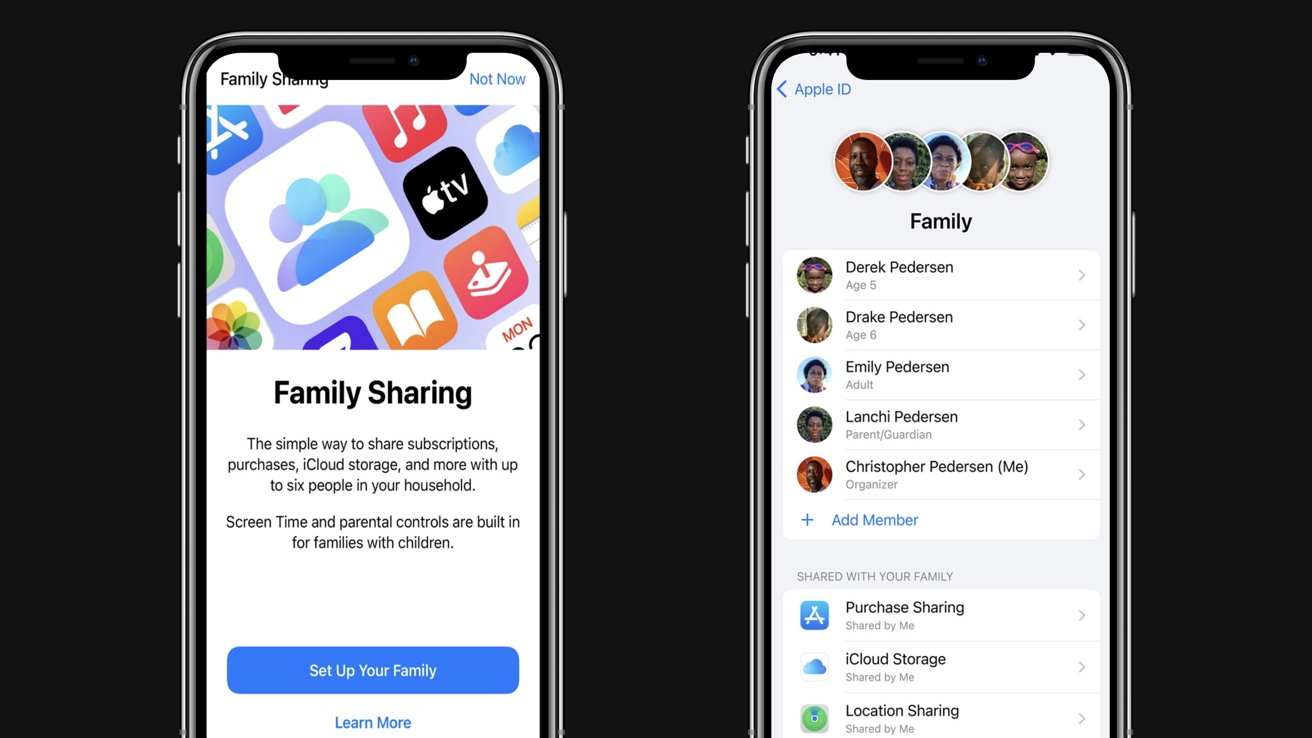
Family Sharing lets up to six people link Apple IDs so they can share purchases, subscriptions, and iCloud storage. The organizer (often a parent) pays the bill, while each member retains a separate Apple ID. This separation is crucial because it determines whose data is visible to whom.
- Purchase sharing: Apps, movies, books, and music bought by one member become downloadable for the whole group.
- iCloud storage pool: A 200 GB, 2 TB, or 4 TB plan is split among members, but each person’s files stay in their own private folder.
- Location services: Family members can choose to share their location with the organizer, making it easy to find each other’s devices.
Where Does Apple Store Your Family Data?
All data—photos, documents, health records, and even Siri histories—are encrypted on Apple’s servers. Encryption keys are derived from the user’s password and a device‑specific secret, meaning Apple can’t read the content without your passcode. However, the family organizer does have a few administrative powers:
- Ability to add or remove members.
- Control over shared purchase receipts.
- Option to view shared location.
What the organizer cannot do is open a child’s iMessage threads, read their emails, or peek into their private iCloud Drive folders.
Apple’s Stance on Data Use
Apple repeatedly emphasizes that it uses personal data primarily to deliver and improve its services. Advertising, for instance, relies on anonymized identifiers rather than names or email addresses. When you stream a song, Apple may log the track name and playback time—but that log is tied to an anonymous token, not your real identity.
Privacy Concerns Specific to Family Sharing
Even with strong encryption, the shared environment introduces subtle privacy nuances:
- Shared Apple ID for purchases: If a child uses the organizer’s Apple ID for App Store purchases, Apple could associate those app downloads with the organizer’s payment method.
- Screen Time reports: Parents can view usage statistics for children, which, while useful, also reveals habits and interests.
- Find My network: Enabling location sharing gives the organizer real‑time insight into where each family member’s devices travel.
These features are optional, but they’re enabled by default when you set up Family Sharing. Knowing you can turn them off is half the battle.
How to Tighten Your Privacy Settings
Take a few minutes to audit the family group. Below is a quick checklist you can follow on any iPhone, iPad, or Mac:
- Open Settings → Family Sharing. Review each member’s permissions.
- Under Share My Purchases, decide whether you want all purchases visible to everyone.
- Toggle Location Sharing off for members who don’t need it.
- Visit Screen Time → Family and adjust reporting options.
- In iCloud → Manage Storage, confirm that each person’s files reside in their own private folder.
For children under 13, Apple requires a parent’s Apple ID to create the child’s account. This legal safeguard also means the parent’s consent is logged, but it doesn’t grant unrestricted access to the child’s personal data.
What Happens When a Member Leaves?
If a family member decides to exit the group, Apple automatically removes their access to shared subscriptions and iCloud storage. However, any data that was created while they were part of the family—like photos in a shared album—remains in the album unless the organizer manually deletes it. It’s a good practice to back up personal files before leaving, just in case.
Balancing Convenience and Confidentiality
Family Sharing’s biggest draw is simplicity: one bill, seamless access, and a built‑in parental‑control toolset. Yet, convenience can blur the line between shared and private. The key is intentional configuration—treat the family group as a set of individual households that happen to share a roof, not a single entity with unlimited visibility.
Remember:
- Separate Apple IDs preserve personal boundaries.
- Review shared location and Screen Time settings regularly.
- Use strong, unique passwords for each account to keep encryption keys safe.
By taking these steps, you can enjoy the perks of Apple One without surrendering more personal data than you’re comfortable with.