How IDN2 Works: Your Guide to Internationalized Domain Names
Ever tried typing a website address in your native script and wondered why it doesn’t work? The answer often lies in the world of IDN2 – the modern system that lets non‑ASCII characters roam freely on the internet. Below, we’ll walk through what IDN2 actually is, why it matters, and how you can put it to use without getting tangled in technical jargon.
What Is an Internationalized Domain Name?
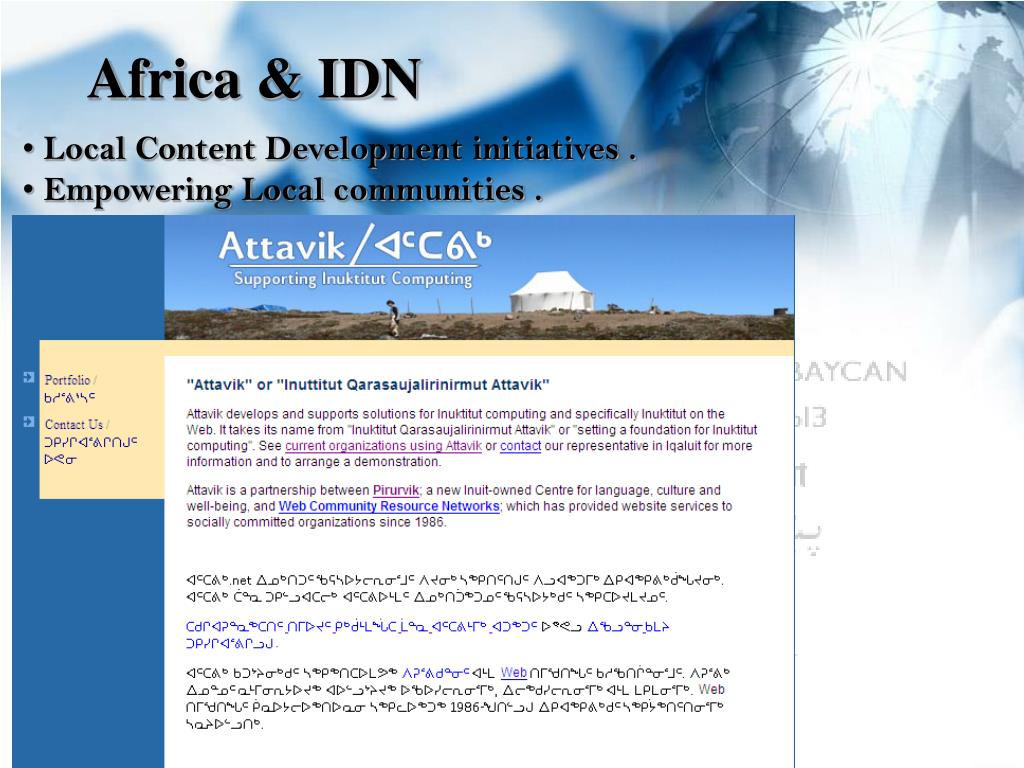
An Internationalized Domain Name (IDN) is simply a domain that contains characters beyond the basic English letters A‑Z, numbers, and hyphens. Think Arabic, Cyrillic, Chinese, or even emojis. Before IDNs, anyone wanting a website in a language that uses other scripts had to resort to awkward transliterations or numeric punycode strings that looked nothing like the intended name.
The Role of IDN2
While the original IDN standard (RFC 3490) introduced the concept, it soon showed cracks – especially with newer Unicode characters and security concerns. IDN2, formalized in later RFCs, is essentially the “next‑generation” set of rules that:
- Supports the full Unicode range defined in the latest standards.
- Provides stricter validation to reduce homograph attacks (where malicious sites mimic legitimate names).
- Works seamlessly with modern browsers and DNS resolvers.
In short, IDN2 is the engine that translates your locally‑written domain into the DNS‑compatible format the internet actually understands.
How Does the Translation Process Work?
When you type a native‑language domain like пример.рус (Russian for “example”), the following steps happen behind the scenes:
- Unicode Input: Your browser captures the characters exactly as you entered them.
- Normalization: IDN2 applies Unicode Normalization Form C (NFC) to ensure consistent representation.
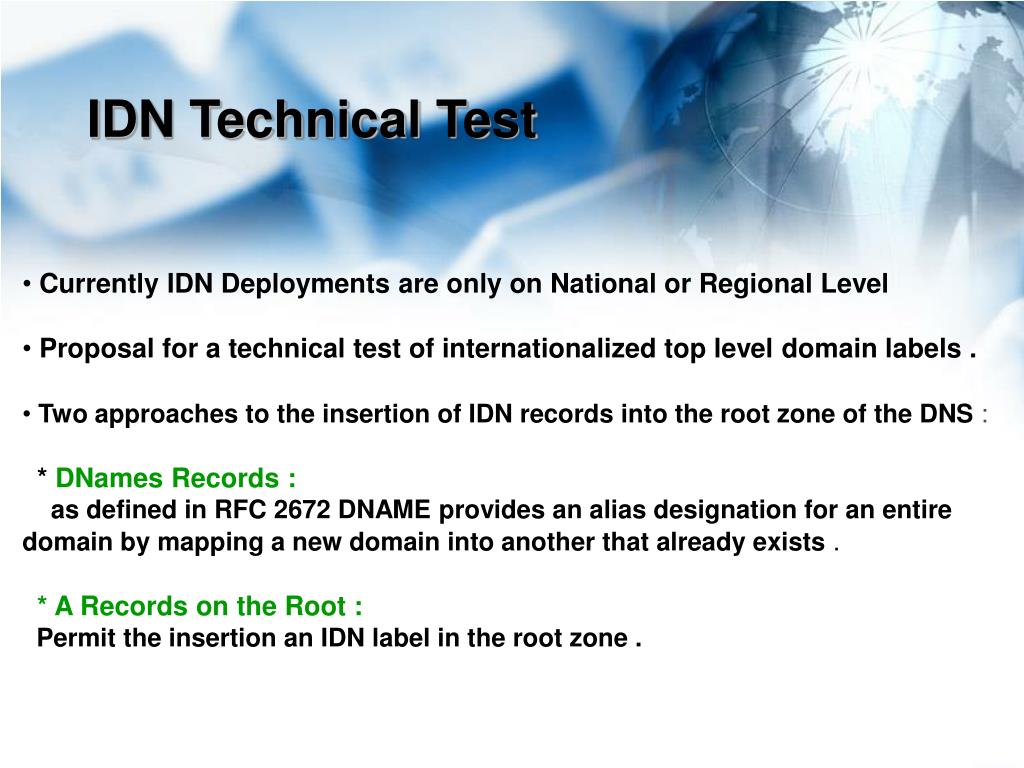
- Punycode Encoding: The cleaned string is converted to punycode, a limited‑character set that DNS can handle. The result looks like
xn--e1afmkfd.xn--p1ai. - DNS Query: The browser sends the punycode version to the DNS server, which resolves it to the correct IP address.
All of this happens in milliseconds, so you rarely notice the conversion.
Why Should You Care About IDN2?
Beyond the novelty of seeing your brand in native script, there are practical benefits:
- Brand Recognition: A domain in the local language feels more trustworthy to regional users.
- SEO Advantages: Search engines index IDNs just like any other domain, and a relevant script can improve click‑through rates.
- Accessibility: Not everyone can read Latin characters fluently; IDNs lower that barrier.
- Future‑Proofing: As the internet becomes increasingly multilingual, IDN2‑compliant domains will be the norm rather than the exception.
Registering an IDN2 Domain – Step by Step
If you’re ready to claim a name in your own script, follow these basic steps:
- Choose a Registrar That Supports IDNs: Look for providers that explicitly mention IDN or IDN2 support.
- Check Availability: Most registrars let you search using native characters; they’ll handle the punycode conversion for you.
- Register the Domain: Complete the usual registration process – payment, contact info, etc.
- Configure DNS: Point the punycode version of your domain to your hosting server.
- Test It: Type the native version into several browsers to ensure it resolves correctly.
Remember, the final DNS entry will always be the punycode string, even if you never see it yourself.
Common Pitfalls and How to Avoid Them
Even seasoned webmasters stumble over a few IDN quirks:
- Mixed Scripts: Combining Latin and non‑Latin characters in one label can trigger validation errors. Stick to one script per label.
- Length Limits: While punycode can be longer than the original script, the total length must stay under 253 characters for the full domain.
- Homograph Risks: Some characters look identical across scripts (e.g., Cyrillic “а” vs. Latin “a”). Choose names that are distinctive to avoid confusion.
A quick sanity check: run your domain through an IDN validator tool before publishing. It will flag most of these issues automatically.
Best Practices for SEO with IDN2 Domains
Search engines treat IDNs like any other URL, but a few nuances can help you get the most out of them:
- Use Both Versions: Include the punycode version in sitemaps and canonical tags, while displaying the native version to users.
- Local Content: Pair the IDN with high‑quality, locally relevant content to reinforce relevance.
- Backlinks in Native Script: When possible, acquire inbound links that use the native domain; it signals authenticity.
- Secure with HTTPS: SSL certificates support IDNs natively, so you won’t lose the security badge.
Future Outlook – Will IDN2 Remain Relevant?
As Unicode continues to evolve, IDN2 is designed to adapt. The protocol’s flexible validation framework means new scripts and emoji can be incorporated without overhauling the entire system. In practice, this means today’s investment in an IDN2 domain will likely stay usable for years to come.
That said, keep an eye on emerging standards like Internationalized Email Addresses and Universal Resource Identifiers. They often share the same underlying mechanisms, so a solid grasp of IDN2 will pay dividends across multiple web technologies.